Newsletter Subscribe
Enter your email address below and subscribe to our newsletter

Enter your email address below and subscribe to our newsletter
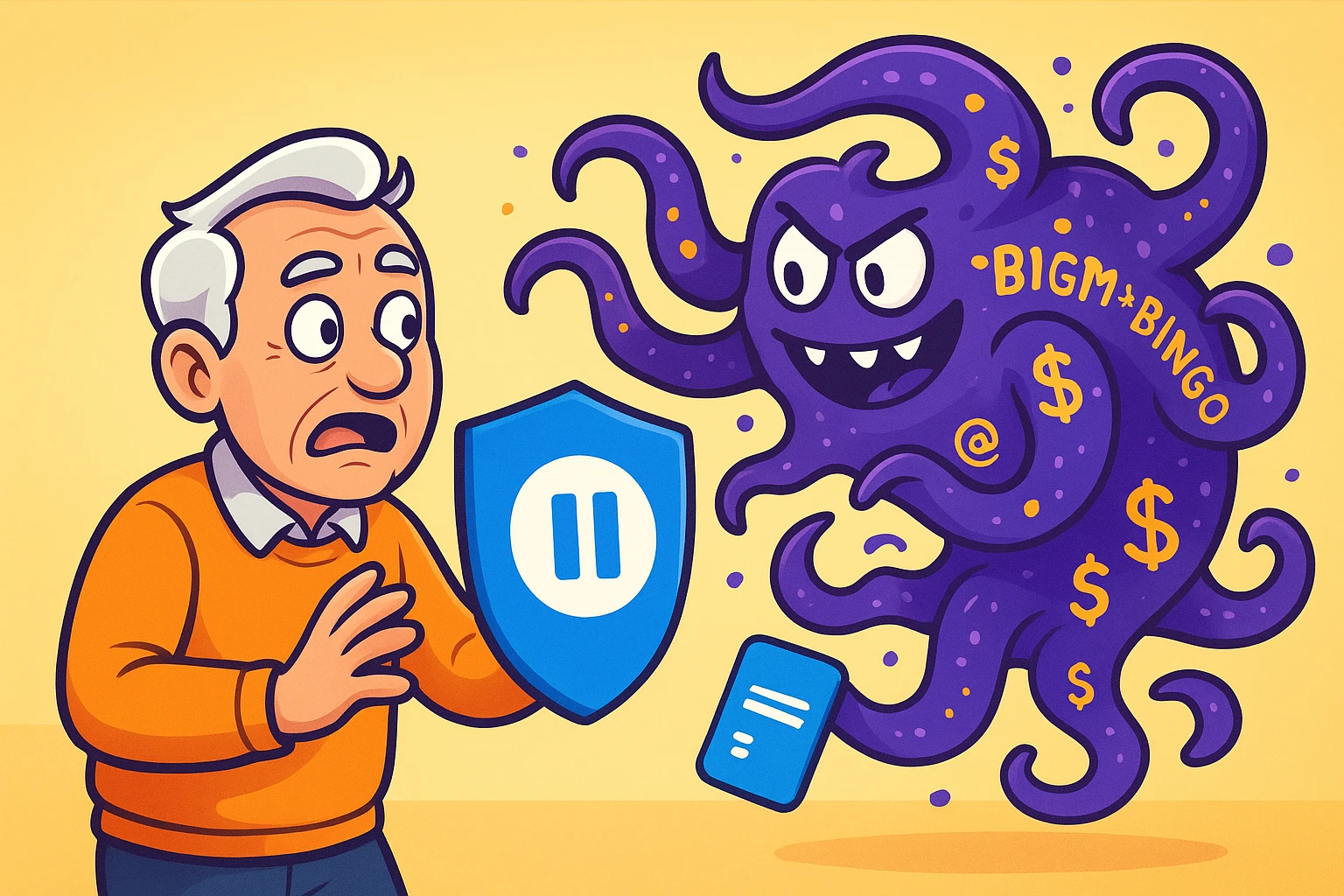
You’re sitting at your kitchen table with a fresh cup of coffee, ready to review your monthly credit card statement. You scan down the list, feeling pretty good about your spending, until your eyes land on a mysterious $9.99 charge from something called “AGM*BINGO.” Did you accidentally purchase an aggressive badger? Did you sponsor a local bingo tournament in your sleep?
If this scenario raises your blood pressure, don’t worry, you are far from alone. For many of us, reviewing our credit card statements has turned into a confusing game of digital detective work. We sign up for a “free trial” to read one article or watch one movie, and suddenly we have a permanent financial parasite attached to our digital wallet.
These recurring charges are the modern equivalent of a stray cat you fed once in 2019 that now sits on your porch demanding premium salmon every single month. But unlike the cat, these digital subscriptions are invisible, highly organized, and notoriously difficult to chase away.
Today, we are going to learn how to tame the subscription monster. We’ll show you how to decode those cryptic bank statements, avoid the sneaky traps companies use to keep you paying, and put a protective shield around your credit card so you never get surprised again.
Back in the good old days, if you wanted Microsoft Office on your computer, you drove to the store, bought a physical box with a disc inside, and you owned it forever. If you wanted to read a magazine, you paid for a year upfront. The transaction had a clear beginning, middle, and end.
The tech world didn’t like this system because it meant they only got your money once. So, they changed the rules. Now, almost nothing is a one-time purchase. Everything from your virus protection to your flashlight app operates on a “subscription” model.
This shift to renting our software creates what I call the “$500 Leak.” It’s easy to ignore a $4.99 charge here and a $9.99 charge there. But string a handful of those forgotten subscriptions together over a year, and you are unknowingly funding a Silicon Valley executive’s yacht payment with your retirement savings.
To fix this, we have to change how we look at our digital accounts. You are no longer just a customer; you are the security guard of your own digital wallet. And your first job is to run a proper audit of who currently has the keys to your vault.
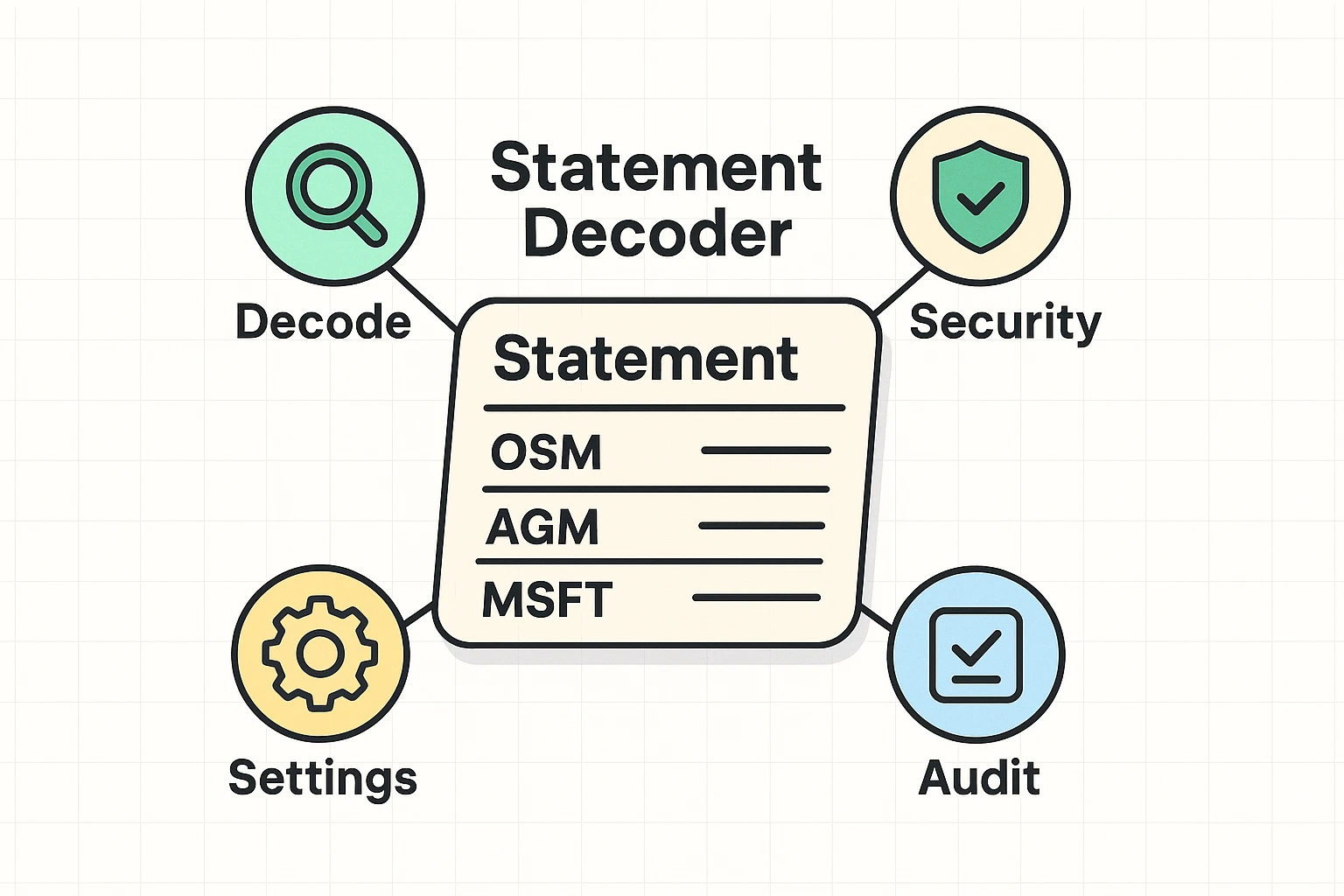
Before you can cancel anything, you have to find out exactly who is taking your money. This requires a little bit of translation, because credit card companies and tech companies apparently speak a language designed to confuse us.
When you look at your bank statement, you rarely see the actual name of the product you bought. Instead, you see a jumble of letters. Here are a few common “mystery codes” to watch out for:
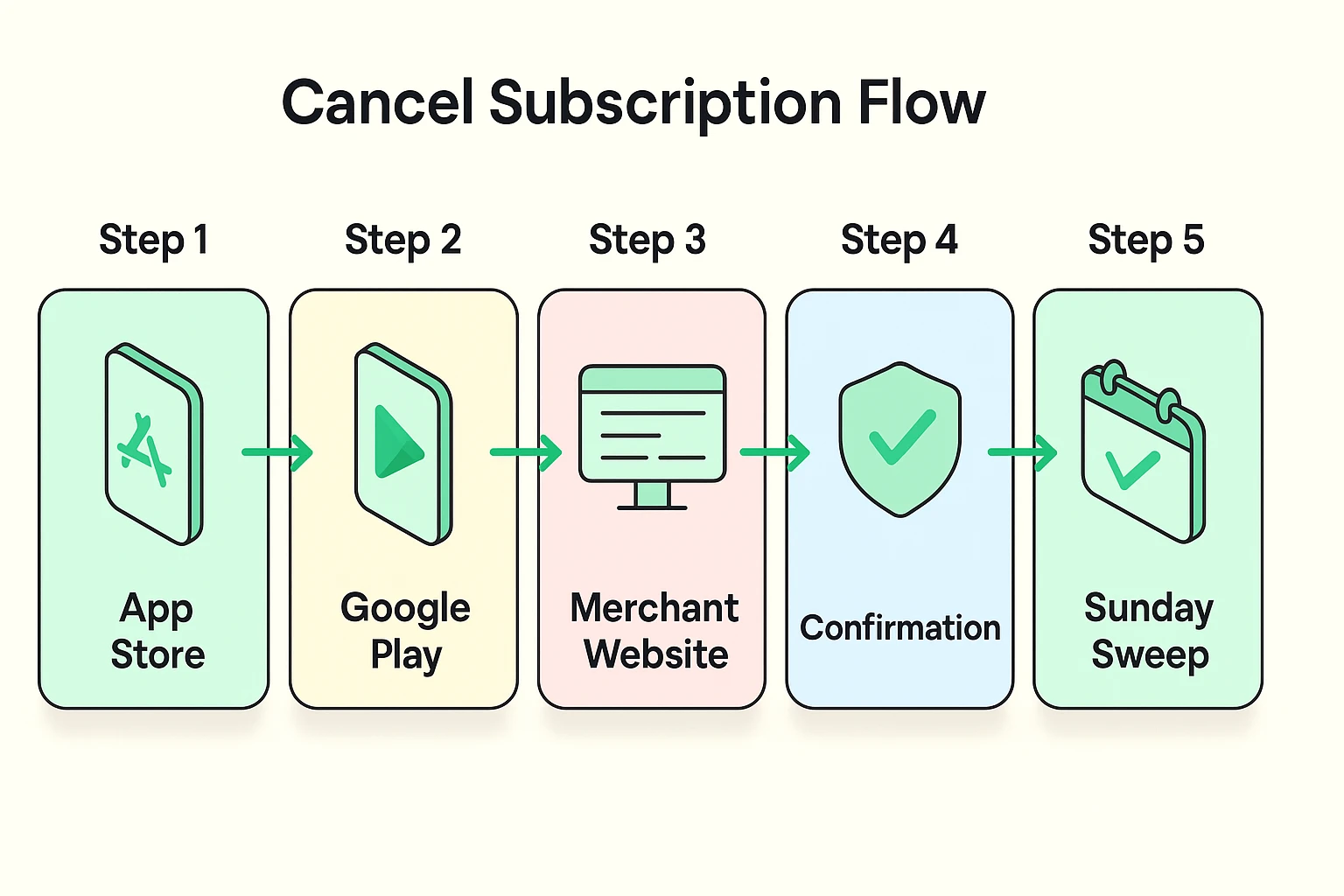
One of the most frustrating things for seniors is trying to figure out where to cancel a subscription. Let’s say you want to cancel your premium Sudoku app. You might assume you should call the Sudoku company or go to their website.
But if you signed up for that app on your iPad, Apple is likely the one actually billing you. You have to go into your Apple ID settings to cancel it, not the Sudoku website. Conversely, if you signed up for Netflix on your computer, Apple can’t help you—you have to cancel on Netflix’s website. Always ask yourself: “Who did I physically give my credit card to?” That is who you must cancel with.
Tech companies use psychological tricks called “Dark Patterns” to keep you subscribed. One favorite is the “Grey X.” When a pop-up offers you a premium trial, the “Yes, please!” button will be huge, shiny, and bright green. The “No thanks” button will be a tiny, barely visible grey “X” hidden in the top corner.
Another nasty trick is the pre-checked box. You buy a single greeting card online, and hidden at the bottom is a tiny checkmark agreeing to a $14/month “VIP membership.” Always read the fine print before hitting purchase, and never assume a box is left unchecked for your benefit.
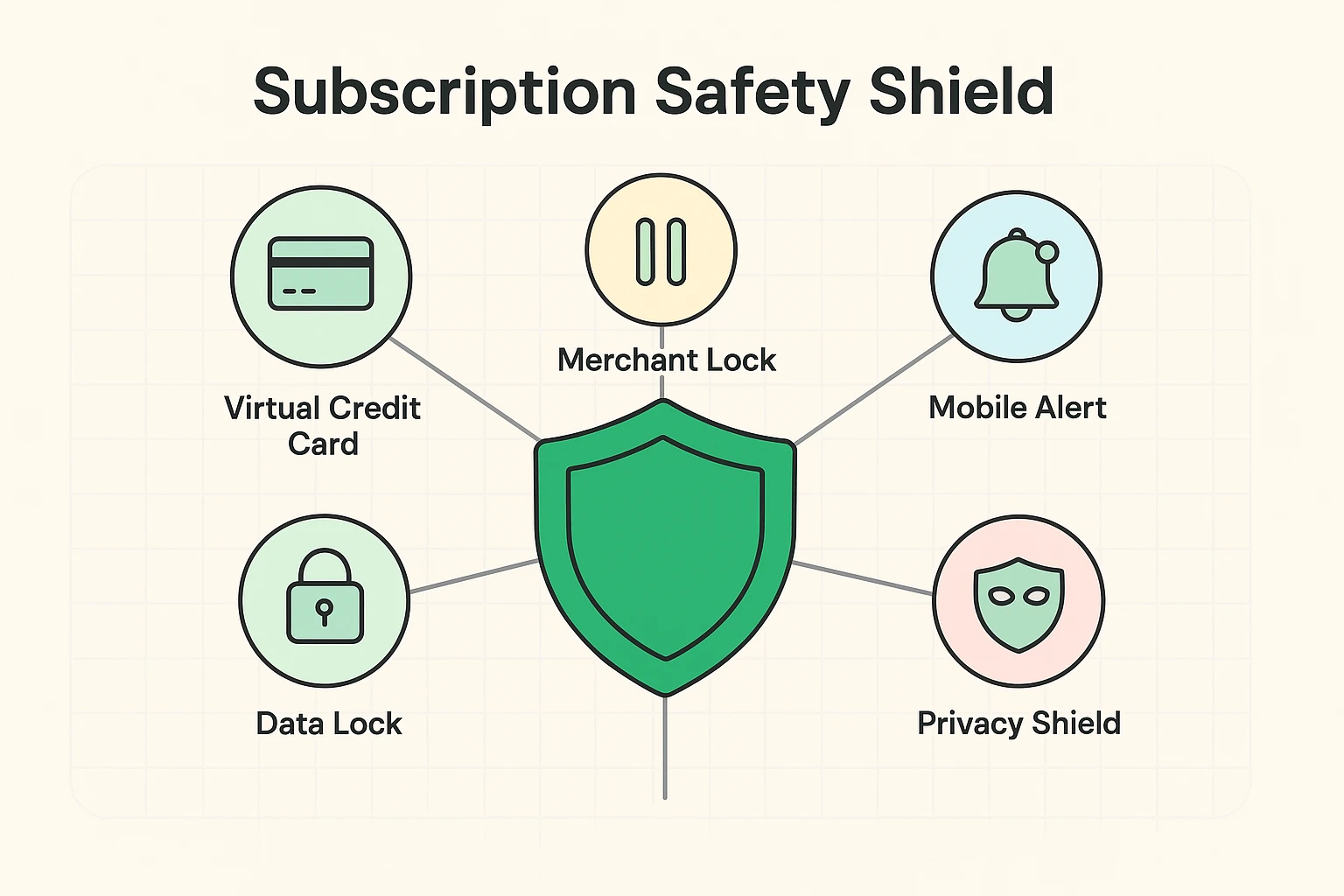
Now that we know how to spot and cancel the monsters, let’s talk about how to keep them out of your house in the first place. This is where a little bit of proactive security goes a long way.
Have you ever given a fake phone number to someone you didn’t want calling you back? You can do the exact same thing with your credit card. Services like Privacy.com allow you to create “Decoy Cards” or virtual credit cards.
When a website demands a credit card for a “14-day free trial,” you give them the decoy card number. You can set that card’s limit to exactly $1, or set it to automatically expire the next day. When the shady company tries to auto-renew you two weeks later, the card simply declines. It’s brilliant.
Some modern banks also offer a “Merchant Lock” feature. For instance, Capital One’s digital assistant, Eno, allows you to “pause” a specific merchant. If a company refuses to cancel your subscription, you don’t have to cancel your entire credit card to stop them. You just tell your bank to block that one specific company from charging you.
Being mindful of how your payment information is stored online is critical. Whether you’re entering numbers manually, setting up a new paze account, or linking a card to your smartphone, knowing exactly who has authorization to pull funds is your best defense against subscription bloat.
Managing your digital wallet doesn’t have to be a daily source of stress. Make it a monthly habit. We recommend the “Sunday Subscription Sweep.”
Once a month, print out your bank and credit card statements. Grab a red pen and circle any charge that happens on the exact same day every month. If you don’t know what it is, type the mystery code into Google. If you don’t use it, cancel it immediately.
Technology is supposed to make our lives easier and more entertaining, not drain our wallets while we sleep. By learning how to decode your statements and utilizing digital shields, you can enjoy all the benefits of the internet without letting the subscription monsters sneak in the back door.
No! This is the most common misconception. Deleting an app to stop a subscription is like throwing your physical mailbox in the trash to stop getting the electric bill. The company will still charge you. You must go into your phone’s subscription settings or the company’s website to officially cancel the service.
It is generally safe if it’s a highly reputable company, but you must remember to cancel. The entire business model of “free trials” relies on human forgetfulness. If you must sign up, immediately set an alarm on your phone for three days before the trial ends to remind yourself to cancel. Or better yet, use a virtual “decoy” credit card!
If you have made a good faith effort to cancel a service and the company makes it impossible (a tactic called a “roach motel”), call the number on the back of your credit card. Tell your bank’s fraud department that you have revoked authorization for this merchant and you want to dispute the charge. The bank will typically block future charges and fight the battle for you.
On an iPhone, open the “Settings” app, tap your name at the very top, and then tap “Subscriptions.” This will show you a list of everything Apple is billing you for. On an Android phone, open the Google Play Store app, tap your profile icon in the top right, and select “Payments & subscriptions.”