Newsletter Subscribe
Enter your email address below and subscribe to our newsletter

Enter your email address below and subscribe to our newsletter

Picture this: It’s 2014. You’re trying to buy a highly specific, customized spatula for your nephew’s wedding from a website called Spatulas-R-Us. To complete the checkout, the site practically demands your life story. You type in your name, email address, physical address, phone number, and possibly your favorite color.
You bought the spatula. You went to the wedding. You never visited that website again. But guess what? Spatulas-R-Us never forgot you. They still have your data sitting in a digital filing cabinet somewhere, collecting virtual dust.
For many of us, our digital footprint is like a giant, invisible junk drawer. Over the years, we’ve signed up for countless apps, forums, and online stores. We abandon them, but our personal information stays behind. This “old data” is a goldmine for hackers and scammers, who use forgotten accounts to sneak into our digital lives.
But don’t panic! You don’t need an engineering degree to clean out your digital junk drawer. You just need to know how to wield the “Digital Eraser.” Today, we are going to look at exactly how to find those ghost accounts, cut the invisible cords, and legally force these companies to wipe your slate clean.
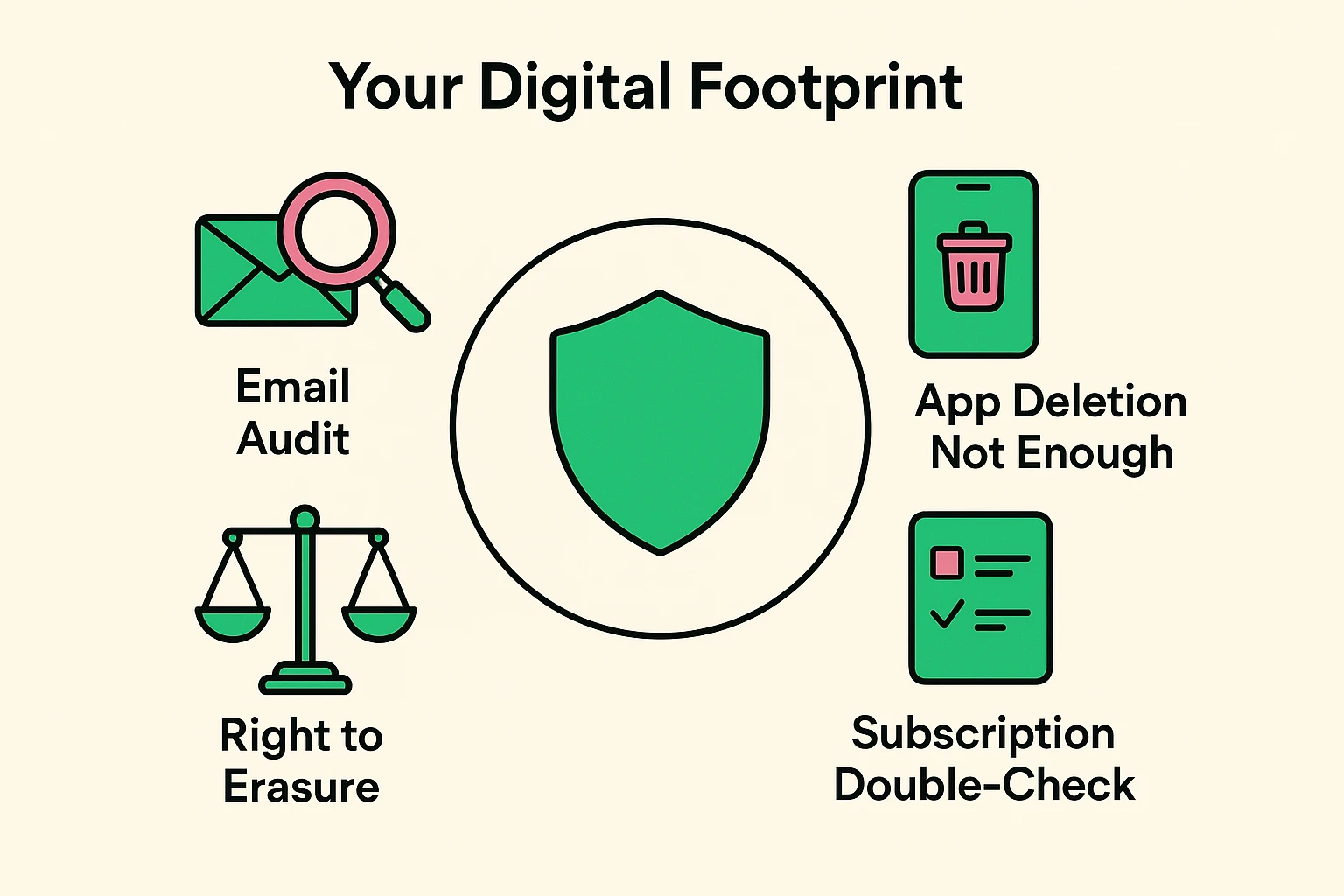
Let’s start by busting the biggest myth in technology. When you press your finger on a smartphone app until it jiggles, and then hit that little “X” to delete it, you are not deleting your account.
Deleting an app from your phone is like taking a restaurant’s takeout menu off your refrigerator and throwing it in the trash. The restaurant still exists. They still know what you ordered last Tuesday, and they still have your address on file.
To truly vanish from a company’s database, you have to tell them to delete your account, not just the app. If you don’t take this step, platforms like Skillshare, Castbox, or various social media sites will happily hold onto your personal profile until the end of time.
So, how do you delete accounts you don’t even remember creating? It’s time to play detective, and your magnifying glass is your email inbox.
Open your Gmail, Yahoo, or whichever email service you use. Go to the search bar at the very top. Type in phrases like “Welcome to”, “Verify your email”, or “Confirm your account” and hit enter.
Prepare to be amazed—or mildly horrified. You will likely uncover a graveyard of long-forgotten services. Maybe you signed up for a streaming site like Viki to watch one specific show, or a shopping app like Adore Me that you browsed for five minutes. Write down a list of these companies. This is your digital hit list.
Before you go on a deleting spree, we need to talk about your wallet. This is a crucial checkpoint! Deleting your account on a website does not automatically cancel the monthly subscription you might be paying through your phone.
If you delete an app’s account but forget to cancel the subscription in your iPhone or Android settings, Apple or Google will keep charging your credit card every month. You will literally be paying for a ghost town.
To avoid this, grab your smartphone. On an iPhone, open “Settings,” tap your name at the top, and click “Subscriptions.” On Android, open the Google Play Store, tap your profile picture, and select “Payments & subscriptions.” Cancel anything you no longer use before you delete the accounts.
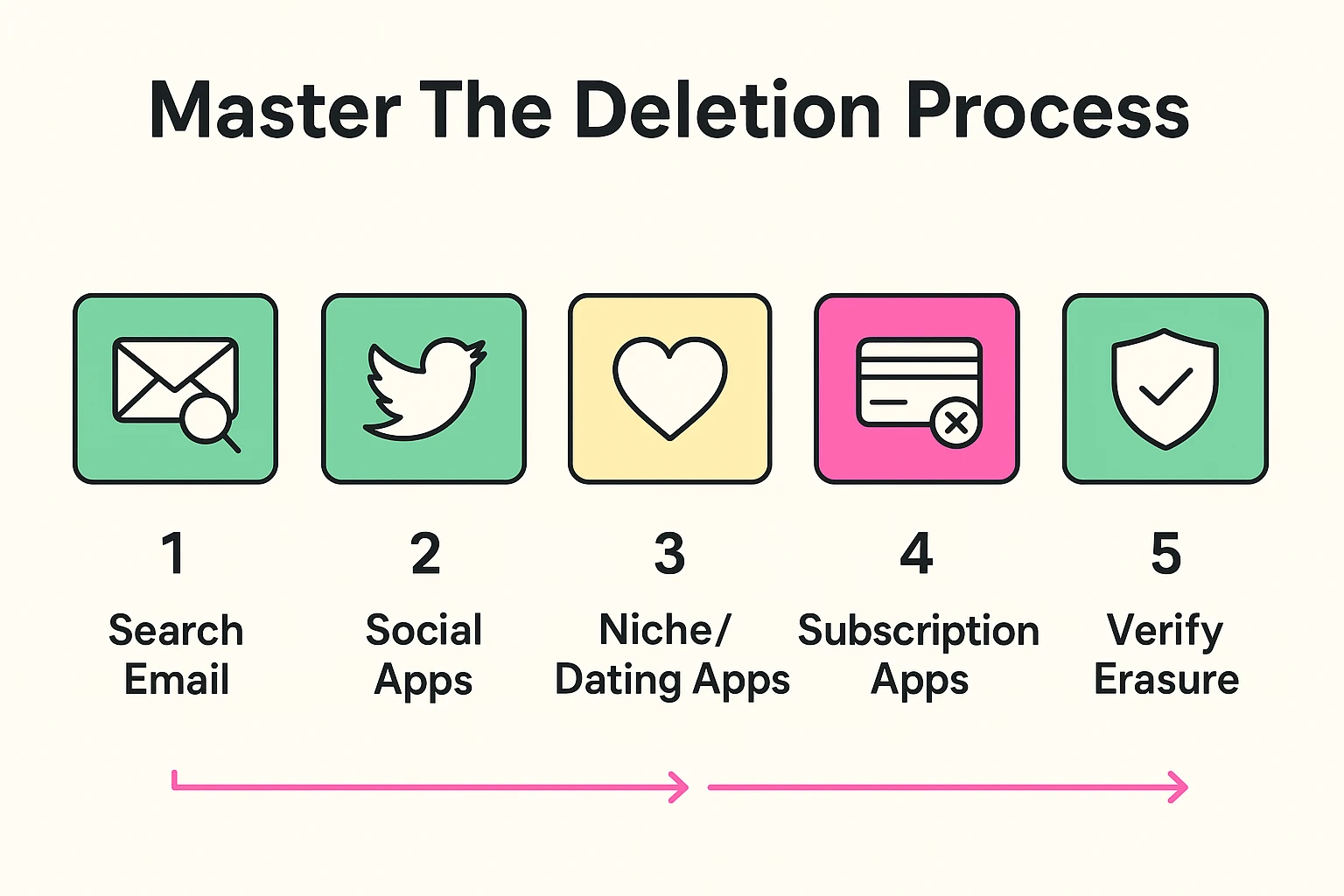
Now it’s time to actually delete the accounts. But be warned: companies do not want to see you go. To keep you around, they use sneaky website designs called “Dark Patterns.”
A classic dark pattern is the “Deactivate vs. Delete” trap. When you go into an app’s privacy settings, they might offer a giant, glowing button that says “Deactivate Account.” Don’t fall for it! Deactivating just puts your account in a temporary coma. All your data stays right where it is.
Instead, look for the tiny, gray, barely-readable link that says “Delete Account” or “Request Data Deletion.” Sometimes, apps like Yubo or Lemon8 will bury this option under three different menus, usually labeled “Privacy Requests” or “Data Management.” Bring your patience, and don’t settle for deactivation.
What happens if a company plays hardball and refuses to give you a delete button? The law is actually on your side here. Two major pieces of legislation have completely changed the digital privacy game.
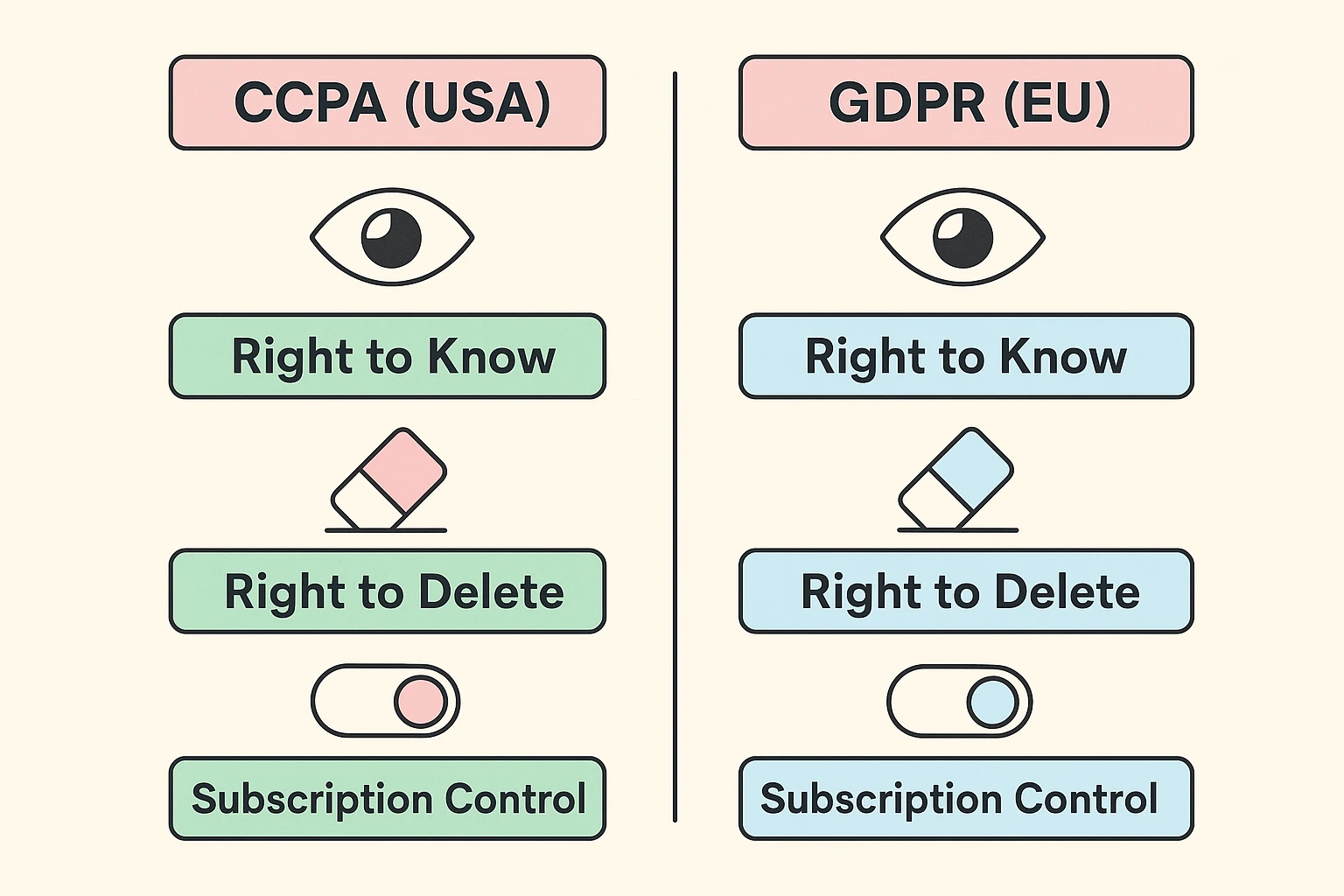
First, there is the GDPR (General Data Protection Regulation) in Europe, which popularized the “Right to be Forgotten.” Second, here in the States, we have the CCPA (California Consumer Privacy Act). These laws force companies to permanently delete your data if you ask them to.
Even if you don’t live in California or Europe, most smart tech companies apply these rules to everyone. It is simply too much of a headache for them to figure out exactly which state you’re sitting in while using your iPad. You can use these laws as a magic wand to make your data disappear.
If an app doesn’t have a clear “Delete” button, you can email their customer support directly. You don’t need to hire a lawyer to sound official. Just copy and paste this simple template into an email:
Subject: Data Deletion Request (Right to Erasure)
To Whom It May Concern,Please permanently delete my account and all associated personal data from your systems. I am exercising my right to erasure under applicable privacy laws (including CCPA/GDPR).My account email is: [Insert your email address]Please confirm once my data has been fully removed. Thank you.
Send that off, and watch how quickly customer service suddenly figures out how to press the delete button on their end!
This is the most common roadblock! If you can’t log in, you can’t delete the account. The fix is wonderfully ironic: you have to use the “Forgot Password” link to reset your password, log in with your shiny new password, and then immediately delete the account forever.
Unfortunately, you can’t march into a company’s server room and check their hard drives. However, you can verify it from your end. Try logging back in a week later with your old username and password. If the site tells you “Account Not Found,” you’ve successfully vanished.
You may have seen ads for companies that charge a monthly fee to scrub your data from the internet. While they can save you time dealing with data brokers, they generally cannot delete your personal social media accounts or shopping profiles for you. You are entirely capable of doing the “Email Audit” and cleaning up your own accounts for free.
Taking control of your digital legacy doesn’t have to happen all at once. If you try to delete 50 accounts in one afternoon, you’ll end up with a stress headache and a sudden urge to throw your computer out the window.
Instead, pace yourself. Try the “Email Audit” technique today, and write down just five old accounts you want to get rid of. Tomorrow, track down those delete buttons. Step by step, you’ll reduce your digital footprint, protect yourself from data breaches, and finally rid yourself of that Spatulas-R-Us account from 2014. Happy erasing!