
Newsletter Subscribe
Enter your email address below and subscribe to our newsletter

Enter your email address below and subscribe to our newsletter
Remember the old days when you bought something, paid for it, and the transaction was simply… over? You walked out of the store with your toaster or your lawnmower, and the store owner didn’t follow you home to ask for another five dollars every month for the privilege of keeping it in your garage.
Welcome to the modern era of the “Subscription Economy,” where buying things is out, and “renting forever” is in.
We’ve all been there. You sign up for a “free” 7-day trial to watch one specific movie, or perhaps to use a genealogy site to confirm that—despite Uncle Larry’s insistence—you are not, in fact, 18th in line for the British throne. You enter your credit card information, swearing on your favorite grandchild’s head that you will cancel it on day six.
But then life happens. The grandkids visit. The cat knocks over a vase. You get distracted trying to figure out why the thermostat is speaking German. Suddenly, three years have passed, and you’ve unknowingly paid $400 for a service you haven’t looked at since the Obama administration.
This is the “Set It and Forget It” trap. It’s not just you; it’s a system designed to count on your forgetfulness. But don’t worry—we’re going to grab a flashlight and look under the digital bed to find where your money is hiding.
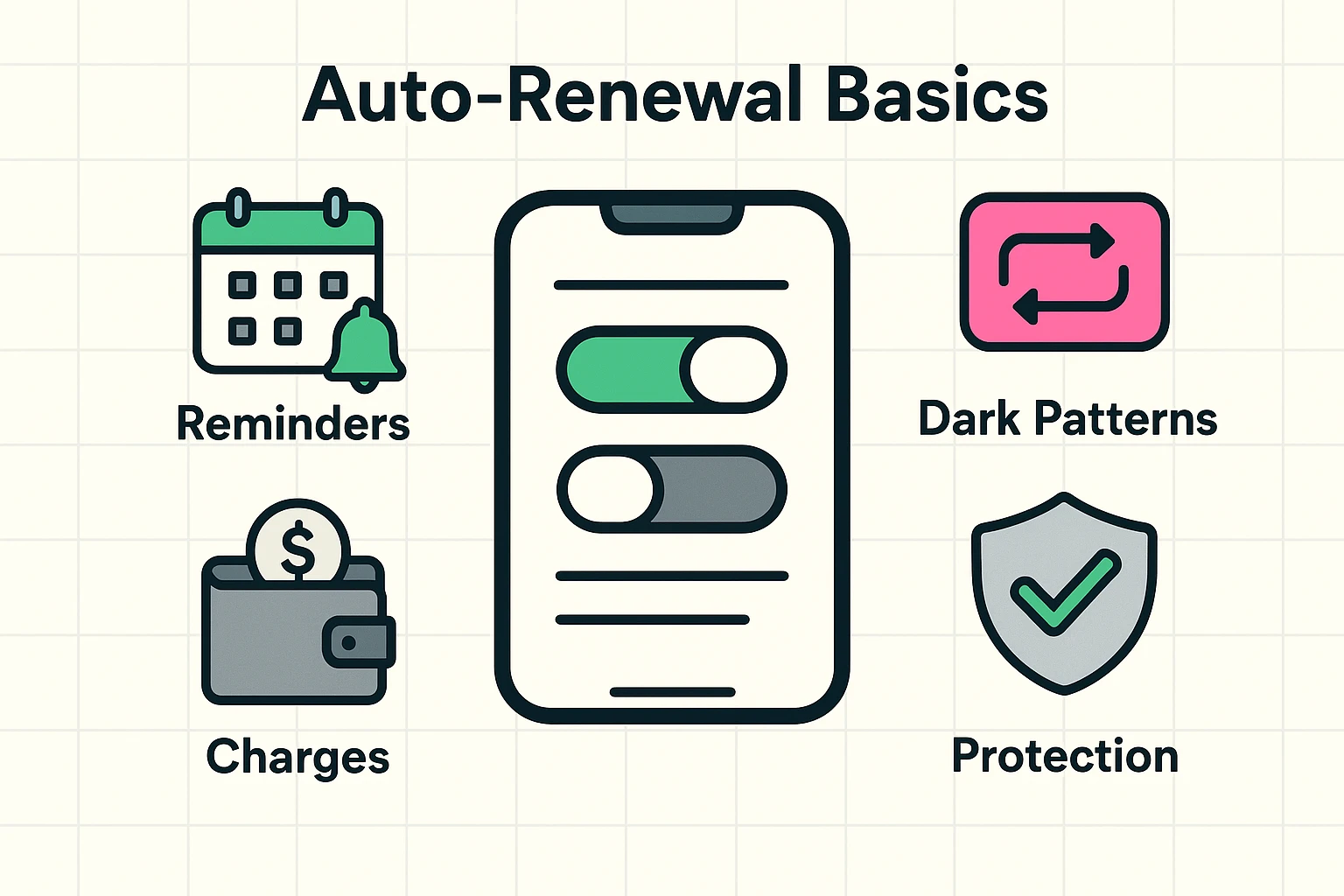
Auto-renewal is exactly what it sounds like. It’s a setting that tells a company, “Keep charging my credit card until the end of time, or until the sun burns out, whichever comes first.”
While this is convenient for things we actually want—like electricity or Netflix—it’s a nightmare for things we stopped using ages ago.
According to recent data, roughly 57% of adults have reported making an unexpected payment after a free trial ended. That isn’t an accident; it’s a business model.
Companies rely on something tech insiders call “friction.” Signing up is as easy as sliding down a greased slide. Canceling, however, is often like trying to climb back up that slide while wearing roller skates. They bank on the fact that if they make the charge small enough (the price of a fancy coffee), you won’t notice it—or if you do, you won’t want to spend an hour on the phone fighting it.
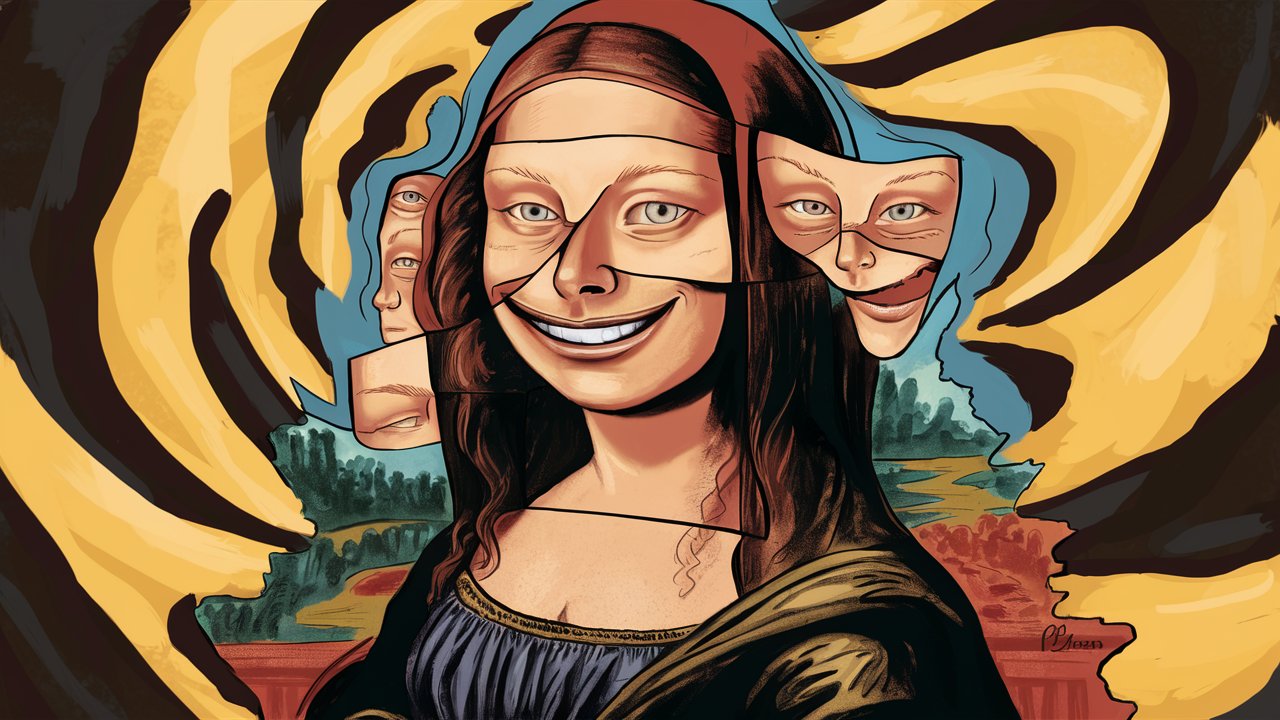
You aren’t losing your mind; some websites are actually designed to trick you. In the tech world, these are called “Dark Patterns.” These are tricky designs that make the “Cancel” button invisible, grayed out, or hidden behind six different menus labeled “Account Settings,” “Billing,” or “Manage Preferences.” It’s digital hide-and-seek, and they are the reigning champions.
Before we can fix the problem, we have to find the leaks in the boat. It’s time to play detective with your own finances. Grab a cup of coffee (made at home, so it’s free!) and let’s look for clues.
This is the most reliable method. Print out your last three months of bank and credit card statements. Grab a highlighter. Highlight every single recurring charge.Look specifically for:
This is the biggest misconception in modern technology: Deleting an app from your phone does NOT cancel the subscription.
I repeat: Dragging the icon to the trash can just removes the icon. The billing computer doesn’t know you deleted it; it just assumes you are paying for the service and enjoying it in spirit. You must go into the settings of your phone to stop the payments.
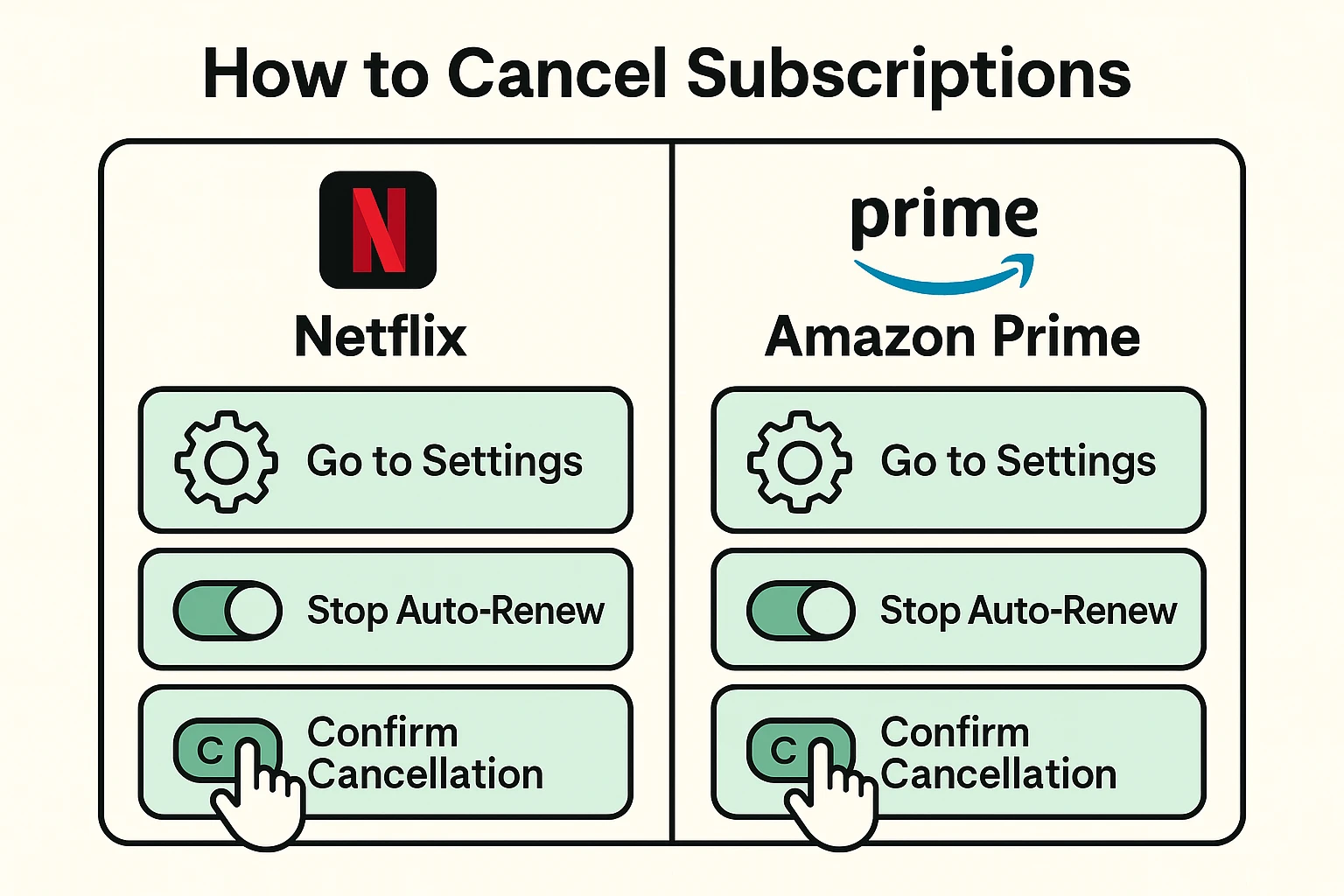
Now that we’ve identified the culprits, let’s shut them down. Here is how to navigate the maze on the most common devices.
Apple actually makes this fairly centralized, once you know where to look.
Amazon subscriptions (like Prime or recurring deliveries of vitamins) live in a different ecosystem.
Going forward, how do we stop this from happening again? We need to treat our credit card number like a state secret, not a handshake.
If you sign up for a free trial, cancel it immediately—literally five minutes after you sign up. In 99% of cases (like Apple or Google subscriptions), you will still get to keep the service for the remainder of the free trial period.
By canceling immediately, you prevent the auto-renewal from kicking in next week when you’ve forgotten all about it.
If you can’t cancel immediately, pick up your smartphone and tell it: “Siri/Google, remind me to cancel the movie channel in 5 days.” Do not trust your brain to remember. Your brain is busy remembering passwords, birthdays, and where you put your glasses (they’re on your head).
Yes, unfortunately. When you clicked “I Agree” on that long page of tiny text (Terms and Conditions), you legally gave them permission to charge you until you tell them to stop.
You can try, but it’s not guaranteed. Apple and Google are sometimes lenient if you catch it quickly (within a few days). If it’s been six months, they will likely say it was your responsibility to cancel the subscription, not just delete the app.
If you see a charge on your credit card but can’t remember the password to log in and cancel it, you may need to call your credit card company or bank. Tell them you want to stop payment on that specific merchant. In extreme cases, you may need to request a new credit card number, which cuts off the connection entirely.
Technology gives us amazing tools—access to every song ever recorded, movies on demand, and recipes for low-sodium lasagna. But it also introduces new ways to pick our pockets.
By regularly checking your “digital pulse”—those subscriptions and settings—you keep your hard-earned retirement money where it belongs: in your account, ready to be spent on things you actually enjoy. Like real, warm cookies, not the digital kind.



I put auto renewals in my calendar for two weeks before the scheduled date. I cancelled Match.com two weeks ago and just got auto renewed anyway. As near as I can tell, the only customer service is AI in categories, which states that they do not give refunds. This is what we have to look forward to with corporations nowadays. All dating sites now are owned by one corporation, so it looks like I’ll be going yo bars and church to meet people.