Newsletter Subscribe
Enter your email address below and subscribe to our newsletter

Enter your email address below and subscribe to our newsletter
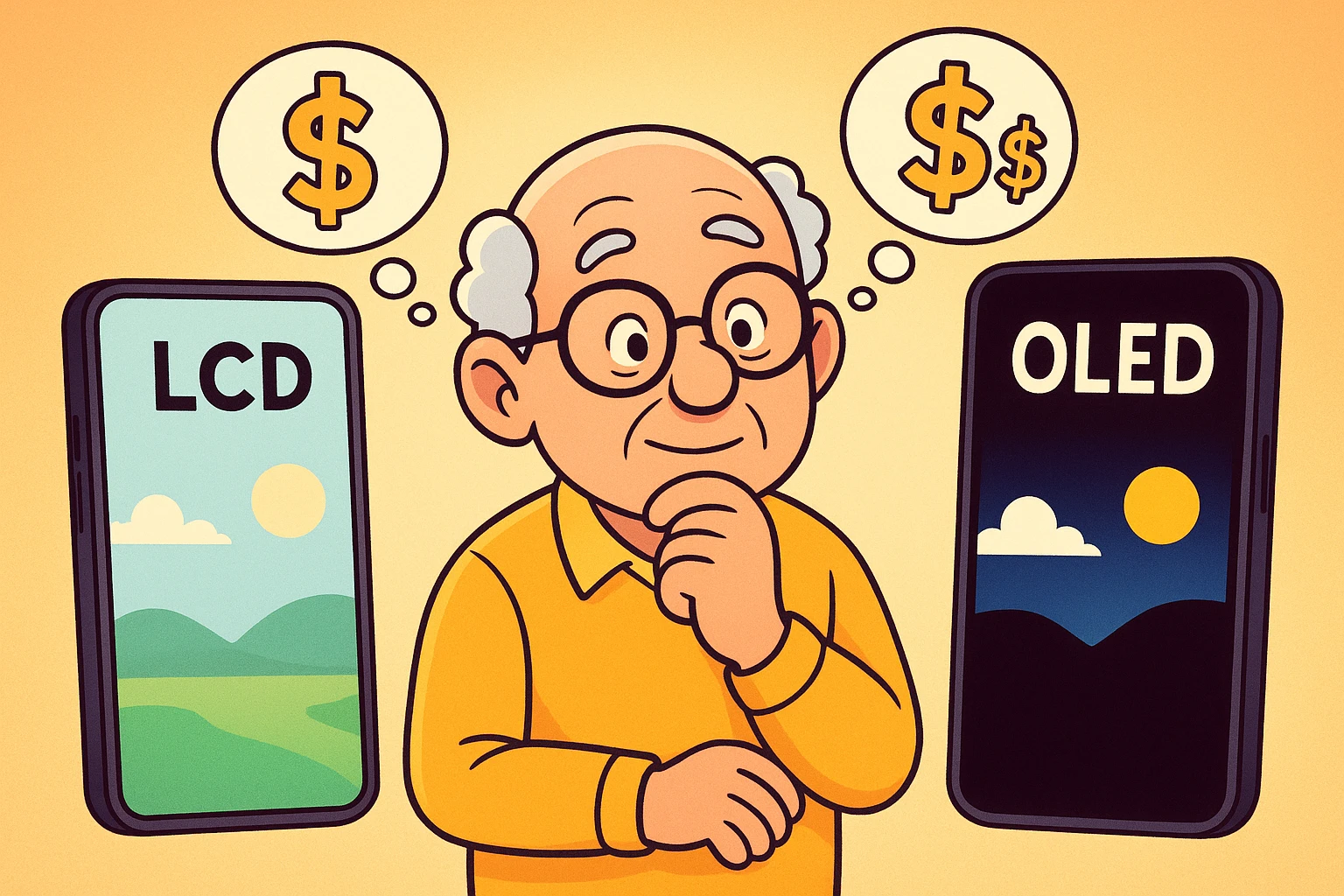
Have you ever walked into an electronics store, looked at the wall of smartphones and tablets, and felt like you needed a translator just to read the price tags? You’re not alone. Between the acronyms, the numbers, and the enthusiastic salesperson who speaks at 1.5x speed, buying a new device can feel less like shopping and more like taking a pop quiz you didn’t study for.
You’ll hear terms like “Retina Display,” “Super AMOLED,” and “Liquid Retina.” It sounds like a menu for a futuristic smoothie bar, doesn’t it? But here is the secret the tech giants don’t always tell you: most of those fancy words boil down to just two main technologies—LCD and OLED.
Why should you care? Because your eyes are the ones staring at that screen for hours while you FaceTime the grandkids, conquer the daily Wordle, or scroll through photos of your neighbor’s cat. Choosing the right screen isn’t just about having the flashiest gadget; it’s about comfort, readability, and getting the most bang for your buck.
Let’s break down this tech showdown into plain English so you can pick the winner for your eyes—and your wallet.
To understand which screen is better for you, we need a quick analogy. Don’t worry, there’s no math involved.
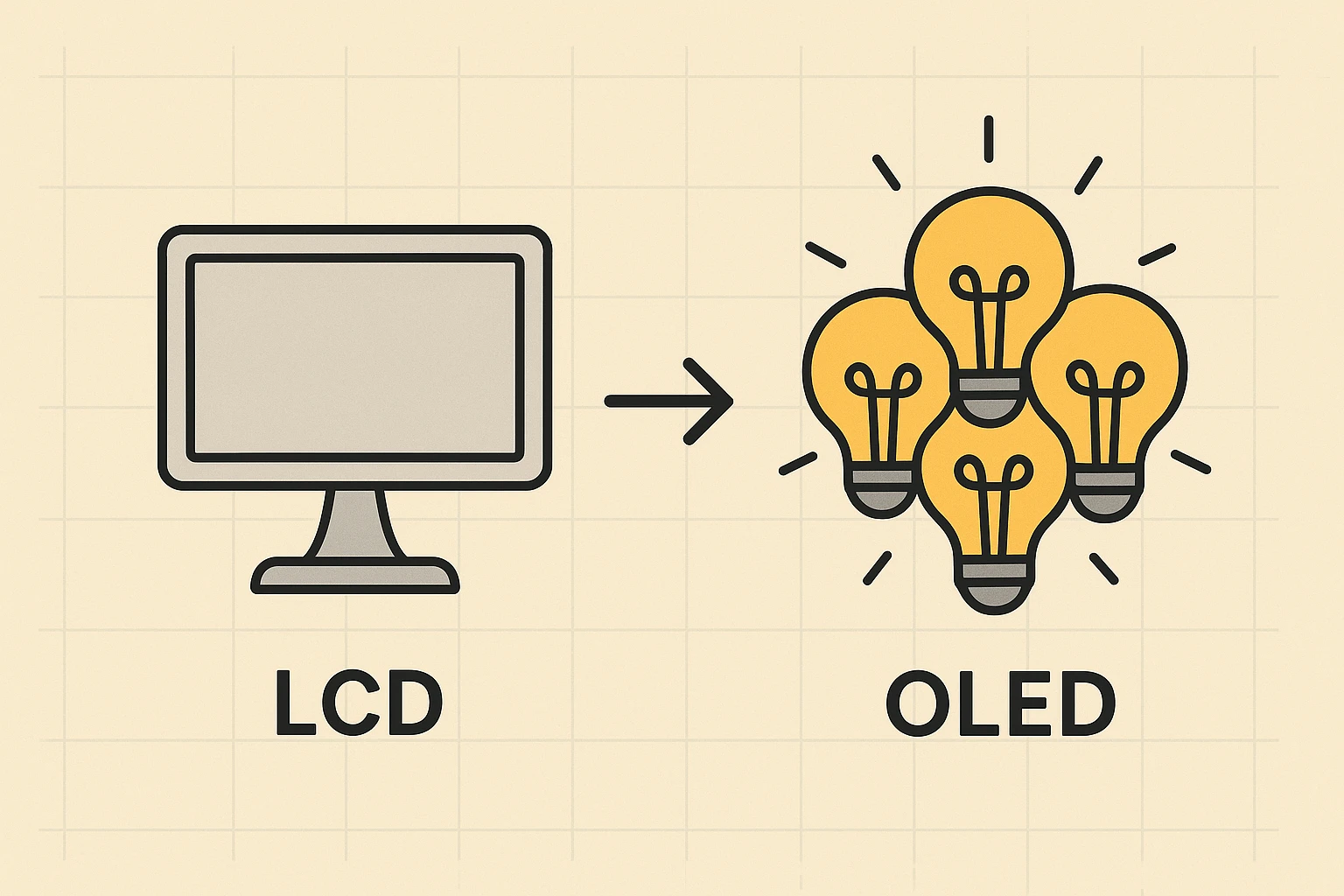
Think of an LCD screen like a window with a bright lamp shining behind it, and a set of fancy blinds in front of it. The “lamp” (backlight) is always on when you’re using the phone. To show you an image, the “blinds” (pixels) open and close to let different colors of light through.
The catch? Because that backlight is always on, the “blinds” can’t block out all the light. This means when an LCD tries to show the color black, it actually looks more like a dark, glowing gray. It’s like trying to make a room pitch black at noon just by closing the curtains—some light still sneaks through.
Now, imagine a football stadium at night. Instead of one giant floodlight illuminating the whole field, imagine every single person in the audience is holding a tiny, colored flashlight.
If you want to show a picture, specific people turn on their flashlights. If you want to show the color black, those people simply turn their flashlights off.
This is OLED. There is no backlight. Each pixel lights itself up. When a pixel is black, it is completely off. This creates what techies call “True Black.” It’s crisp, it’s clean, and it looks fantastic.
As we age, our eyes change. We might need more light to read a menu in a dim restaurant, but we also become more sensitive to glare. This is where the screen technology really makes a difference.
Because OLED screens can turn pixels off completely, the contrast between the text and the background is incredibly sharp.
Imagine writing with a white chalk marker on a piece of gray construction paper (LCD). It’s readable, sure. Now imagine writing with a glowing white neon pen on a pitch-black wall (OLED). That text pops.
For seniors dealing with cataracts or general vision decline, high contrast reduces the amount of work your eyes have to do. You don’t have to squint to separate the letters from the background.
You’ve probably heard that “blue light” from screens can mess with your sleep. It tricks your brain into thinking it’s still daytime, even when you’re trying to wind down with an ebook at 10 PM.
Because LCD screens rely on that big, always-on backlight, they tend to blast more light overall. OLED screens, by nature, emit less harmful blue light because they aren’t forcing light through pixels that don’t need it. If you are a night owl reader, an OLED screen is generally much gentler on your circadian rhythm.
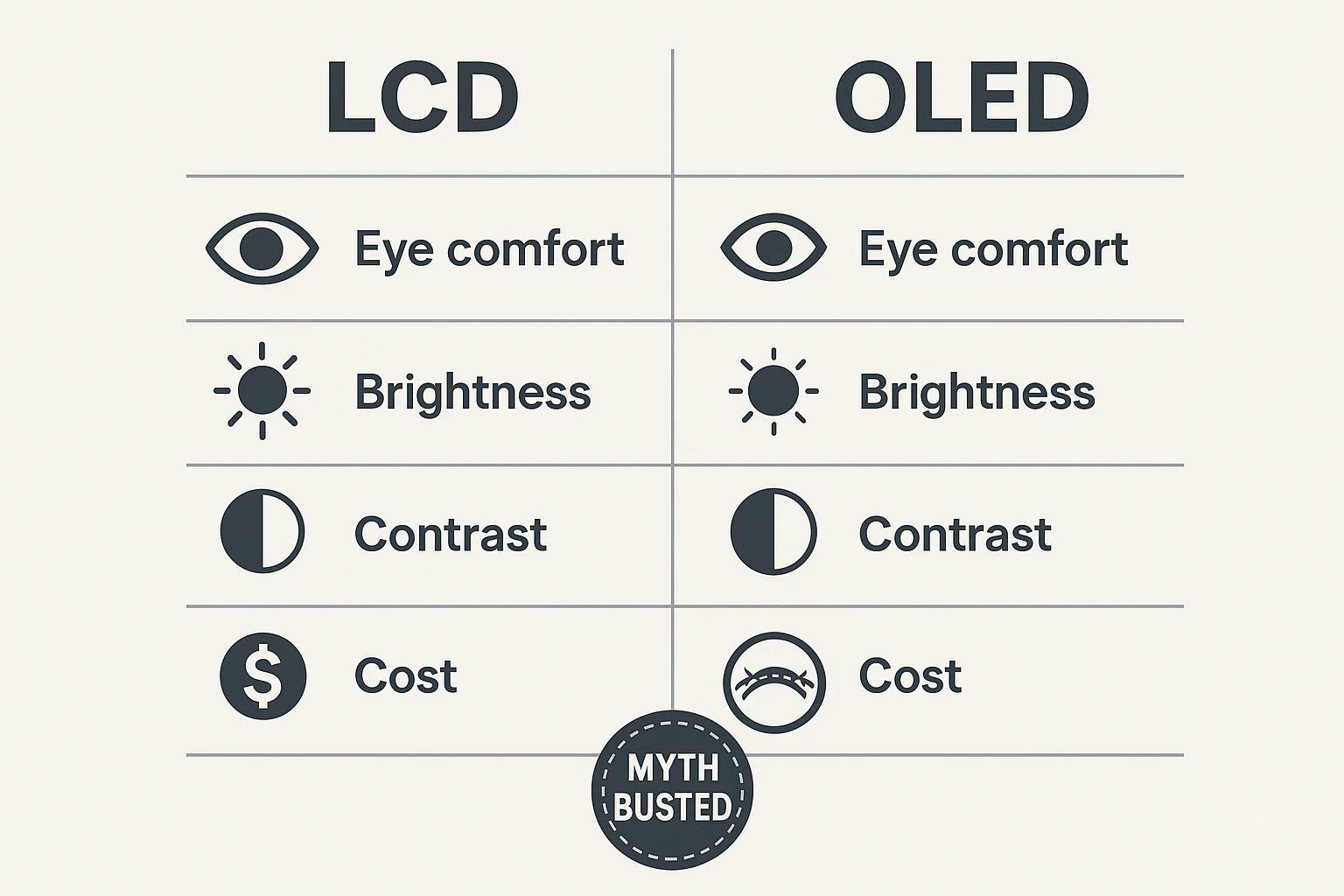
Here is the part where the rubber meets the road. Or rather, where the credit card meets the card reader.
OLED screens are more expensive to make. Consequently, phones and tablets equipped with them usually cost more. If you are buying a brand-new, top-of-the-line iPhone or Samsung Galaxy, you are paying a premium for that beautiful screen.
LCD screens are the budget champions. You can find very capable, reliable phones with LCD screens for half the price of their OLED cousins.
However, you don’t have to mortgage the house to get an OLED screen. This is where the magic of refurbished tech comes in.
An “old” flagship phone from two or three years ago (like an iPhone 12 or 13) has a beautiful OLED screen. It will often cost the same amount as a brand-new budget phone that uses a cheaper LCD screen.
If eye comfort is your priority, I usually recommend buying a high-quality older phone over a brand-new cheap one. Your eyes won’t know the phone was made in 2021, but they will definitely notice the difference in clarity.
Here is a fun fact to impress your friends at coffee hour: OLED screens can actually save your battery life.
Remember our stadium analogy? When an OLED screen shows black, those pixels are turned off. They are using zero power.
If you use “Dark Mode” on your phone (where the background is black and the text is white), significant portions of your screen are literally powered down. This can squeeze extra hours of life out of your battery. On an LCD screen, that backlight is burning electricity regardless of whether the screen is black or white.
Whether you have the latest OLED super-phone or a trusty LCD tablet you’ve had for five years, you can make tweaks right now to reduce eye strain. You don’t always need new gear; sometimes you just need to know which buttons to press.
Most modern phones have this setting. It switches your background to black and text to white. It significantly reduces glare, especially in low light.
These settings warm up the colors of your screen in the evening, turning that harsh blueish-white light into a softer, yellowish light that resembles an old paperback book. It is much less jarring for tired eyes.
There is no prize for reading microscopic text. Go into your settings and increase the font size until it’s comfortable. If you have to hold the phone at arm’s length to read a text message, make the font bigger!
Auto-brightness is great, but it’s not perfect. If you are in a dim room, slide that brightness down. If you are outside, crank it up. Your screen should roughly match the brightness of the room you are in.
This is low-tech but effective. Every 20 minutes, look at something 20 feet away for 20 seconds. It resets your focus and stops your eye muscles from cramping up.
If you use your phone for reading news, books, or web browsing for more than an hour a day, yes. The increased contrast and reduced eye strain are worth the investment. If you only use your phone for occasional calls and emergency use, a standard LCD is perfectly fine.
“Burn-in” happens when a static image stays on the screen so long it leaves a permanent ghost image. While this was a problem with early technology, modern OLED screens have built-in safeguards to prevent this. Unless you leave your screen on the same news channel ticker for 24 hours a day at max brightness, it is highly unlikely to happen to you.
Usually, yes. Go to a store and pull up a picture of a starry night sky on both phones. On the LCD, the sky will look dark gray/blue. On the OLED, the sky will look pitch black, making the stars look much brighter.
Technology should adapt to you, not the other way around. If you are finding that your current screen leaves you rubbing your eyes or getting headaches, the issue might not be your prescription—it might be the display tech.
An OLED screen offers a “quality of life” upgrade that is hard to go back from once you’ve experienced it. It’s sharper, easier to read, and gentler on the eyes. But remember, the best phone is the one you feel comfortable using.
So, the next time you’re facing that wall of confusing gadgets, you can ignore the jargon. Just look for the “Deep Blacks” and “High Contrast.” Your eyes will know the difference.