Newsletter Subscribe
Enter your email address below and subscribe to our newsletter

Enter your email address below and subscribe to our newsletter
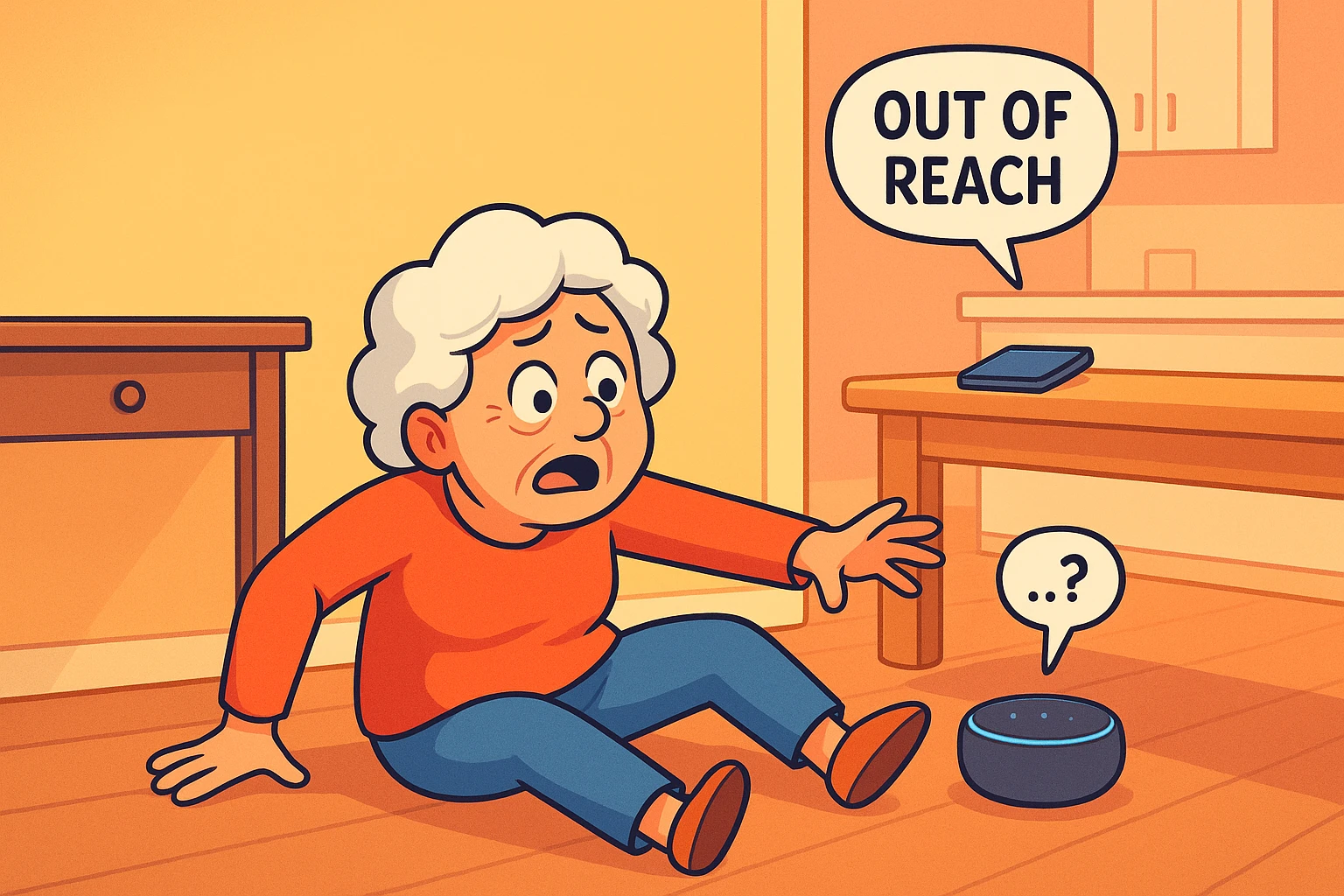
Picture this: You’ve decided to change a lightbulb. You know, that one in the hallway that’s been flickering like a disco strobe since 1997. You climb the step stool, reach up, and suddenly gravity remembers it has a grudge against you. You land safely-ish, but your knee has decided to resign from its position as a functioning joint.
You reach for your phone to call your daughter, but—plot twist—your phone is on the kitchen counter, charging. It might as well be on Mars.
But wait! Sitting on the hallway table is that plastic hockey puck your grandkids gave you for Christmas. The one that tells you the weather and occasionally plays jazz when you actually asked for “gas prices.” Can it save you? Can you shout, “Alexa, call 911!” and have the paramedics kick down your door in three minutes flat?
The short answer is: No. (Please don’t throw the hockey puck at the wall yet.)
The long answer is: Yes, but only if you set it up correctly beforehand.
Smart speakers like Amazon Echo and Google Nest are fantastic kitchen timers and trivia masters, but out of the box, they are not medical alert systems. However, with a little tinkering, we can turn that chatty little robot into a genuine lifeline. Let’s walk through how to do it without needing a degree in rocket science.
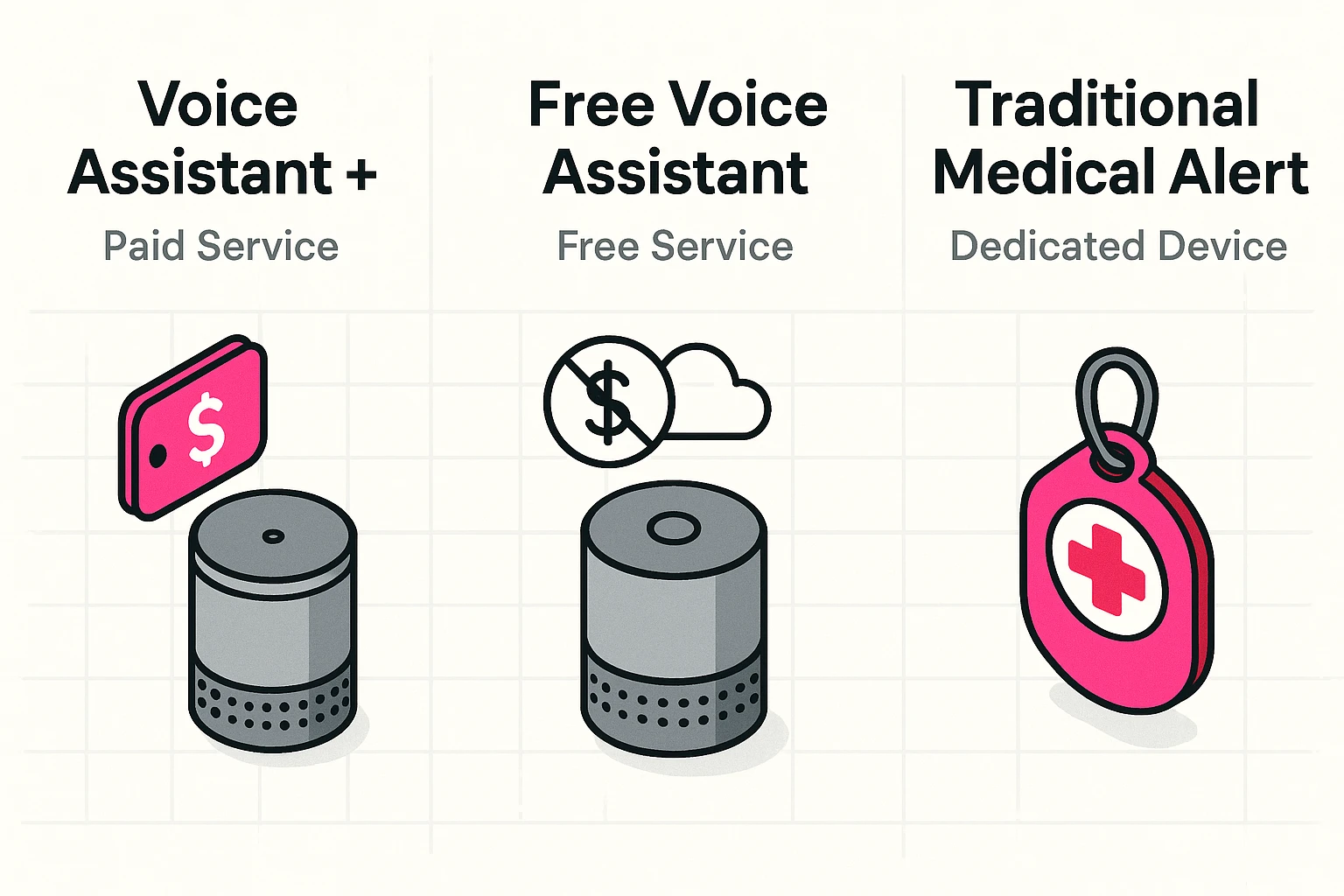
It seems logical, doesn’t it? You can order a bulk package of paper towels with your voice, so why can’t you order an ambulance?
The issue isn’t that the robot doesn’t like you; it’s the government (specifically, the FCC) and technical limitations. Traditional landlines are physically tied to your house. When you dial 911 from a landline, the operator knows exactly where you are, down to the street number.
Smart speakers use the internet (VoIP). To the internet, you aren’t “Grandma in the living room.” You are a floating data packet that could be in Ohio, Oregon, or Timbuktu. Because these devices can’t guarantee precise location data to emergency dispatchers, they generally block direct 911 dialing to prevent tragic delays.
But don’t worry. We have workarounds. We have strategies. We have the “Two-Touch” principle.
If you aren’t interested in paying another monthly fee (who is?), you can still set up your device to call a loved one in an emergency. This is the “Better Than Nothing” tier, and honestly, it’s pretty effective for non-life-threatening scrapes.
Both Alexa and Google allow you to sync your phone contacts. Once synced, you can designate a specific person as your emergency contact.
If you are reading this as a caregiver for an aging parent, the “Drop-In” feature is magical. It works like an intercom. If your mom isn’t answering the phone, you can “Drop In” on her Echo device. It opens a two-way audio line instantly—no need for her to answer. You can yell, “Mom, are you okay?” and listen for a response.
Note: You need permission to set this up. Please don’t use this to spy on people to see if they’re eating the cookies you told them not to eat.
If you want the closest thing to a “I’ve fallen and I can’t get up” button without wearing a pendant, Amazon offers a paid service called Alexa Emergency Assist (formerly Alexa Guard Plus).
For a monthly fee (usually around the cost of a fancy latte), this service allows you to say, “Alexa, call for help,” and be connected to a specialized Urgent Response Agent. This human agent—who is not a robot—can assess the situation and request 911 dispatch for you, passing along your home address and gate codes.
Is it worth it? If you live alone and don’t carry your mobile device everywhere, it provides significant peace of mind. It’s essentially a hands-free speakerphone to a safety operator.
Here is a common scenario: You have Wi-Fi and an Echo Dot, but you don’t have a smartphone. Or maybe you have a flip phone that was manufactured when Bill Clinton was president.
Most setup guides assume you have the latest iPhone in your pocket. But what if you don’t?
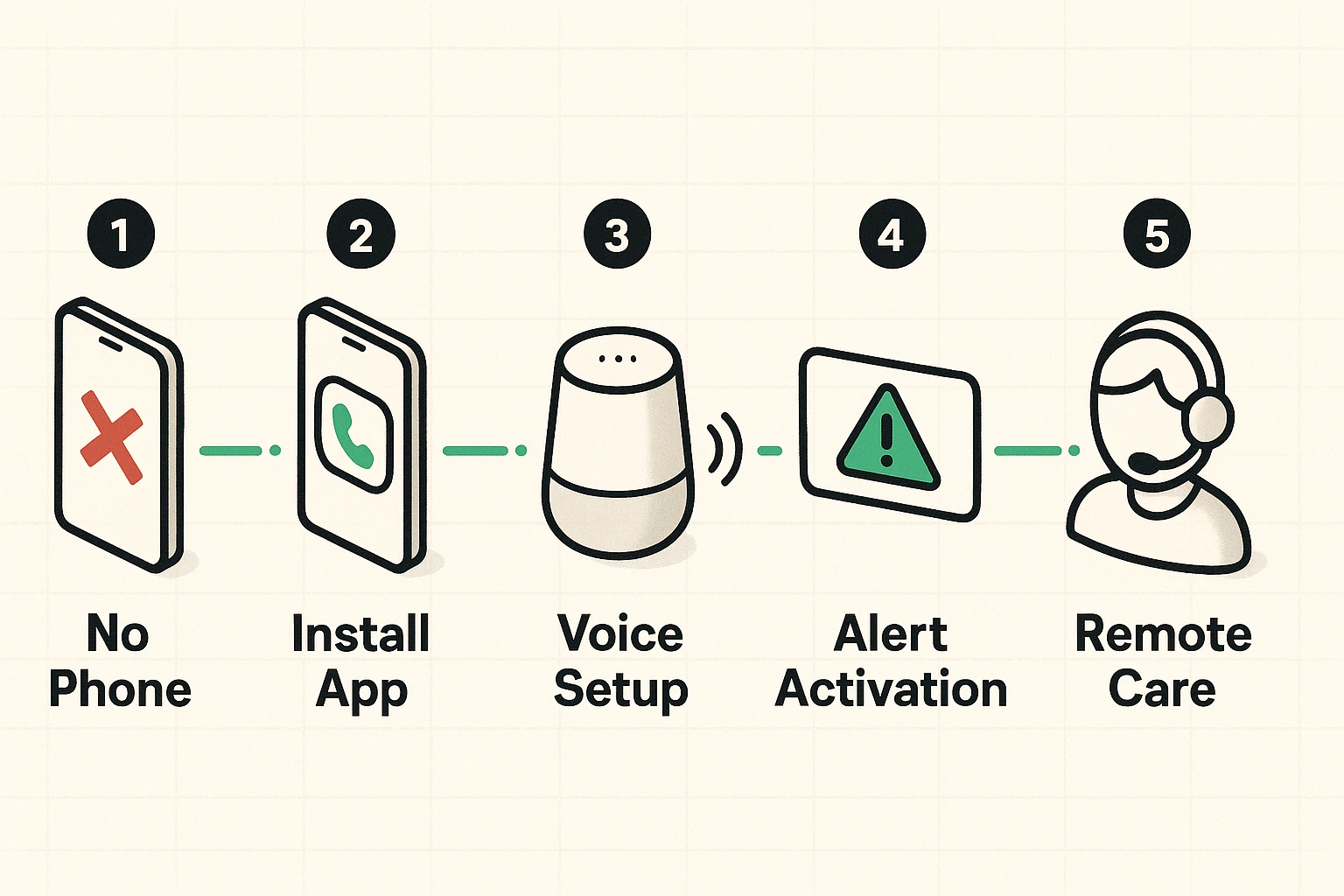
To make calls from a smart speaker without a synced mobile phone, you need a phone number associated with the account. Here is the trick savvy seniors use: Google Voice or TextNow.
Pro Tip: While you are setting this up, it’s a great time to look into other health tech. For example, if you struggle to remember pill schedules, you can pair your voice assistant with a medication timer to keep your health on track along with your safety.
We need to have a serious talk about electricity. Smart speakers are vampires—they need to be plugged in. If the power goes out, your Echo is just a decorative paperweight.
If you are relying on this for safety, you must understand the “Single Point of Failure.”
If you live in an area with spotty power, stick to a traditional medical alert system with a battery backup. However, if your internet is stable, you can add “Smart Alerts.”
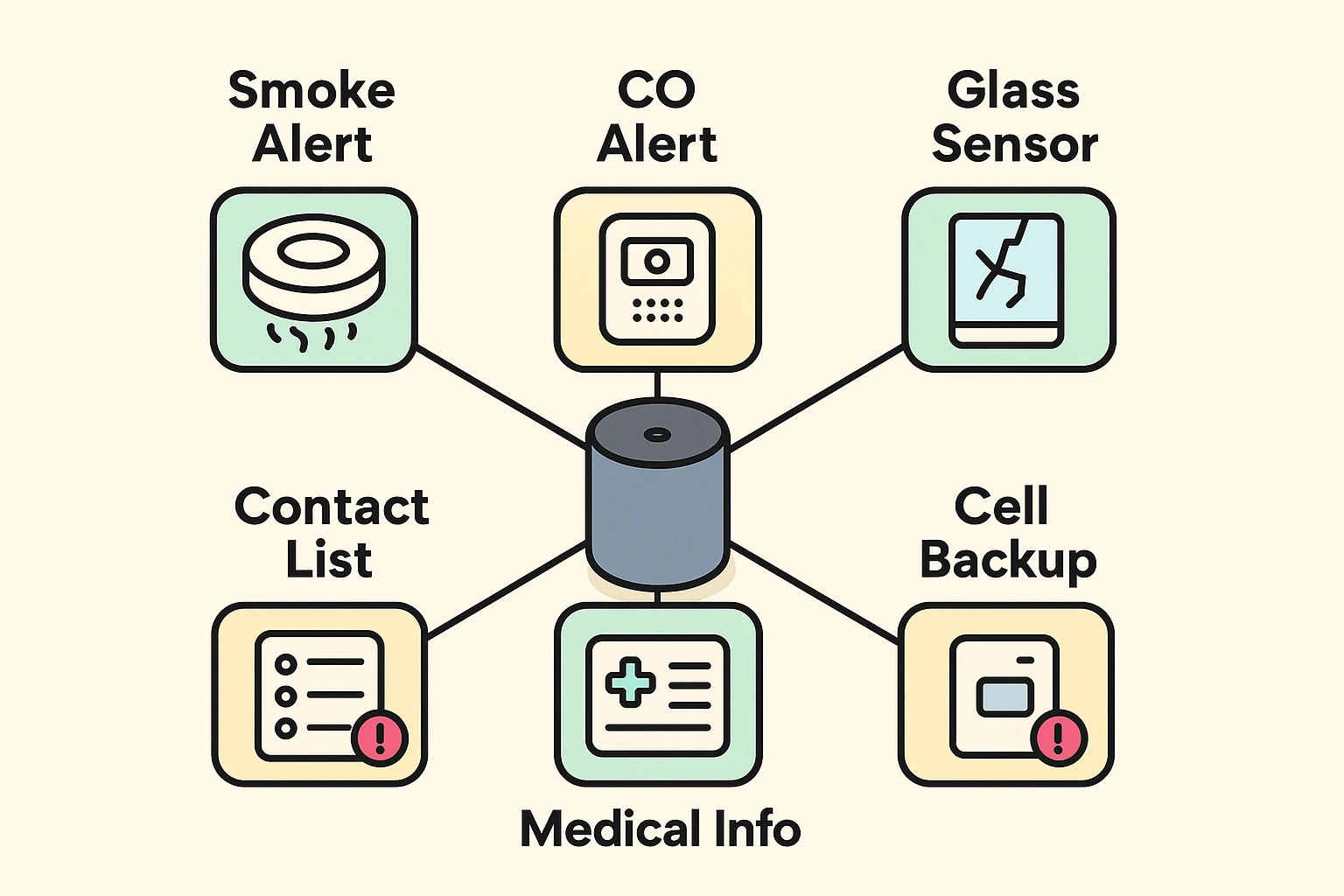
Both Google and Amazon devices can be set to listen for specific sounds, like smoke alarms beeping or glass breaking. If the device hears your smoke detector going off while you’re out playing Bingo, it can send an alert to your phone (or your caregiver’s phone). It’s like having a watchdog that doesn’t shed on the furniture.
Generally, no. Most voice assistants block you from saving “911” as a standard contact to prevent accidental dialing (and because of the location regulations we discussed earlier).
Absolutely not. Think of a voice assistant as a backup. If you have a stroke or are unable to speak clearly, a voice assistant cannot hear you. A button press is always more reliable than voice recognition.
If you carry your iPhone with you, you have a powerful tool already in your pocket. Apple has robust safety features built-in. You can read our guide on iphone emergency sos to learn how to trigger help silently or automatically after a crash.
Technology is wonderful, but it requires a little bit of “training.” Here is your checklist for this week:
Stay safe, stay connected, and remember: The robot is there to help, but you’re still the captain of the ship.