Newsletter Subscribe
Enter your email address below and subscribe to our newsletter

Enter your email address below and subscribe to our newsletter
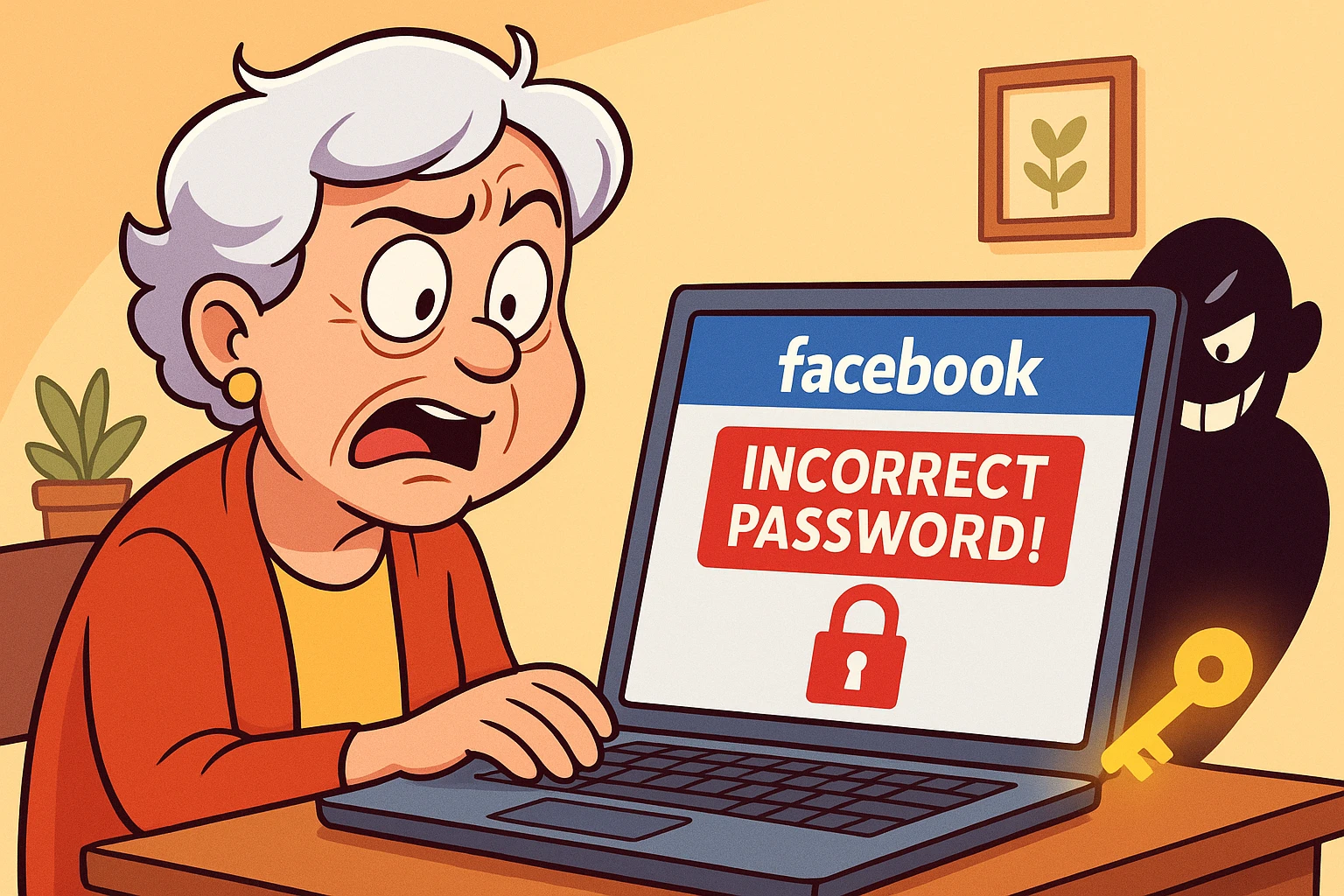
Picture this: You sit down with your morning coffee, ready to see the photos from your niece’s wedding or check if your local gardening group has finally solved the mystery of the spotted hydrangeas. You tap the familiar blue “f” icon, but instead of your news feed, you are greeted by a blank stare of a login screen.
You type in what you know is your password. Maybe it was “Grandma123!”? Or was it “Fluffy2018$”? You hit Enter. The screen shakes its head. “Incorrect Password,” it says in judgmental red letters.
Panic sets in. It feels less like forgetting a password and more like arriving at your own house to find the locks have been changed and a robot is guarding the door demanding a secret handshake you never learned.
If you are currently staring at a login screen that refuses to let you in, take a deep breath. You haven’t broken the internet, and you certainly aren’t alone. Getting locked out of Facebook is a modern rite of passage, right up there with accidentally turning on the flashlight on your phone and blinding yourself in a movie theater.
The good news? You can get back in. The bad news? Facebook’s security system is stricter than a librarian with a migraine. It’s designed to keep bad guys out, but sometimes it does a wildly good job of keeping you out, too.
We are going to walk through this together, step-by-step, without the jargon.
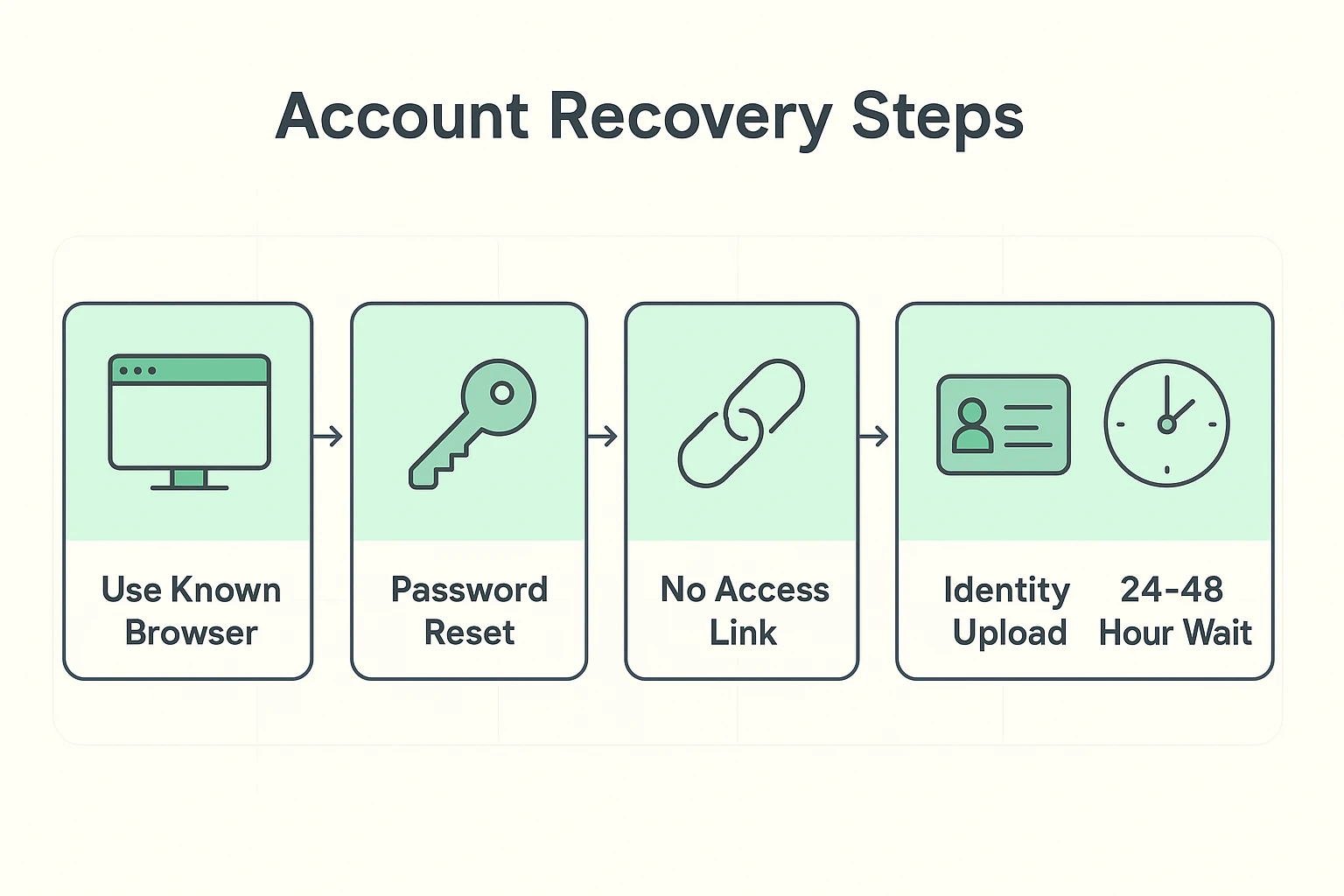
Before you start clicking “Forgot Password” frantically, we need to talk about the most important secret to account recovery that Facebook doesn’t explicitly tell you.
Do not try to recover your account from a new device.
If you usually check Facebook on your iPad in the living room, use that iPad. If you usually use the big desktop computer in the den, use that.
Why? Because computers leave little digital breadcrumbs (technically called cookies). When you try to reset a password from a device Facebook recognizes, the system thinks, “Ah, I know this computer. This is probably really Gladys.”
If you try to recover your account from a brand-new phone or a computer at the public library, Facebook’s security robots scream, “STRANGER DANGER!” and make the process ten times harder. Stick to the device you use most often.
If you still have access to the email address or phone number you used to sign up for Facebook ten years ago, you are in luck. This is the “Happy Path.”
Crucial Tip: Look closely at the screen. Sometimes Facebook tries to send the code to an email you haven’t used since the Bush administration. If the email listed is CoolDude1955@aol.com and you haven’t logged into AOL in a decade, do not click continue.
Instead, look for a small link that usually says “Try another way”. This is the secret door that often reveals other options, like texting a code to your phone instead of emailing it.
This is where things get sticky. You forgot your Facebook password, and the email address connected to the account is defunct. You are locked out of the house, and your spare key is inside the house.
This is the most common frustration we hear at Senior Tech Cafe. But there is still a way forward.
This usually involves uploading a photo of your driver’s license or ID. It sounds scary—sending your ID to the internet—but in this specific case (on the official facebook.com site), it is a necessary evil to prove you are you.
You might have tried uploading your ID, only to get an automated email five minutes later saying it was rejected. You try again. Rejected again. You want to throw the computer out the window.
The problem usually isn’t your ID; it’s the physics of the photo you took. Facebook uses AI (Artificial Intelligence) to read your ID. If there is a glare, a shadow, or a thumb in the way, the AI gets confused and says “No.”
How to take the perfect ID photo for Facebook:
If you try to reset your password and fail three times in a row, stop. Put the mouse down. Walk away.
If you keep clicking frantically, Facebook thinks you are a “bot” (a computer program trying to hack in). They will lock the door tighter. Wait 24 to 48 hours before trying again. It requires the patience of a saint, but waiting is often the key to the lock resetting.
This is the most critical safety warning in this entire article.
There is no phone number for Facebook Support.
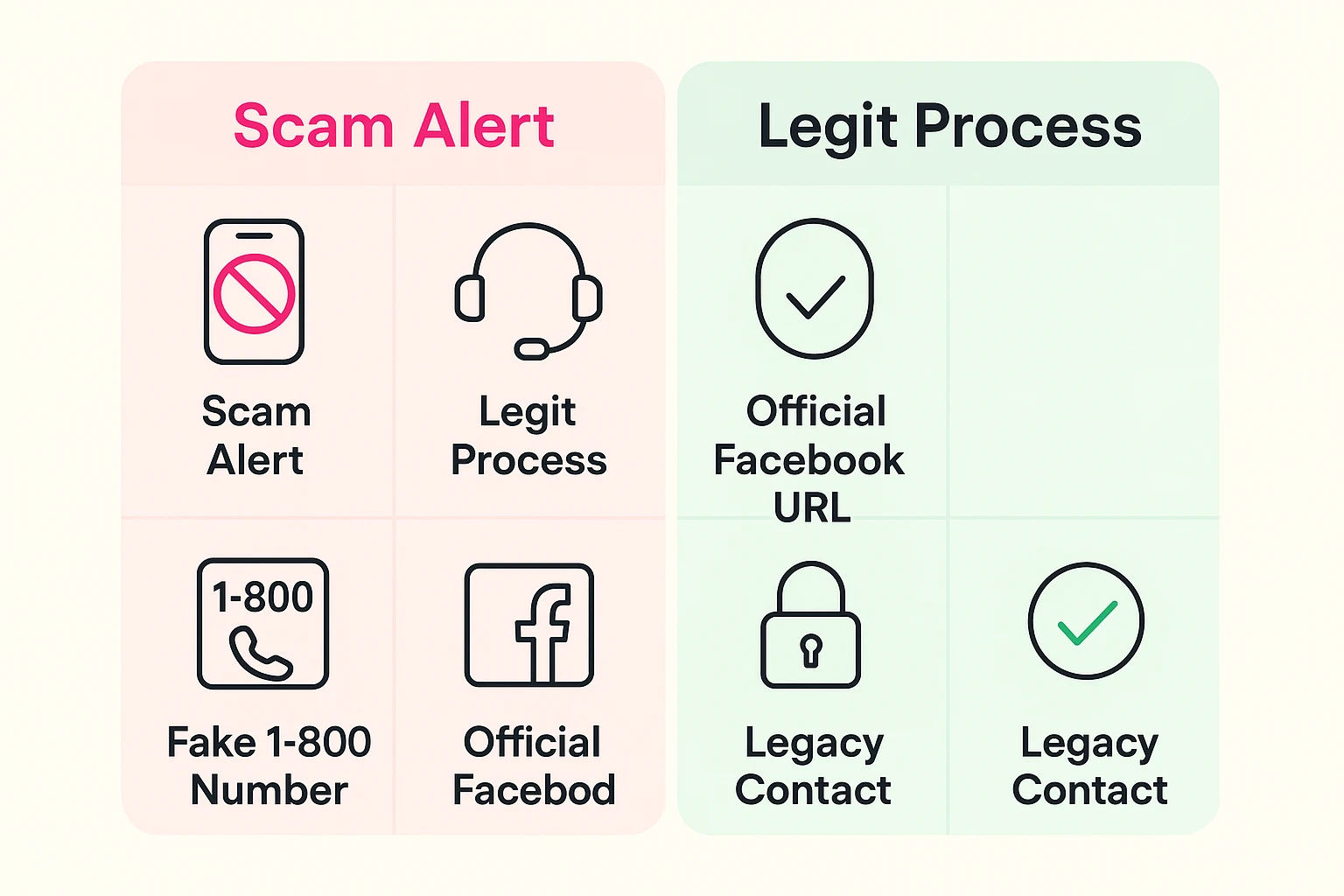
If you Google “Facebook customer service number,” you will find dozens of 1-800 numbers. Every single one of them is a scam.
These are call centers staffed by fraudsters who will tell you they can “unlock” your account if you buy a gift card or give them your credit card number. Facebook will never ask for your credit card to reset a password. If you find a “support” page, look at the URL and check their website carefully to ensure it actually says facebook.com and not something tricky like facebook-help-desk.com.
Sometimes, seniors get locked out because an account has been “Memorialized.” This happens when Facebook is notified that a user has passed away. The account turns into a digital tribute.
If this happens to you by mistake (which is rare, but possible), or if you are trying to access a late spouse’s account to save their photos, you hit a privacy wall. Unless you were previously added as a “Legacy Contact” inside their settings before they passed, Facebook generally will not give you the login details, even with a death certificate. It is their way of protecting that person’s private messages forever.
Sadly, no. Facebook serves billions of users and has practically zero human customer service for free accounts. You have to use the automated forms on the screen.
This happens if you bought a new phone or cleared your browser history. You must go through two-factor authentication (where they text you a code) to prove it’s you.
Years ago, Facebook let you pick three friends to help you get back in. Note: Facebook actually discontinued this specific feature recently, so if you are reading old guides that tell you to use “Trusted Contacts,” that advice is outdated. You now rely on phone, email, or ID verification.
It is a common solution! However, try to use a slightly different variation of your name (like “Robert Smith” instead of “Bob Smith”) so people don’t think your old account was hacked. Eventually, you can report the old account as a duplicate to have it taken down.
Getting locked out is frustrating, but it is usually temporary. The key is to move slowly, use a device Facebook recognizes, and ensure your ID photo is crystal clear.
Once you do get back in (and we believe in you!), do yourself a favor: Go to your settings and add a backup email address or phone number immediately. Think of it as hiding a spare key under the digital doormat—so you never have to stand out in the rain again.