Newsletter Subscribe
Enter your email address below and subscribe to our newsletter

Enter your email address below and subscribe to our newsletter
Remember the good old days when “going online” meant standing in a grocery store line? Life was simpler then. You didn’t need a Wi-Fi password to buy a carton of milk, and “surfing” was something the Beach Boys did in California, not something you did to find a casserole recipe.
But here we are. Today, the internet is as essential as electricity, running water, and complaining about the weather. You need it for telehealth appointments, viewing photos of your grandkids (who grow three inches every time you blink), and figuring out why your smart thermostat is trying to freeze you out of your own living room.
The problem? It’s expensive. Sometimes it feels like you have to choose between high-speed internet and, well, high-quality food.
If you’ve been staring at your internet bill with the same level of enthusiasm you reserve for a root canal, you aren’t alone. For a while, the government had a shiny program called the Affordable Connectivity Program (ACP) that helped pay the tab. But just like that favorite discontinued snack at the grocery store, things have changed.
Don’t worry. We aren’t going to leave you stranded on the side of the Information Superhighway. There are still ways to lower that bill, but you need a roadmap to find them.
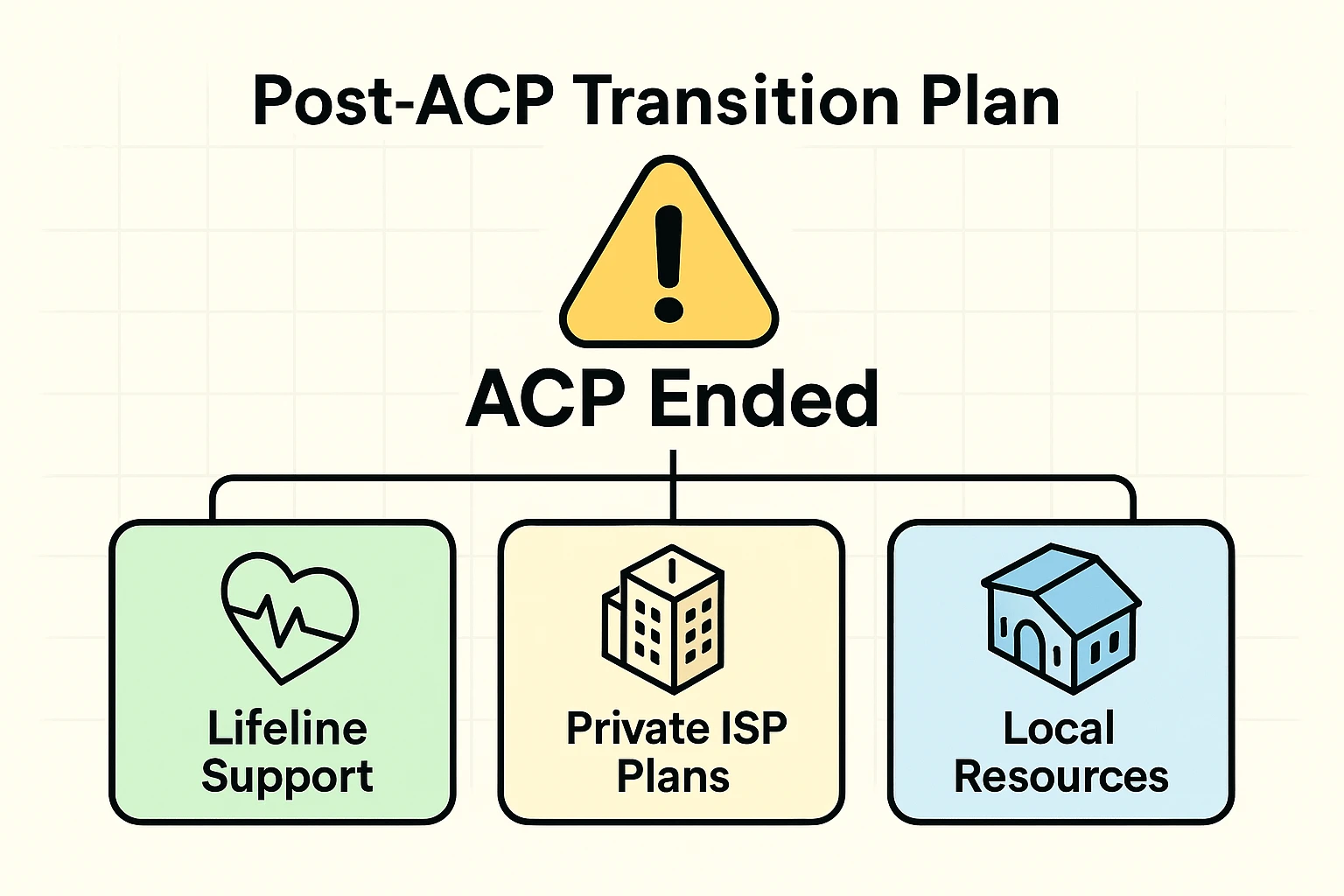
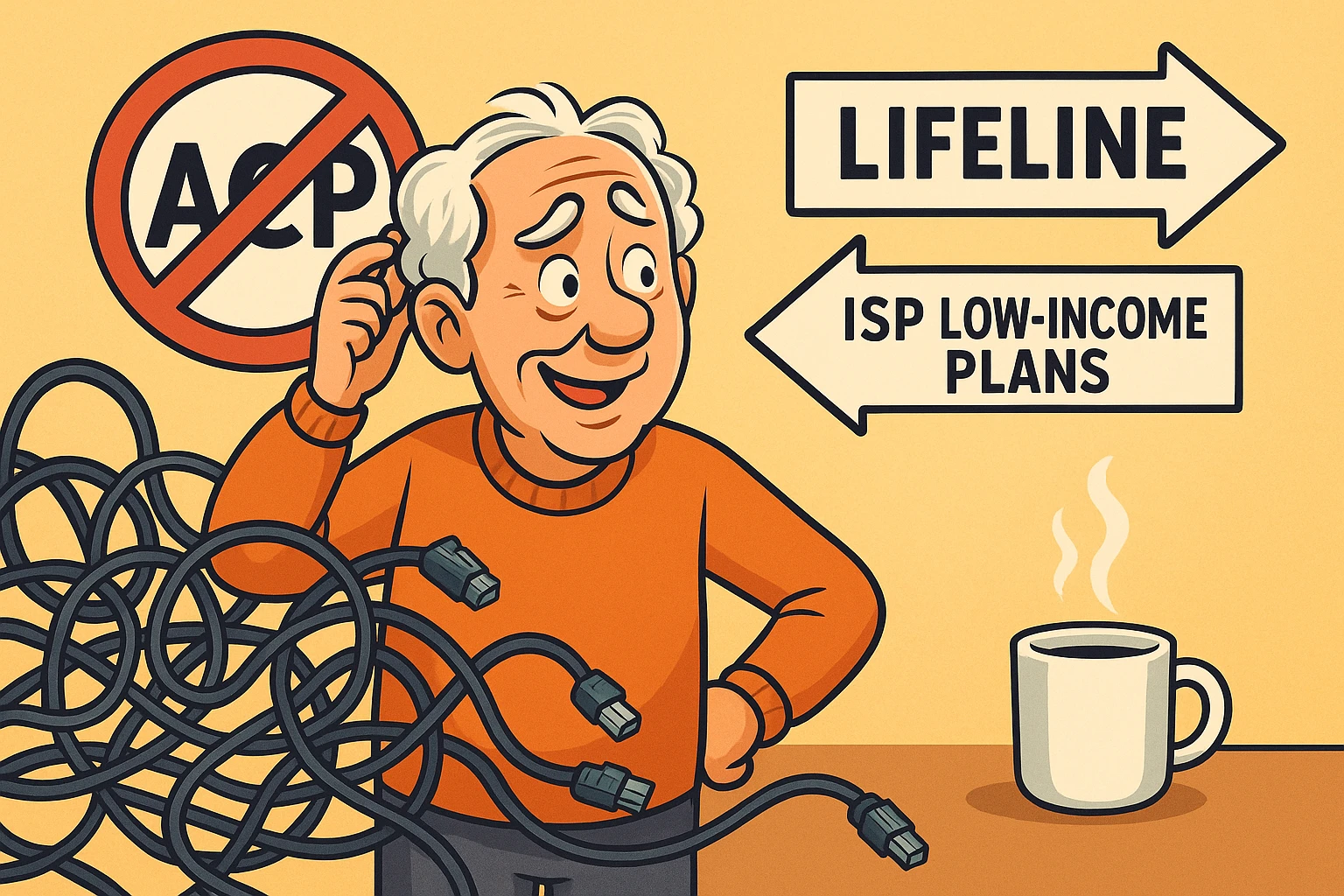
Let’s rip the bandage off right now: Yes, the Affordable Connectivity Program (ACP) ended on June 1, 2024.
If you search for it now, you might find outdated websites promising you $30 off your bill. Those websites are like maps to Atlantis—nice to look at, but they won’t get you where you want to go. The funding ran out, and Congress closed the checkbook.
But don’t panic. Just because the “Big One” is gone doesn’t mean you have to pay full price. We are shifting gears to a different strategy: The Lifeline Program and Private Low-Income Plans.
Here is where things get confusing enough to make your head spin.
When you hear “Lifeline,” you probably think of that button you wear around your neck to call for help if you fall. That is a medical alert system. That is not what we are talking about here.
We are talking about the FCC Lifeline Program. Think of this as the government’s way of saying, “Okay, phones and internet are necessities, not luxuries.” It provides a monthly discount of up to $9.25 off your phone or internet bill (or up to $34.25 if you live on Tribal lands).
Now, $9.25 might not sound like a winning lottery ticket, but in the world of monthly bills, every Alexander Hamilton helps.
Note: If you are actually looking for help with safety features on your smartphone—like setting up an iphone emergency sos—that is a completely different “lifeline,” though equally important for your peace of mind.
The government loves rules almost as much as it loves acronyms. To get Lifeline, you generally need to meet one of two criteria:
This is where many seniors get tripped up. Let’s say you live with your adult daughter and her family to save money. They make good money. Does that disqualify you?
Not necessarily.
The government uses a concept called the “Economic Unit.” If you pay your own bills and buy your own food separate from your daughter, you are your own “household” in the eyes of the FCC, even if you share a roof. You can still qualify for Lifeline on your personal phone or internet line, regardless of what your daughter earns.
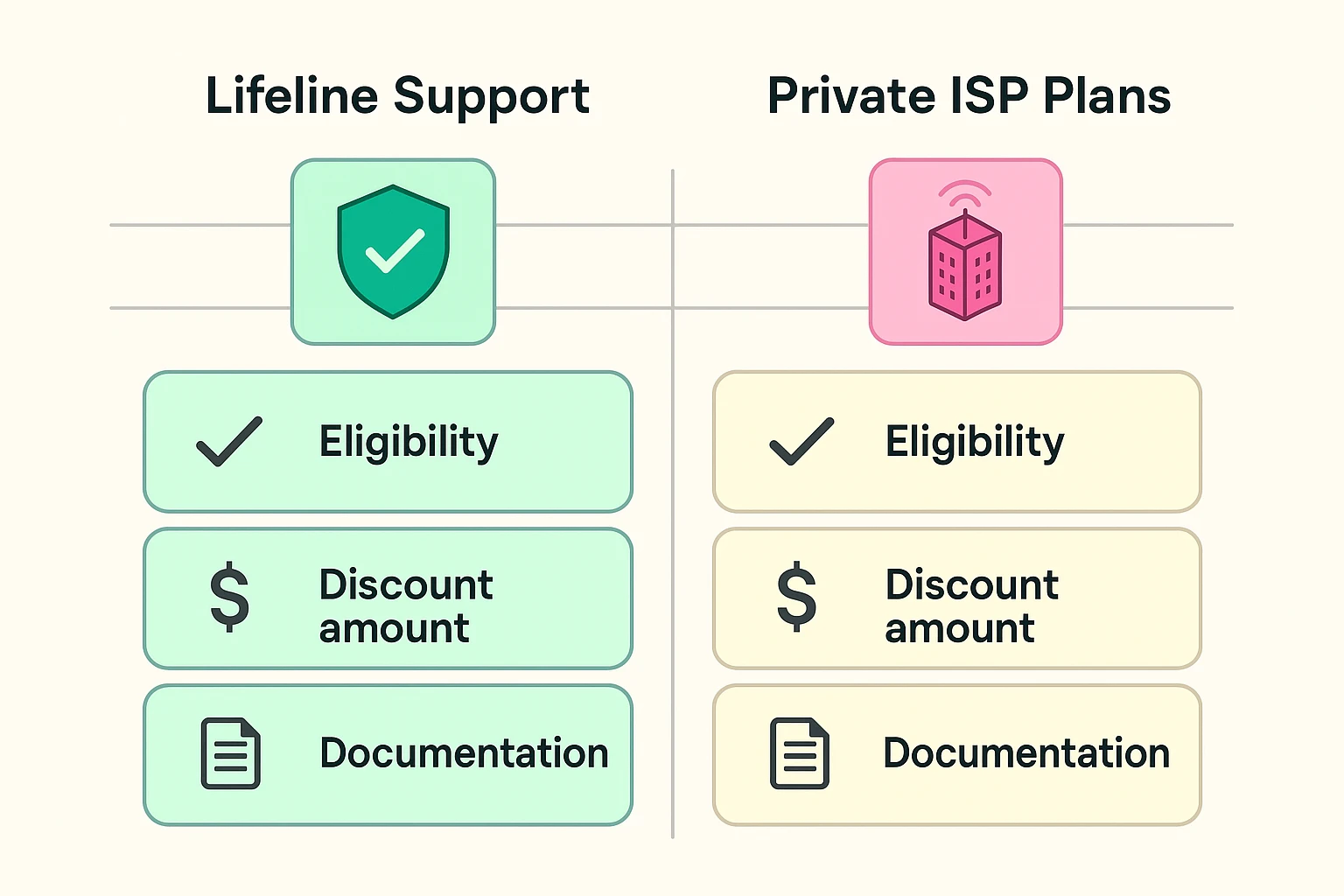
Since the ACP disappeared, the big internet companies (ISPs) realized that if they jacked everyone’s prices back up to normal, they’d lose millions of customers overnight. So, many of them kept their own low-cost tiers. These aren’t government subsidies; they are specific plans sold by the companies.
You specifically have to ask for them. They rarely advertise them on the big glossy flyers in your mailbox.
Pro Tip: If you qualify for Lifeline, you almost certainly qualify for these private plans. You can often use your Lifeline approval to sign up for these cheaper tiers.
If you are reading this from Canada, grab a Timbit and listen up, because your system is totally different.
You might have heard of the “Connecting Families” initiative. It offers $20/month internet. But here is the catch: You cannot apply for it.
I know, that sounds ridiculous. But the Canadian government identifies eligible seniors (usually those receiving the Maximum Guaranteed Income Supplement) and sends you a letter with an access code. If you haven’t received a letter, you can’t just call them up and ask to join.
However, companies like Telus offer “Internet for Good” and Rogers has “Connected for Success” for seniors receiving GIS, and you can apply for those directly through the providers.
So, you’re ready to tackle the application for Lifeline or a provider plan. You’ve got your coffee, your reading glasses, and a determination that scares your cat.
Here is the biggest reason applications get rejected (about 45% of the time!): The Name Mismatch.
If your Driver’s License says “William J. Smith,” but your SNAP benefits letter says “Bill Smith,” the computer system will throw a tantrum and reject you. The government’s computers lack imagination. Ensure every document uses the exact same name, spelling, and address.
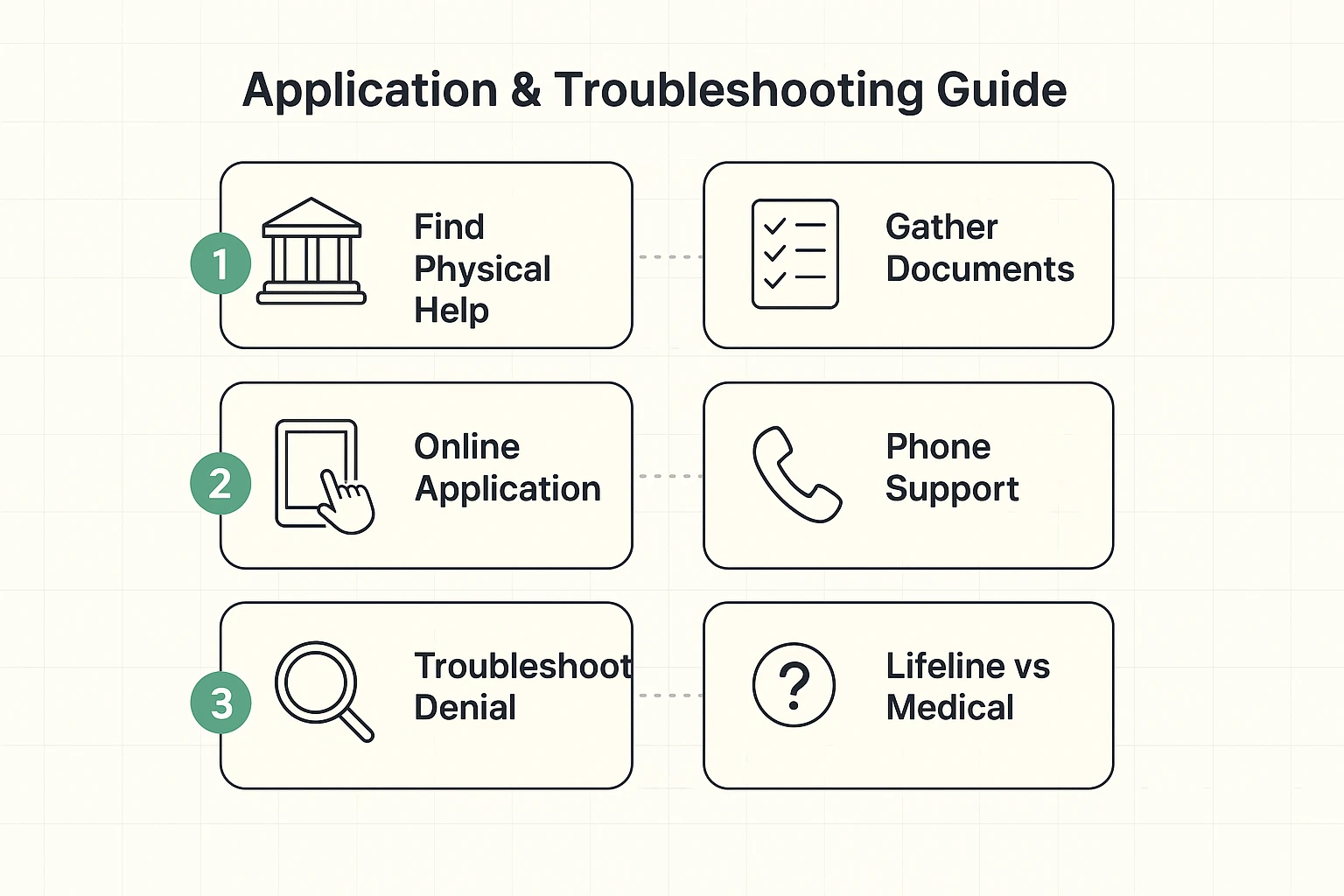
The instructions always say “Visit our website to apply.” But if you don’t have internet, how do you visit the website? It’s like telling someone to look for their lost glasses, but they can’t see without their glasses.
Your Strategy:
Completely free? Probably not anymore, now that ACP is gone. However, by combining a Lifeline discount with a specific low-cost provider plan (like Xfinity Internet Essentials), your bill could be very close to zero—perhaps $10 a month.
Yes! You have to choose: you can apply the $9.25 discount to your home internet or your mobile phone bill. You cannot double dip and use it for both. Usually, it’s easier to apply it to the bill that is most expensive.
Don’t give up. It was likely a document error. Did you take a blurry photo of your ID? did the names match? You can appeal the decision through the “National Verifier” website (USAC.org).
Navigating government websites can feel like trying to fold a fitted sheet—frustrating and seemingly impossible to do neatly. But securing a lower rate is worth the afternoon of paperwork.
Start by gathering your documents (ID, proof of income or program participation). Then, check the USAC website to apply for Lifeline. Once you’re approved there, call your internet provider and say, “I have Lifeline approval, and I want to know about your low-income plan options.”
You’ve got this. And think of it this way: the money you save can go toward something much more enjoyable. Like banana bread ingredients. Or perhaps a faster computer to look up recipes for banana bread.