Newsletter Subscribe
Enter your email address below and subscribe to our newsletter

Enter your email address below and subscribe to our newsletter
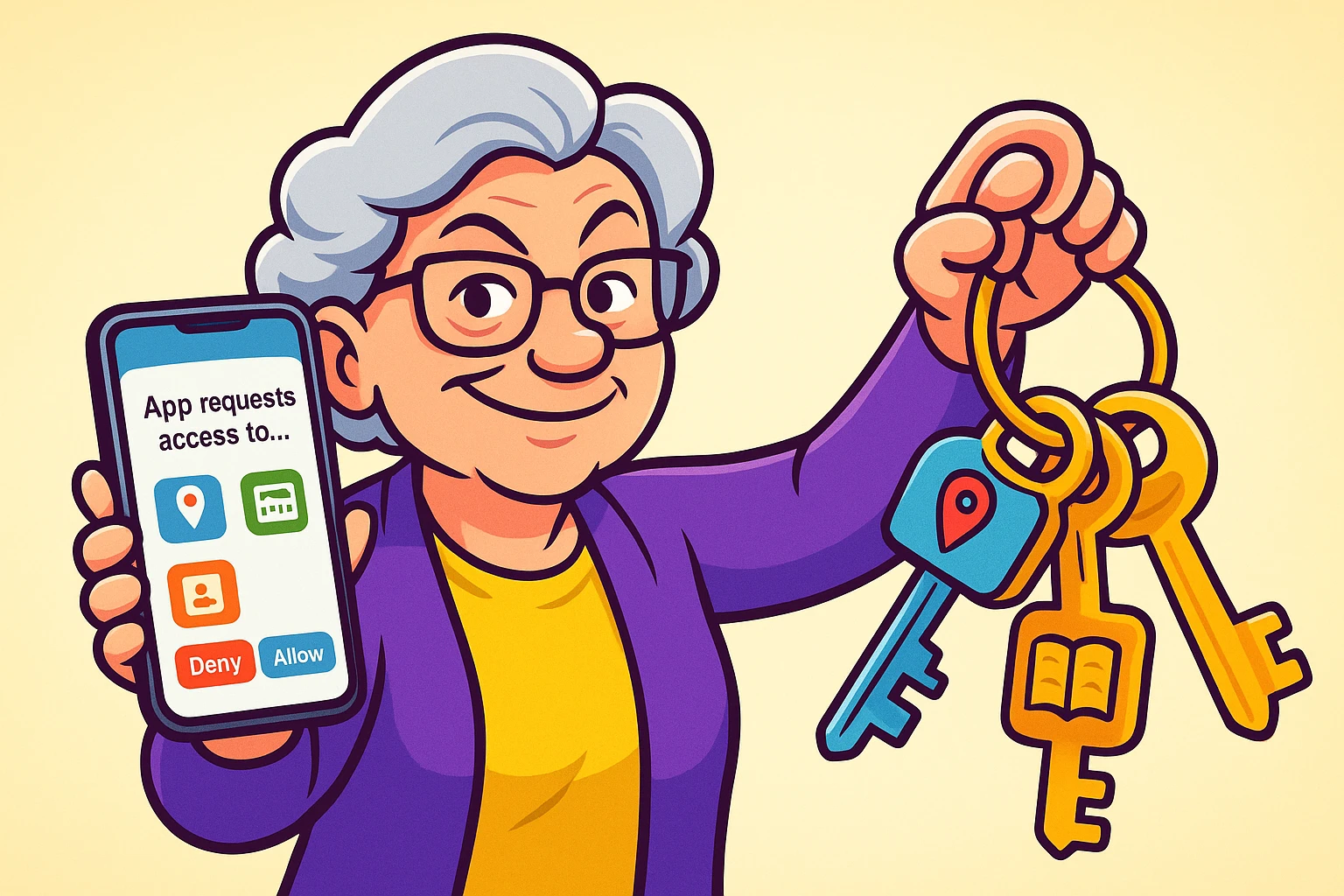
You’ve finally found it—the perfect Solitaire app. It looks fun, the cards are big enough to see without squinting, and it’s free. You tap “Install,” feeling a rush of excitement for the upcoming game. But then, right before you can start shuffling, a little box pops up on your screen.
“Super Solitaire wants to access your Contacts.”
Wait a minute. Why does a card game need to know Aunt Edna’s phone number? Is it planning to call her and ask for a loan? Or maybe invite her to a virtual poker night?
If you’ve ever stared at your phone screen, hovering your finger over “Allow” while a little voice in your head screams, “This feels weird,” you are not alone. It’s like hiring a plumber to fix your sink, and the first thing he asks for is the key to your jewelry box. You’d politely show him the door (or perhaps chase him out with a broom).
Yet, on our smartphones, we often hand over these digital keys because we’re afraid the app won’t work if we say “No.”
Here is the secret the tech giants don’t always tell you: You are the boss. Your phone is your house, and these apps are just guests. Today, we are going to look at exactly which rooms those guests should be allowed to enter.
To understand permissions, stop thinking like a computer programmer and start thinking like a homeowner.
Your smartphone is your home. It stores your private conversations, your photo albums, your location, and sometimes your wallet. When you download an app, it knocks on the front door.
Some guests have a valid reason to enter certain rooms:
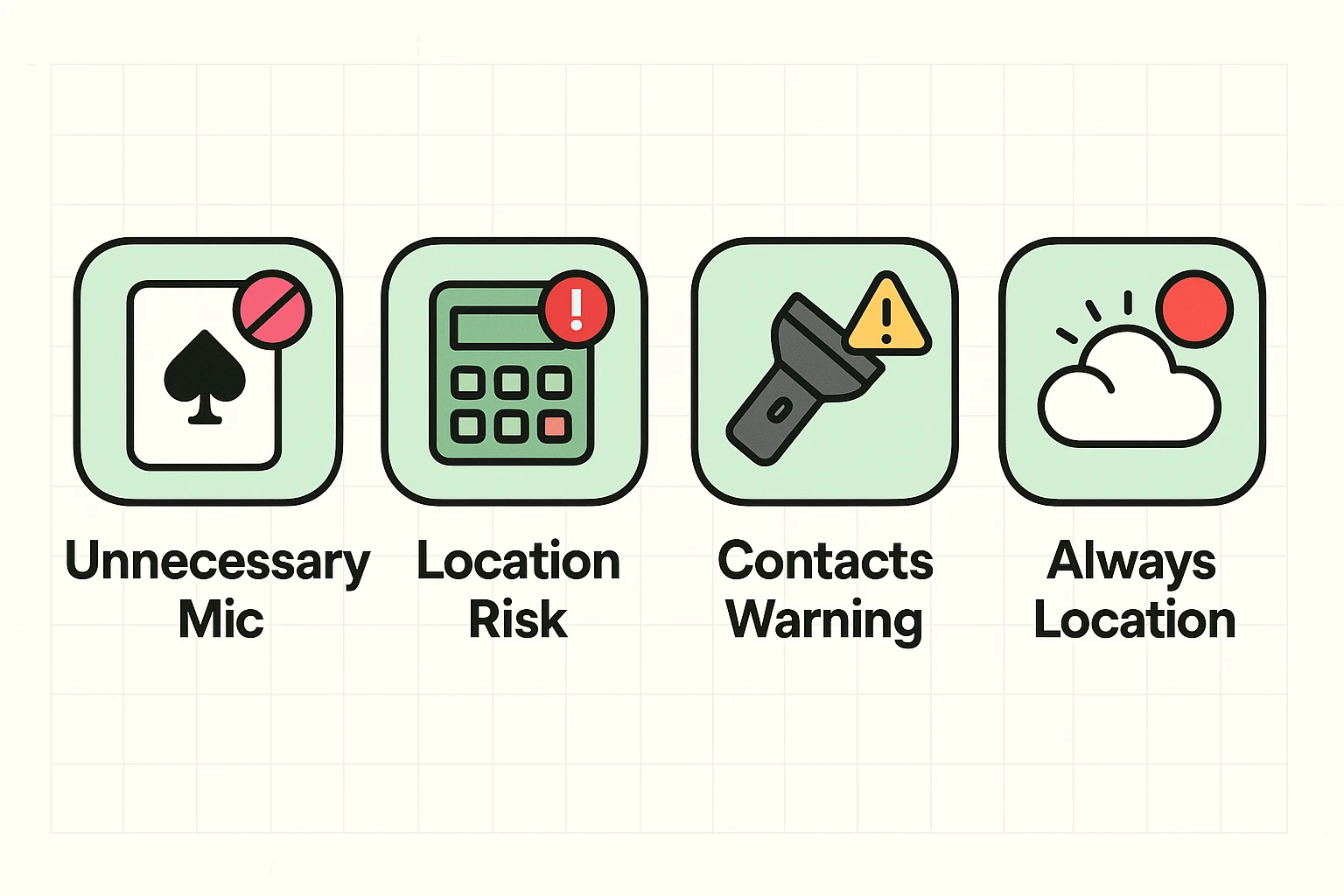
However, some guests are just nosy. A flashlight app doesn’t need to read your diary (Contacts). A calculator app doesn’t need to know exactly where you are located on the globe.
The “Permission Request” pop-up is your digital doorbell. It is your chance to look through the peephole and decide if this guest has a good reason to come inside.
Most anxiety comes from not knowing what these permissions actually do. Let’s translate the tech-speak into plain English.
What it does: It tells the app exactly where you are standing using GPS satellites.Who needs it: Maps, weather apps, and ride-sharing services like Uber.Who doesn’t need it: Flashlights, calculators, simple games, or recipe apps.The “While Using” Trick: Modern phones give you a great option called “Allow Only While Using the App.” This is the best choice. It means the app knows where you are when you are actively looking at it, but the moment you close it, the blinds are drawn. It stops tracking you.
What it does: It reads your address book—names, phone numbers, and emails of your friends and family.Who needs it: Social media apps (like Facebook) if you want to find friends, or video calling apps.Who doesn’t need it: Almost everyone else. Be very skeptical here. Scammers love this data because it helps them target robocalls.
What it does: Turns on the camera lens or the listening device.Who needs it: Video chat apps, check-deposit features for banking apps, or apps used to scan QR codes.The Fear: “Is my phone listening to me?” Generally, apps only listen when this permission is active. If you deny this permission to a random game, you can rest easier knowing the digital ears are plugged.
What it does: Allows an app to see every picture you’ve ever taken.Who needs it: Instagram or Facebook (if you want to post photos), or photo printing apps.The New Safety Feature: Newer phones now let you give “Limited Access.” This means you can hand the app one specific photo of your cat, without handing over the entire album of your grandkids’ birthday party.
Senior fraud results in billions of dollars in losses annually, and much of it starts with digital privacy leaks. Adopting a “healthy skepticism” isn’t paranoid; it’s smart.
Before you tap “Allow,” ask yourself one question: Does this app need this tool to do its job?
If a voice recorder app asks for the microphone? Yes. That makes sense.If a wallpaper app asks for your location? No. A picture of a sunset looks the same whether you are in Florida or Alaska.
If you are ever unsure about an app, do a little detective work. Go online and check their website to see if they are a reputable company. If they don’t have a legitimate web presence, don’t give them the keys to your house.
This is the number one fear I hear at the Senior Tech Cafe: “If I say no, will the phone stop working?”
Here is the good news: No.
If you deny a permission, the worst thing that happens is a specific feature won’t work. For example, if you deny Google Maps access to your location, the map will still load, but the little blue dot showing where you are won’t appear.
And guess what? If you realize you made a mistake, you can always change your mind later. It’s not a permanent tattoo; it’s just a light switch.
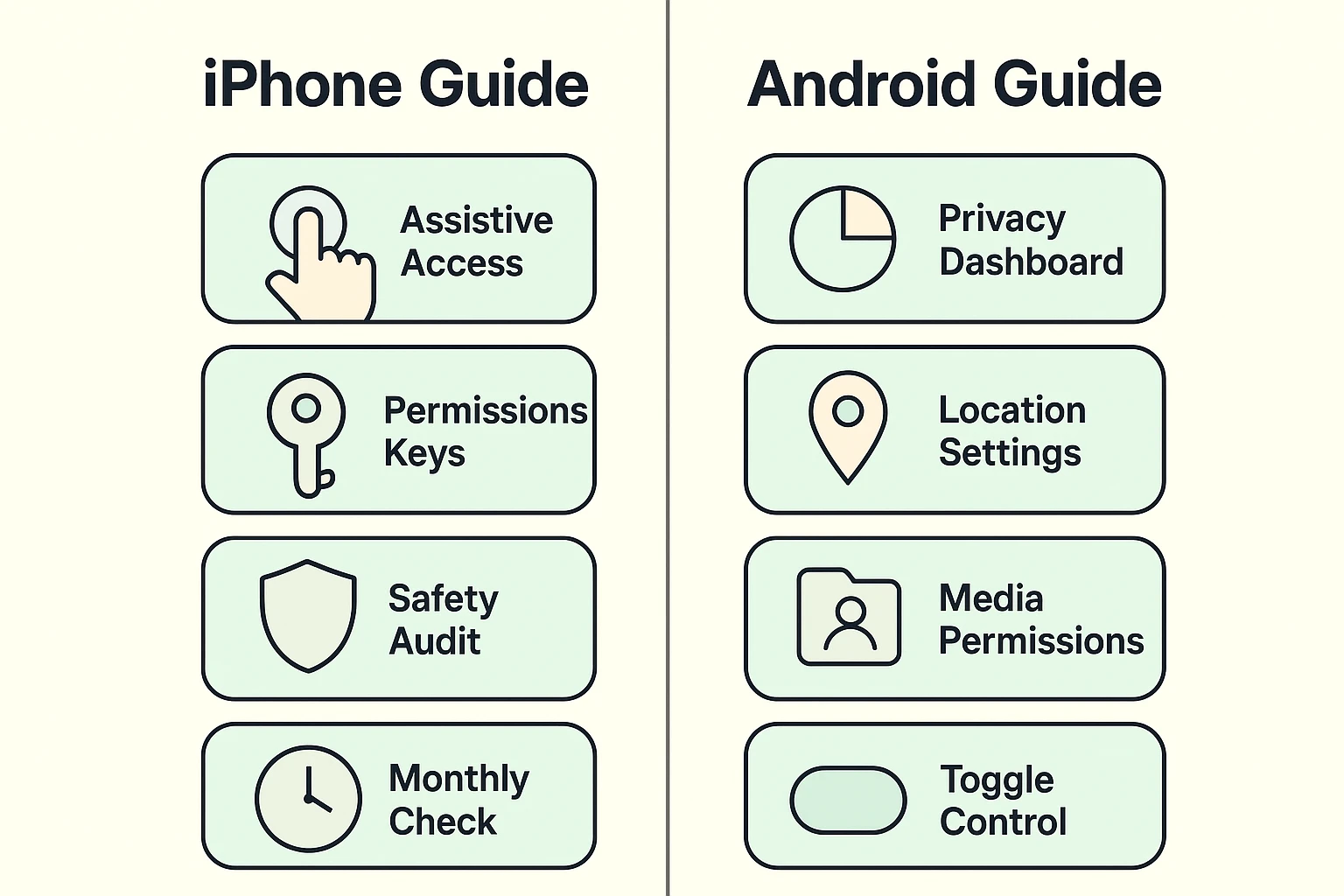
You might have apps on your phone right now that you installed years ago. Let’s do a quick inspection to see who has keys to your house.
Apple has made this easier with recent updates (like iOS 17).
Pro Tip: If you find the iPhone interface overwhelming, ask a tech-savvy relative to help you set up “Assistive Access.” It’s a special mode on newer iPhones that simplifies the screens and buttons, making accidental clicks much harder to do.
Often, “free” apps make money by gathering data about you and selling it to advertisers. If an app is free, you (and your data) are usually the product.
You may see a pop-up asking to “Allow App to Track.” This refers to following your digital footprints across other companies’ apps and websites to show you targeted ads. We generally recommend selecting “Ask App Not to Track.” You’ll still see ads, but they won’t be based on your private browsing history.
Don’t panic! When you try to start the video, the app will usually ask you again. If not, just go to your Settings, find the Zoom app, and flip the Camera switch back to green. Easy fix.
Technology shouldn’t feel like a trap. It should feel like a tool. By understanding permissions, you stop being a passive user and start being the bouncer at the club.
You have the right to keep your location private. You have the right to keep your contacts list secure. And you certainly have the right to play Solitaire without telling a software company in Silicon Valley where you are eating dinner.
So go ahead, check those settings. Take back your keys. Your digital home is yours to protect.