Newsletter Subscribe
Enter your email address below and subscribe to our newsletter

Enter your email address below and subscribe to our newsletter
Remember the good old days when, if you didn’t want a magazine anymore, you just threw the renewal notice in the trash and went on with your life? It was a simpler time. A time when “unsubscribing” didn’t require the negotiation skills of a hostage crisis team or a degree in computer engineering.
Today, signing up for a subscription service is effortless. It’s like sliding down a greased slide into a pool of warm pudding—fast, easy, and delightful. But trying to leave? That’s like trying to climb back up the slide. While someone pours molasses on you. And a digital robot asks you eighteen times if you’re sure you don’t want to stay for 10% off the pudding.
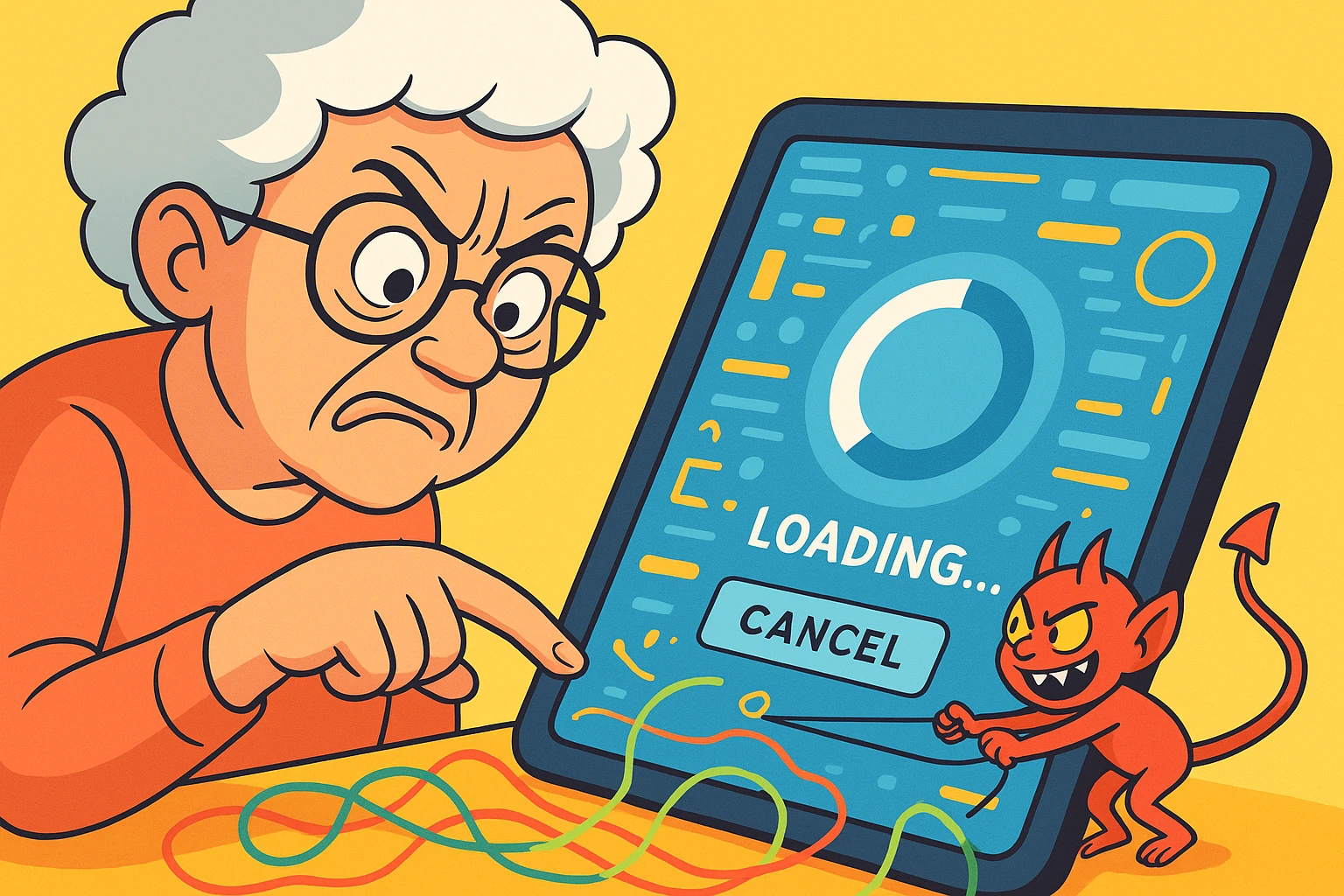
If you have ever spent your Tuesday afternoon searching for a microscopic “cancel” link buried in a footer menu, only to be redirected to a page that asks you to call a phone number that is only staffed during a lunar eclipse, you are not alone. You are not “bad with tech.” You are simply the victim of a system designed to keep you paying.
But fear not. We are going to put on our digital hard hats and dismantle these subscription traps together.
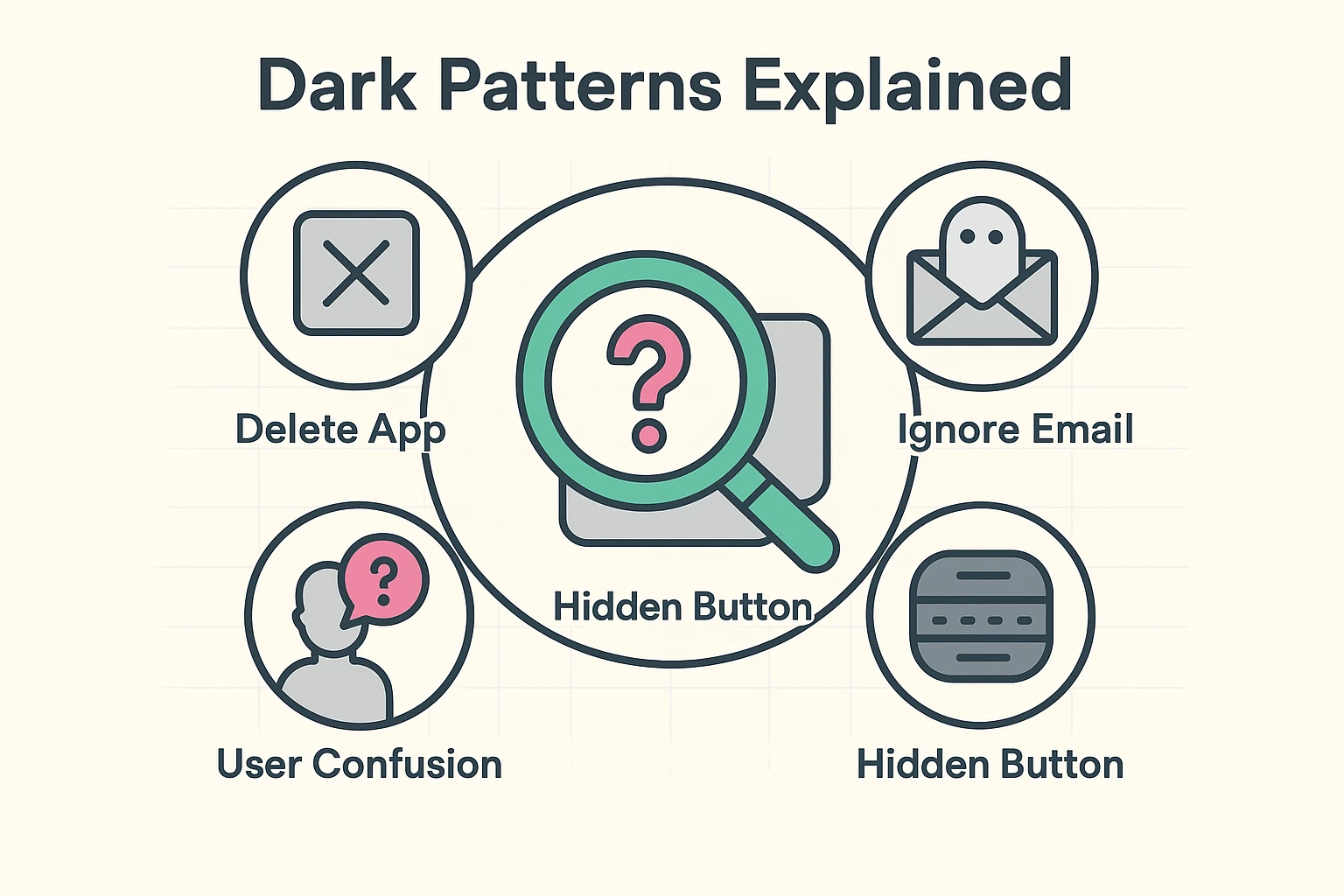
First, let’s clear the air: You aren’t losing your mind. The button isn’t missing because you forgot your glasses; it’s missing because a team of behavioral psychologists put it in a witness protection program.
In the tech industry, this is called a “Dark Pattern.” It is a user interface carefully crafted to trick you into doing things you didn’t mean to do—like buying insurance for a toaster—or to discourage you from doing things you do want to do, like stopping a monthly payment.
Companies rely on two things:
Think of it this way: If you throw your mailbox in the river, the electric company doesn’t stop charging you for power. You’ve just removed the way you view the bill. The meter is still running.
Since we know the enemy is trying to confuse us, we need a strategy. We don’t just click wildly; we escalate. Here is your step-by-step battle plan for cutting the cord.
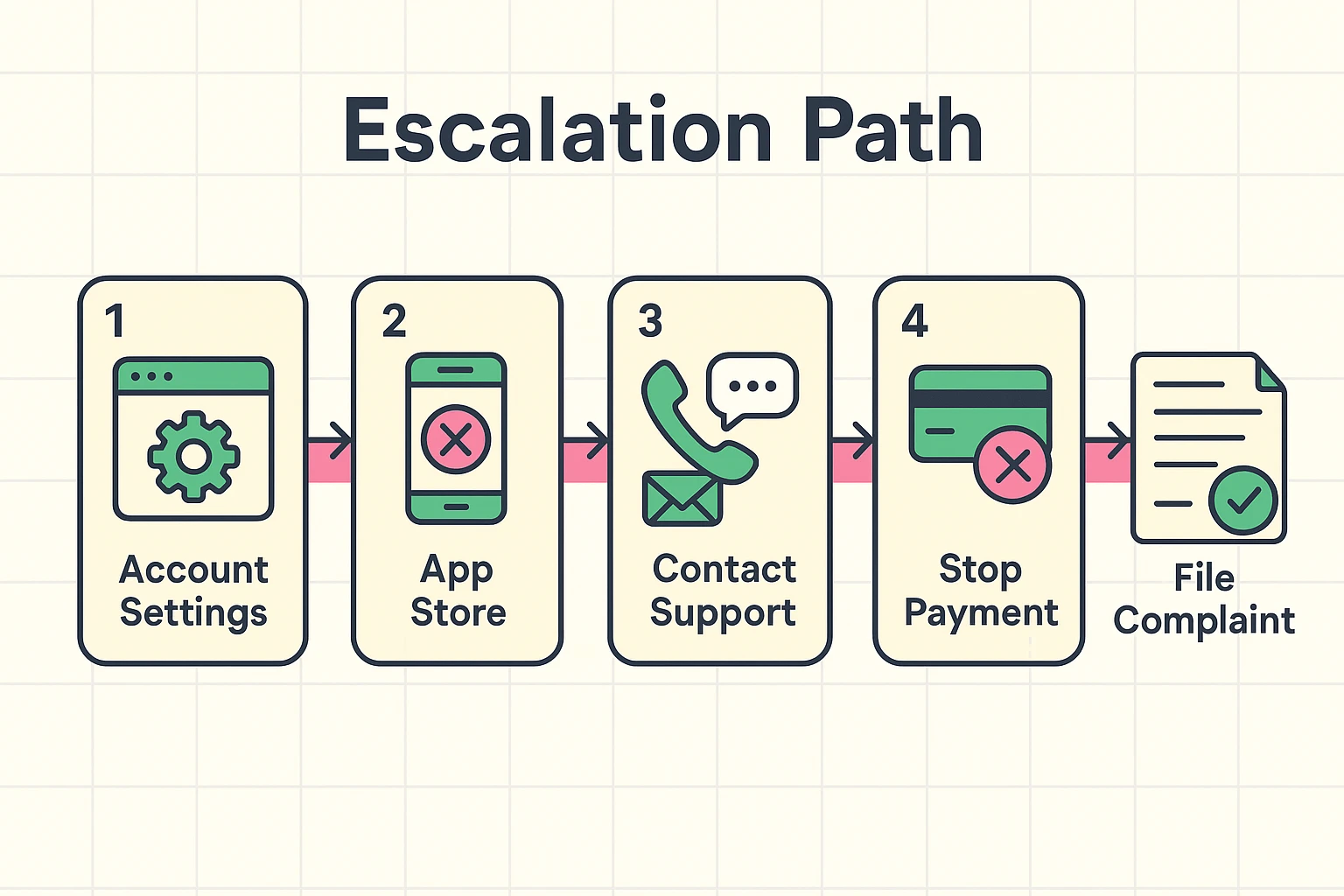
Before you dive into the confusing menus of a specific app, check the “Master List” on your phone. If you signed up for a service through your iPhone or Android phone, the cancel button is actually in your phone’s settings, not inside the app itself.
For iPhone/iPad Users:
For Android Users:
If the subscription isn’t in your phone settings, you likely signed up directly through the company’s website. This is where things get sticky.
If you log into their website and cannot find a “Manage Subscription” or “Billing” tab, or if that tab only tells you to “Call for assistance,” you have entered the friction zone.
The Strategy:Search for their “Contact Us” page. Send an email or use their chat bot. You want a paper trail.
Use this simple script:
“I am requesting the immediate cancellation of my subscription associated with this email address. Please confirm via email that this has been processed and that no further charges will be made.”
The Trap: If you have to call, they will try to offer you a discount. They will ask why you are leaving. They might even offer to pause the subscription.The Solution: Be a broken record. “No thank you, I just want to cancel.” You don’t owe them an explanation. You are not breaking up with a high school sweetheart; you are firing a streaming service.
You’ve looked for the button. You’ve sent the email. You’ve waited on hold listening to smooth jazz for 45 minutes. And they still charged you.
It is time to stop being polite and start protecting your wallet.
The Stop Payment / Chargeback:Call your credit card company or bank. Tell them you have a “recurring charge that you are unable to cancel despite attempts.”
Banks hate dealing with shady merchants. If you tell your bank, “I tried to cancel, here is the date I emailed them, and they charged me anyway,” the bank will often fight the battle for you.
Here is the good news: The government is actually tired of this nonsense too. The Federal Trade Commission (FTC) has proposed a “Click-to-Cancel” rule. The logic is simple: It should be as easy to cancel a service as it was to sign up for it.
If a company makes you jump through hoops—like requiring you to mail a physical letter to cancel a digital service (looking at you, certain gym chains)—they may be violating consumer protection laws.
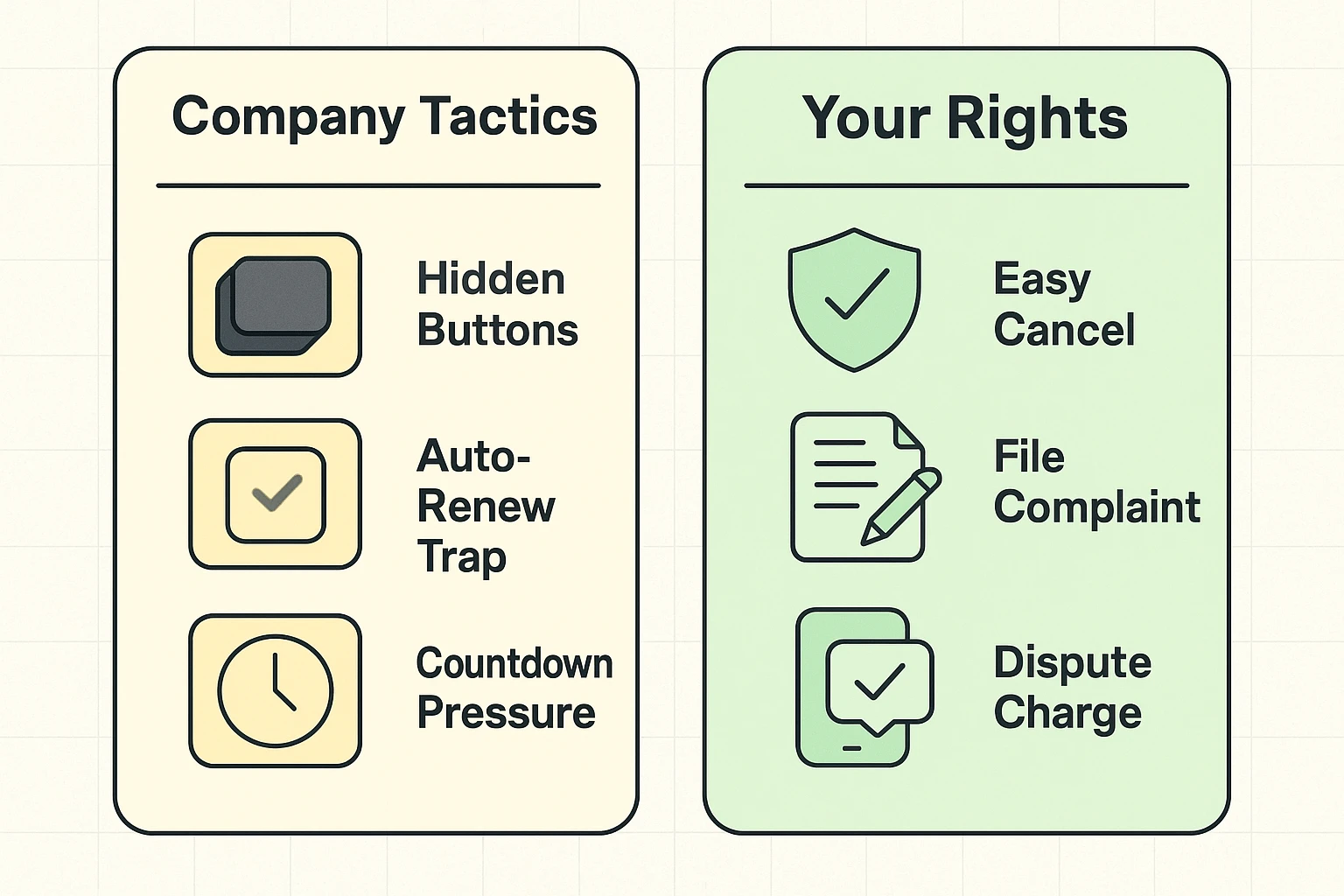
If a company refuses to let you go, you can file a complaint at ReportFraud.ftc.gov. It might feel like shouting into the void, but enough complaints can lead to massive lawsuits against these companies.
The best way to win a fight is to not get into one. Here is how to keep your subscription list clean in the future:
Surprisingly, not always. Many credit card companies have “updater services” that automatically send your new card number to merchants so your Netflix doesn’t get cut off. This is convenient for things you want, but terrible for things you’re trying to escape. You must actively cancel the service.
Yes! There are “Digital Detective” services (like Rocket Money) that scan your bank accounts for subscriptions and can even help you cancel them. Just remember—these services often cost money too, so don’t solve a subscription problem by getting another subscription unless you really need it.
It is becoming increasingly legally risky for them. While companies currently exploit gray areas, regulations like California’s strict cancellation laws and the FTC’s proposed rules are making it harder for companies to hide the exit door.
Technology should serve you, not tax you. If a service is no longer bringing you joy—or at least bringing you a decent movie to watch on a Friday night—you have every right to cut ties.
Don’t let the spinning circles and hidden menus intimidate you. You have the power, the plan, and now, the permission to hit that cancel button with confidence. And if all else fails? There’s always the bank. They have bigger lawyers than the knitting app does.