Newsletter Subscribe
Enter your email address below and subscribe to our newsletter

Enter your email address below and subscribe to our newsletter
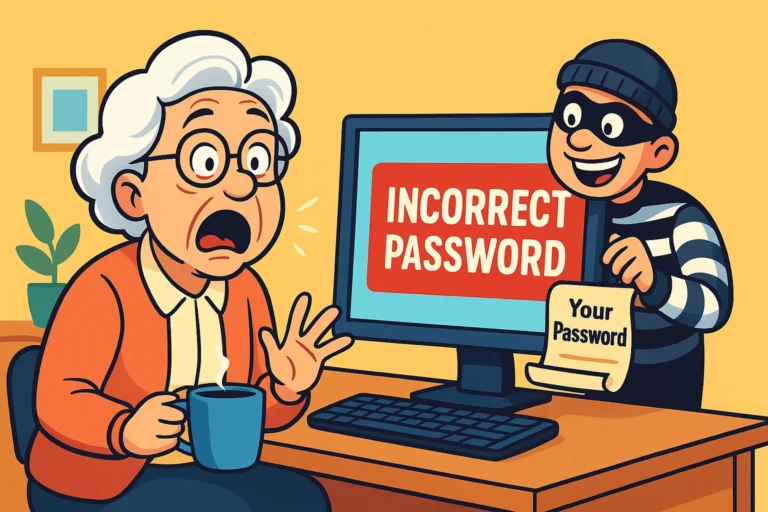
Picture this: You are trying to log into your bank account to see if that check for your grandson’s birthday cleared. You type in your username. You type in the password you swear you wrote down on the back of an envelope three years ago.
Access Denied.
No problem, you think. I’ll just reset it. The screen clears, and a new prompt appears, staring at you with the judgment of a high school principal: “What is the name of your favorite teacher?”
You pause. Do they mean Mrs. Higgins from second grade? Mr. Clark from high school biology? Or did 2015-You decide to be funny and write “Yoda”?
You guess Mrs. Higgins. Incorrect.You try Mr. Clark. Account Locked.
Congratulations! You have just entered the Purgatory of the Security Question. It’s a place where you are punished for not having a photographic memory of every whim you had a decade ago.
Here is the secret that tech companies don’t tell you: Security questions aren’t actually a test of your memory, and they certainly aren’t a lie detector test. They are just another lock on the door. And today, we are going to teach you how to make a key that never gets lost.
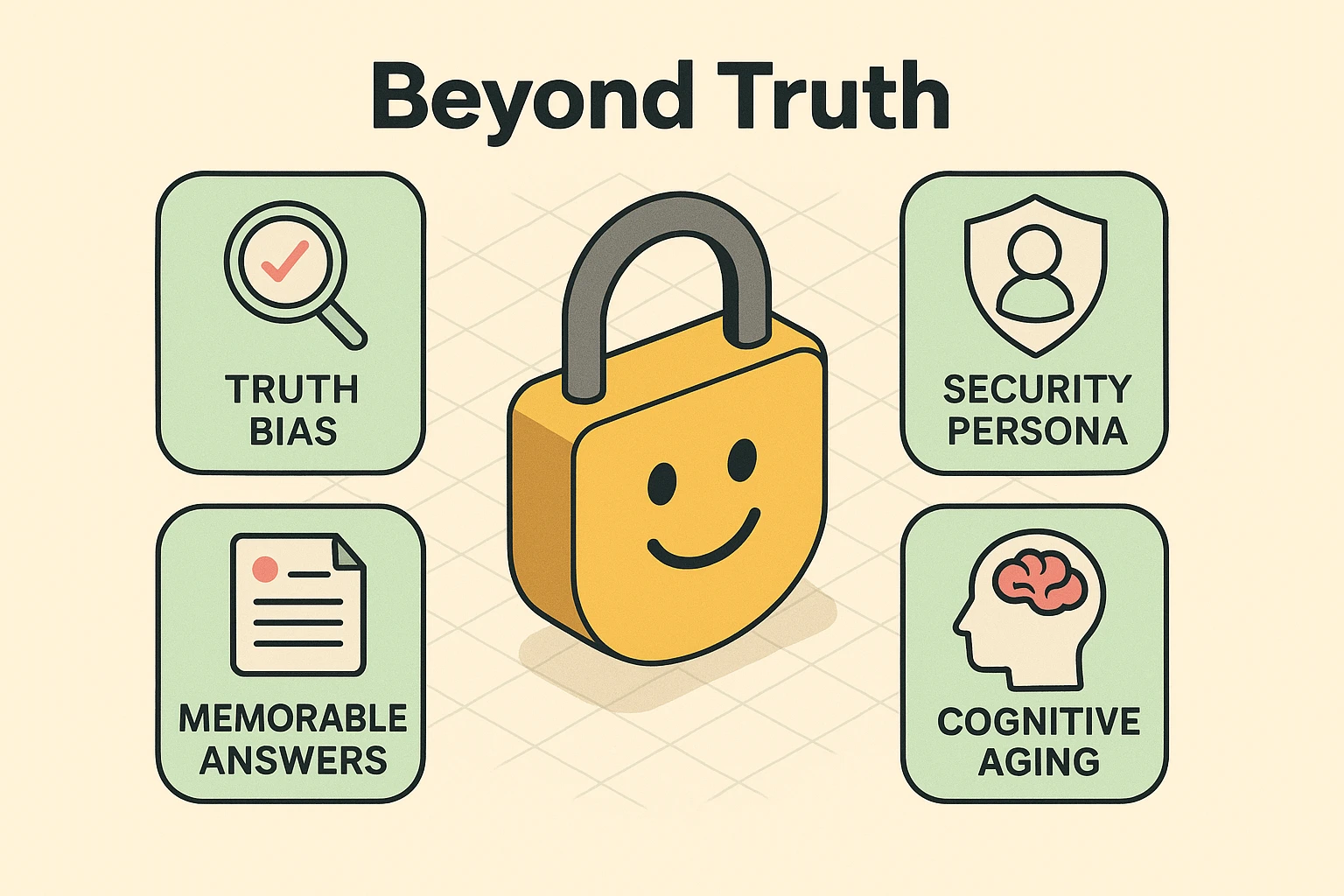
We were all raised to tell the truth. It’s a virtue. But when a website asks, “What is your mother’s maiden name?”, telling the truth is a security risk.
Why? Because facts are discoverable.
If you are on Facebook, your high school mascot is probably public knowledge. If you do genealogy research, your mother’s maiden name is on a public census record. A hacker doesn’t need to break into your house to find these answers; they just need to scroll through your timeline or do a quick Google search.
Furthermore, the truth is messy. If the question is “What is your favorite restaurant?”, the answer changes. Ten years ago it might have been that nice Italian place downtown. Today? It’s anywhere that doesn’t charge $15 for a side salad. When your security depends on an opinion that changes with the wind, you are setting yourself up for failure.
Here is the mindset shift that changes everything: An answer is just a second password.
The computer doesn’t know who your first pet was. It doesn’t care if you even had a pet. It is simply looking for a string of characters that matches what you typed in originally.
This gives us permission to do something very liberating: Lie.
But we aren’t going to lie randomly. We are going to lie strategically. Random lies are impossible to remember (was my fake dog named Spot or Rover?). Strategic lies—or “Security Personas”—are impossible to forget.
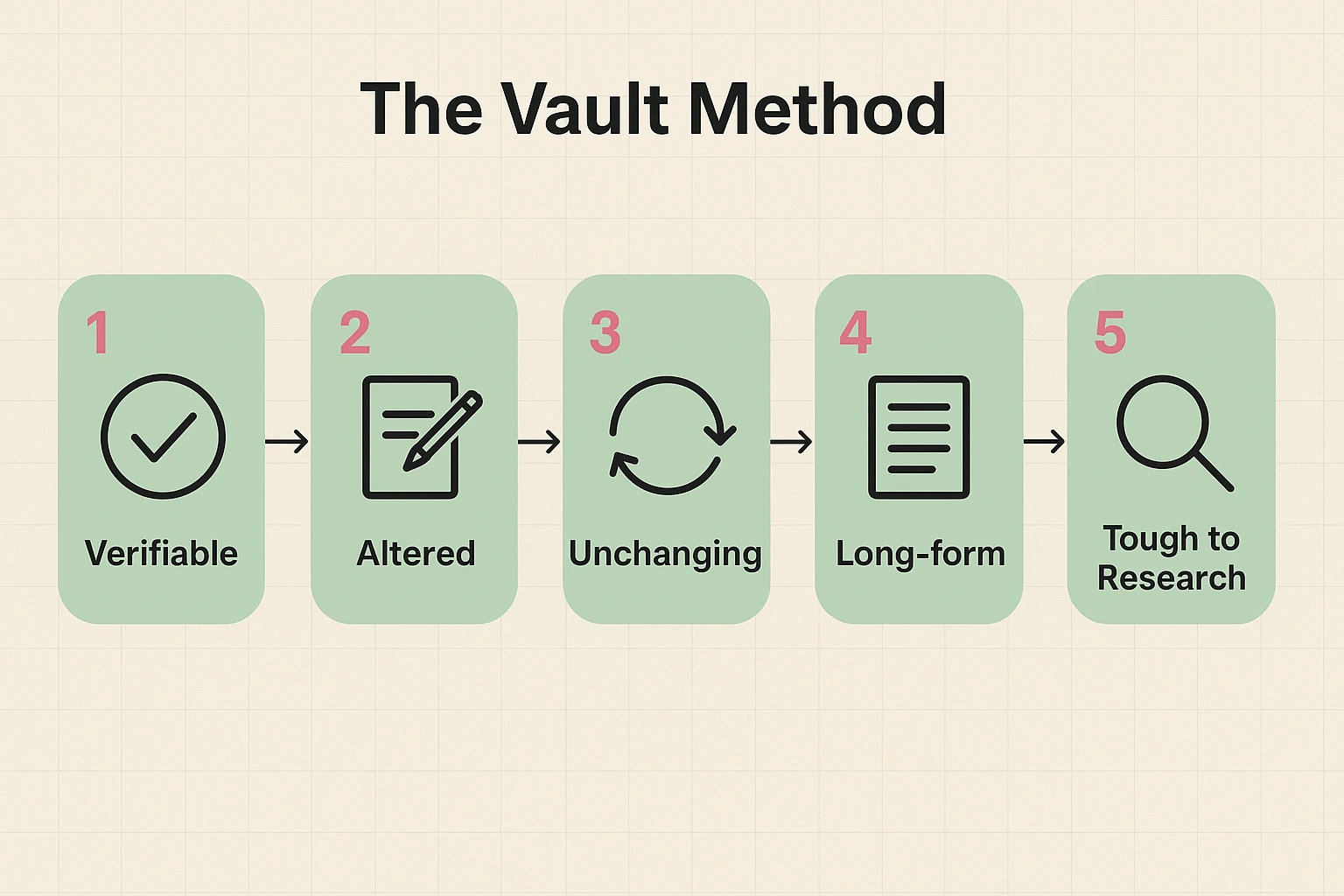
So, how do we create an answer that is safe from hackers but easy for you to recall without hypnosis? We use the V.A.U.L.T. Method. This strategy turns flimsy answers into a digital fortress.
The answer must be something that makes sense to you internally but cannot be verified by public records.
Twist the truth just enough that a stranger can’t guess it.
Avoid “favorites.” Favorites change. History doesn’t.
One-word answers are easy to crack. Phrases or sentences are mathematically much harder for a computer to guess.
Before you confirm an answer, give it the “Grandchild Test.” If your grandchild could guess the answer based on stories you’ve told at Thanksgiving, it’s not secure enough.
One of the biggest headaches is managing different answers for fifty different websites. Amazon wants your first pet; the electric company wants your high school; the bank wants your favorite color.
The solution? The Universal Persona.
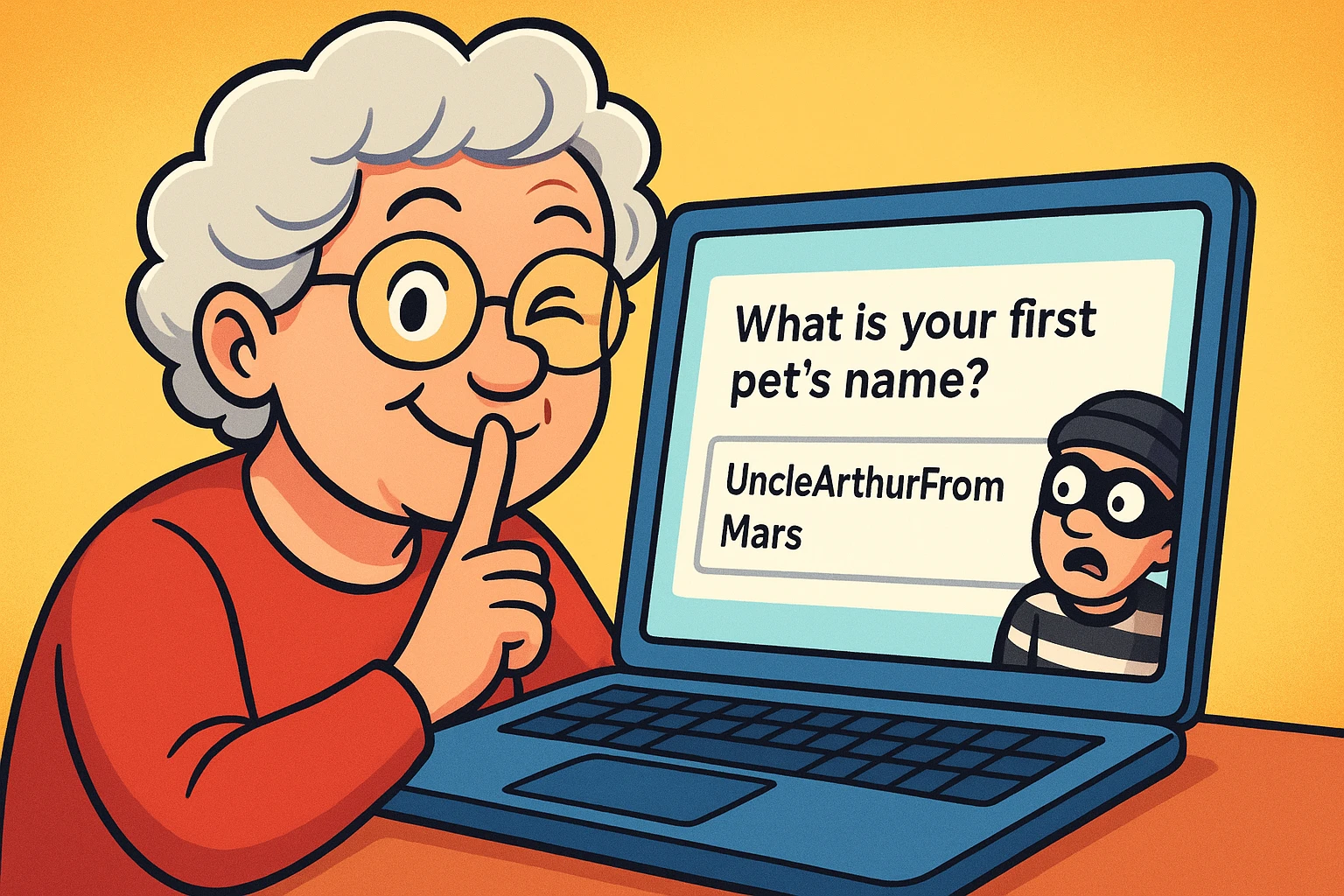
Invent a character. Let’s call him “Uncle Arthur.” Uncle Arthur doesn’t exist, but he is going to save your digital life. Whenever a website asks a question about a person, you answer with “Uncle Arthur.”
You can do the same for places. Pick a place you’ve never lived, like “Mars.”
Now, instead of remembering 50 different facts, you only have to remember that you are a person from Mars named Uncle Arthur.
There is a huge debate in the tech world about writing passwords down. The young “tech bros” will scream that you should never write anything on paper. They want you to use complex encrypted software managers.
And sure, those are great. But if you lock yourself out of the computer, how are you going to access the software that holds the password to the computer?
For many seniors, the Analog Recovery Vault (a.k.a. a notebook) is a perfectly valid security tool—if you use it right.
Important Safety Note: Before you set up these accounts and questions, always check their website to ensure you are dealing with a legitimate service and not a scammer trying to harvest your information.
Usually, yes! “Fido” and “fido” are often treated as two different words by computers. This is why we recommend keeping it simple—capitalize the first letter, or nothing at all, but be consistent across all your accounts.
Yes. Most account settings allow you to update these. If you realize your current answer is “1234,” please go change it immediately. We’ll wait.
This is common. Pick the one that is most “factual” (like a date or a name) and apply the V.A.U.L.T. method. If they ask for “Mother’s Maiden Name” and you don’t want to use it, use your “Universal Persona” answer instead.
Technology often feels like something that happens to us. We are told to click here, update this, and remember that. But when it comes to security questions, you are in the driver’s seat.
By using the V.A.U.L.T. method, you aren’t just securing your accounts; you’re saving yourself the headache of trying to remember which favorite movie you liked best in 2012. You are building a system that relies on strategy, not memory.
So go ahead, create your “Uncle Arthur.” Your secrets are safe with him.