Newsletter Subscribe
Enter your email address below and subscribe to our newsletter

Enter your email address below and subscribe to our newsletter
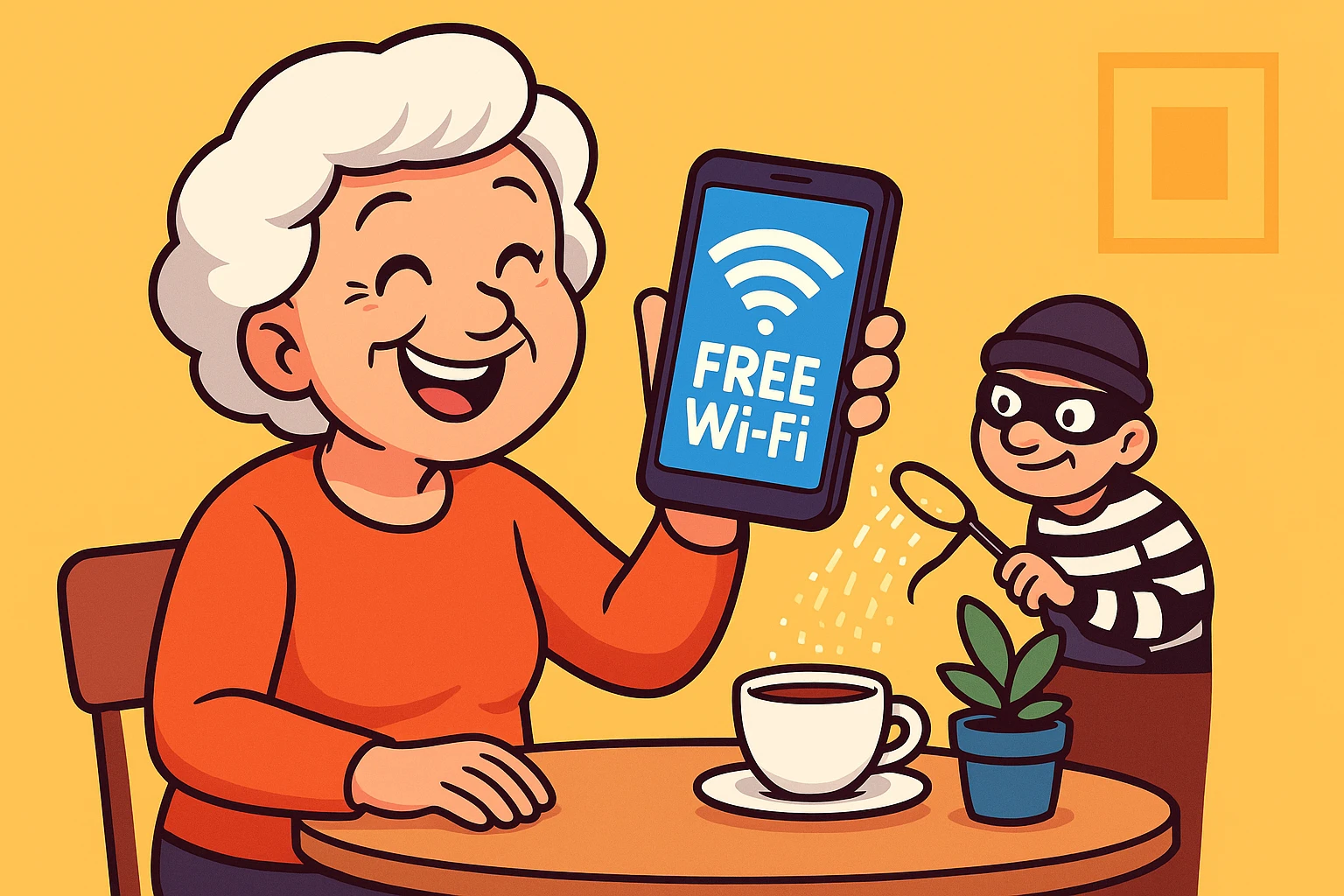
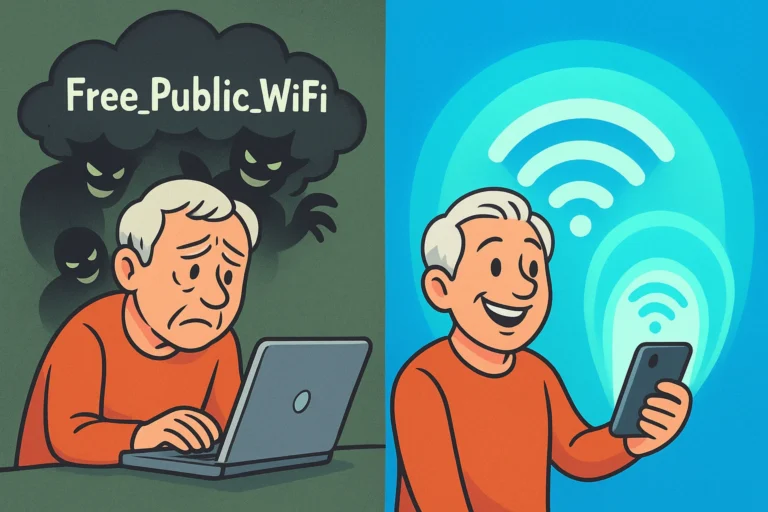
You just paid six dollars for a coffee that takes ten minutes to make and involves more foam than actual liquid. You sit down, pull out your smartphone, and eagerly look for the coffee shop’s “Free Wi-Fi” network so you can check your email. You click connect. But instead of the internet, you get a pop-up screen demanding your email address, your phone number, and a promise of your firstborn child before it lets you see photos of your grandkids.
Does this sound familiar? We all love the word “free,” especially when it comes to Wi-Fi. But the truth is, when an airport, hotel, or local café offers you complimentary internet access, it usually isn’t free at all. You’re just paying for it with something else: your privacy.
Today, we’re going to look at the invisible catch that comes with public Wi-Fi. We’ll untangle the tech jargon, expose the digital eavesdroppers, and show you exactly how to protect yourself without needing a computer science degree.
When you connect to a public network and that annoying screen pops up asking you to accept their terms and conditions, you’ve just met a “Captive Portal.” These portals aren’t there to welcome you. They are there to collect your data.
By entering your email address or logging in through social media, you are handing over a piece of your digital identity. Retailers use this information to build a marketing profile on you, tracking how often you visit and how long you stay. It’s the digital equivalent of a store clerk following you around with a clipboard, taking notes on everything you look at.
The golden rule of the internet applies here: If you aren’t paying for the product, you are the product.
Beyond the businesses wanting to send you coupons, there are more sinister characters lurking on public Wi-Fi. The good news is, they don’t have to be scary if you know what to look for. Here are the three most common public Wi-Fi pests, explained in plain English.
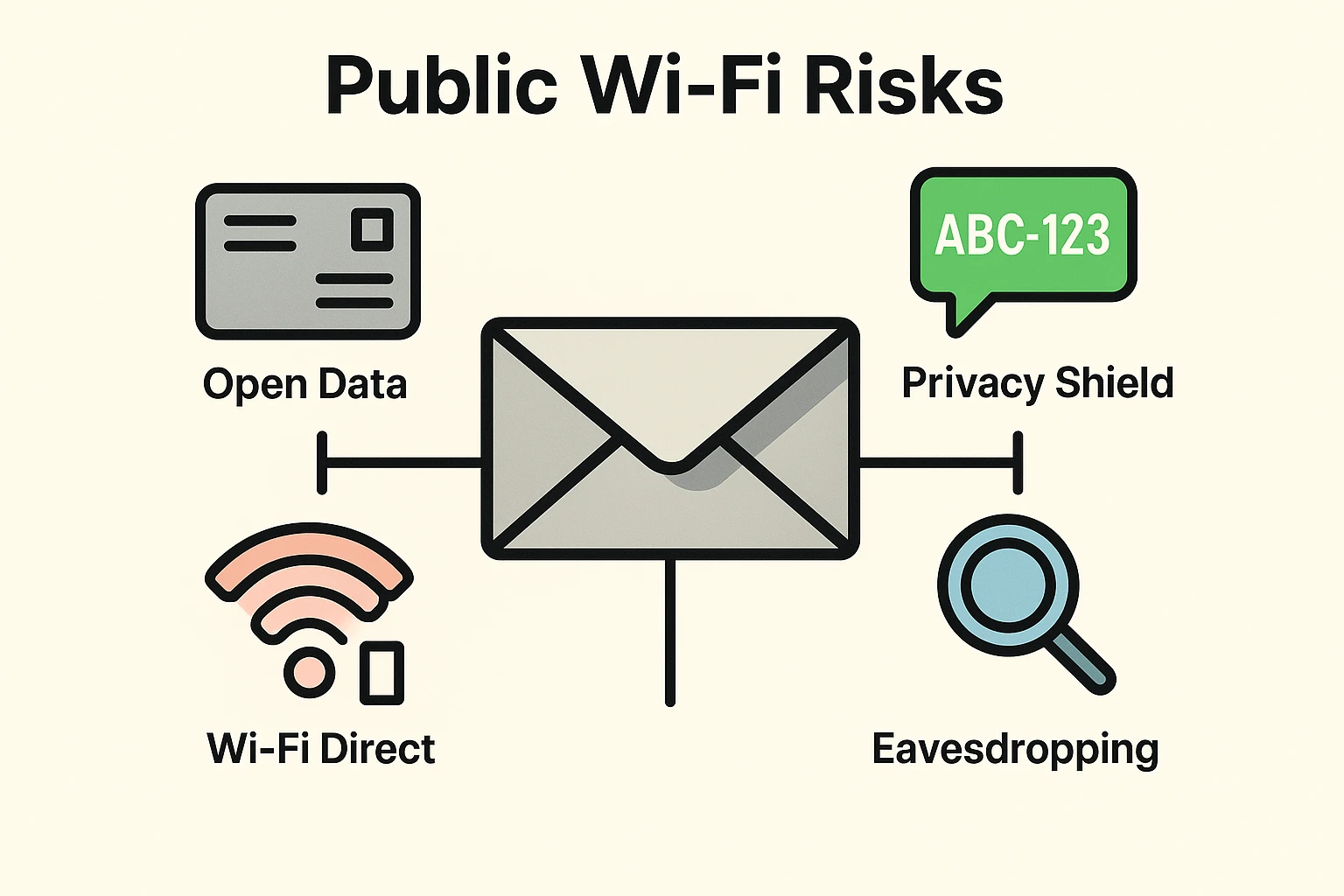
Imagine you are sitting on a park bench reading a highly personal letter, and a stranger sits right behind you, reading over your shoulder. That’s packet sniffing. Hackers use simple software to pluck unencrypted data out of the thin air as it travels from your device to the coffee shop’s router.
This is when a scammer sets up their own Wi-Fi network and gives it a name you’d trust, like “Starbucks Guest” or “Airport Free Web.” You connect to it thinking you’re safe, but you’ve actually walked into a fake digital storefront. If you’re ever suspicious of a business’s online portal, it’s safer to use your cellular data to check their website and confirm you’re dealing with the real company.
Think of this hacker as a nosy mailman who intercepts your letter, reads it, seals it back up, and then delivers it. You never even know someone else looked at your private correspondence. They position themselves directly between your device and the website you’re trying to reach.
Now, before you swear off the internet and throw your phone into a lake, take a deep breath. You are actually much safer than you were just a few years ago. Modern devices come with some incredible built-in security guards.
You’ve probably noticed that most website addresses start with “HTTPS” instead of just “HTTP.” That “S” stands for Secure, and it is your best friend. Think of HTTP as sending a postcard through the mail—anyone who touches it can read it. HTTPS is like putting that letter inside a locked, steel envelope. Even if a hacker intercepts it on public Wi-Fi, all they see is scrambled gibberish.
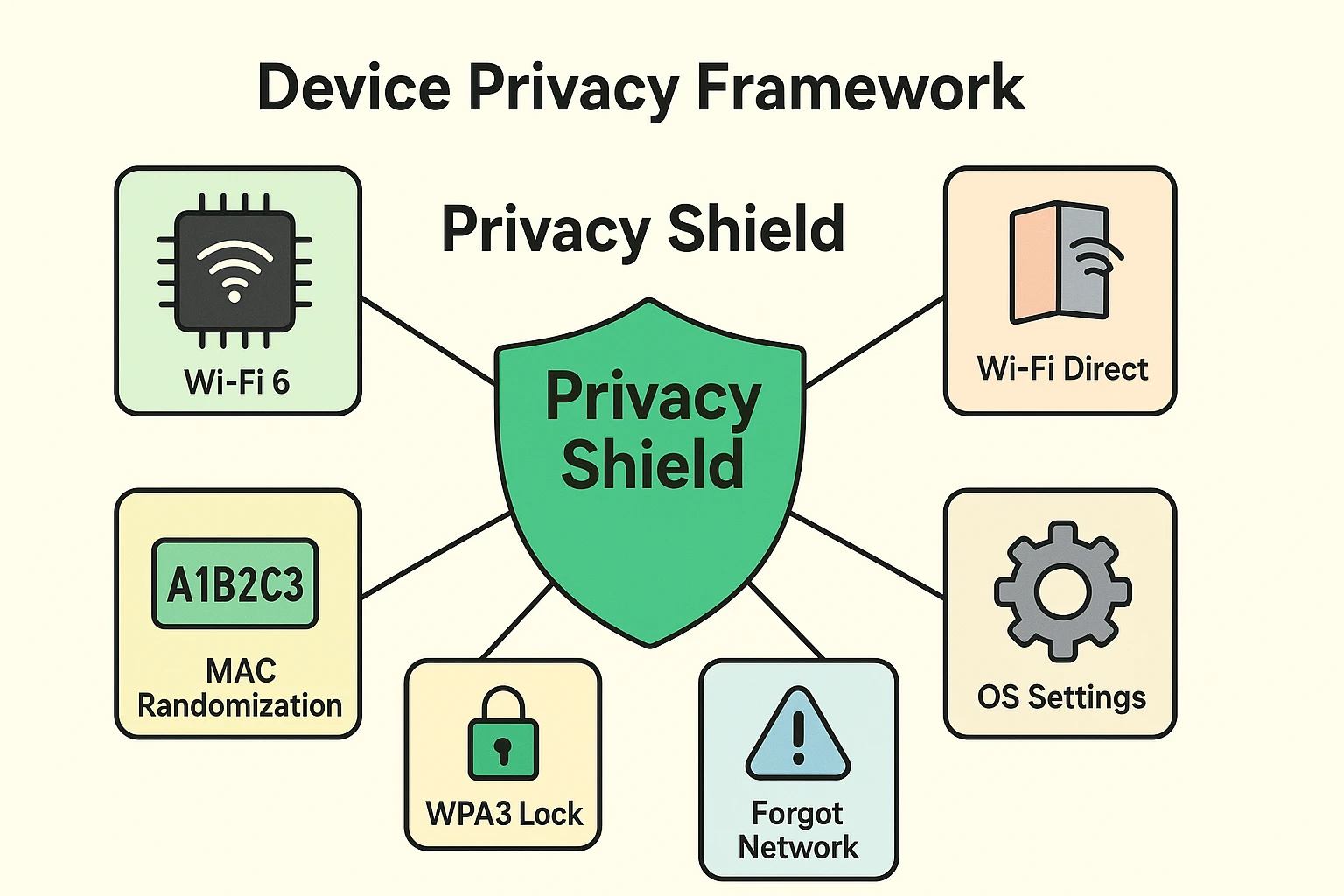
Every device has a unique digital fingerprint called a MAC address. In the old days, a shopping mall could track exactly which stores you walked past by following your phone’s MAC address. Today, iPhones and Androids use “MAC Randomization.” This means your phone creates a temporary, fake license plate for every new network you join, making it nearly impossible for stores to track your physical movements.
You don’t need to be a tech wizard to use public Wi-Fi safely. Sometimes, simply having a newer device does the heavy lifting for you.
If you’ve bought a computer or phone in the last few years, it likely has something called Wi-Fi 6 inside it. Without getting bogged down in the nerdy details, Wi-Fi 6 mandates a security standard called WPA3. Basically, it acts like an automatic bouncer that encrypts your connection, even if the network itself doesn’t require a password.
However, you should watch out for a setting called “Wi-Fi Direct.” Some devices use this to connect straight to things like wireless printers or cameras. Think of Wi-Fi Direct as an open back door to your house. If you’re out in public, it’s best to turn this feature off in your settings so nobody sneaks in.
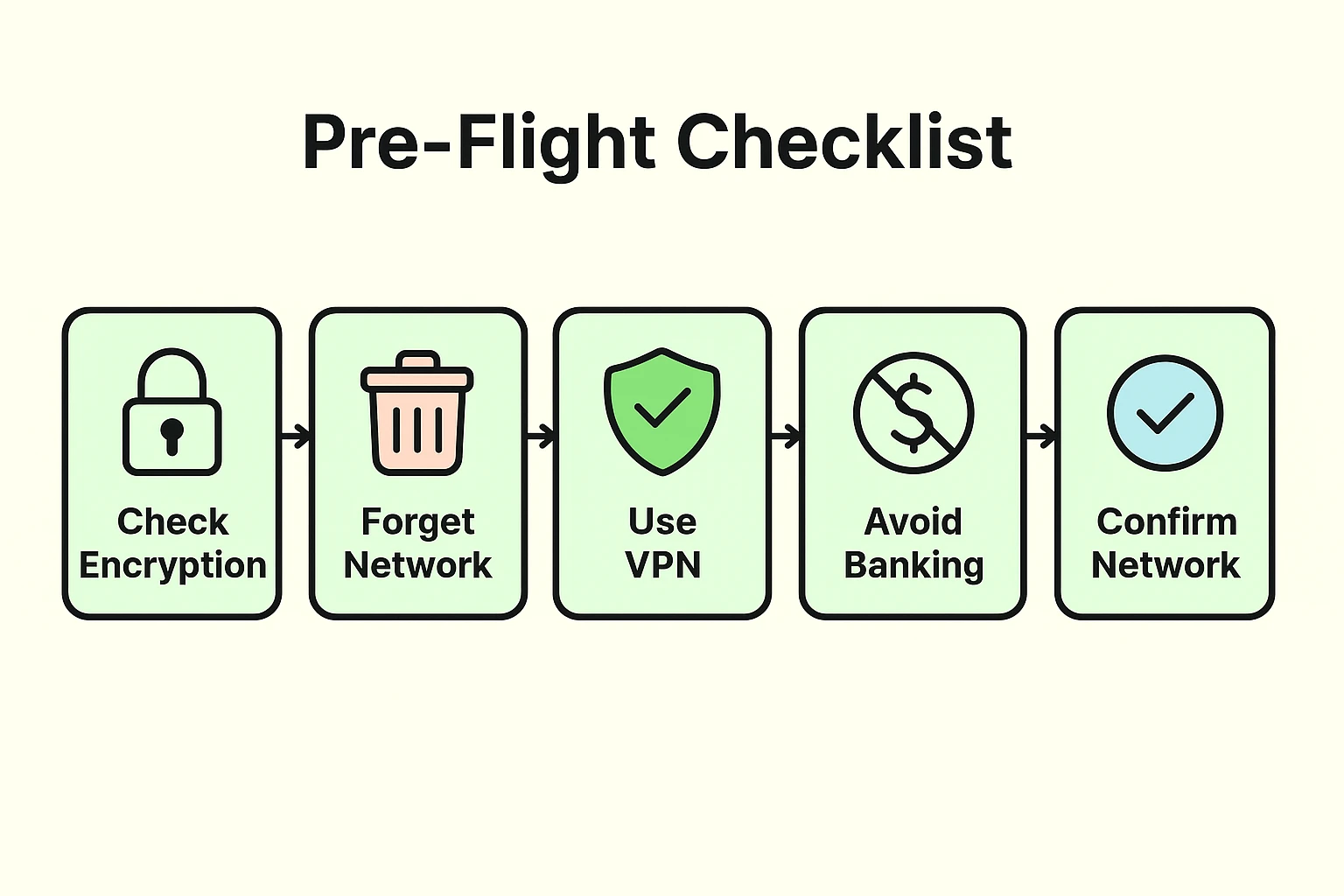
Now that you know how the game is played, here is your simple public Wi-Fi survival guide. You can safely use a coffee shop’s internet to read the news, check the weather, or look up movie times. But you should always follow these rules.
There are three things you should absolutely never do on public Wi-Fi:
When you are done drinking your latte and ready to head home, take five seconds to tell your phone to “Forget” the network. If you don’t, your phone will automatically try to reconnect to that network the next time you walk past the shop. By hitting “Forget This Network” in your Wi-Fi settings, you stay in total control of who your device talks to.
No, a hacker cannot magically view your screen like they are watching TV over your shoulder. They can only intercept the data traveling between your device and the router. If you are on a secure website (HTTPS), that data just looks like scrambled nonsense to them anyway.
The lock icon means your connection to that specific website is encrypted (the steel envelope!). It does not mean the Wi-Fi network itself is safe, but it does mean your data is protected during transit to that specific site.
A VPN (Virtual Private Network) is an app that puts a secure, encrypted tunnel around all your internet traffic. If you travel frequently or find yourself working from coffee shops every day, a VPN is a great investment. If you just check the weather at the library once a month, sticking to our “Never-Ever” list is usually protection enough.
Public Wi-Fi doesn’t have to be a scary, forbidden zone. By understanding that “free” means trading a bit of data, and by letting your modern device’s security features do their job, you can browse with confidence.
Want to keep building your tech confidence? Check out the settings on your smartphone today and practice using the “Forget This Network” feature. Once you master that, you’ll be the undisputed boss of your own digital privacy!