Newsletter Subscribe
Enter your email address below and subscribe to our newsletter

Enter your email address below and subscribe to our newsletter
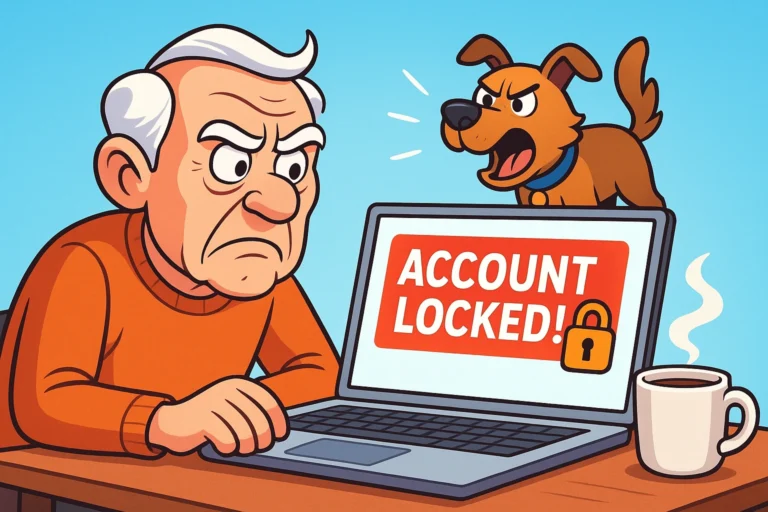
Picture this: You sit down to check your email, ready to see if your granddaughter sent those photos of her new puppy or to find out if that Nigerian Prince ever got the money you sent him (spoiler alert: he didn’t). You type in your password. Access Denied.
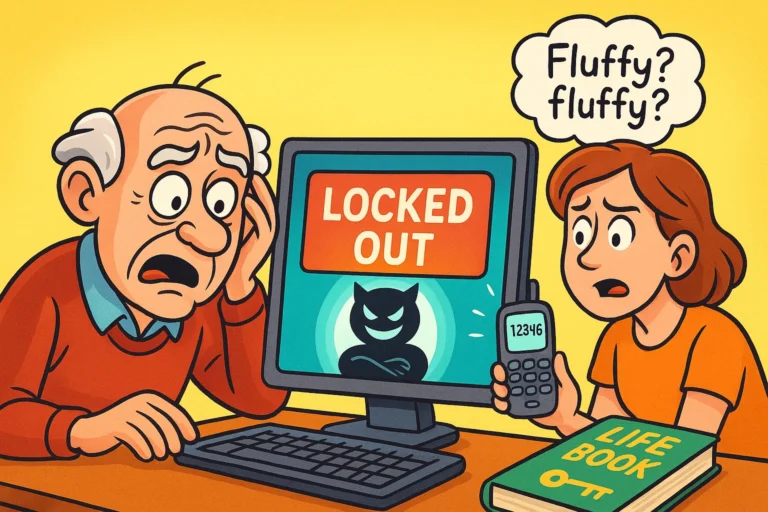
No problem, you think. You’ll just click “Forgot Password.” The computer cheerfully offers to send a code to your recovery email address. Excellent! Except… that email address ends in @earthlink.net, and you haven’t used it since the Clinton administration.
“Okay,” you mutter, slightly sweating. “Send a text to my phone.” The computer agrees! And then it displays the last two digits of a phone number that belonged to a Nokia brick phone you recycled in 2009.
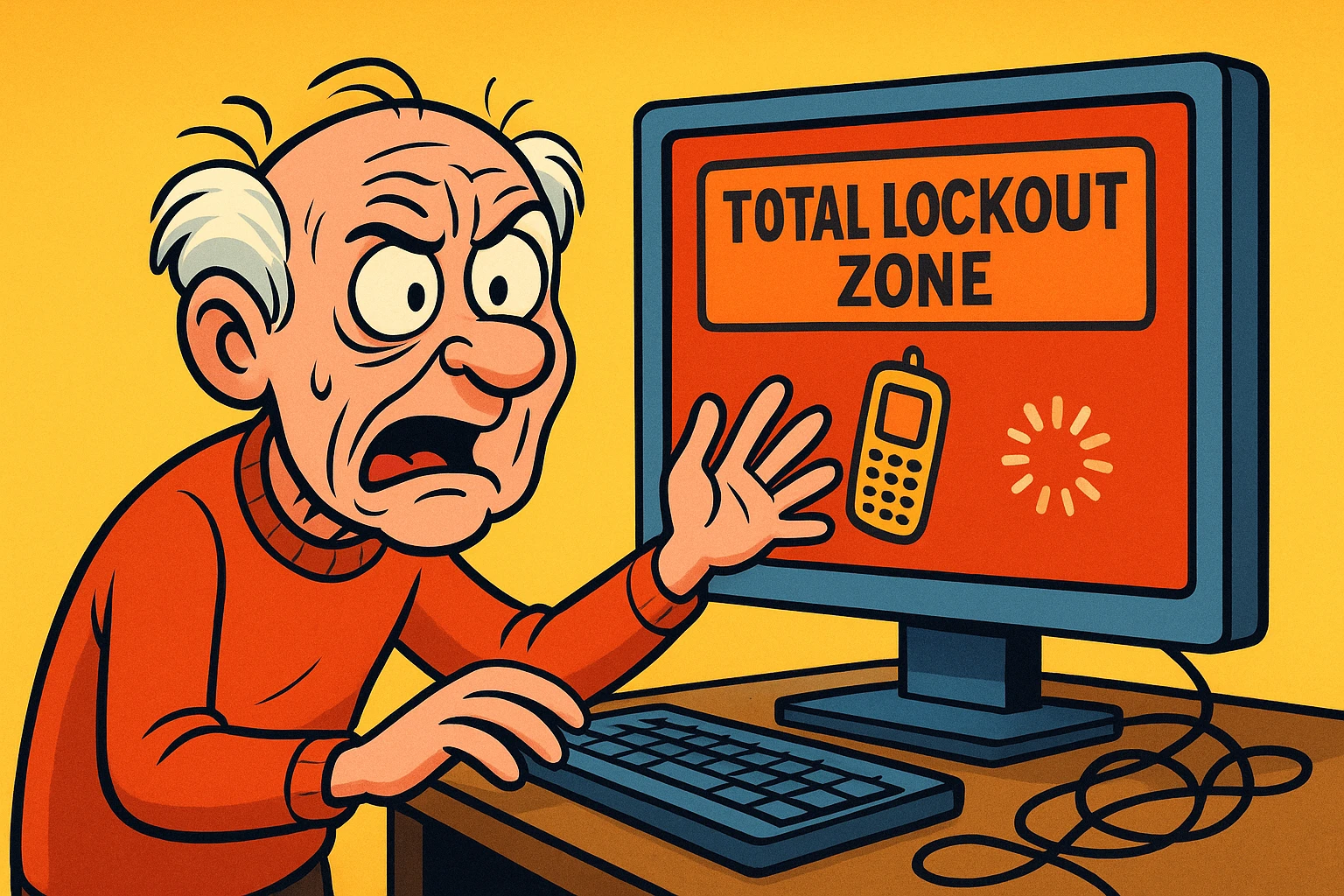
Congratulations, you have entered the Total Lockout Zone. It’s like losing your house keys, only to realize your spare key is locked inside the house, and the locksmith is a robot who refuses to believe you actually live there.
If you are currently staring at a screen that feels like a digital fortress, stop clicking. The natural instinct is to panic and try every password you’ve ever used since high school. But in the eyes of Big Tech security systems, panic looks a lot like hacking.
Take a deep breath. We are going to fix this, but not by guessing. We are going to fix this by becoming detectives.
Here is the secret that Google, Microsoft, and Apple don’t explicitly tell you: Account recovery isn’t just about knowing a password. It is a trial where you must prove your identity to a jury of skepticism-programmed robots.
Most people fail because they rush into the “Recovery Form” unprepared. They guess wildly, get rejected, and then try again five minutes later. This convinces the security robot that you are a cyber-criminal trying to brute-force your way in.
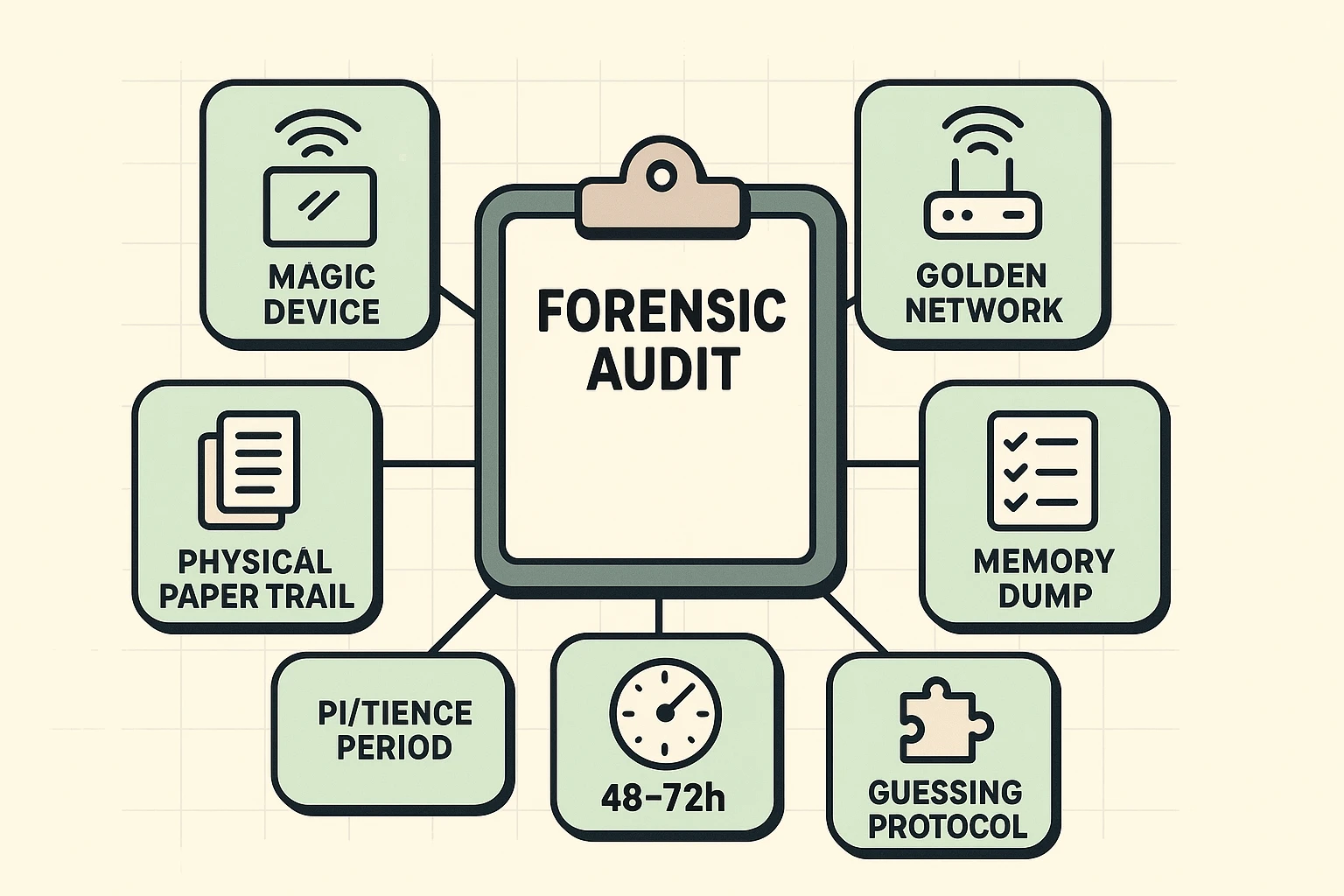
Before you touch that keyboard again, we need to gather your evidence. We are going to conduct a “Forensic Audit” of your digital life.
Security systems love familiarity. If you try to recover your account from your brand-new iPad, the system gets suspicious. It’s a stranger.
Go dig through your drawers. Do you have an old smartphone, a dusty laptop, or a tablet that you used to use to log in? Even if it doesn’t have a SIM card or is running slower than molasses in January, that device has a “digital handshake” stored inside it that the system recognizes. Attempting recovery from a familiar device doubles your chances of success.
You might think, “I’m frustrated! I’m going to the library to handle this where it’s quiet,” or “I’ll ask my grandson to fix this at his house.”
Do not do this.
Your internet connection at home has a specific address (an IP address). Google and Microsoft know that “Grandma1955” usually logs in from 123 Maple Street. If suddenly “Grandma1955” is trying to break into the account from a Starbucks three towns over, the security robot slams the door shut. Sit in your usual chair, on your usual Wi-Fi network.
When the automated forms ask you questions to prove you are you, they might ask things you haven’t thought about in years. Before you start, try to find:
Once you have your “Forensic Kit” ready, it’s time to approach the gates. Every company handles the Total Lockout scenario differently. Here is how to navigate the big three.
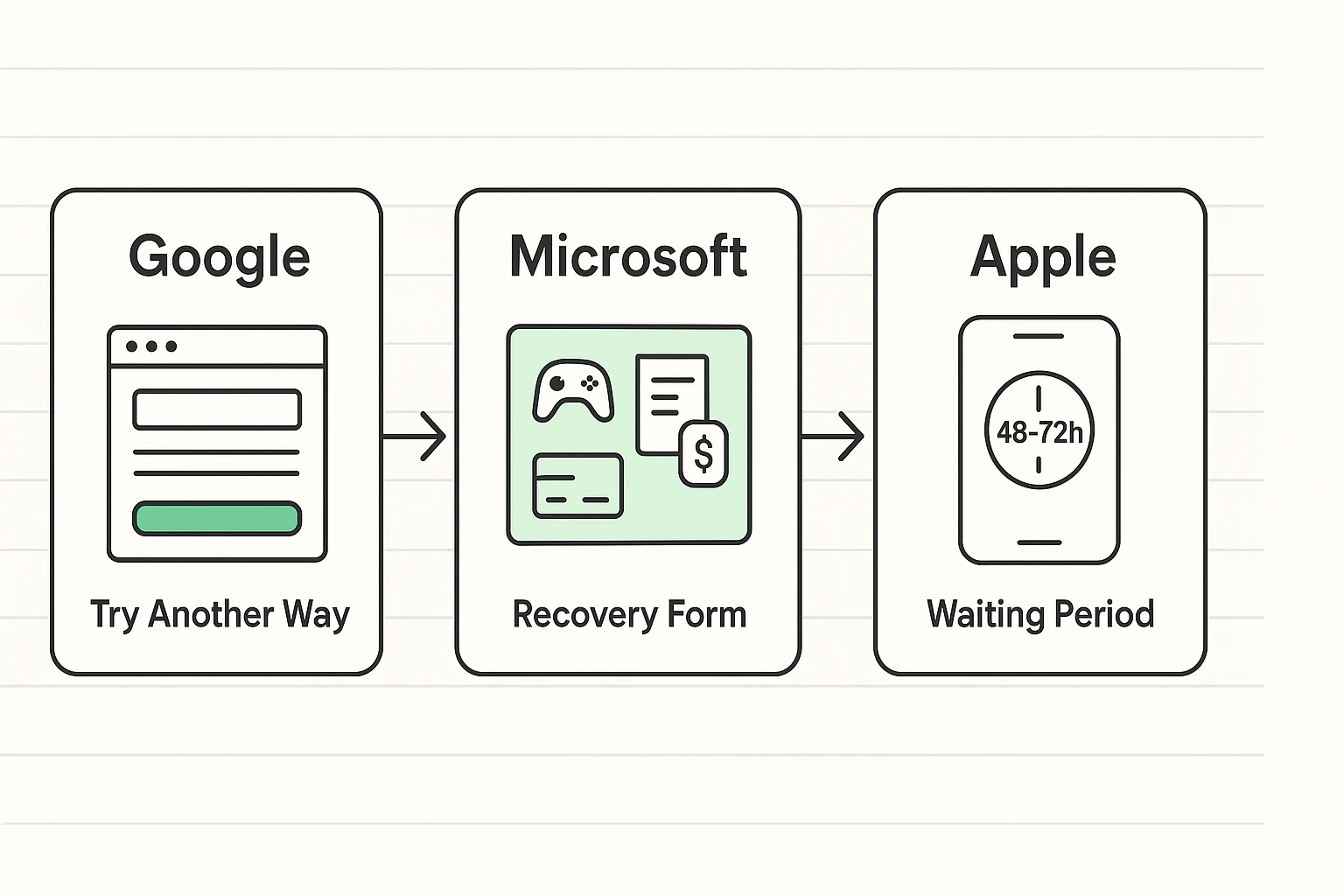
Google relies on the “Try Another Way” loop. When it asks for the phone number you don’t have, look for a small link at the bottom that says “Try another way to sign in.” Keep clicking this until you get to questions you can answer.
Microsoft is famous for its “Account Recovery Form.” This is essentially a quiz about your own life.
Apple has a specific process called “Account Recovery.”
iforgot.apple.com, but again—do not cancel and restart it out of impatience!It is vital to understand that there is no human being at Google sitting at a desk deciding to lock you out because they don’t like your tone. It is entirely math.
The system is building a “Trust Score” based on your behavior.
When you are desperate, you become a target. You might be tempted to search for “Gmail support phone number.”
Warning: Google, Facebook, and Microsoft do not have a phone number you can call for lost passwords. If you find a number, call it, and a nice man named “Steve” asks for your credit card to “unlock the server,” hang up immediately. It is a scam. Always check their website to verify if a support channel is legitimate—and if they ask for money to reset a password, run away.
Once you get back in—and with patience and our Forensic strategy, you likely will—you need to build a safety net so strong that even a total memory lapse can’t trap you again.
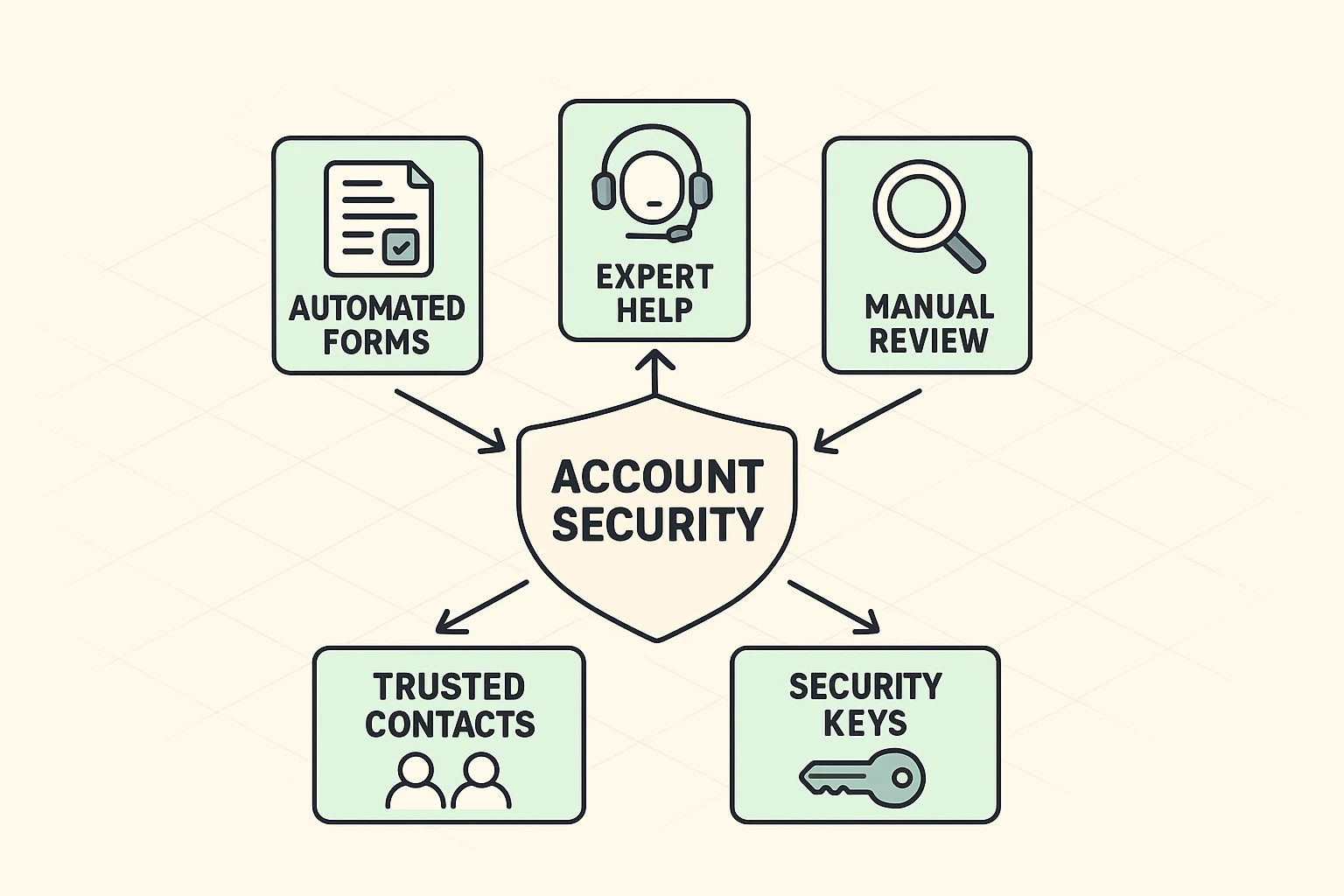
Facebook and Apple allow you to designate a “Legacy Contact” or “Recovery Contact.” This is a friend or family member who can receive a code for you if you get locked out. Choose someone responsible—preferably not the nephew who forgets his own birthday.
Most services offer “Backup Codes” (sometimes called Recovery Codes). These are a list of 10 one-time-use codes. Print them out. Put them in the same fireproof box where you keep your birth certificate and the deed to your house. These codes override everything else.
Change that recovery email from the defunct @aol.com address to your spouse’s email or your current primary email. Add a mobile phone number that can receive texts.
Generally, no. For privacy reasons, the “Geniuses” at the store cannot see your password or override the security lock. They can guide you to the same website you are using at home, but they can’t wave a magic wand.
Most systems will “soft lock” you for 15 minutes to 24 hours after too many bad guesses. It is rarely “forever,” but if you keep guessing during the lockout period, the timer resets. Walk away and make a cup of tea.
Stop trying for 24 hours. Then, try to find one new piece of information (an old password, a specific date) before trying again. Insanity is doing the same thing over and over and expecting a different result; security algorithms agree with this definition.
It is rarely hopeless, but it requires a shift in mindset. You are no longer a user logging in; you are a researcher building a case file. Gather your evidence, stay on your home Wi-Fi, and be patient. You’ll get those puppy photos back eventually.