Newsletter Subscribe
Enter your email address below and subscribe to our newsletter

Enter your email address below and subscribe to our newsletter
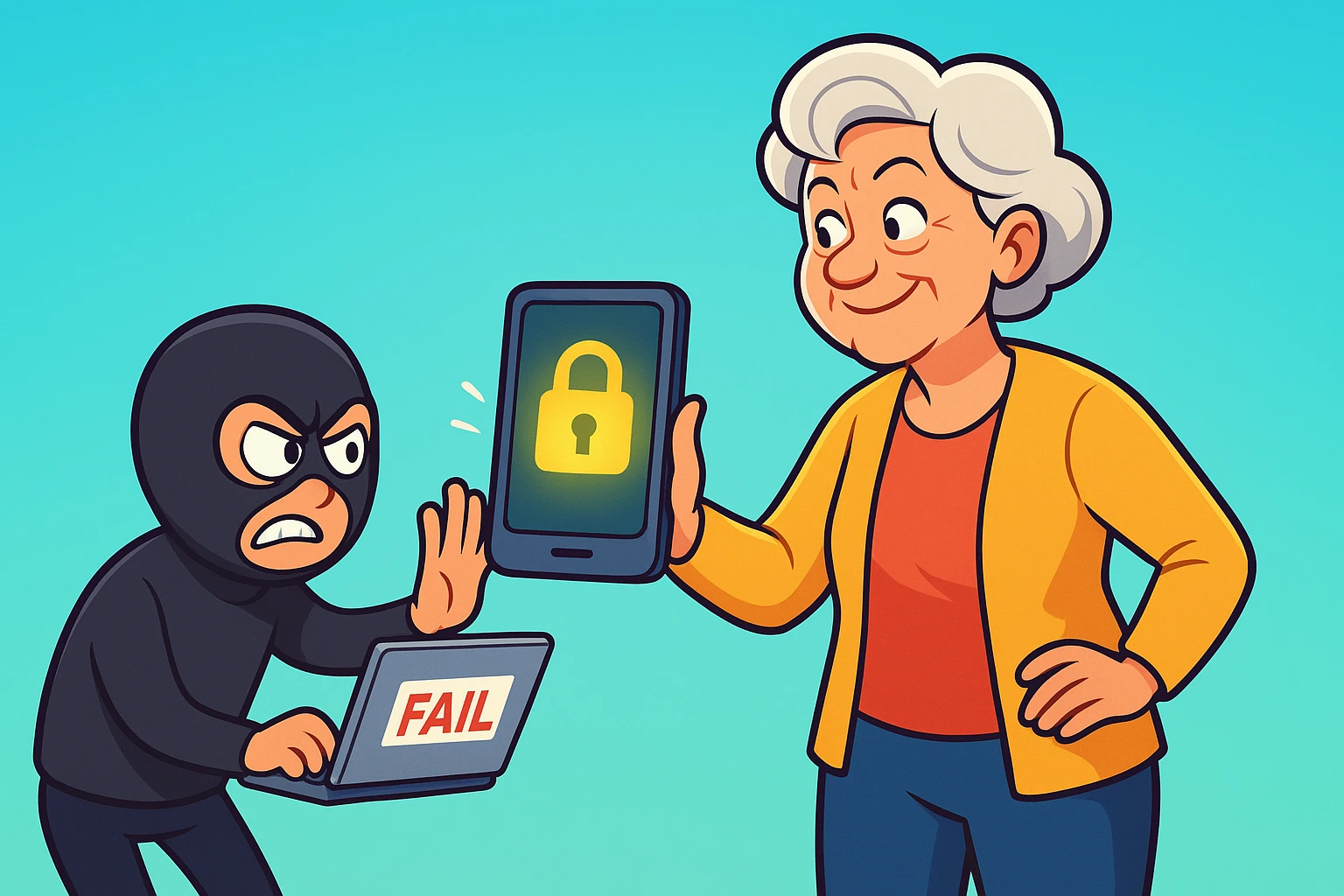
Remember the good old days when protecting your money meant keeping a tight grip on your leather wallet and giving the evil eye to anyone standing too close in the checkout line? If a pickpocket wanted your hard-earned cash, they actually had to put on real pants, leave their house, and risk you whacking them with an umbrella.
Today, the modern pickpocket doesn’t wear a ski mask or lurk in dark alleys. Instead, they sit in a comfortable swivel chair halfway across the world, drinking a latte and using a laptop to try and sneak into your “digital wallet.” It’s entirely unfair, wildly annoying, and a major reason why managing money online can feel like walking through a digital minefield in clown shoes.
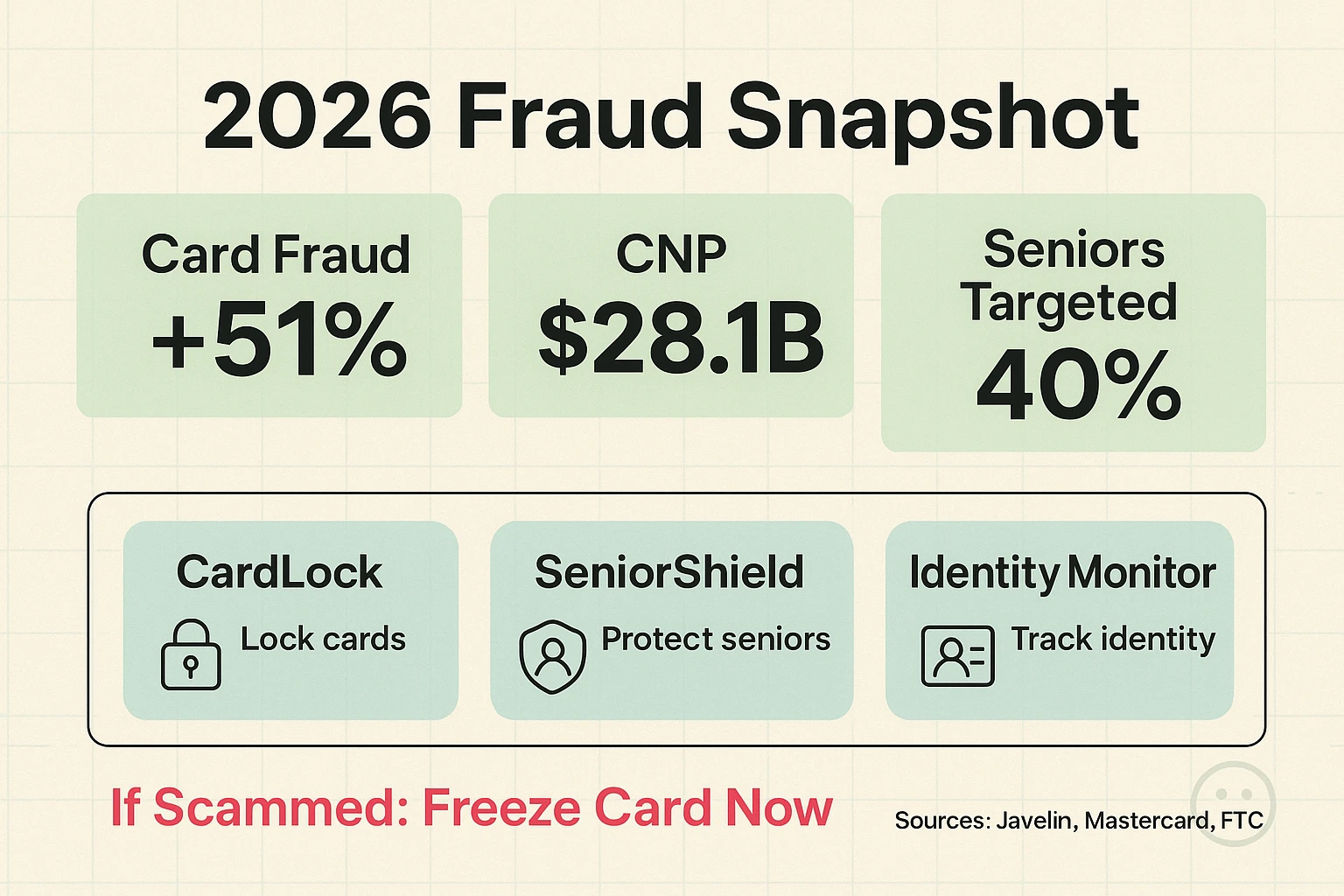
If you feel anxious every time you click “Buy Now,” you are completely justified. Nearly 40% of Americans experienced financial fraud attempts in the past year alone. Credit card fraud reports have skyrocketed by 51% recently, and online shopping scams are projected to hit a mind-boggling $28.1 billion in 2026.
But before you decide to close your accounts and stuff your life savings inside an empty mattress, take a deep breath. You don’t need a degree in computer science to keep your money safe. You just need to know the new rules of the road. We are going to decode the sneaky tricks scammers use, show you the easiest tools to block them, and help you lock down your digital wallet so you can shop and bank online with total peace of mind.
The first step to beating a scammer is knowing what they’re up to. Modern thieves have upgraded from the old “Nigerian Prince” emails to highly sophisticated tricks that can fool almost anyone. Seniors are disproportionately targeted by these evolving digital frauds, not because we aren’t smart, but because scammers specifically design these traps to catch us off guard.
One of the biggest threats today is “Synthetic Identity Fraud,” which currently causes about 80% of all credit card fraud losses. Instead of stealing your entire identity, scammers take one piece of your real information—like your Social Security number—and combine it with fake names and addresses to create a “Frankenstein” identity. They then use this to open credit cards and rack up debt.
Then there are AI-enhanced scams. Scammers are now using Artificial Intelligence to write flawless, typo-free phishing emails that look exactly like they came from your bank. They can even clone the voices of your loved ones to call and beg for emergency gift cards. And if you’re out and about, watch out for “NFC Ghost Tapping,” where a thief with a hidden scanner simply brushes past your purse or pocket to read your card data wirelessly.
Now that we know what the bad guys are doing, let’s build your digital fortress. These are simple, senior-friendly behavioral tweaks that offer massive protection.
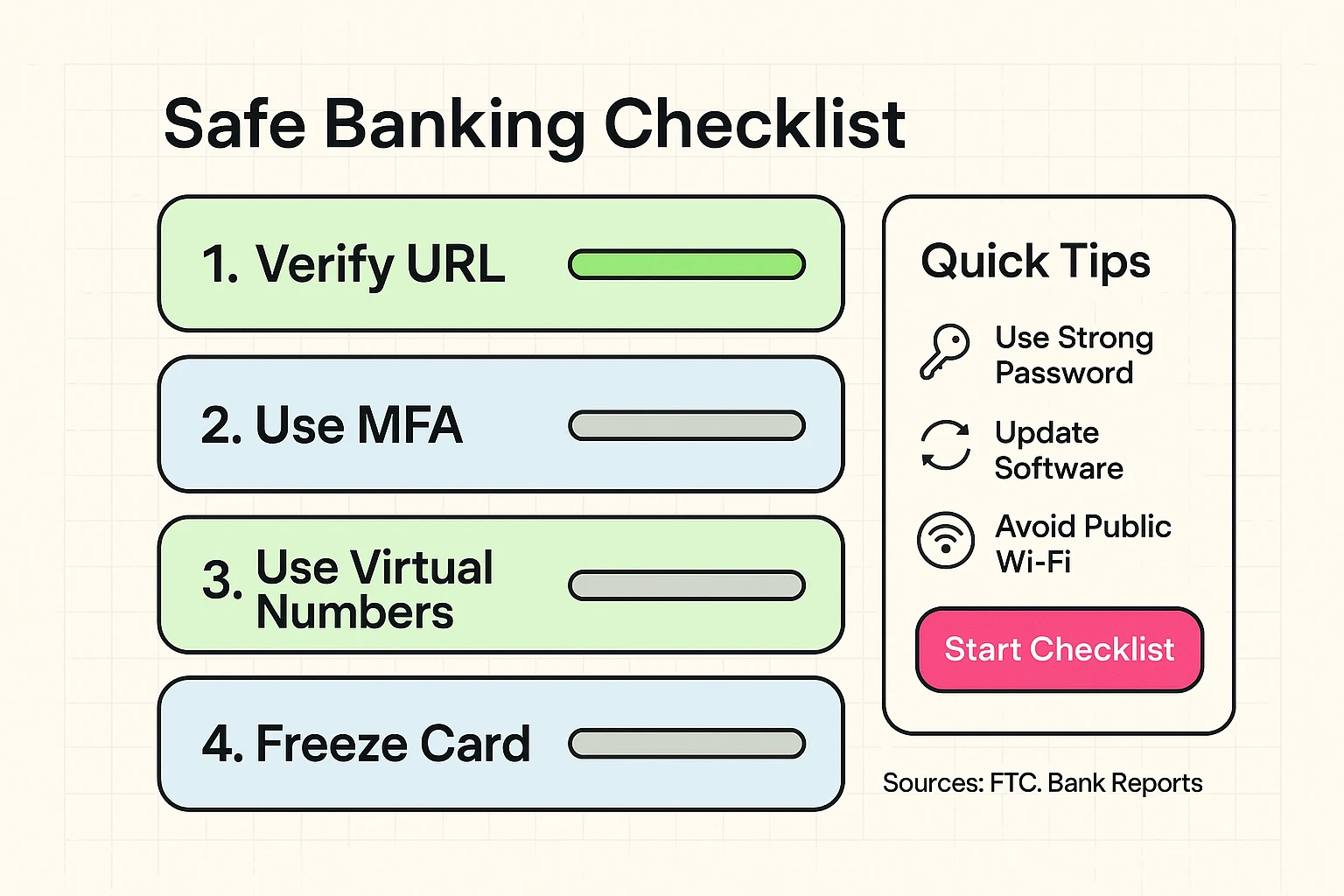
1. Always Use a Credit Card for Online Shopping
Never use a debit card to buy things online. When a scammer steals your debit card info, they are draining your actual checking account—the money you use for groceries and the electric bill. When they steal a credit card, they are stealing the bank’s money. The bank will fight much harder to get its own money back, and you are protected by stronger federal fraud laws.
2. Play Detective Before You Buy
Just because a website has a picture of a cute puppy and a “Buy Now” button doesn’t mean it’s real. Before you purchase that surprisingly cheap set of patio furniture, you need to check their website to ensure it’s a legitimate operation. Look for the little padlock icon in the web address bar, but don’t stop there—search for reviews of the company independently.
3. Embrace the “Tap to Pay” Feature
If your credit card has that little Wi-Fi-looking symbol on it, use it! Tapping your card at the grocery store is significantly safer than inserting the chip, and lightyears safer than swiping the magnetic stripe. Tapping creates a unique, one-time code for that specific purchase, meaning even if a hacker intercepts it, the code is entirely useless for future purchases.
4. Turn On Purchase Alerts
Go into your bank’s app or call their customer service line and ask to turn on text message alerts for all purchases over a certain amount (like $1.00). Yes, your phone will ding when you buy a coffee. But it will also ding if someone tries to buy a flat-screen TV in another state, allowing you to stop the fraud instantly.
5. Consider Freezing Your Credit
Think of a credit freeze like putting your credit score into a deep, cryogenic slumber. By contacting the three major bureaus (Equifax, Experian, and TransUnion), you can lock your credit file for free. This absolutely stops scammers from opening new accounts in your name. When you want to buy a car or open a new card, you simply “thaw” it with a PIN.
6. Use Virtual Credit Card Numbers
Many major credit cards now offer “virtual numbers” for online shopping. This feature generates a fake, temporary credit card number connected to your real account. It’s like wearing a disguise to go grocery shopping. If the online store gets hacked, the thieves only get the fake number, keeping your real plastic safe.
7. Ignore “Urgent” Messages from Your Bank
Scammers love to create a false sense of panic. If you get a text or email screaming that your account has been compromised and you must “click here immediately,” ignore it. Your bank will never text you a link asking you to log in. Take a breath, close the message, and call the number on the back of your physical credit card to verify.
8. Skip the Public Wi-Fi for Banking
Free Wi-Fi at the coffee shop is great for reading the news or looking at pictures of your grandchildren. It is terrible for logging into your bank. Public networks are notoriously easy to hack. If you must check your balance while enjoying a scone, turn off your Wi-Fi and use your phone’s cellular data instead.
9. Stop Reusing Your Passwords
Using “Fluffy2010” for your email, your bank, and your favorite knitting forum is a recipe for disaster. If the knitting forum gets hacked, scammers will try that same password on every banking site they can find. Use a trusted password manager to create and remember complex, unique passwords for every site.
10. Keep Your Devices Updated
Those annoying little pop-ups asking you to update your phone or computer are actually vital security patches. When Apple or Microsoft discovers a new way hackers are breaking into devices, they send out an update to patch the hole. Ignoring these updates is like leaving your front door wide open because locking it takes too much effort.
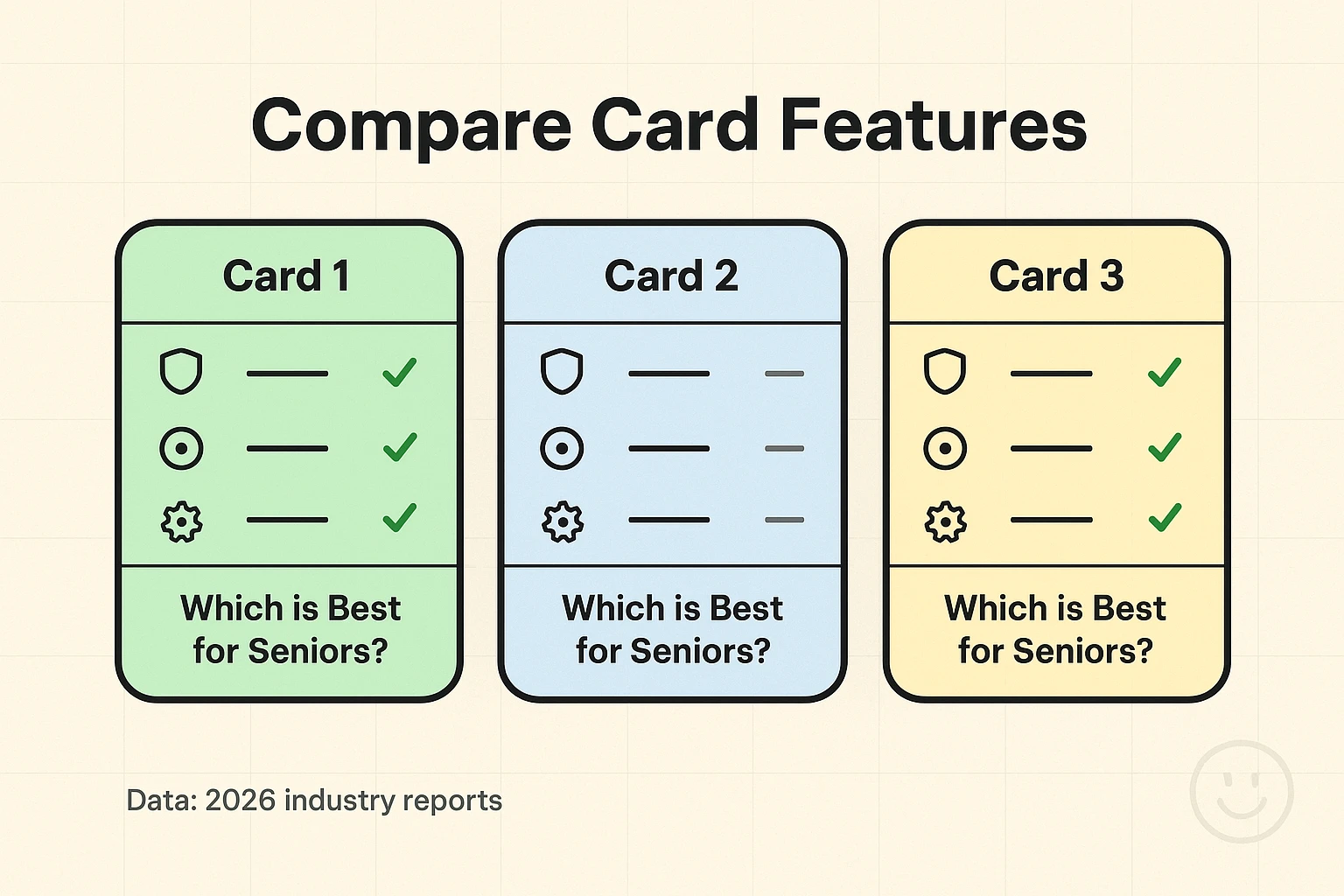
Not all credit cards are created equal. You don’t just want a piece of plastic with a pretty picture of a national park on it; you want a financial bodyguard. When evaluating which card to use for your online shopping, you need to look at the security features operating behind the scenes.
Look for cards that heavily market their AI-driven fraud detection. Visa and Mastercard have incredibly advanced systems that learn your normal shopping habits and will automatically decline suspicious out-of-character purchases. You also want a card with a highly rated, easy-to-use mobile app. The ability to instantly lock a misplaced card right from your smartphone is an absolute game-changer.
Finally, prioritize zero-liability protection and strong purchase protections. If a scammer gets your info, zero-liability ensures you won’t owe a single penny for unauthorized charges. Good purchase protection also means that if you buy a tablet online and it arrives smashed (or never arrives at all), the credit card company will refund your money even if the merchant refuses to help.
If managing all of this sounds overwhelming, technology is actually stepping up to make it easier. There are several fantastic tools designed to act as your personal financial watchdogs, and they don’t require an advanced degree to set up.
Apps like CardValet let you treat your debit or credit card like a light switch. Through a simple app on your phone, you can turn your card “off” when you’re sitting at home, and turn it “on” right before you step up to the cash register. If a scammer tries to use your card while it’s toggled off, the purchase is instantly denied.
For those who want an extra set of eyes, services like SeniorShield and dedicated identity monitoring apps can be invaluable. These tools continuously scan the dark web for your information and alert you if your data is found. Many of these senior-focused apps also allow you to optionally loop in a trusted family member or caregiver, so if a massive, suspicious charge occurs, both of you get an alert.
Let’s say the worst happens. You check your statement and see a $400 charge for surfboards in Hawaii, but you live in Ohio and absolutely hate the ocean. First of all: do not panic, and do not feel embarrassed. Scammers are professionals, and falling victim to one does not mean you did anything wrong.
Your very first step is to call the 1-800 number listed on the back of your physical credit or debit card. Tell the automated system you want to report fraud. Once you get a human on the line, tell them you did not authorize the charge. They will immediately cancel that card, erase the charge from your bill, and mail you a brand-new card with new numbers.
After your bank handles the immediate threat, you should report the incident to the authorities. You can easily file a report at IdentityTheft.gov (run by the FTC) or the FBI’s Internet Crime Complaint Center (IC3). Reporting isn’t just busywork; it helps authorities track down these massive scam rings and shut them down so they can’t target anyone else.
Believe it or not, yes. Physical paper checks are incredibly vulnerable to being stolen, washed, and rewritten. Walking out of a bank with cash makes you a physical target. Secure online banking uses heavy encryption, meaning your money moves instantly and invisibly without the risk of interception.
If you keep your smartphone updated, it is generally safer than a home computer. Modern smartphones have “sandboxed” apps, meaning if one app gets a virus, it usually can’t infect your banking app. Plus, phones use facial recognition or fingerprints to authorize payments, which is much harder to steal than a typed password.
Take a deep breath. Simply clicking a link usually isn’t enough to drain your bank account. The danger happens if you fill out the form on the fake website that pops up. If you click a bad link, just close your browser immediately. If you entered any passwords, go directly to the real website (by typing it yourself, not clicking a link) and change your password right away.
Yes. We promise it is worth the minor headache of setting it up. Expecting your brain to remember 50 different, highly complex passwords is an impossible task. A password manager remembers them all for you, meaning you only ever have to remember one “Master” password to unlock the vault.
Securing your digital wallet doesn’t mean you have to be terrified of technology. By taking just a few minutes to set up these protections, you turn your online banking experience from a stressful chore into a highly secure convenience. Stay vigilant, trust your gut, and enjoy the modern miracle of buying a new pair of shoes at 2:00 AM in your pajamas.