Newsletter Subscribe
Enter your email address below and subscribe to our newsletter

Enter your email address below and subscribe to our newsletter
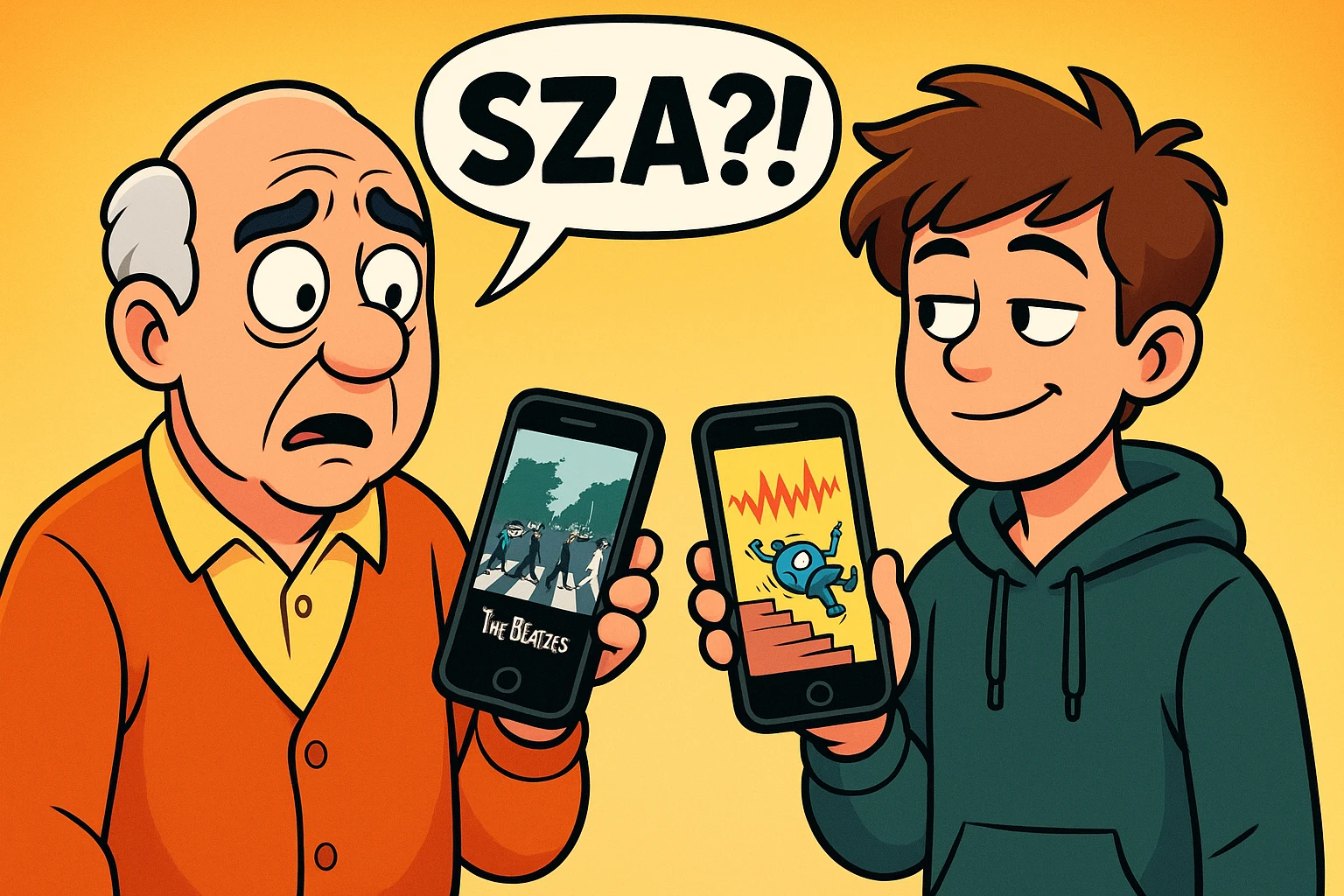
Picture this: You’re in the car with your teenage grandson. The silence is deafening, broken only by the sound of him furiously tapping on his smartphone. You decide to bridge the generational divide by turning on the radio. Suddenly, the car is filled with sounds that resemble a robot falling down a flight of stairs while a blender crushes ice. Your grandson nods approvingly. You consider walking the rest of the way home.
If this sounds familiar, welcome to the club. Figuring out what your grandkids are listening to today can feel like trying to decipher ancient hieroglyphics without your reading glasses. But what if I told you there’s a secret, magical bridge that connects your beloved Beatles to whatever a “SZA” is?
Enter Spotify’s shared playlists. It’s a way for you and your grandkids to combine your musical tastes into one digital melting pot. And before you panic and assume this requires an advanced degree in computer science, take a deep breath. We are going to walk through this together, step-by-step, in plain English.
Here is the most shocking news you will read all day: Your grandkids probably already like your music. I am entirely serious. Thanks to movies, internet trends, and the cyclical nature of “cool,” teenagers today are currently obsessed with the 70s, 80s, and 90s.
If you put on Fleetwood Mac or Elton John, there is a very high statistical probability your grandkid will say, “Oh, this is a vibe.” (Translation: “I enjoy this musical selection, Grandparent.”) You don’t need to pretend to like the chaotic robot noises. You just need to share the classics you already know and love.
To do this, we use an app called Spotify. Think of Spotify as a giant, invisible jukebox that holds almost every song ever recorded. And the best part? Unlike the old record store, Spotify doesn’t charge you per song. You can add 500 tracks to a list without taking out a second mortgage.
Spotify gives you two ways to mix your music with your grandkids’ music. To keep things simple, let’s compare them to food.
The Collaborative Playlist (The Family Potluck): This is where you create a blank list, send an invitation to your grandkid, and you both manually pick which songs to add. You bring the potato salad (The Beach Boys), they bring the weird vegan casserole (Billie Eilish). You have total control over what goes in the bowl.
The Blend (The Personal Chef): This is an automated feature. You send a link, and Spotify’s computer brain automatically looks at what you both listen to and mashes it up into a playlist for you. It updates daily and is completely effortless. However, sometimes the computer gets confused and puts Frank Sinatra right next to loud heavy metal, which can be alarming.
For our purposes, we are going to make a Collaborative Playlist. It’s safer, more intentional, and it makes for a great conversation starter. Here is exactly how to do it without throwing your phone into a lake.
First, open your Spotify app. At the bottom of the screen, tap the icon that says “Your Library.” Now, look at the top right corner for a little plus sign (+). Tap it, and choose “Playlist.”
Give your playlist a fun name. Something like “Grandma & Timmy’s Road Trip” or “Songs Better Than Homework.” Tap “Create.”
A quick side note on tapping: Remember, smartphones want a quick, light tap. If you press and hold your finger down (a “long press”), the phone thinks you want to drag things around or open a secret menu. Just give it a quick peck, like a bird grabbing a breadcrumb.
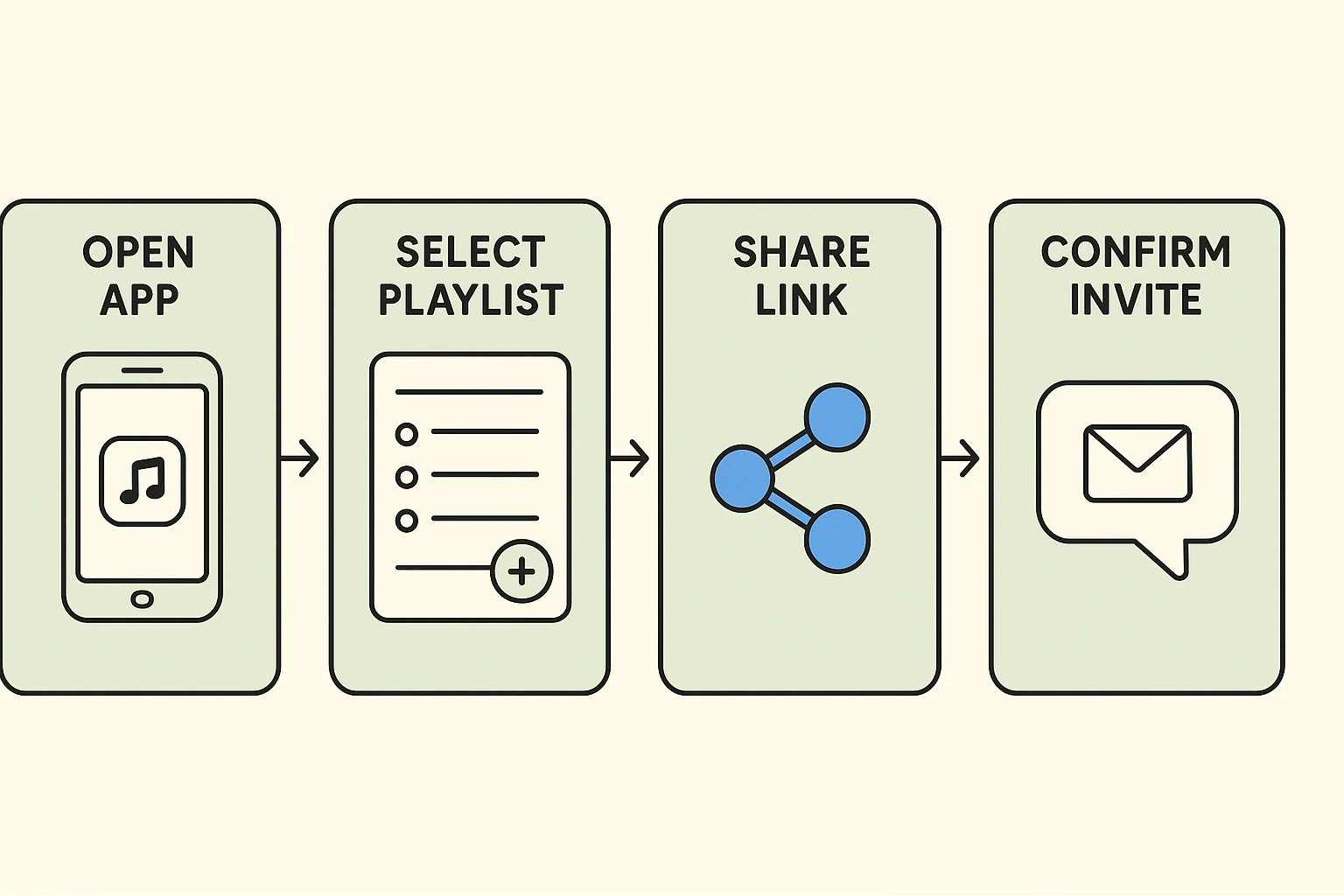
Now you have an empty digital box. It’s time to invite your co-DJ. Look near the top of your new playlist for an icon that looks like a little person with a plus sign next to them.
Tap that icon. Spotify will bring up a menu asking how you want to share it. The easiest way is to tap “Messages” or “Text.” This will automatically open up a text message on your phone with a web link already typed out for you.
Just type your grandchild’s name in the “To:” field, add a note saying “Let’s make a playlist together! Add your favorite songs,” and hit send. Congratulations! You are now doing “digital collaboration.” Please pause to pat yourself on the back.
Let’s address the elephant in the room: modern music sometimes features words you wouldn’t say in front of your mother. Or your priest. Or anyone, really.
If you don’t want to accidentally blast a string of expletives while driving to the grocery store, you can simply tell Spotify to hide the naughty words. It is incredibly easy to set up.
Go to the “Home” screen on Spotify, tap your profile picture in the corner, and find “Settings and privacy.” Scroll down until you see “Explicit Content” and flip that switch to the “off” position. Now, if a song has an “E” (for Explicit) next to it, Spotify will simply skip it. You get to keep your sanity, and you don’t even have to look like a square telling your grandkid to turn off the dirty music.
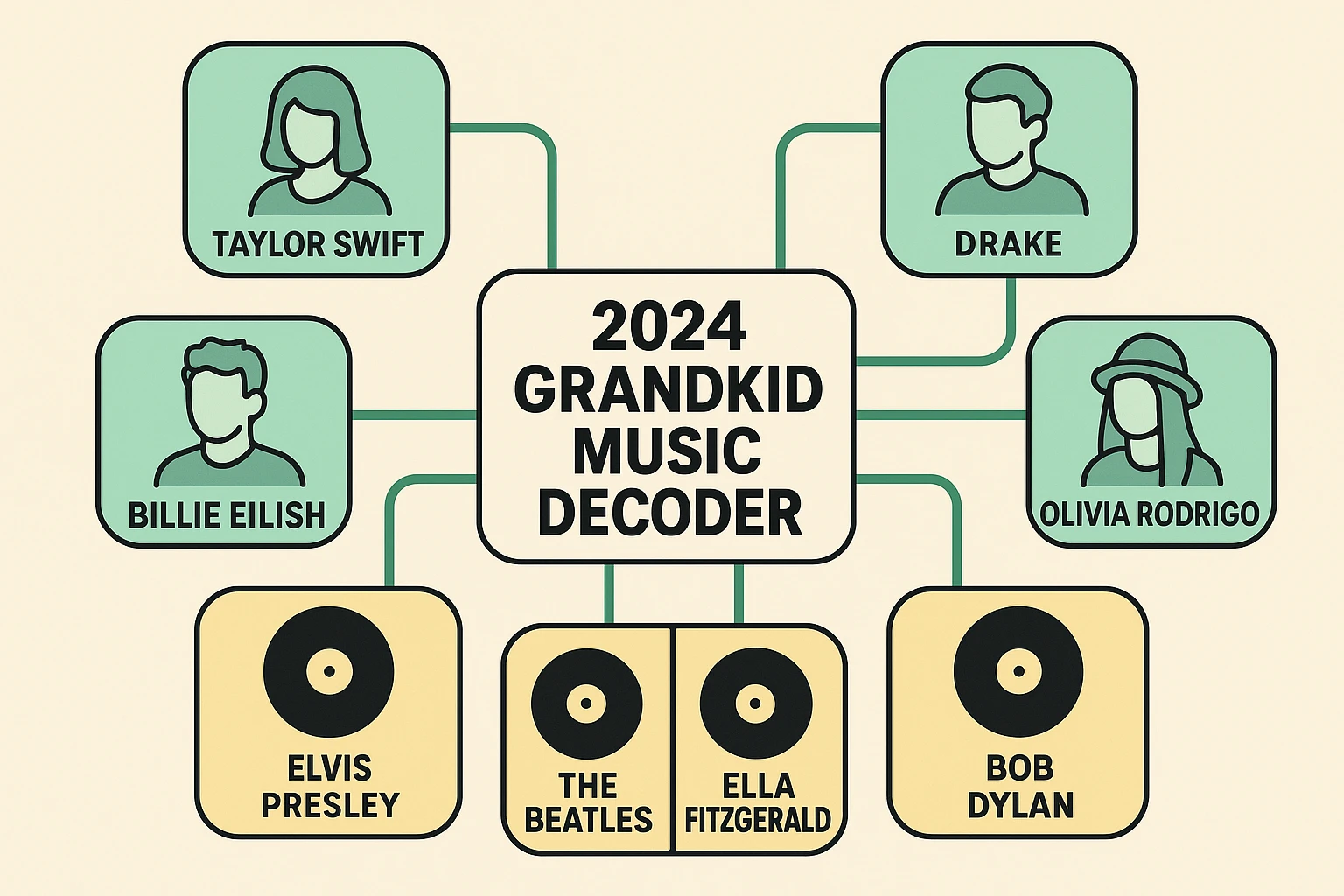
So, your grandkid starts adding songs. You are looking at these names and wondering if they are musicians or typos. Here is a handy translator to help you understand what you are hearing.
If they add Sabrina Carpenter, she makes catchy, upbeat pop music with a little bit of cheekiness. Think of her as the modern equivalent of early Madonna or Nancy Sinatra.
If they add Kendrick Lamar, he is a highly respected rapper who writes complex poetry about social issues. If you liked the political poetry of Bob Dylan or Gil Scott-Heron, you can appreciate Kendrick’s wordplay.
If they add SZA (pronounced Sizz-ah), she sings soulful, emotionally raw R&B. She is basically the 2024 version of Diana Ross or Roberta Flack.
Sharing music is just one way technology can help you document your family’s history and personality. In fact, compiling a playlist of songs from your youth and writing down the memories attached to them is a wonderful project. If you’re interested in going a step further, you can even explore artificial intelligence tools like memoirmaker.ai to help turn those musical memories into beautifully written family stories.
Ready to add your first tracks? You want to start strong with songs that bridge the generational gap.
Here are five foolproof crossover hits to add first: “Dreams” by Fleetwood Mac (a massive hit with teenagers right now), “Here Comes The Sun” by The Beatles (universally loved), “Watermelon Sugar” by Harry Styles (they will be impressed you know this), “Dancing Queen” by ABBA (scientifically impossible to dislike), and “Ain’t No Mountain High Enough” by Marvin Gaye & Tammi Terrell.
No! Spotify has a free version that works just fine. The catch is that you will have to listen to a few commercials every now and then, kind of like regular FM radio.
This is a real fear for teens! But no, adding songs to a specific Collaborative Playlist does not magically force Spotify to start playing Bing Crosby on their personal daily mixes. Their algorithm is safe from your jazz collection.
Tap the three little dots next to the offending song and select “Remove from this playlist.” Just be prepared to explain yourself at the next Thanksgiving dinner when they realize their favorite song is missing.
Nothing explodes. Technology is incredibly forgiving. If you end up somewhere weird on the app, just close it completely and open it again to start fresh.
Making a shared playlist is about more than just having background noise for car rides. It’s a low-pressure way to stay connected, learn a little bit about their world, and gently remind them that you had excellent taste in music way before they were born.
So go ahead, download the app, give your smartphone a gentle tap, and send that invite. And if they add a song with entirely too much bass, just smile, nod, and patiently wait for your turn to blast The Rolling Stones. You’ve earned it.