Newsletter Subscribe
Enter your email address below and subscribe to our newsletter

Enter your email address below and subscribe to our newsletter
You’ve spent three days packing for your vacation. You have enough underwear to survive a minor apocalypse, four different types of antacids, and a sweater for every conceivable weather event. You are, for all intents and purposes, a walking survival kit.
But then you look at your smartphone, and a cold sweat breaks out. You suddenly wonder if your phone will even work in Dublin, or if simply turning it on will result in a phone bill larger than your mortgage. You start worrying if the hotel’s free Wi-Fi will let hackers drain your retirement fund while you’re just trying to email a lovely picture of a scone to your grandkids.
If this sounds familiar, take a deep breath. You are in good company. Research shows that while a whopping 94% of seniors are perfectly comfortable using technology at home, 59% experience significant cybersecurity anxiety the moment a trip begins. Traveling takes us out of our comfort zones, and suddenly, our trusty digital devices feel like unpredictable wildcards.
The trick to enjoying your trip isn’t just knowing what gadgets to buy. It’s understanding how to set them up so you can actually trust them. Today, we are going to walk through your “Pre-Flight Digital Lockdown.” We’ll translate the tech-speak into plain English, give you simple steps to stay safe, and help you turn your smartphone back into your best travel companion.
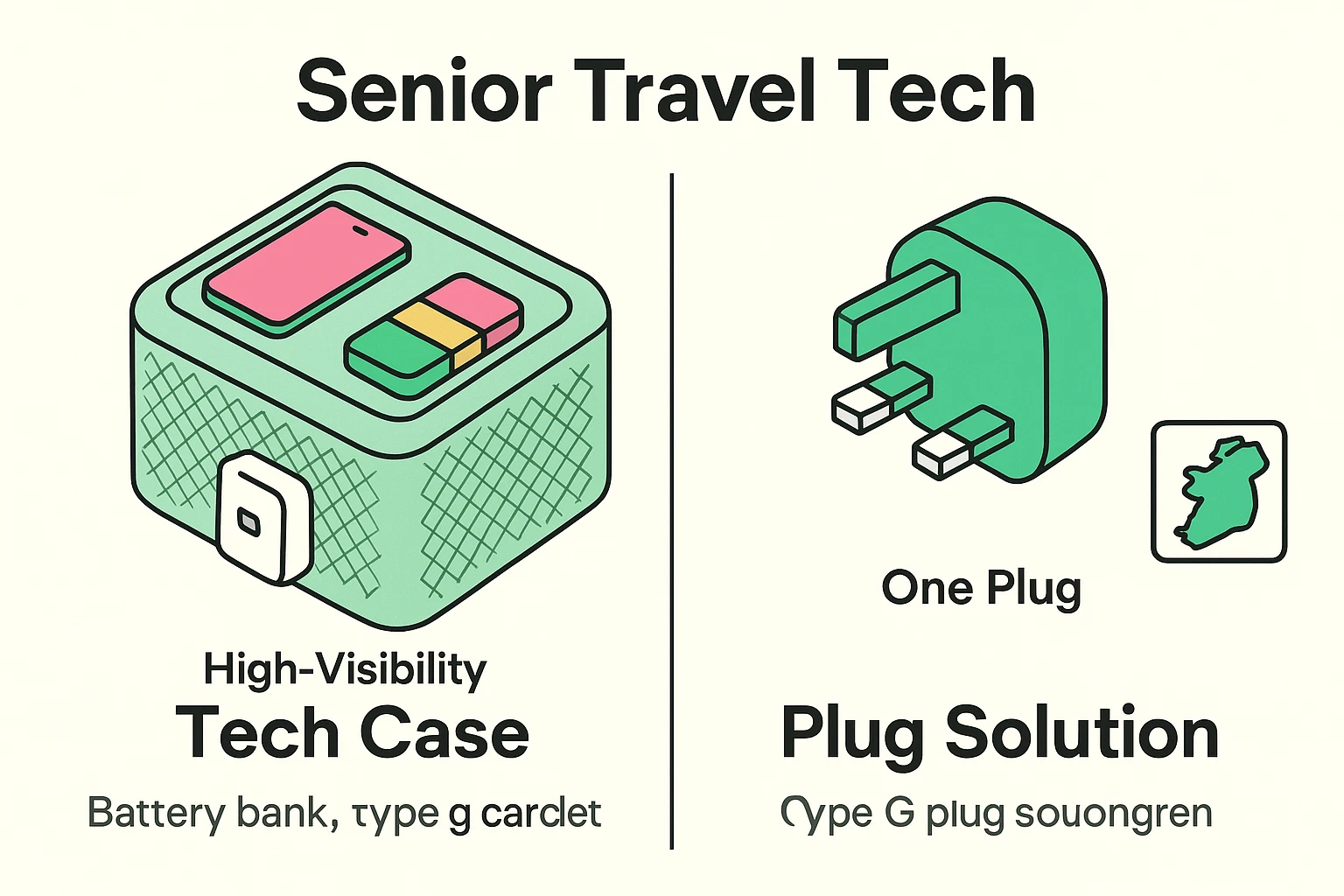
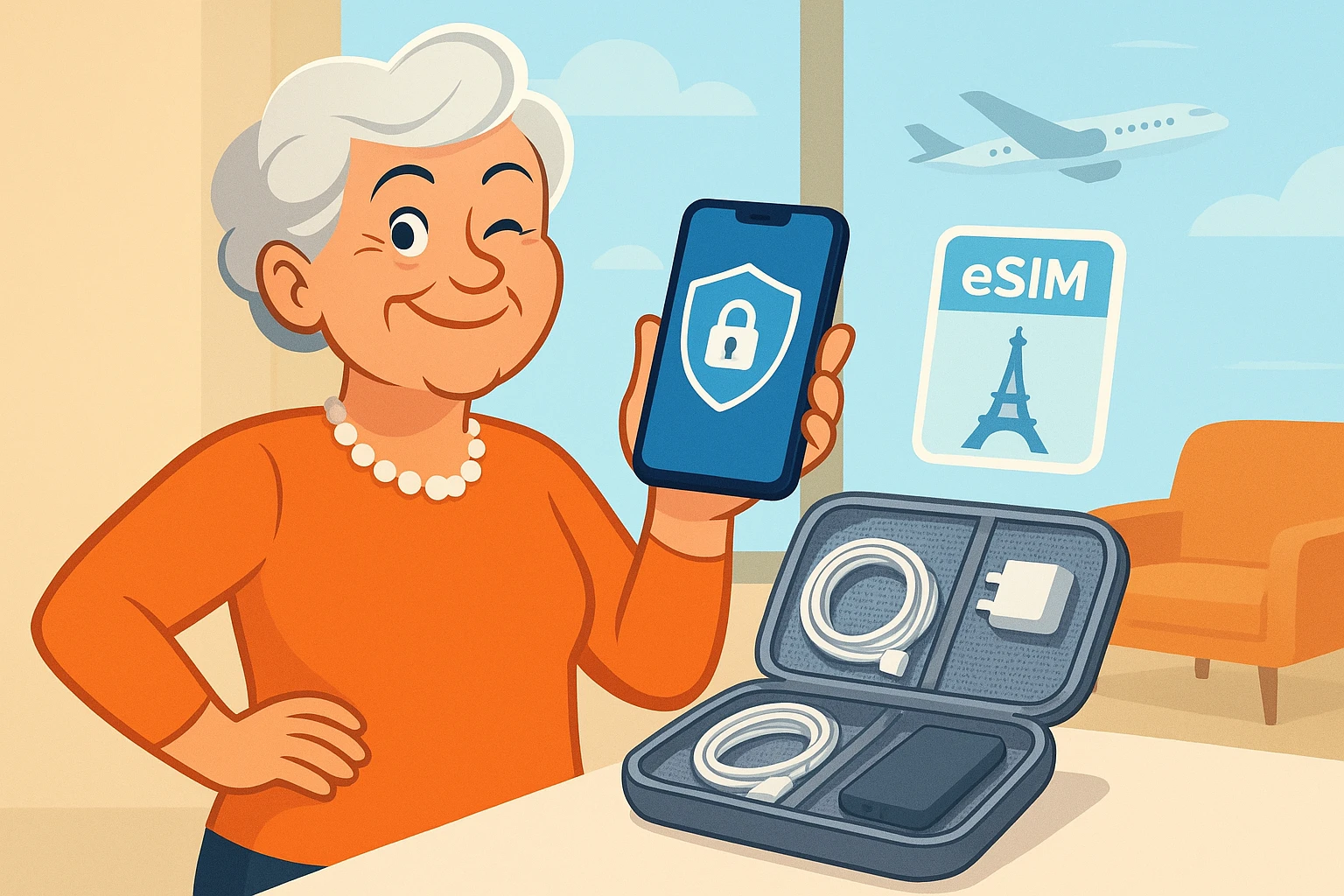
Before we talk about the invisible stuff like internet connections, let’s talk about the physical items going into your suitcase. The biggest mistake travelers make is tossing a tangled bird’s nest of black charging cords into a dark bag. Instead, pick up a clear mesh organizer case. Being able to see exactly where your charger is without dumping your bag on the airport floor is a small victory you will appreciate immensely.
Next, let’s talk about power adapters. If you’re heading across the pond, say to Ireland or the UK, you might be tempted to buy one of those massive “Universal Adapters” that look like a Rubik’s Cube. Don’t do it. They are often too heavy and fall right out of older, loose hotel wall sockets. Instead, buy a specific “Type G” slim adapter with built-in USB-C ports. It’s lightweight, stays securely in the wall, and charges your phone directly.
Finally, bring a portable battery bank with large, easy-to-read print indicating its charge level. Taking photos and using digital maps drains your battery much faster than your usual daily routine. There is nothing quite as panic-inducing as trying to navigate an unfamiliar city when suddenly your phone died in the middle of the afternoon. A reliable backup battery is like carrying an extra tank of gas in your pocket.
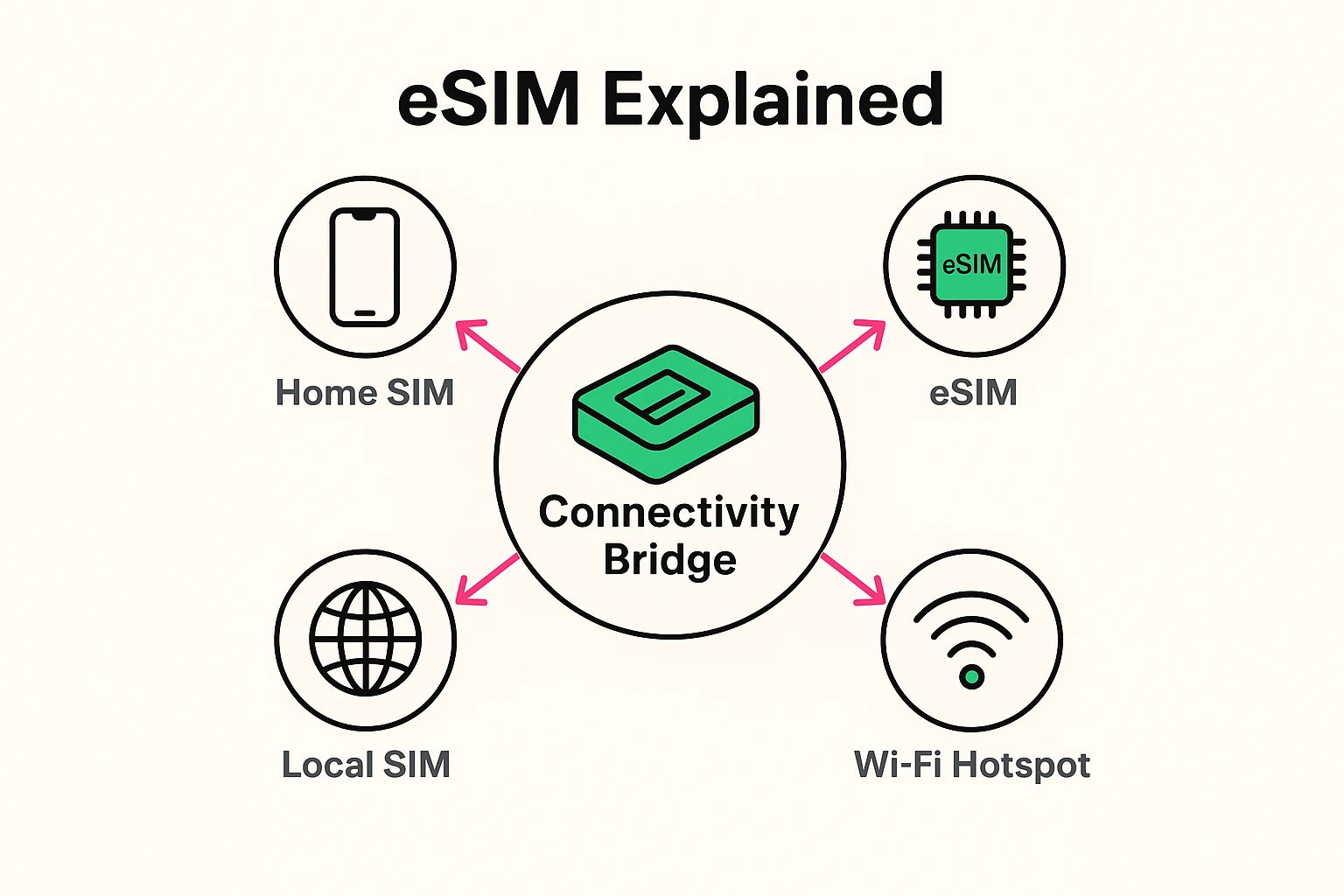
Now for the number one question seniors ask when traveling internationally: “How do I use my phone without my cellular provider demanding my firstborn child as payment?” You’ve probably heard techy folks throw around the term “eSIM.” It sounds like an electronic disease, but it’s actually a brilliant, money-saving tool.
Think of your current mobile plan like your hometown library card. It works great at home, but it’s useless in Paris. In the old days, you had to physically remove your tiny SIM card with a paperclip and replace it with a foreign one—a terrifying process where you inevitably drop the card into the hotel carpet, never to be seen again.
An eSIM is completely digital. Returning to our analogy, it’s like going online and instantly downloading a temporary “visitor’s library card” for Paris. You don’t delete or remove your home card; you just tell your phone to use the temporary visitor’s card while you’re on vacation. When you fly home, you simply switch back to your hometown card with the tap of a button.
This also solves the dreaded “2FA Trap.” Two-Factor Authentication (2FA) is when your bank texts you a 6-digit code to prove it’s really you logging in. If you physically remove your home SIM card overseas, those bank texts can’t reach you. By using an eSIM for your travel data, you can keep your home number active in the background just to receive those crucial security texts.
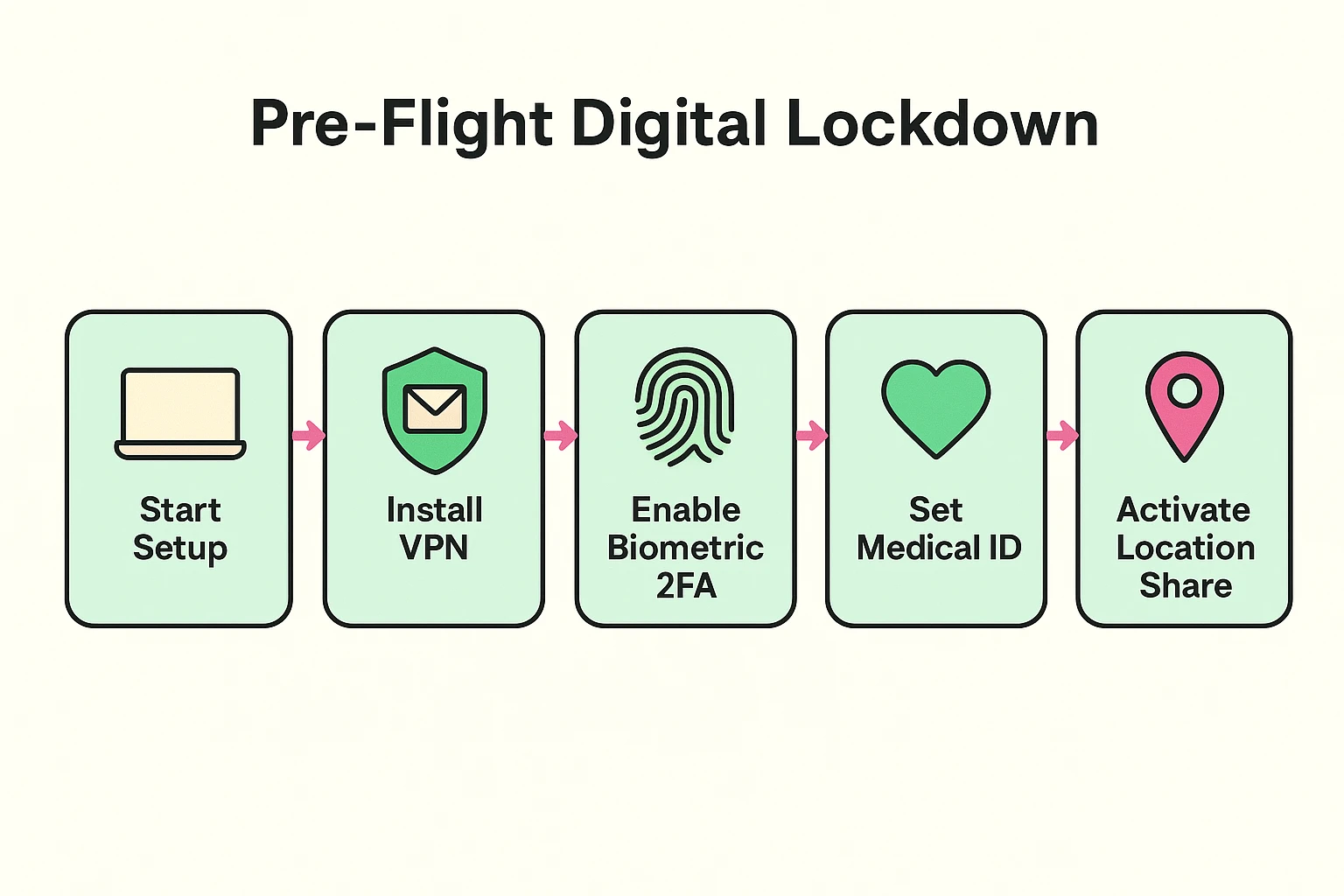
Let’s address that nagging fear about hotel Wi-Fi. Free Wi-Fi at airports, cafes, and hotels is incredibly convenient, but it is notoriously unsecure. This is where you need a VPN, which stands for Virtual Private Network. Again, don’t let the jargon intimidate you—the concept is actually very simple.
Imagine sending information over public Wi-Fi as writing a message on a postcard. Anyone who handles that postcard—the mailman, the nosy neighbor, or a hacker sipping a latte in the hotel lobby—can read what’s written on it. If that postcard contains your bank password or credit card number, you have a problem.
A VPN simply takes your postcard and seals it inside an impenetrable, heavy-duty envelope. Even if a hacker intercepts your connection, all they see is the outside of the envelope. They have no idea what you are doing inside. Turning on a VPN app before you check your bank account or pay a bill online is like locking your hotel room door. It’s a basic, essential step for peace of mind.
Nobody likes to think about emergencies while planning a fun trip, but setting up your digital safety net beforehand is the best way to ensure you won’t need it. First, set up the Medical ID feature on your smartphone. This allows first responders to see your emergency contacts, allergies, and medical conditions right on your phone’s lock screen, without needing your passcode.
If you are traveling solo or just want to ease your family’s worries, temporarily share your location with a trusted adult child or friend using your phone’s built-in map settings. Knowing someone has your back, even from an ocean away, is incredibly reassuring. And if you ever find yourself in a truly urgent situation, knowing exactly how to activate your apple emergency sos feature can instantly connect you to local emergency services, even if you don’t know the local 911 equivalent.
For those hitting the road instead of the skies, modern car tech can be your best friend. Services like Sirius Travel Link act as a “Digital Co-Pilot,” giving you live weather updates and gas prices directly on your dashboard. This saves you from the dangerous distraction of digging through phone menus while driving 65 miles per hour down an unfamiliar highway.
Yes, but it must go in your carry-on bag, not your checked luggage. The TSA requires lithium-ion batteries to be in the cabin with you. Most standard phone-charging power banks fall well within the TSA’s permitted size limits.
If you connect to free public Wi-Fi, a VPN is highly recommended. Hackers can intercept more than just bank details; gaining access to your email account can give them the keys to reset passwords for almost all of your other online accounts. Better safe than sorry!
Not at all! You don’t need to visit a mobile phone store or handle tiny plastic cards. You simply purchase a plan through an app (like Airalo or Holafly) before your trip, and the app walks you through a few quick taps on your screen to activate it.
Technology should make your travel easier, safer, and more enjoyable—not give you a headache before you’ve even packed your bags. By packing smart, understanding how to stay connected, and using simple security tools like a VPN, you take all the guesswork out of your digital travel experience.
You’ve earned this vacation. Now that your “Pre-Flight Digital Lockdown” is complete, you can stop worrying about your smartphone and start focusing on the important things. Like figuring out exactly how many scones is considered socially acceptable to eat in one sitting. (Spoiler alert: The limit does not exist.)
Safe travels!