Newsletter Subscribe
Enter your email address below and subscribe to our newsletter

Enter your email address below and subscribe to our newsletter
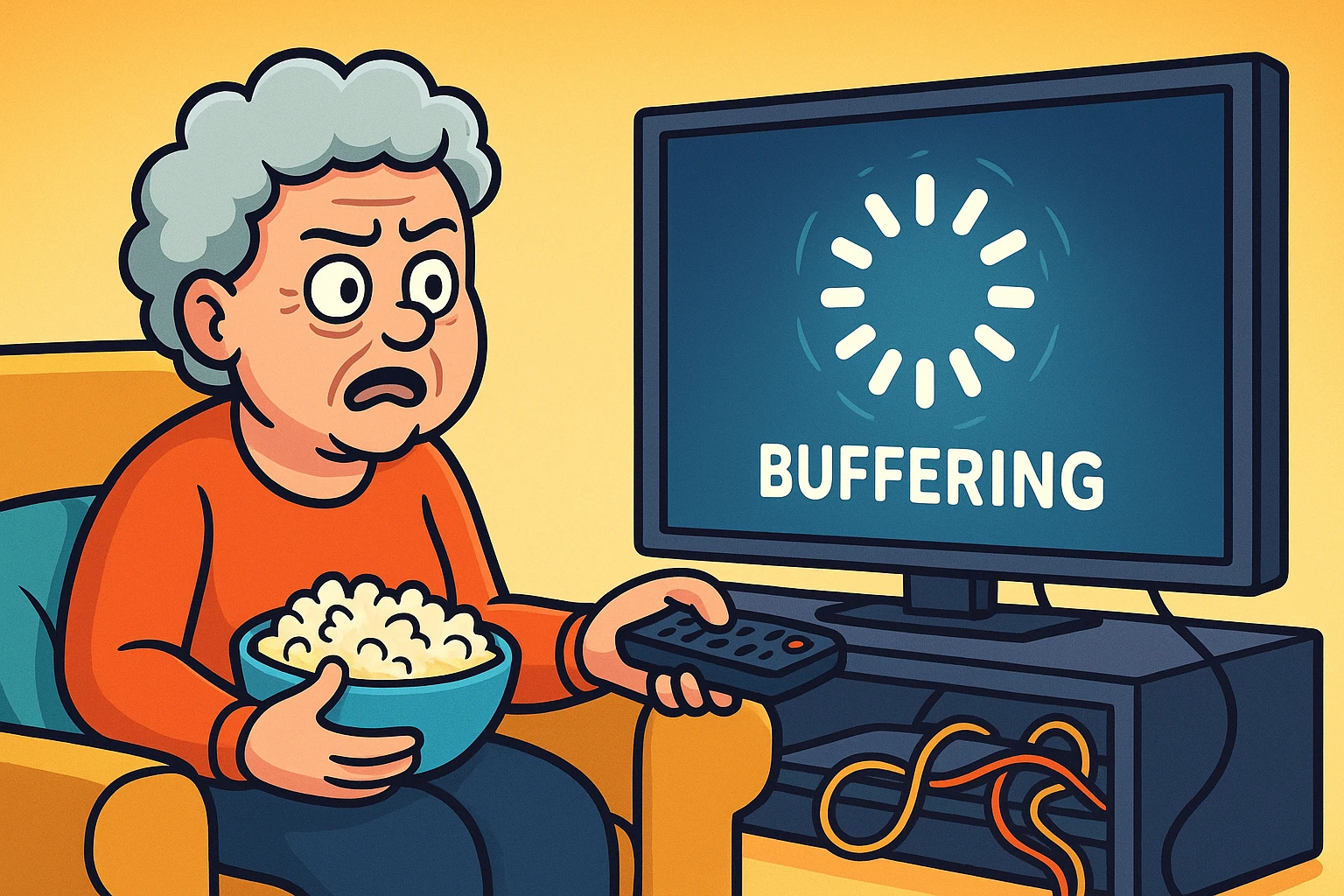
Have you ever sat down to watch a movie with the perfect bowl of popcorn, only to find yourself in a technological standoff? You press play on The Crown, ready to be whisked away to Buckingham Palace. But instead of Queen Elizabeth, you are greeted by a spinning circle. It spins. And spins. A tiny digital hypnotist mocking your desire for entertainment.
You could have planted a cornfield, harvested the crop, and popped a fresh batch of popcorn in the time it takes to load a single scene.
If this sounds familiar, you are not alone. The dreaded “buffer” is the modern version of a paper jam—universal, infuriating, and happening at the worst possible moment. The good news is that you don’t need a degree in computer engineering to fix it. Usually, your internet just needs a little “traffic control.”
We’re going to walk through why this happens (in plain English), how to diagnose the problem, and exactly which cords to wiggle to get your movie night back on track.
Before we start unplugging things, let’s explain what is actually happening inside your TV. Tech support people love words like “bandwidth” and “latency,” but let’s look at it differently.
Think of your internet connection like the water pipes in your house.
The Pipe (Bandwidth): This is the water coming into your home. The bigger the pipe (or the faster the plan you pay for), the more water you get at once.
The Bucket (Buffering): Streaming a movie isn’t like watching live TV in the old days. Your TV is actually filling up a digital “bucket” with video data. As you watch the movie, you are drinking from the bucket.
If the water coming into the bucket is slower than the speed you are drinking it, the bucket runs dry. Your TV pauses the movie (buffers) to wait for the bucket to fill up again.
The “Grandkid” Factor: Now, imagine you are trying to fill your bucket (watch Netflix) in the living room, but someone else is taking a shower upstairs, and the dishwasher is running. The water pressure drops, right? The same happens with Wi-Fi. If your phone, tablet, smart speaker, and laptop are all connected, your TV is fighting for “water pressure.”
Before you call your internet provider and sit on hold for an hour listening to smooth jazz, let’s play detective. We need to find out where the clog is.
Is Netflix the only app acting up? Try opening YouTube or Hulu. If YouTube plays perfectly but Netflix is spinning, the problem isn’t your internet—it’s Netflix having a bad day. You just have to wait that one out.
Grab your smartphone and stand next to your TV. Try to watch a video on your phone using the same Wi-Fi. If it plays fine on your phone but not the TV, your internet is fine, but your TV might be struggling to catch the signal (more on that later).
Is it 7:30 PM on a Friday? Internet cables are shared with your neighbors. If everyone on your street decides to stream Yellowstone at the exact same time, the “neighborhood pipe” gets congested. This is peak hours traffic. Sometimes, the only fix is patience (or watching earlier in the day).
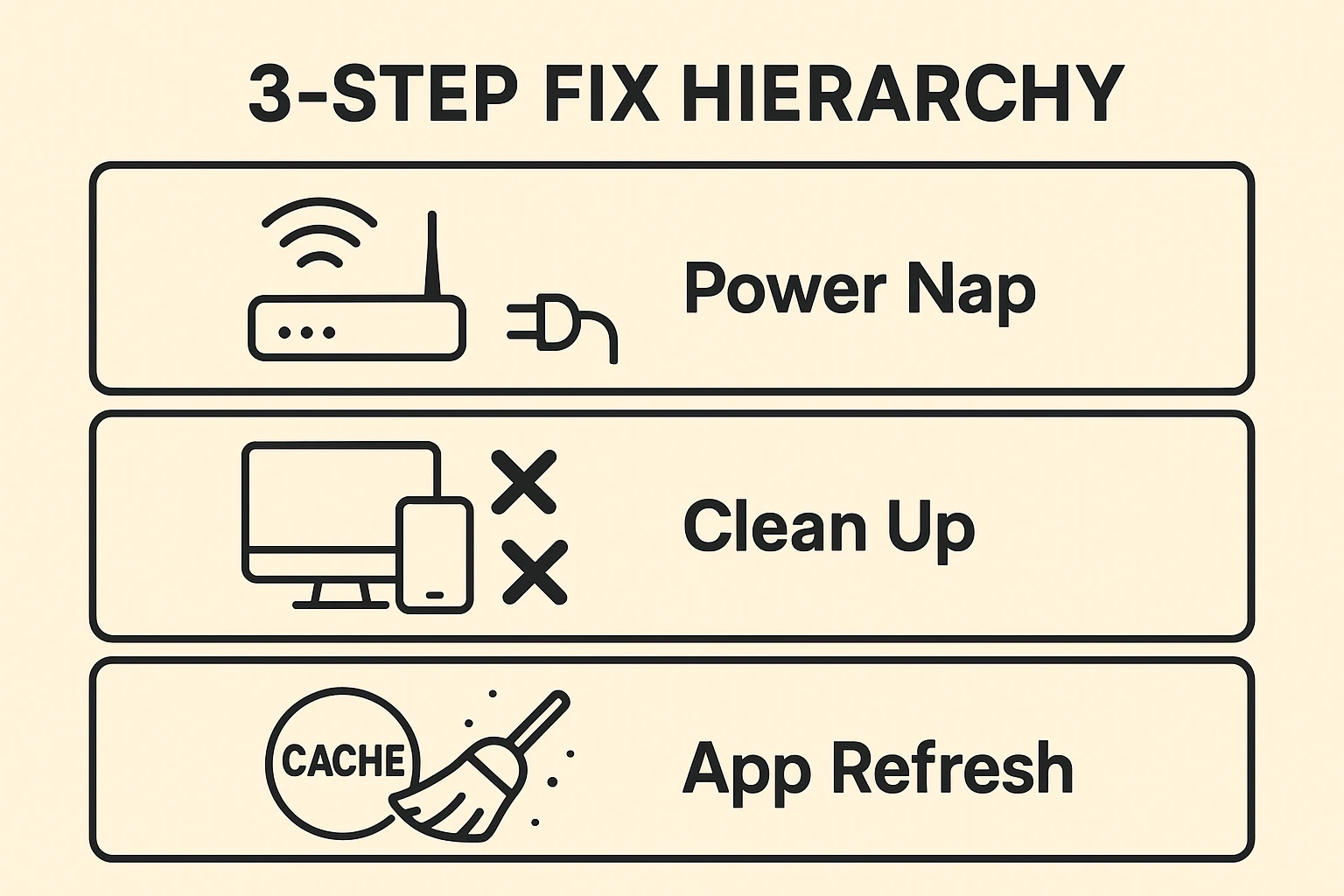
If you’ve determined that your internet is indeed the culprit, try these steps in order. They solve about 90% of buffering issues.
You’ve heard it before: “Have you tried turning it off and on again?” It’s a cliché because it works. But there is a trick to it.
Remember the water tap analogy? Check to see what else is drinking your water.
Sometimes the Netflix or YouTube app itself gets cluttered with “digital cobwebs” (technically called cache).
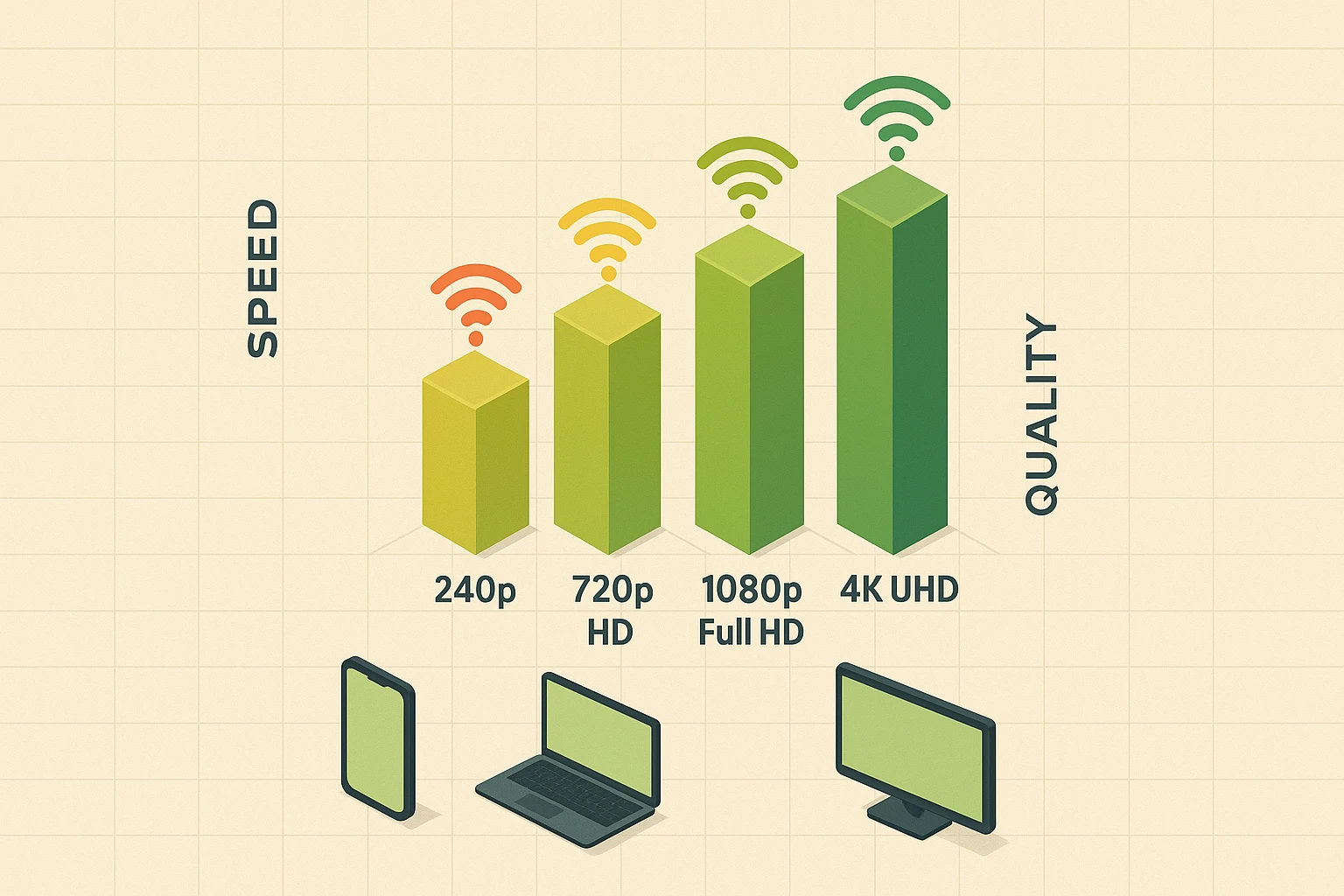
Sometimes, the internet is fast, but the engine in your TV is just too tired to keep up.
If you bought your “Smart TV” in 2016, in tech years, that TV is roughly 104 years old. The apps for Netflix and YouTube update constantly, becoming more demanding. Your older TV’s processor simply can’t run fast enough to handle the new software.
The Fix: You don’t need a new TV! You just need a “brain transplant.” Buying a dedicated streaming stick (like a Roku, Amazon FireStick, or Apple TV) for $30-$50 creates an instant upgrade. These little devices plug into the back of your old TV and handle all the heavy lifting using modern, fast chips.
Where is your Wi-Fi router?
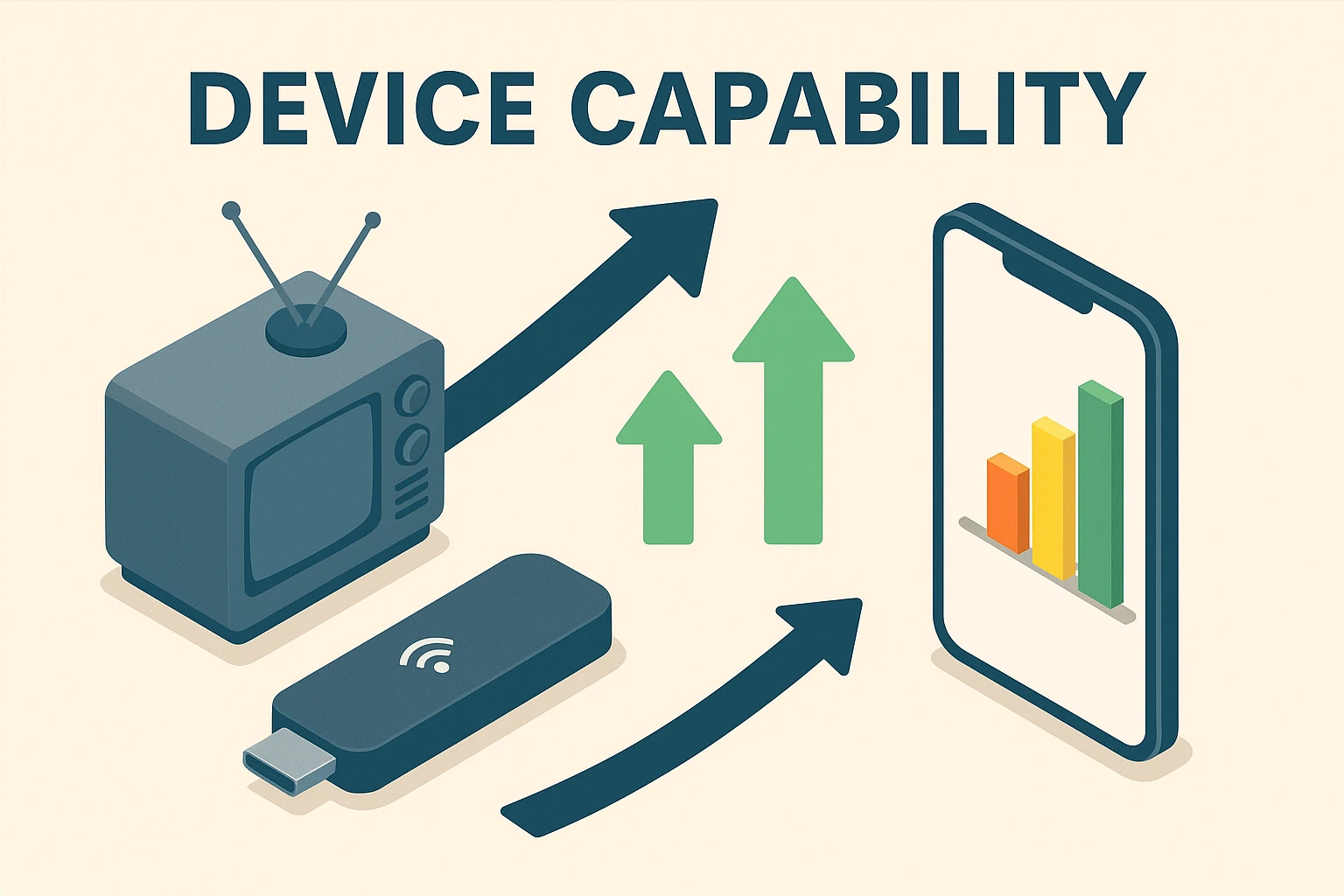
Probably not! You only need about 5 Mbps for HD video and 15-25 Mbps for 4K video. If you are paying for super-fast internet and it still buffers, the issue is usually your Wi-Fi signal strength, not the speed coming into the house.
Most modern routers have two “lanes.” 2.4GHz: Slower, but travels through walls better. Good for a TV that is far from the router. 5GHz: Much faster, but has a shorter range. Good if your TV is in the same room as the router.
If you can, absolutely. An Ethernet cable (that looks like a chunky phone cord) connecting your TV directly to your router is the “Gold Standard.” It is immune to interference from microwaves, baby monitors, and neighbors.
Buffering feels personal—like the internet knows exactly when the killer is about to be revealed—but it’s usually a simple fix. Start with the “Power Nap” reboot. If that fails, check your household for data-hungry devices.
And remember, if you’re using a Smart TV from the Obama administration, treat yourself to a new streaming stick. It’s cheaper than a new TV and easier than changing your internet provider. Now, go reheat that popcorn.