Newsletter Subscribe
Enter your email address below and subscribe to our newsletter

Enter your email address below and subscribe to our newsletter

You’ve probably been there. You walk into the living room, clear your throat, and politely ask your digital assistant to play some Frank Sinatra. You enunciate clearly. You project your voice like a stage actor. And in response, the little plastic cylinder on the counter lights up, thinks for a moment, and cheerfully announces, “Okay, adding ‘Flank Steak’ to your shopping list.”
Or worse, it does absolutely nothing. It just sits there, silent and judgmental, like a cat that knows you want its attention but refuses to give it.
For many of us, using voice assistants like Alexa, Siri, or Google Assistant feels less like living in The Jetsons and more like shouting at a stubborn teenager who has headphones on. You might find yourself repeating commands, getting louder with each attempt, until you’re essentially barking at a hockey puck to tell you the weather.
If you have a softer voice, a tremor, or a delightful accent that doesn’t sound like a generic Midwestern news anchor, the struggle is even realer. But here is the secret the tech companies don’t put on the box: It’s not you. It’s the robot.
The good news? You don’t need to change your voice, and you definitely don’t need to shout. With a few “under-the-hood” tweaks and some clever furniture rearranging, we can get that digital assistant to listen up.
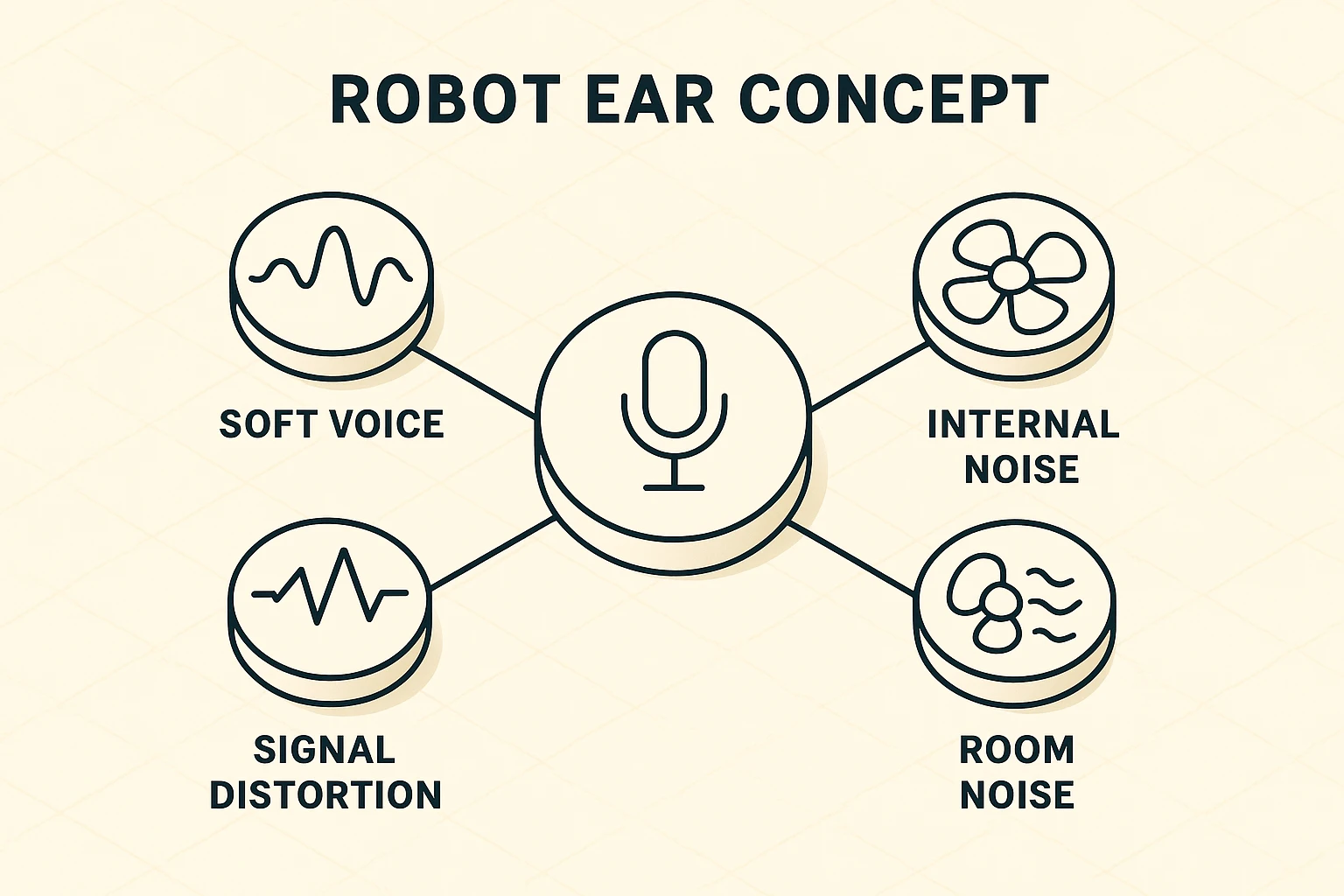
Before we start fixing things, it helps to understand why the device is struggling. It’s not actually hard of hearing; in fact, it’s hearing too much.
Imagine trying to have a conversation with a friend in a crowded restaurant while a blender is running on the table next to you. That is what life is like for your smart speaker.
These devices use “Automatic Speech Recognition” (ASR). The problem is that most of these systems were trained on the voices of younger people speaking in soundproof studios. They expect a certain pitch, speed, and volume. If your voice is a little breathier, softer, or has the lovely cadence of a regional accent, the “Robot Ear” gets confused. It can’t distinguish your “Hey Google” from the hum of the refrigerator or the sound of the ceiling fan.
So, let’s level the playing field.
Most people plug their device in and never touch the settings again. But buried deep in those menus are some “accessibility” features that act like hearing aids for your smart speaker.
One of the biggest frustrations is the “Context Window.” Usually, if you pause to think of a word, the device assumes you’re done and cuts you off. It’s rude, frankly.
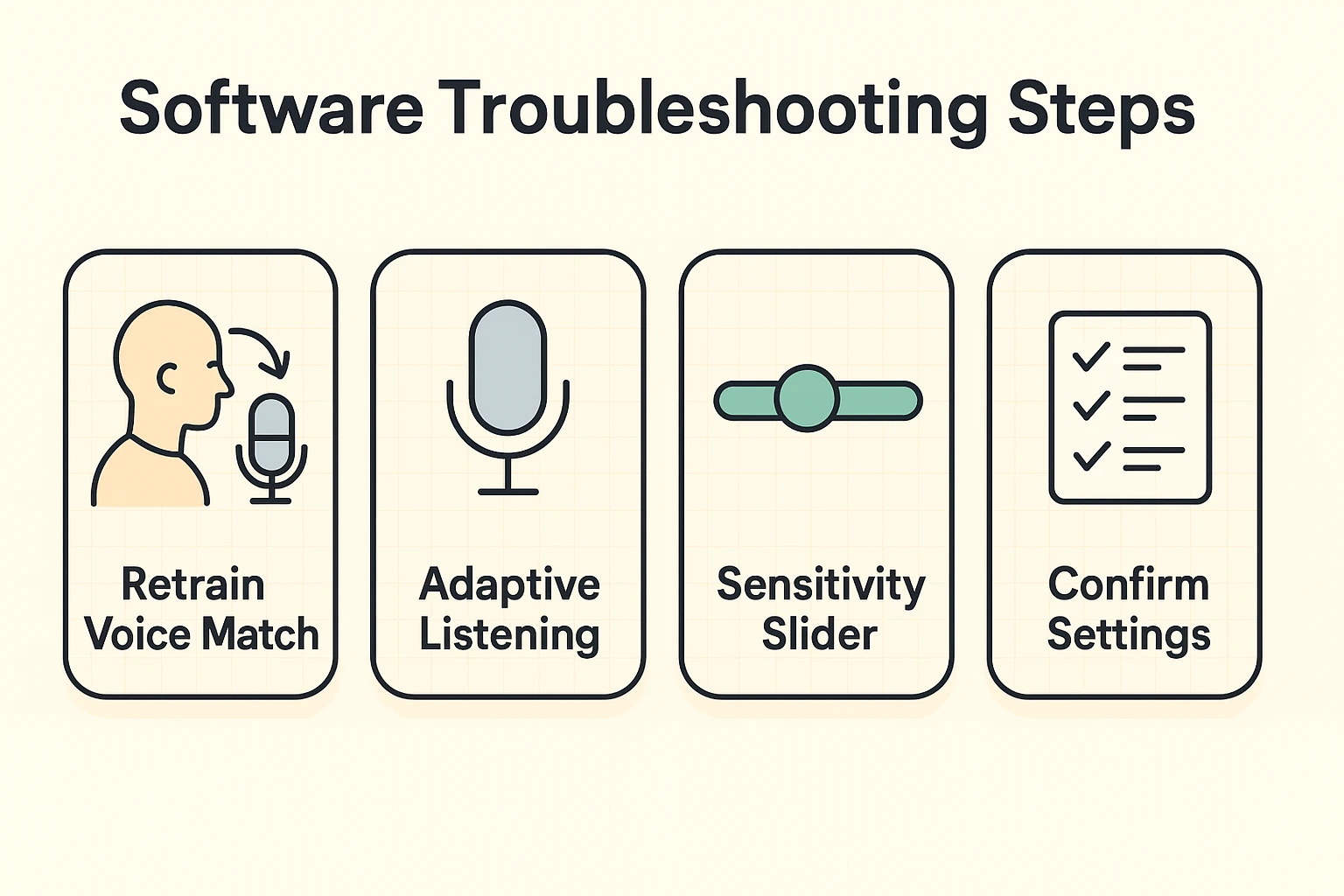
For Alexa Users: Look for a feature called Adaptive Listening.This is a game-changer. When this is turned on, Alexa automatically detects if you are speaking slower or pausing, and keeps the microphone open longer. It stops the device from interrupting you while you’re mid-sentence.
For Google Home Users: Look for “Hey Google” Sensitivity.This allows you to adjust how sensitive the device is to the “wake word.” If you have to scream to get its attention, you can slide this setting up to “High.”
When you first set up the device, you probably said three phrases and moved on. But if the room was noisy that day, or you had a cold, the device learned a “bad” version of your voice.
Go into the settings and find the option to “Retrain Voice” or “Voice Match.” Do this when the house is deadly quiet. Speak naturally—don’t use your “I’m talking to a computer” robot voice. Use your normal, conversational tone. This gives the device a clean slate to understand who you are.
Sometimes the problem isn’t the software; it’s the Feng Shui. Where you place your device matters more than you think.
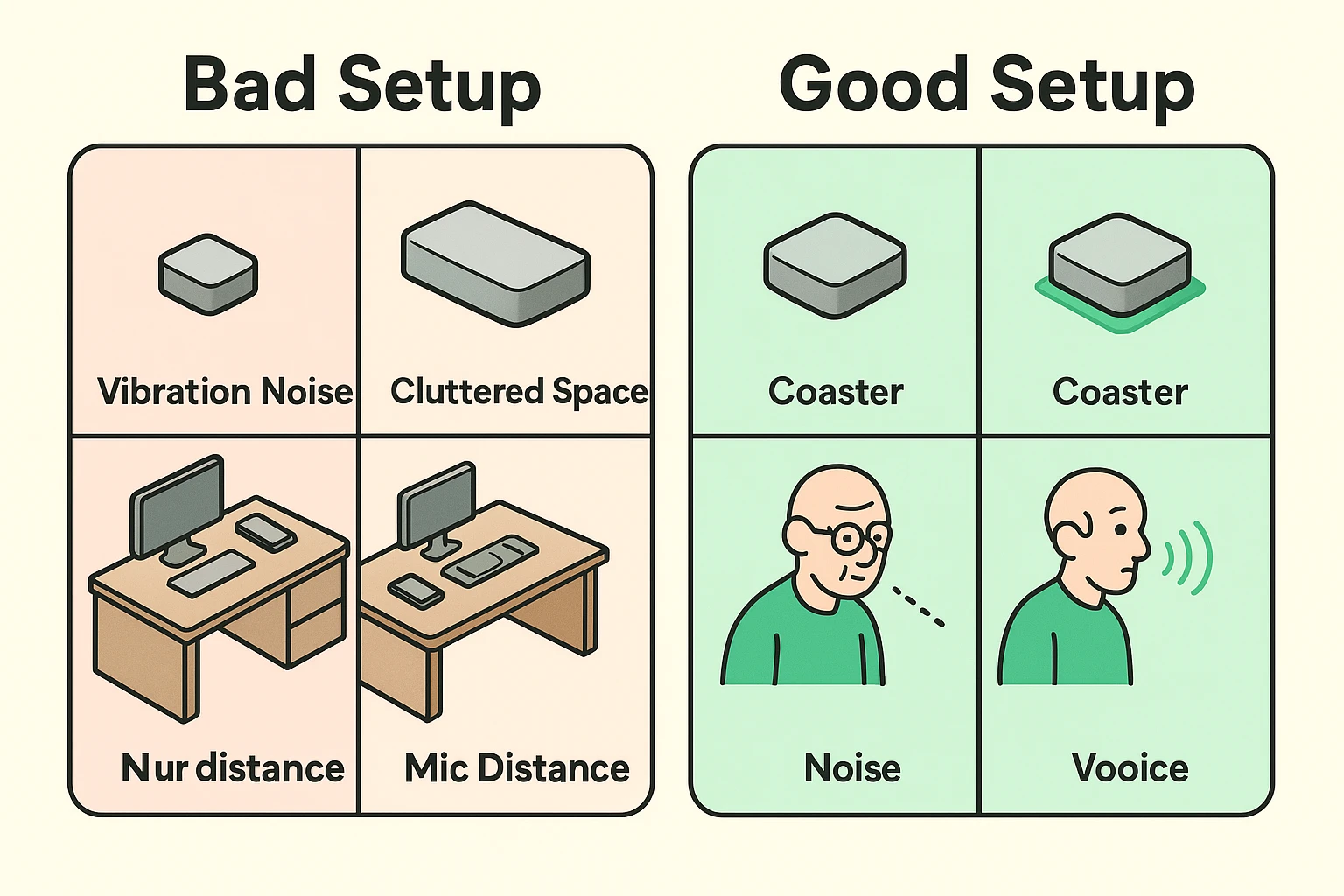
This is a weird one, but stick with me. If your smart speaker is sitting directly on a hard wooden table or a granite countertop, sound vibrations travel through the surface. When the device plays music or talks back, it vibrates the table. These micro-vibrations can create “noise” that interferes with the microphones.
The Fix: Put your smart speaker on a cork coaster or a small mouse pad. It acts as a shock absorber, clearing up the signal so the microphones can hear you, not the table.
Did you shove your Alexa into the corner of the kitchen counter so it’s out of the way? We all do it. The problem is that corners are echo chambers. Your voice bounces off the backsplash and the side wall, hitting the microphone twice (once directly, once as an echo). This muddies the sound.
The Fix: Pull the device out at least six inches from the wall. Even better, try to place it near where you usually sit, rather than across the room near the noisy dishwasher.
If you’ve tweaked the settings and moved the furniture and it still won’t listen, try these pro tips.
Some words are just harder to say clearly than others. “Alexa” has a lot of soft vowels. “Siri” is susceptible to hissing “S” sounds.
Amazon allows you to change the wake word to “Ziggy,” “Echo,” or “Computer.” Many seniors find that “Computer” or “Echo” are easier to pronounce with a hard consonant sound that the microphone picks up more easily than the soft “A” in Alexa.
Both Google and Amazon have a “Follow-Up” mode (sometimes called Continued Conversation). This keeps the microphone listening for a few seconds after it answers you.
Why does this help? Because you don’t have to keep saying the wake word. You can say, “Alexa, what time is it?” and when it answers, you can immediately say, “And what is the weather?” without having to take a deep breath and start the whole introduction over again.
No! In fact, shouting often makes it worse. When you shout, your voice distorts, and the echo in the room increases. The device is programmed to understand conversational volume. If you have to shout, it means the device is too far away or there is too much background noise (TV, fans).
It might be, but the tech is getting smarter. The best fix for heavy accents is not to try to sound “American,” but to go through the Voice Match training process we mentioned earlier. This teaches the robot your specific way of saying vowels.
Yes, but only if you tell it when it’s wrong. If Alexa mishears you, say, “Alexa, you heard me wrong.” It flags that interaction in the system to help improve future accuracy.
Technology is supposed to serve you, not the other way around. If you feel like you’re in a battle of wills with a plastic cylinder, take five minutes to adjust the sensitivity settings and move it away from the noisy refrigerator. You might find that your digital assistant isn’t stubborn after all—it just needed you to speak its language (or at least, adjust its hearing aid).