Newsletter Subscribe
Enter your email address below and subscribe to our newsletter

Enter your email address below and subscribe to our newsletter
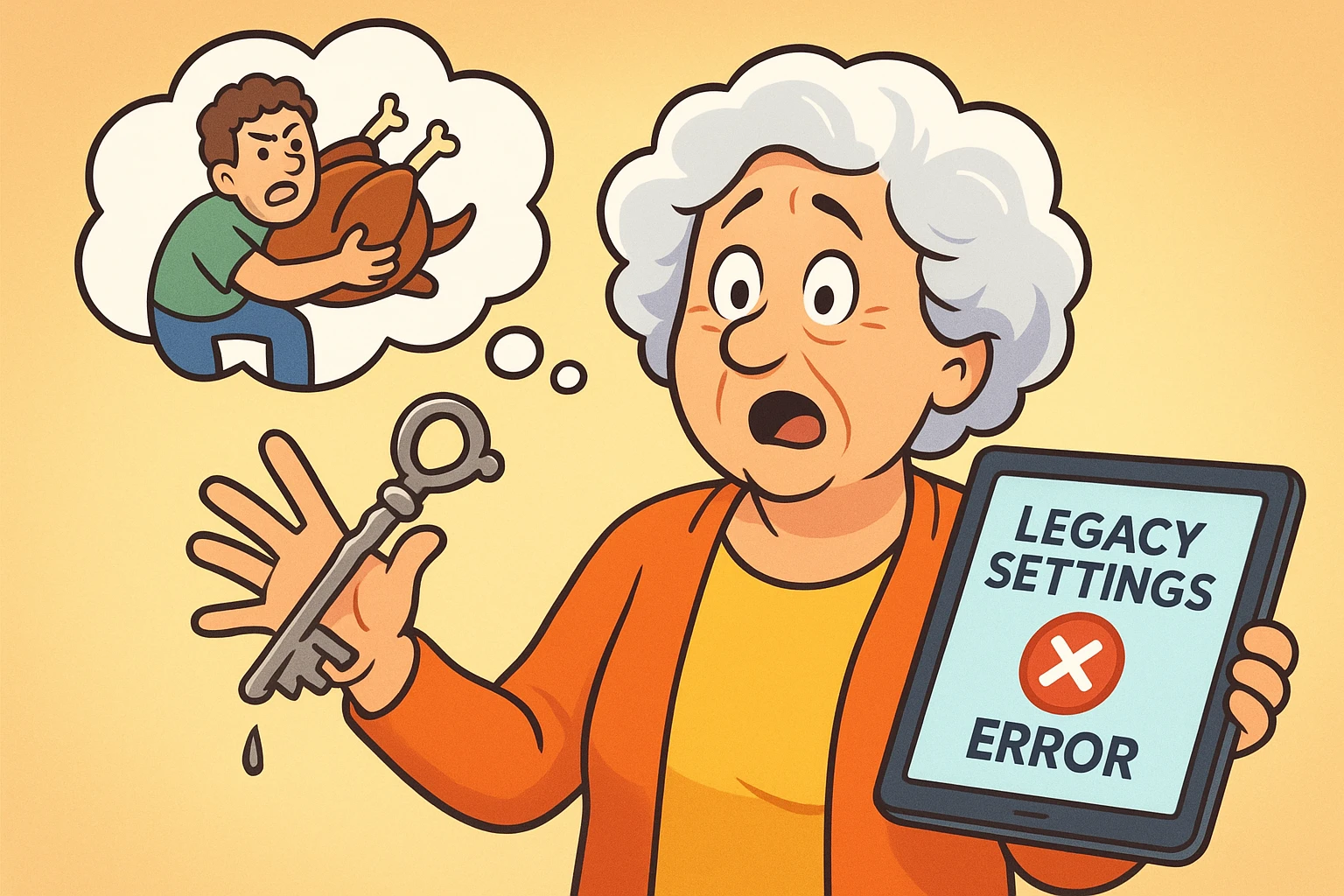
Remember five years ago? You were feeling organized, proactive, and surprisingly tech-savvy. You decided to set up a “Legacy Contact” for your Apple ID or Facebook account. You picked your nephew, Tyler. He’s a good kid, knows his way around a computer, and he promised he wouldn’t laugh at your extensive playlist of 1970s disco hits.
But a lot can happen in five years. Maybe Tyler has since moved to a yurt in the wilderness with zero Wi-Fi. Maybe Tyler is now your estranged nephew because of that heated debate over the Thanksgiving turkey. Or maybe you just realized that giving Tyler access to your emails is a terrible idea because he can’t even keep a houseplant alive, let alone a digital estate.
Here is the cold, hard truth that most tech guides forget to mention: Life changes faster than your settings menu.
Setting up a digital legacy plan is great, but it isn’t a “set it and forget it” deal, like a rotisserie chicken oven. It’s more like a garden; if you don’t tend to it, things get messy. If you don’t update your digital legacy instructions, you might be handing the keys to your digital life to the wrong person—or worse, handing the right person a key that no longer fits the lock.
Here is the scenario that keeps digital estate planners up at night. You appointed your Legacy Contact years ago. You printed out that special access key (that long string of random letters and numbers that looks like a cat walked across a keyboard) and put it in your safe.
Last week, you updated your phone software, or maybe you changed your Apple ID password. In the background, invisible to you, the digital locks may have changed.
If you revoke someone’s access or update your list, the old access key you gave them doesn’t just “update.” It breaks. It becomes a useless piece of paper. If you don’t generate a new key and give it to the new (or current) person, they will be standing at the digital gates with a key that fits nothing.
We call this the “Stale Key” Problem. It’s the number one reason digital legacy plans fail. The instructions exist, but the credentials are expired.
Whether you are going through a “Digital Divorce” (removing an ex-spouse) or just upgrading your executor to someone more responsible, here is how to revoke or change your mind on the major platforms without losing your sanity.
Apple’s Legacy Contact feature is powerful, but it requires precision. If you remove someone, Apple generally does not send them a notification saying, “You’re fired.” This saves you an awkward conversation, but it also means their access key quietly stops working.
To Remove or Update:
The Crucial Step: If you are adding a new person (or even just re-adding the same person to refresh the system), you must print or share the new access key. Throw the old one away. Shred it. Burn it. It is now confetti.
Google’s “Inactive Account Manager” is essentially a dead man’s switch. If you don’t use your Google account for a set time (usually 3 months), it emails your trusted contact.
To Revoke or Change:
Warning: Check your “Reply-To” settings here. Many people accidentally set their account to auto-delete everything after 3 months of inactivity. If you changed your mind and now want your photos saved for your grandkids, make sure that toggle isn’t set to “Delete my account.”
Facebook gives you two main choices: Memorialize (turn your profile into a digital tribute) or Delete After Death.
The Common Trap: Many seniors initially choose “Delete After Death” thinking it’s the tidy thing to do. Then they realize all their grandkid photos are only on Facebook. If you want to change this to “Memorialize,” you need to act now. Once the “Delete” trigger is pulled, it is very difficult to undo.
To Update:
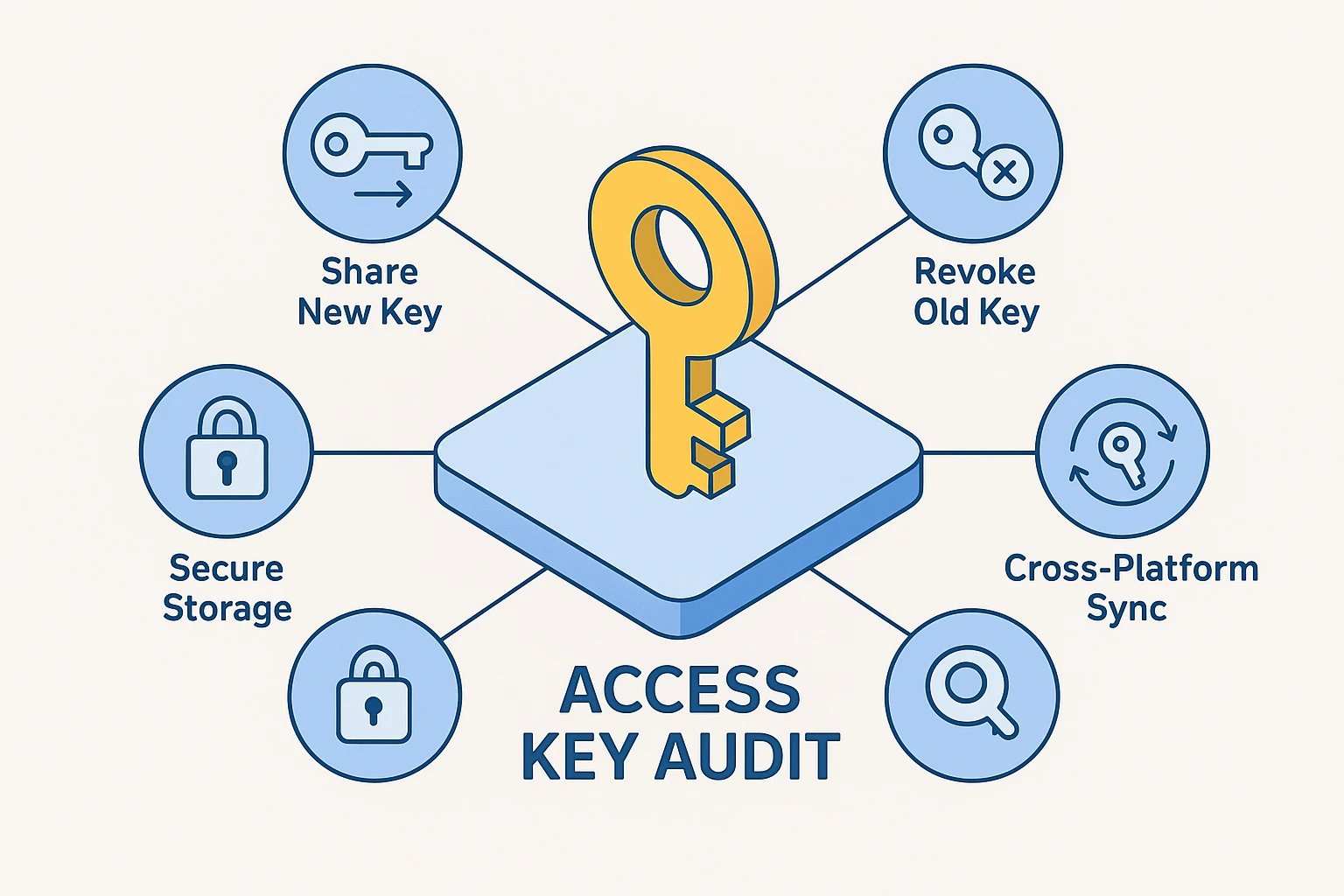
We recommend doing a Digital Legacy audit once a year. Maybe do it on your birthday. Or tax day. Or any day where you are already annoyed dealing with paperwork and want to get it all over with at once.
Life situations that demand an immediate update include:
Generally, no. Apple and Google do not send a “You have been removed” email. However, if you shared a digital key with them via Messages, that key will simply cease to work when they try to use it. It’s a “silent firing.”
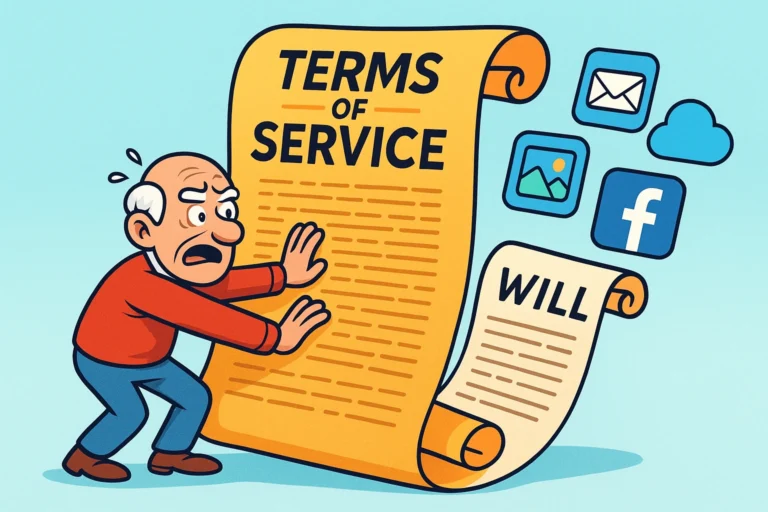
Usually, no. This is a tricky legal area, but generally, the Terms of Service you agreed to (without reading) when you signed up for the account take precedence. If Facebook says “Delete,” and your Will says “Give to Susan,” Facebook is probably going to delete it. Make sure your online settings match your offline wishes.
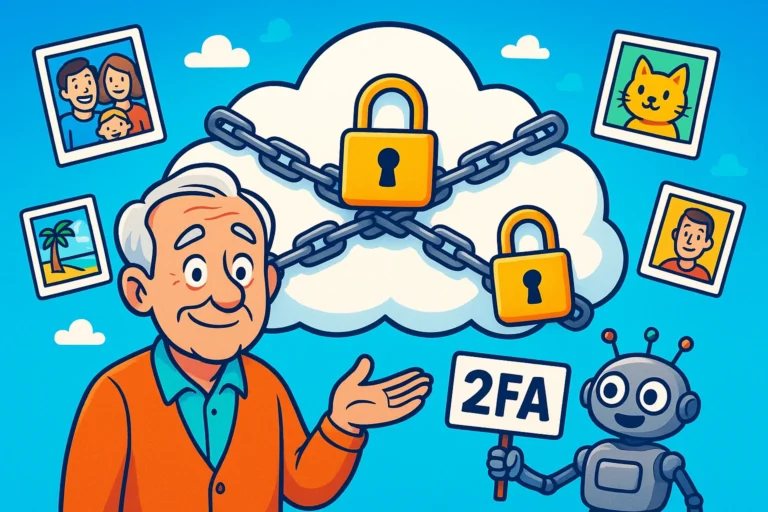
Yes! Apple allows you to add more than one Legacy Contact. This is actually a smart “fail-safe” strategy. If one person loses their access key (or their mind), the other can still act. Just make sure they get along, or you’re leaving behind a digital wrestling match.
For Apple specifically, if the access key doesn’t work and you have passed away, your family may need a court order to get into the account. It is expensive, stressful, and involves lawyers. It is much cheaper to print a new key today.
Your digital life is yours. You are the architect, the gatekeeper, and the boss. You are allowed to change your mind about who gets access to it.
Technology tries to make everything feel permanent, but these settings are fluid. Don’t let a decision you made five years ago dictate the safety of your memories today. Take five minutes, grab a coffee, and check your lists. Your future self (and your current nephew) will thank you.