Newsletter Subscribe
Enter your email address below and subscribe to our newsletter

Enter your email address below and subscribe to our newsletter
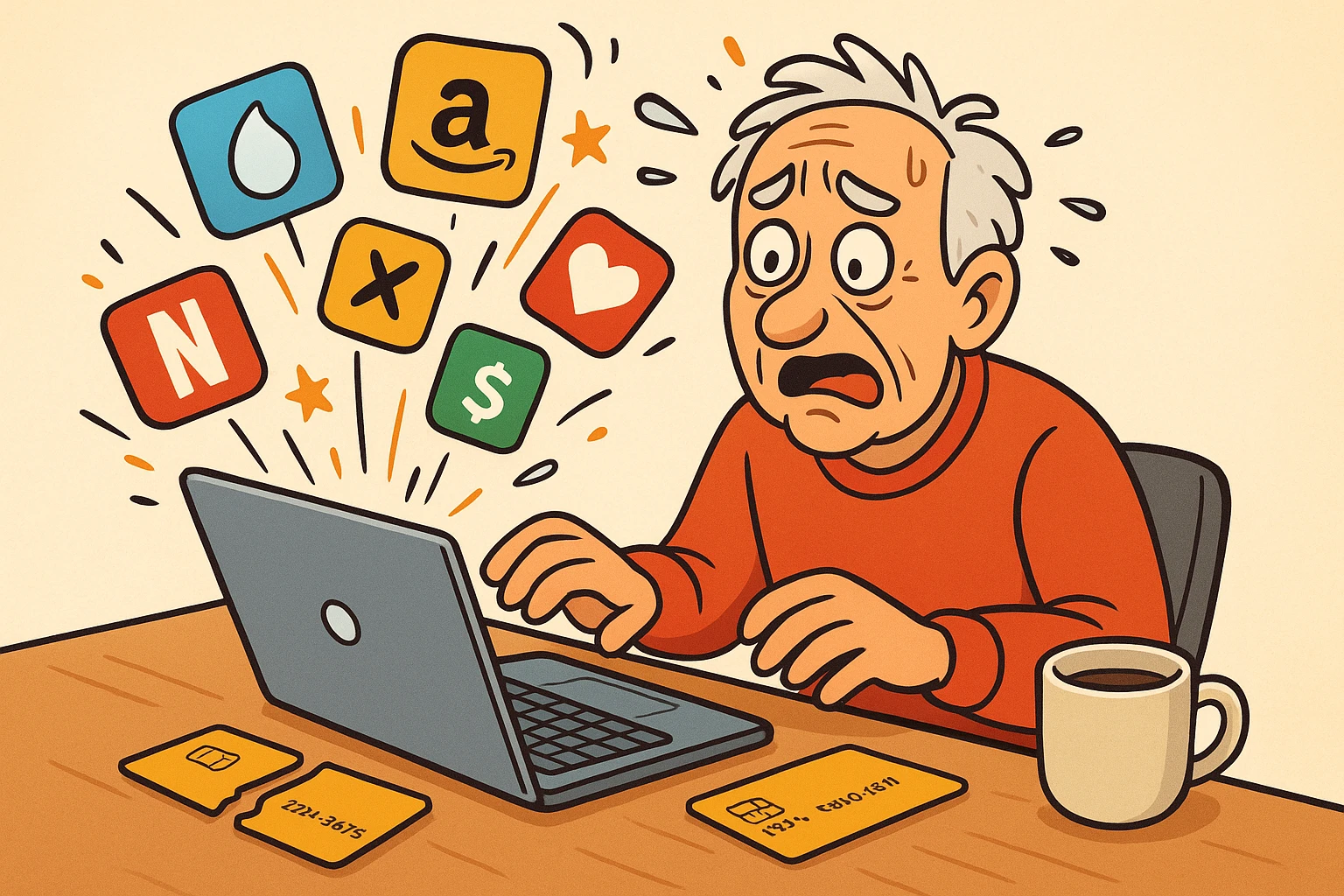
There is a specific kind of panic reserved for the moment you realize your credit card has gone to the Great Wallet in the Sky. Maybe it expired, maybe it was lost during a chaotic trip to the grocery store, or maybe the bank sent you a new chip card because the old one looked like it had been chewed on by a badger.
Whatever the reason, you are now holding a shiny new piece of plastic. It feels like a fresh start! You might even feel a sense of smug satisfaction as you cut up the old one with scissors. Take that, old debt!
But then, the realization hits you about three days later, usually at 8:00 PM on a Friday when you settle in to watch a movie. You didn’t just cut up a piece of plastic. You cut the lifeline to Netflix. And Amazon. And the electric company. And that fruit-of-the-month club you forgot you joined in 2019.
Suddenly, you aren’t a master of your financial destiny; you’re just a person who can’t watch The Crown because your digital life is tied to a set of numbers that no longer exist.
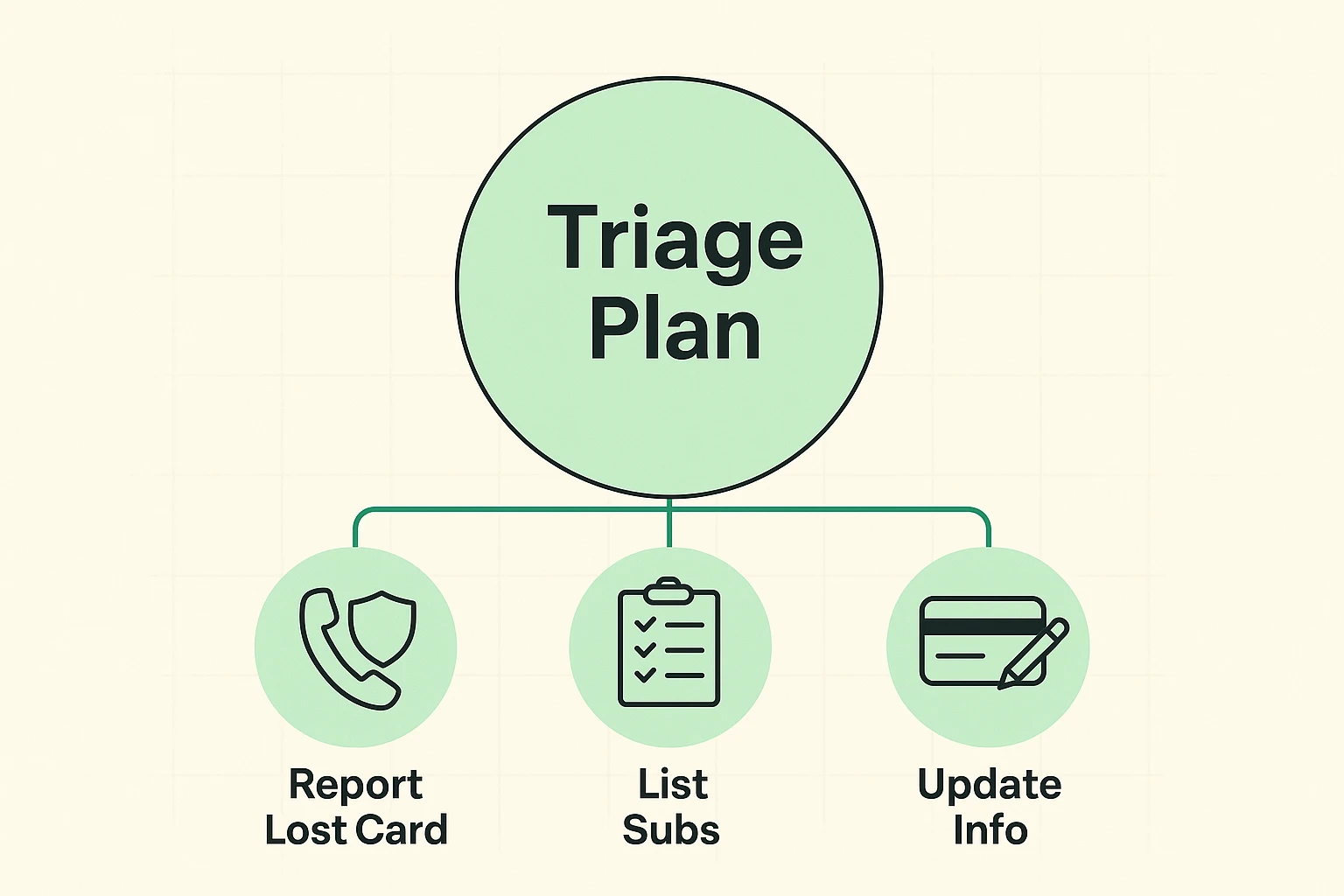
If your blood pressure just spiked reading that, take a deep breath. Updating your billing information feels like a monumental chore—like cleaning the garage or figuring out why the printer is making that grinding noise—but it is actually quite manageable if you have a plan.
Before we grab our detective hats, we need to address a common rumor floating around the bridge club. You might have heard that credit card companies have “automatic updaters” that magically tell merchants your new card number.
Here is the truth: Technology is smart, but it’s not that smart, and it’s definitely not consistent.
While services like Visa and Mastercard do have “Account Updater” features that can send new expiration dates to some merchants, relying on this is like relying on your grandkids to call you without being reminded. It might happen, but you shouldn’t bet your electricity bill on it.
If you don’t proactively update your information, two things usually happen:
It is always safer, faster, and less stressful to take the wheel yourself.
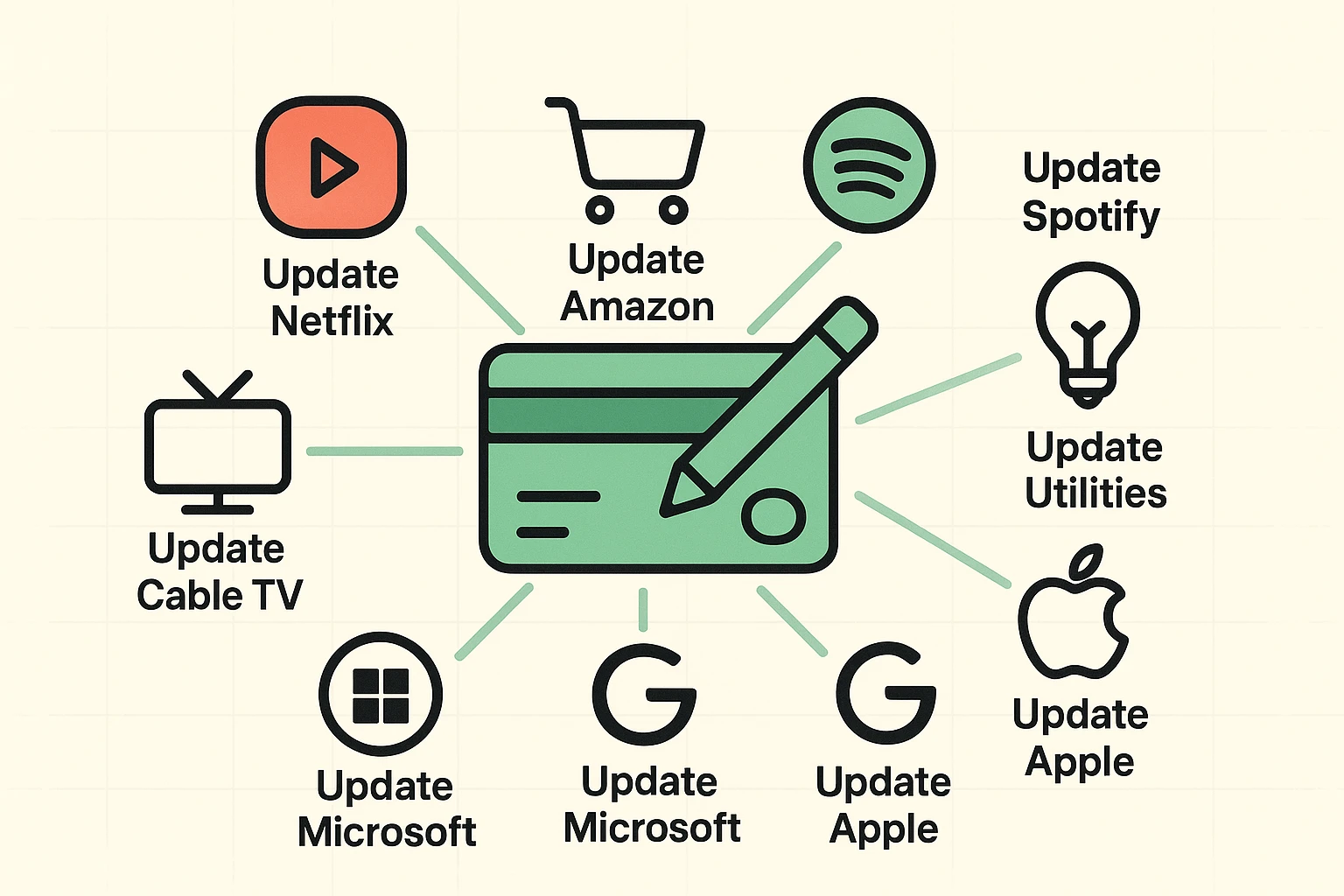
The hardest part of this process isn’t the typing; it’s the remembering. Most of us have subscriptions we’ve completely forgotten about. This is your chance to play “Digital Detective.”
We are going to build a Master List. You can do this on a notepad, the back of an envelope, or a spreadsheet if you’re feeling fancy. The goal is to find everyone who has your old card number before they find you.
1. The Bank Statement Sweep: Log in to your bank or credit card account (or grab the paper statements from the file cabinet). Go back 12 months. Why 12 months? Because of those sneaky annual subscriptions—like Amazon Prime or that antivirus software—that only charge you once a year.
2. The Email Search: Go into your email and search for keywords like “receipt,” “subscription,” “renewal,” or “invoice.” This often turns up services that cost $0.99 a month that you haven’t noticed on your statement in years.
3. The App Store Check: If you have an iPhone or iPad, tap “Settings,” then your name at the top, then “Subscriptions.” For Android users, check the menu in the Google Play Store. This is where a lot of newspapers, games, and streaming apps hide their billing.
Now that you have your list, pour yourself a cup of coffee (or something stronger). We are going to go down the list and update them one by one.
While every website looks a little different, the “Secret Path” to changing your payment info is almost always the same. Tech companies aren’t very creative. They usually hide it in the same three places.
When you log into any site (Netflix, Amazon, NY Times, etc.), look for a button or icon that represents YOU.
Once you click that, look for these magic words, usually in this order:
If you use PayPal, Apple Pay, or Google Pay for your subscriptions, you might get lucky! You only have to update your card in that specific wallet app. Once you change the card inside PayPal, for example, every subscription that you pay for via PayPal automatically starts using the new card. It’s like changing the engine in your car—all the trips you take afterwards use the new engine automatically.
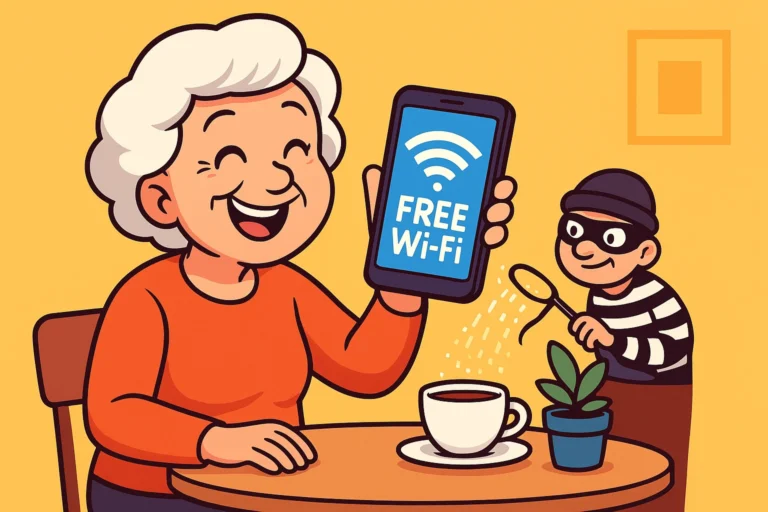
Here is the one serious part of our chat today. Scammers love confusion.
When your card expires, you might naturally expect emails from companies saying, “Action Required: Update Payment.” However, bad guys also send fake emails that look exactly like Netflix or Amazon, hoping you’ll click their link and type in your new credit card number so they can steal it.
The Golden Rule: Never, ever click a link in an email to update your payment info.
Even if the email looks legitimate, close it. Open your web browser, type in the address (like netflix.com) yourself, log in, and check your status there. If there is a real problem, the website will have a big banner at the top telling you about it. If the website looks normal, that email was a lie. Delete it with extreme prejudice.
Don’t worry, the Subscription Police won’t kick down your door. The company will simply try to charge the card, fail, and then send you an email. Usually, they give you a “grace period” of a few days or weeks before they actually cut off your service. You’ll have time to fix it.
Yes! It seems silly, doesn’t it? But that expiration date and the “CVV” code (the security code on the back) are part of the security key. If the key changes, the lock won’t turn. You have to update the details even if the main 16-digit number is the same.
Generally, yes, for major reputable companies like Amazon or your utility provider. They spend millions on security. However, for smaller, lesser-known websites, consider using PayPal or a “virtual card” if your credit card offers it. This adds an extra layer of separation between your bank account and the merchant.
Congratulations! You have successfully navigated the bureaucratic maze of modern billing. You can now put your feet up, stream your favorite show, and enjoy the peace of mind that comes with knowing the lights won’t turn off because of an expired piece of plastic.
And remember to keep that Master List you made. Put it in a safe place. In three or four years, when this new card expires, you’ll be so happy you did.