Newsletter Subscribe
Enter your email address below and subscribe to our newsletter

Enter your email address below and subscribe to our newsletter
Picture this: You’re settling into your favorite chair with a fresh cup of coffee, ready to play a friendly game of Hearts with your sister who lives three states away. You click on a website, and suddenly, your screen is flashing. A pop-up demands you “Download our App,” another asks you to “Create an Account,” and a third insists you invent a password containing a capital letter, a number, a symbol, and the phonetic spelling of a rare bird call.
Before you know it, thirty minutes have passed. You haven’t played a single hand of cards, and you’re seriously considering mailing your computer to the bottom of the ocean. Sound familiar?
For many seniors, the desire to connect with friends over a classic card game is completely ruined by websites that make you feel like you need an advanced degree in computer engineering just to shuffle a digital deck. The internet is flooded with game sites, but most of them completely ignore the most important part: how to easily get you and your friend at the same virtual table without pulling your hair out.
The good news is that you don’t need to download mystery software, memorize new passwords, or pay a dime to play cards online with your loved ones. Today, we are going to walk you through exactly how to set up a private, frustration-free game of cards. We’ll skip the techno-babble, stick to plain English, and have you dealing out the fun in no time.
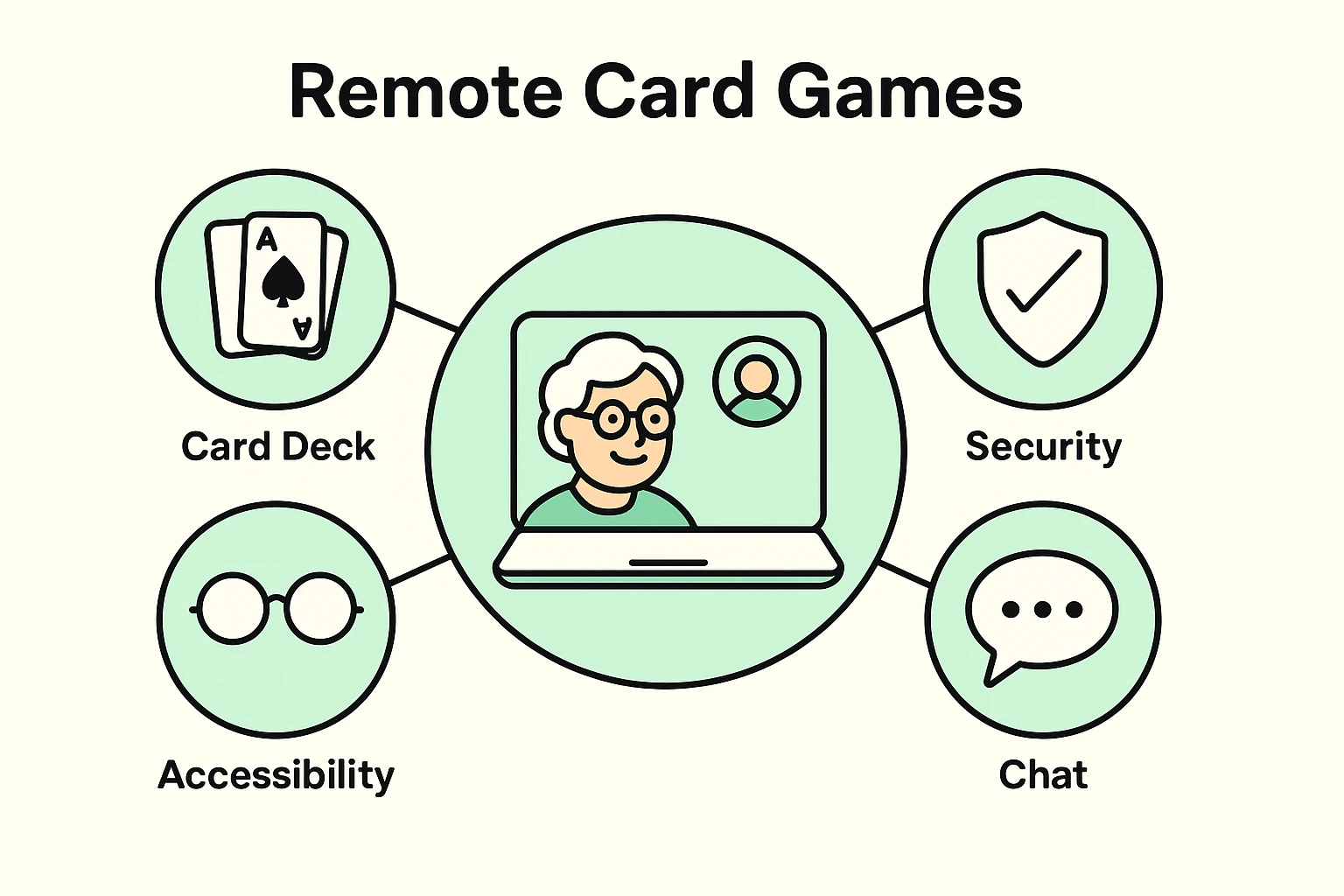
At Senior Tech Cafe, we have a golden rule when it comes to trying new games online: Do not download anything.
When a website asks you to download a program to play a simple game of Spades, it’s like a restaurant asking you to install your own oven before they’ll serve you a pie. It’s unnecessary, and more importantly, it can be a security risk. Sketchy downloads are a common way for bad actors to sneak snooping software onto your computer.
Instead, we only recommend “browser-based” games. This means the game plays entirely inside your internet window (like Safari, Chrome, or Edge). You just type in the web address, the game appears, you play, and when you close the window, it’s gone. You leave no digital footprints, and you take zero unnecessary risks.
Before we get to the games, let’s talk about why doing this is so incredibly good for you. Playing cards isn’t just a great way to catch up on family gossip; it is actual, scientifically proven medicine for your brain.
Researchers have found that regularly engaging in mentally stimulating activities like card games can significantly boost cognitive function. In fact, a recent 8-week study measuring mental sharpness (using something called the MMSE score) showed that seniors who regularly played games saw their cognitive scores jump from an average of 26.8 to 28.6.
In the medical world, that’s a massive leap! It means that figuring out whether your brother is bluffing in a game of Poker is actively helping you fight off dementia and memory loss. Think of it as a treadmill for your mind, except you get to sit down and you don’t have to wear sweatpants.
Not all game sites are created equal. Some are beautifully designed but impossible to invite friends to, while others look like they were built in 1995 and abandoned. Here are the absolute best, most senior-friendly platforms that require zero downloads and zero sign-ups.
If you miss the feeling of sitting around a physical folding table and seeing your friend’s reaction when you steal their trick, Trickster Cards is your best bet. This platform is brilliant because it has built-in video chat. It’s entirely free, and you can play classics like Spades, Hearts, Euchre, and Pinochle. You simply create a game, and the site gives you a short link to email or text to your friends. When they click it, they instantly pop into the virtual seats next to you.
One of the biggest hurdles in online gaming is the “copy and paste the link” step. If copying and pasting a messy string of web-letters makes you want to take a nap, World of Card Games has a genius solution.Instead of sending a link, you just agree on a secret “Table Name.” You can call your table “BlueBird” or “TunaCasserole.” You tell your friend over the phone, “Go to the website and type in TunaCasserole,” and boom—you are instantly sitting at the same private table. It is wonderfully simple.
Do you have a massive family or a large social club? CardzMania is the powerhouse of multiplayer card games. While most sites limit you to four players, CardzMania lets up to 12 people play together in a private room. They have dozens of games, from classic Rummy to obscure regional games. The site is a little busier to look at, but their private table feature is top-notch for big virtual gatherings.
Sometimes you just want to play a quiet game of Solitaire without dealing with other humans. AARP is one of the most trusted names on the internet for seniors, and their games section is fantastic. While they don’t offer the easy “private rooms for friends” that Trickster does, they are the absolute best place to go if you want to practice your skills against the computer in a safe, ad-supported environment.
Technology should be for everyone, but the tech world frequently forgets about seniors with vision or hearing loss. RS Games is a true hidden gem.It is a web-based platform specifically designed to work flawlessly with screen readers for blind or low-vision players. It relies on text and audio cues rather than tiny, hard-to-read graphics, making it an incredible resource for folks who normally feel left out of the digital fun.
Most tech websites assume everyone was born knowing how to share a digital invite. We know that’s not true. If you want to play on a site like Trickster or CardzMania, here is the exact, foolproof script you can use to invite a friend without the frustration.
Step 1: Go to your chosen game site (like trickstercards.com) and click “Play with Friends” or “Host a Game.”
Step 2: The website will show you an “Invite Link” (it usually looks like a piece of blue, underlined text). Click the button right next to it that says “Copy.”
Step 3: Open your email or your text messages, and paste that link into a message to your friend.
Feel free to copy and use this exact script: “Hi [Friend’s Name]! I want to play a game of cards with you. You don’t need to download anything or create a password. Just click this link [Paste Link Here] at 3:00 PM, and it will put us at the same virtual table!”
Have you ever looked at a digital card game and thought, “Who designed this, a hawk?” You shouldn’t have to squint until your eyes water just to see if you’re holding a Club or a Spade.
When you enter games on Trickster or World of Card Games, look for a little “Gear” icon—that is the universal internet symbol for “Settings.” Click it, and look for an option that says “Large Print” or “High Contrast.” Turning this on will make the numbers on the cards massive and easy to read.
Furthermore, if you are acting as a caregiver for someone with cognitive challenges, skip the complex strategy games like Bridge. Sites like CardzMania offer ultra-simple games like “Go Fish” or “War.” These games prioritize large, colorful graphics and simple repetitive motions, which are wonderfully soothing and engaging without causing mental fatigue.
Even the simplest technology occasionally has a hiccup. Here are the two most common “uh-oh” moments and how to fix them:
“My friend clicked the link, but they aren’t at my table!”
This usually happens if your friend clicked the link too early, before you actually finished creating the room. Tell them to close their internet window completely, take a deep breath, and click the link in your email one more time.
“The game is frozen, and I can’t play my card!”
Don’t panic; your computer isn’t broken. Sometimes the internet connection just stumbles. Look at the very top of your internet browser for an icon that looks like an arrow going in a circle. That is the “Refresh” button. Click it. It will reload the page and put you right back in your seat without losing your score.
No! All the sites we recommended offer free versions. They make their money by showing standard advertisements on the side of the screen. You never have to put in your credit card information just to play a basic game of Spades with your sister.
Because these games are “browser-based” (meaning they live on the internet, not inside your hard drive), you can play them on almost anything. A standard desktop computer, a laptop, an iPad, or even a smartphone will work perfectly fine.
Yes, as long as you stick to the rule of never downloading anything. Because you are playing in your web browser and you aren’t providing personal information (like your address or bank details), there is virtually nothing for a scammer to steal. Just ignore any pop-up ads that claim you “Won a free iPad!”
Learning to navigate a new digital landscape can feel a bit like trying to learn a foreign language while blindfolded. But remember, the goal here isn’t to become a tech wizard—it’s to share a laugh and a game of cards with someone you care about.
Your mission for this week is simple: Pick one of the sites above (we highly recommend starting with the “Table Name” method on World of Card Games), call up a friend, and give it a try. Expect to fumble a little bit the first time—that’s completely normal! Laugh at the mistakes, hit the refresh button if you get stuck, and enjoy the fact that you can now host a card party without ever having to clean up your living room.