Newsletter Subscribe
Enter your email address below and subscribe to our newsletter

Enter your email address below and subscribe to our newsletter
Have you ever walked into your kitchen and realized it looks less like a place to cook and more like a crime scene investigator’s evidence board? There are sticky notes on the fridge reminding you to take your Tuesday pill, a note on the coffee maker about a doctor’s appointment, and a mysterious piece of paper on the counter that just says “Call Bob.” You don’t know who Bob is anymore, but you’re pretty sure he’s waiting for your call.
For decades, our primary method of remembering things has been either plastering our homes in bright yellow paper or setting kitchen timers that sound like a submarine diving into enemy waters. It works, until it doesn’t.
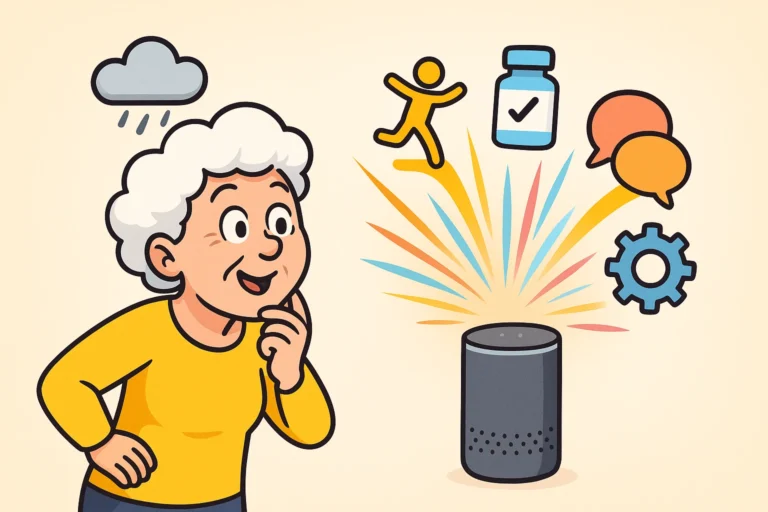
Enter the AI companion. Now, before you roll your eyes and tell me you survived just fine without a robot telling you how to live your life, hear me out. We aren’t talking about a sci-fi cyborg moving into your guest room. We’re talking about a gentle, helpful voice that acts as a digital assistant. Let’s look at how these smart devices can actually support your independence rather than just watching your every move.
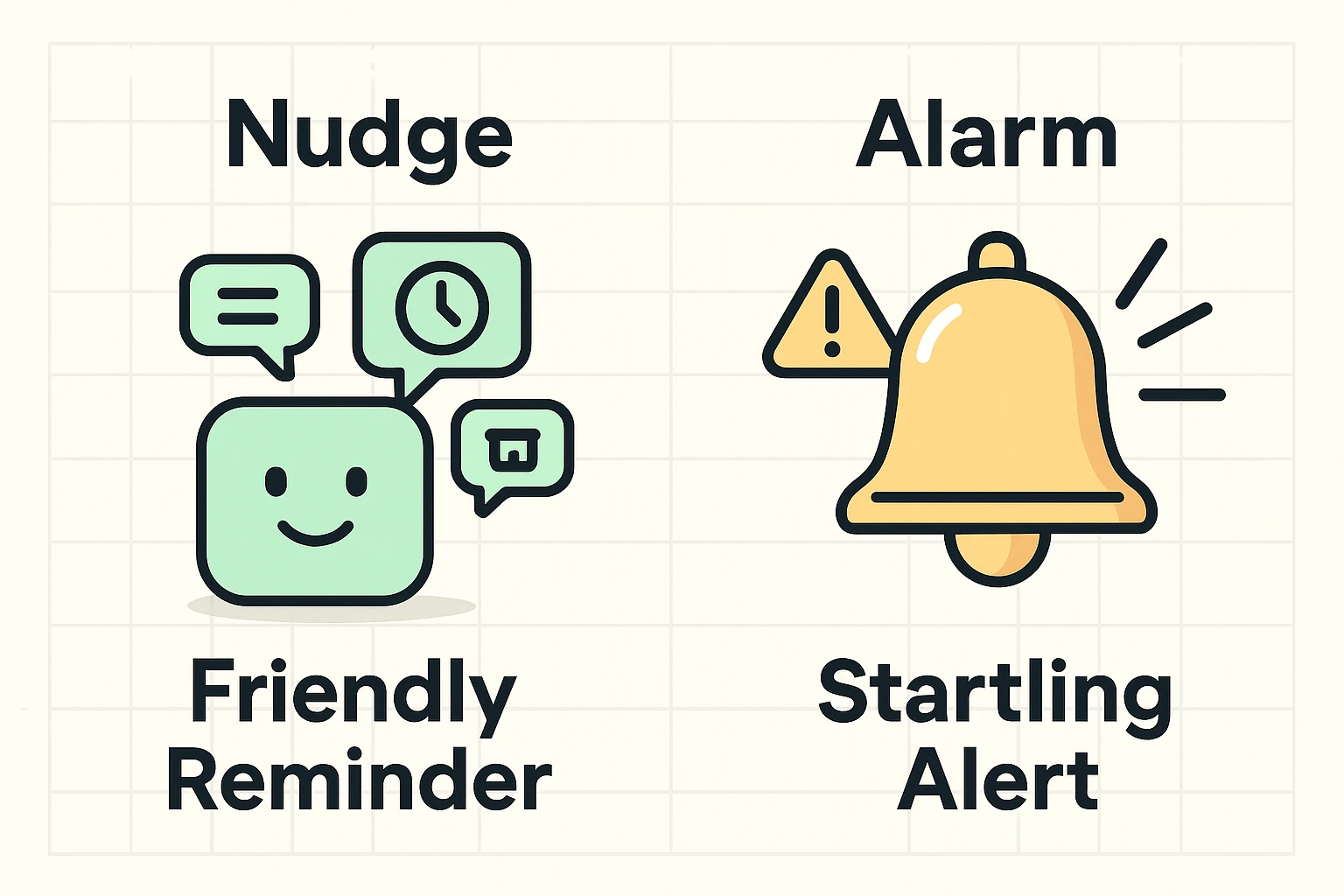
There is a fundamental difference between an alarm and a nudge. An alarm is what wakes a teenager up for school. It is loud, obnoxious, and induces a mild heart attack. When you use a traditional, blaring medication reminder for your afternoon pills, your first instinct isn’t to take the pill. It’s to smash the clock with a rolled-up newspaper.
AI companions, on the other hand, use the psychology of a friendly “nudge.” Instead of screeching at you, a device like ElliQ or a smart speaker will simply light up and say, “Good afternoon! It’s 2:00 PM, time for your blue blood pressure pill.”
It’s the difference between a smoke detector going off and a polite butler clearing his throat. This gentle approach drastically reduces the annoyance factor. It turns a stressful interruption into a seamless, pleasant part of your daily routine.
Not all digital assistants are created equal. Some are just voice-activated speakers, while others have bright, helpful screens. Your choice should depend on what makes you the most comfortable, not what the teenager at the electronics store thinks is the trendiest gadget.
If you have a little trouble hearing, a device with a screen (like an Amazon Echo Show or Google Nest Hub) is fantastic. It can show you your daily schedule in large, crisp print while it speaks to you.
If vision is a hurdle but your hearing is sharp, a high-quality voice-only smart speaker might be your new best friend. You can place one in the living room and another in the bedroom, ensuring you never miss a beat (or a pill) no matter where you are in the house.
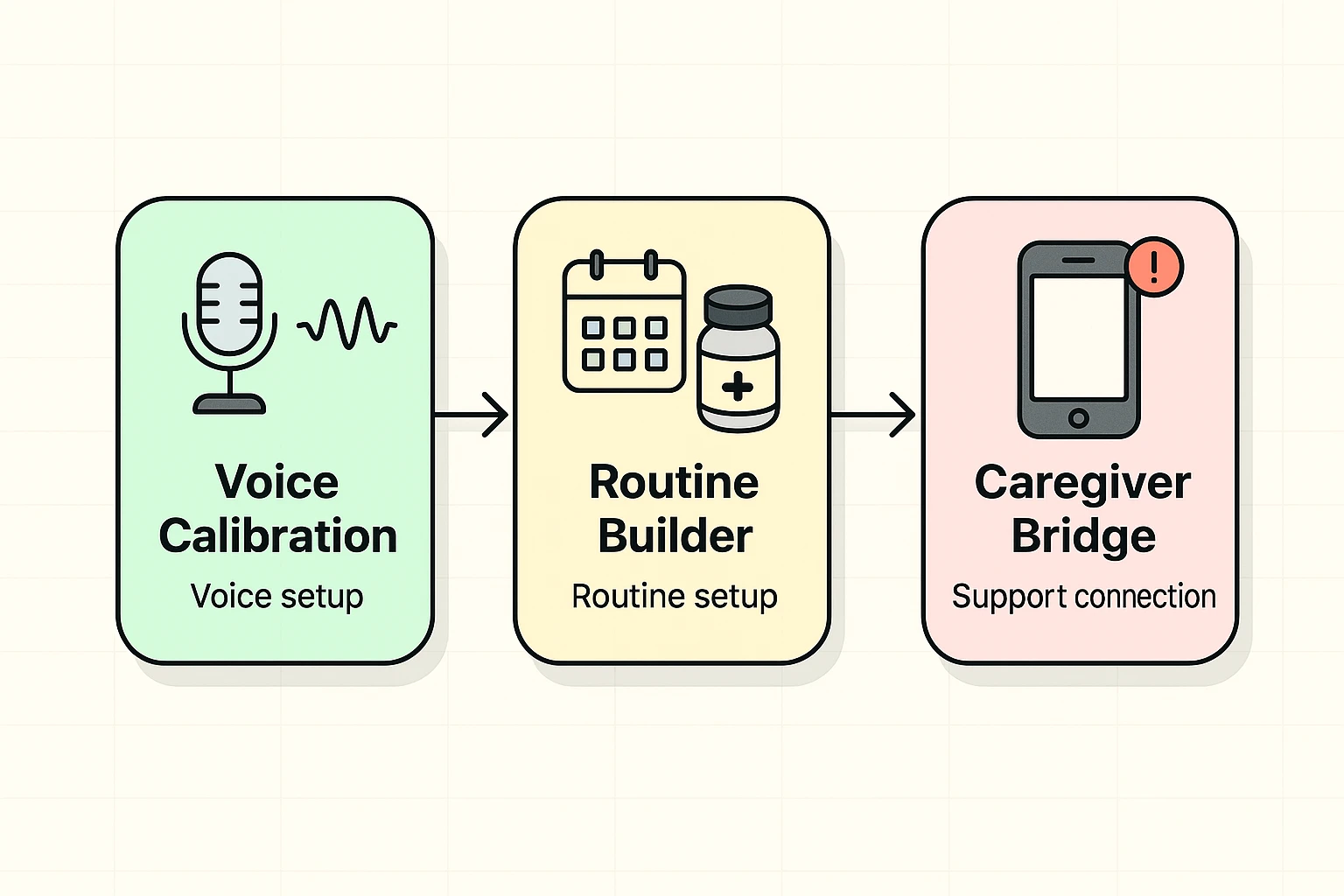
Setting up an AI device sounds intimidating to most folks. You might picture yourself wearing a tinfoil hat and typing lines of code into a supercomputer just to set a timer. Relax! It’s actually quite straightforward when you break it down into pieces.
First, the device needs to learn your voice. We all have different accents, speeds, and volumes. Most devices will ask you to read a few simple sentences out loud during the initial setup so it can get used to your vocal patterns.
Take your time with this step. Speak exactly how you normally would. Don’t use your “fancy telephone voice” unless you plan to use it every single time you ask the weather!
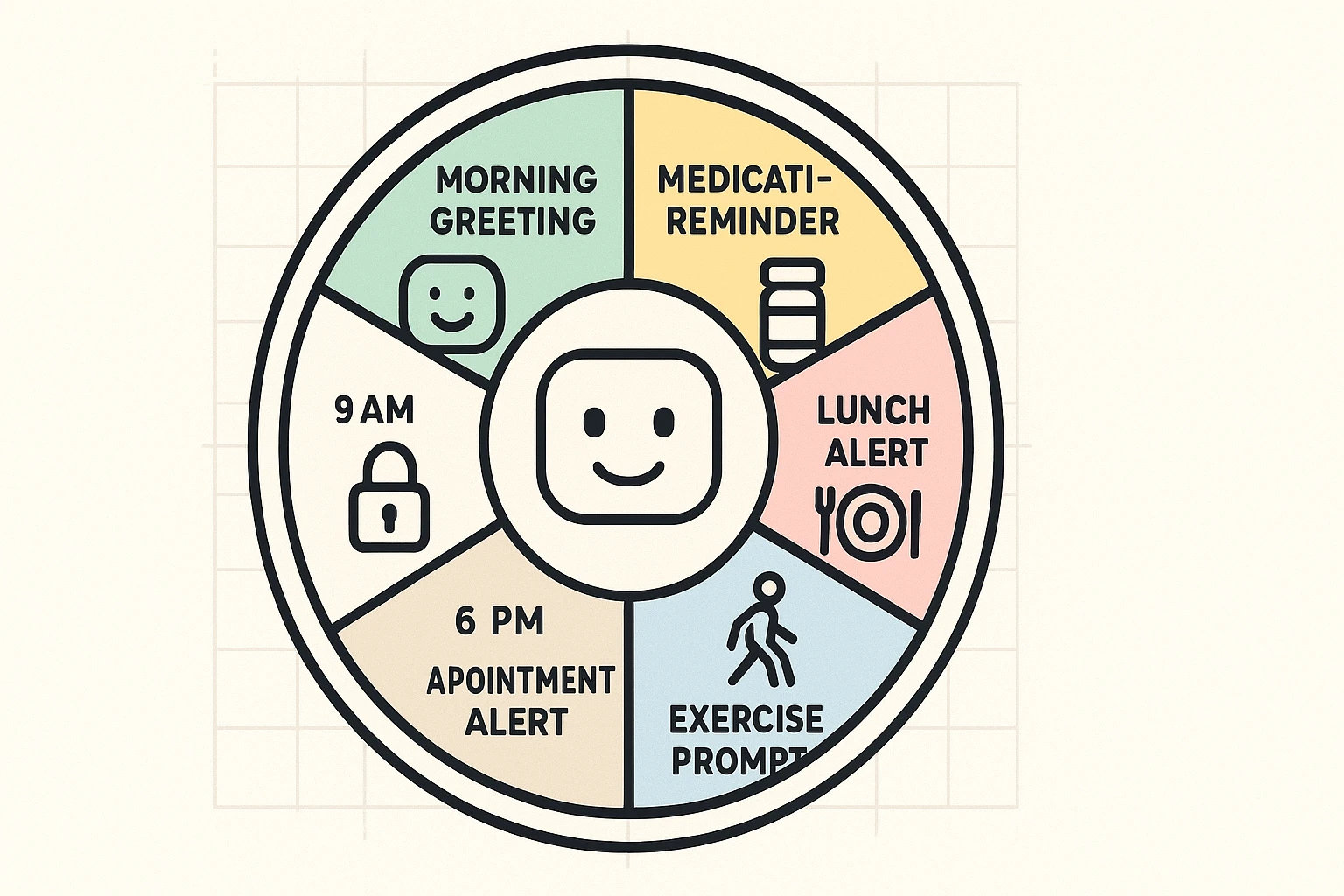
This is where the magic happens. A “Routine” is just a fancy tech word for telling the device to do a sequence of things automatically. For example, you can seamlessly link your morning cup of coffee to your medication schedule.
You can set it so that every morning at 8:00 AM, the device tells you the weather, turns on the kitchen light, and reminds you to take your morning vitamins. If you’re using alexa for seniors, setting up these specific daily routines can truly transform a chaotic morning into a smooth, predictable rhythm.
Here’s a clever feature your old kitchen timer definitely doesn’t have: accountability. Many advanced AI companions use something called “closed-loop feedback.” This means the device doesn’t just remind you to take a pill; it waits for you to say, “Done!”
If you don’t confirm that you’ve taken your medication by a certain time, you can set the device to gently nudge you again or send a quick text message to your adult children. It keeps them from constantly calling to check on you, giving everyone a little more peace of mind and preserving your independence.
Let’s talk about how the brain works. Memory care specialists often use the “90-second rule,” which simply means giving someone a full minute and a half to process a request and take action. AI devices can be programmed to respect this rule, pausing patiently instead of repeating the reminder every ten seconds like an impatient toddler.
Another brilliant trick is “visual-auditory anchoring.” If you have a smart device with a screen, you can upload a photo of the exact pill bottle you need to open.
When it’s time for your medication, the device will say the reminder and show a picture of the white bottle with the red cap. This completely eliminates the dreaded “Wait, did I need to take the blue pill or the white one?” guessing game that we’ve all experienced.
This is the million-dollar question. Most smart speakers are only listening for their “wake word” (like “Alexa” or “Hey Google”). They aren’t recording your critique of the neighbor’s terrible landscaping. If you’re concerned about privacy, most devices have a physical “mute” button that turns off the microphone entirely.
Ah, the Achilles heel of modern tech. If your internet goes down, your basic smart speaker usually becomes a very expensive paperweight until the connection returns. However, specialized companion devices often have built-in cellular backups, so your vital medication reminders won’t skip a beat just because the cable company is having a bad day.
You wouldn’t be the first! If you find the voice grating, you can dive into the settings and change it. You can make your assistant sound like a British butler, an Australian news anchor, or even a celebrity. Sometimes, changing the voice is all it takes to make the reminders feel less intrusive.
You don’t have to automate your entire life by tomorrow afternoon. The best way to introduce an AI companion into your home is to start incredibly small. Pick just one task—like your 4:00 PM reminder to drink a glass of water—and let the device handle it for a week.
Evaluate how it feels. Did it make life easier? Did it save you from staring blankly at your own sticky notes wondering what you meant? Once you trust it with the small stuff, you can start building a digital routine that actually supports your independence.
Print out a short “cheat sheet” of commands, stick it on the fridge (yes, right next to the remaining sticky notes), and give it a try. You might just find that having a digital butler is exactly the upgrade your daily routine needed.