Newsletter Subscribe
Enter your email address below and subscribe to our newsletter

Enter your email address below and subscribe to our newsletter
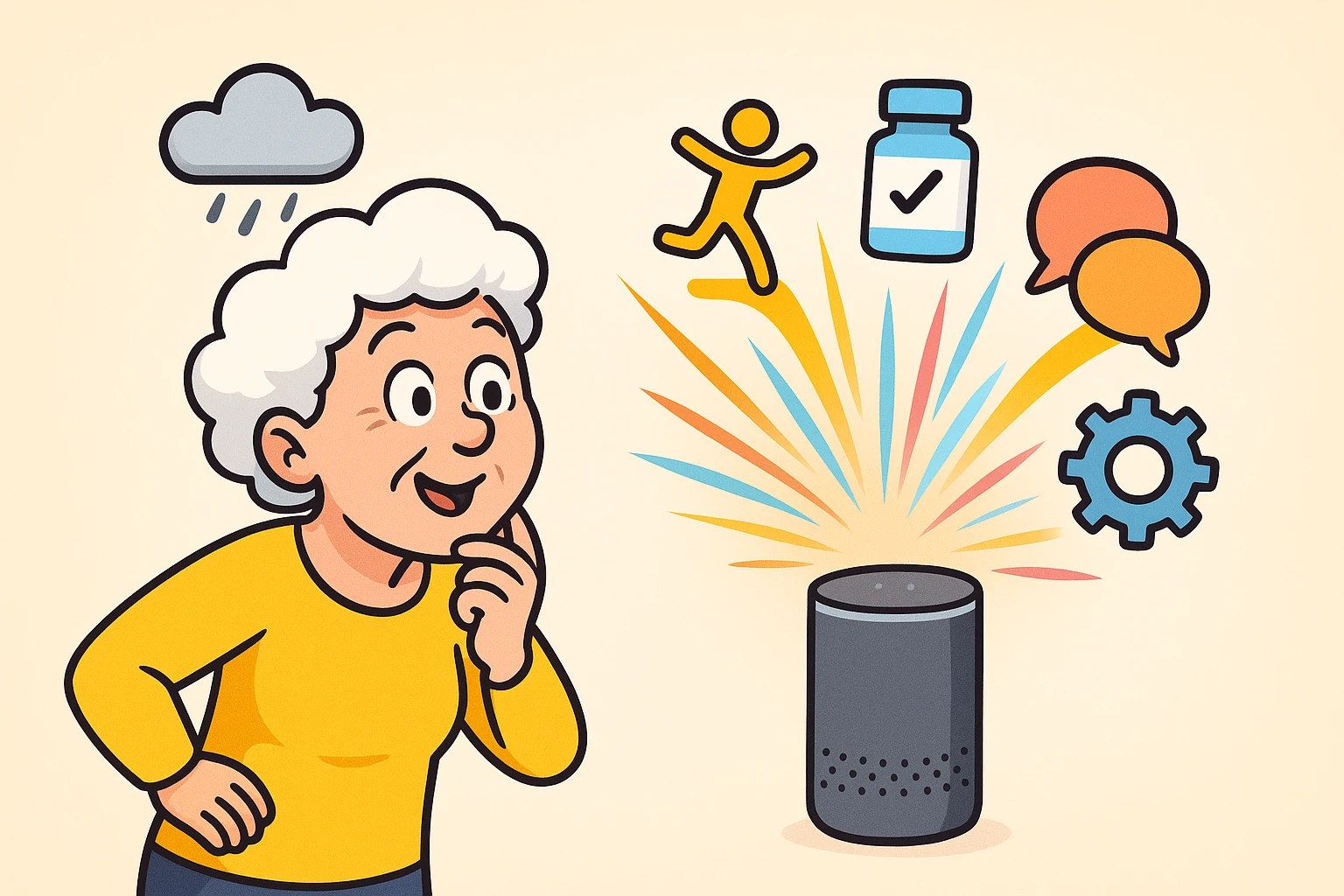
You probably have a smart speaker sitting on your kitchen counter right now. It looks like a futuristic soup can, occasionally glows a mysterious color, and patiently waits for you to ask if it’s going to rain. For most of us, this is where the relationship ends. We ask for the weather, we set a timer for our pasta, and maybe—if we’re feeling wild—we ask it to play some Frank Sinatra.
But using a smart speaker just as a glorified meteorologist is like buying a sports car and only driving it to the end of your driveway to pick up the mail. That little glowing cylinder is secretly a digital powerhouse. It can be your personal assistant, your safety net, and a polite but relentless nag when you forget your daily tasks.
If you’re tired of the basic commands and want to make your technology actually work for you, it’s time to move past day one. We are going to look at how to transform that device from a novelty into a genuinely life-improving tool.
Many folks know they can use their smart speaker to make phone calls, but the real magic is a feature called “Drop-In” (on Alexa) or “Broadcast” (on Google). Unlike a regular phone call where your kids have to hear the ring, find their phone, and swipe to answer, this works like an old-school intercom. It instantly connects you to another device in your family’s network.
Think of it as a virtual open window between your living room and your daughter’s kitchen. If you need a quick favor, or just want to feel less isolated on a quiet afternoon, you simply say, “Alexa, drop in on Sarah’s Kitchen.” Boom, you’re connected.
This is also a massive safety upgrade. If you happen to take a tumble and can’t reach the phone, you don’t need to crawl to a handset. You just shout to the room, and you’re instantly talking to family. It replaces the old, stigmatized “I’ve fallen and I can’t get up” buttons with something completely invisible and dignified.
Speaking of tumbles, the middle of the night is prime time for stubbed toes and tripped-over rugs. Navigating a dark hallway when you’re half-asleep and nature calls is a hazardous obstacle course. This is where combining your smart speaker with inexpensive smart light bulbs becomes a game-changer.
Instead of fumbling blindly along the wall for a switch, you can simply use your voice. Saying, “Turn on the hallway lights to 20%” gives you just enough illumination to see, without blinding you like a Hollywood spotlight.
For the truly advanced power user, you can set up motion sensors tied to your smart speaker. When your feet hit the floor at 2 AM, the hallway lights automatically glow softly. It’s like having a very attentive butler who anticipates your every move, minus the awkward small talk.
We all have moments where we stare at a pill bottle and think, “Did I take the blue one today, or did I just dream about taking the blue one?” Memory slips are normal, but missing important medication isn’t something to gamble with. Your smart assistant is the perfect tool for keeping you on track.
Instead of setting a generic, annoying alarm that just beeps endlessly, you can give your speaker specific instructions. You can say, “Remind me to take my blood pressure pill every day at 8 AM and 8 PM.” At those exact times, your speaker will chime and clearly announce, “It’s time to take your blood pressure pill.”
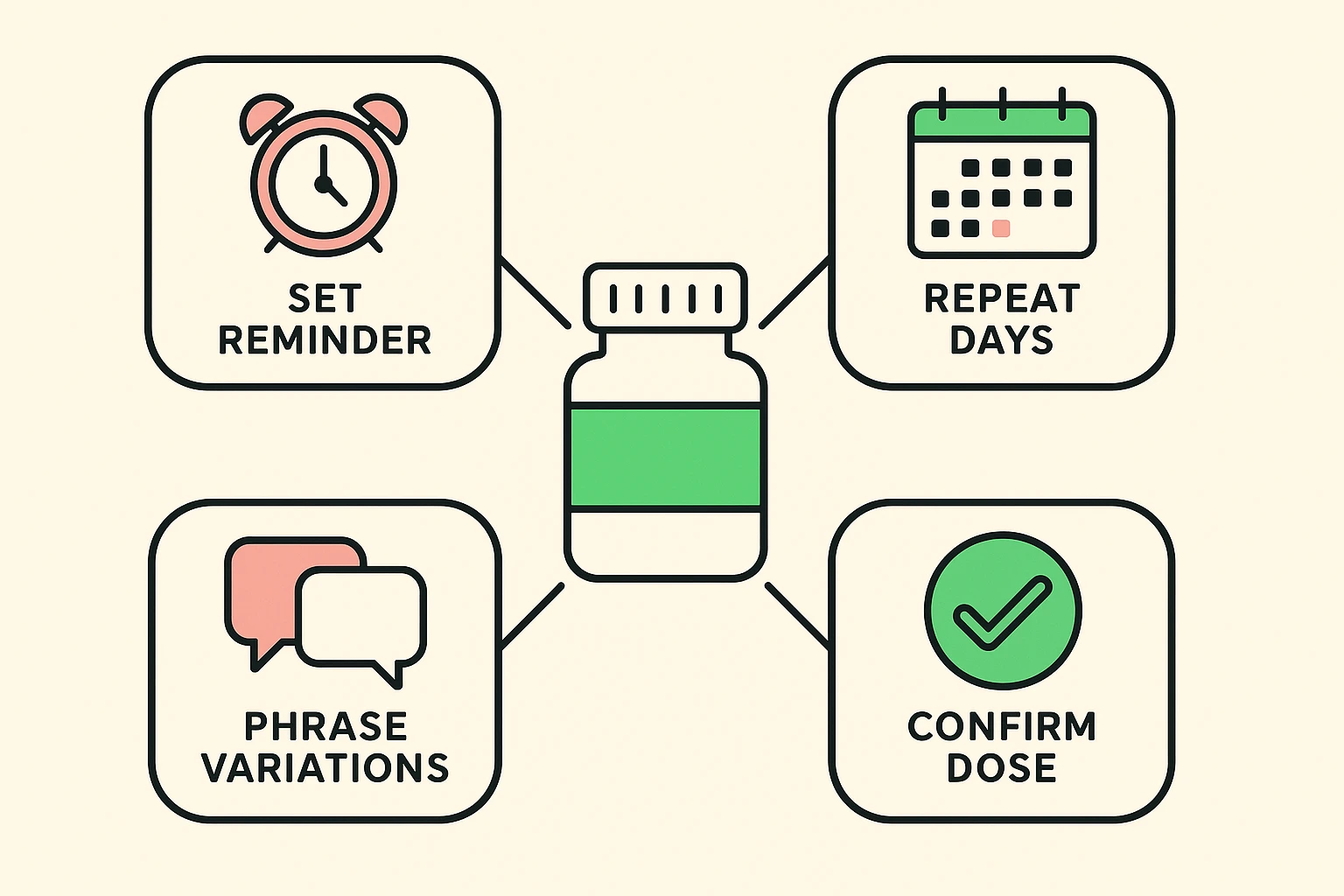
If you are a caregiver trying to help a parent manage a complex pill schedule remotely, this is a lifesaver. You can even set up these alerts from your own phone to play on their speaker. It’s often much more effective than relying on a traditional medication reminder box that can easily be ignored or forgotten in another room.
The absolute best feature of any smart assistant is the “Routine.” A routine is just a fancy tech word for a chain reaction. Instead of giving your speaker five separate commands, you create one single trigger phrase that makes the speaker do several things in a row.
Here are two “Routine Recipes” every senior should have set up:
Technology shouldn’t require 20/20 vision or perfect hearing to be useful. In fact, voice assistants are phenomenal tools for folks dealing with vision or mobility challenges. If reading small print has become a headache, your smart speaker can lend you its digital eyes.
Amazon’s Echo Show (the ones with a screen) has a brilliant feature called “Show and Tell.” If you’re holding a can from the pantry and can’t read the tiny label to see if it’s chicken noodle or clam chowder, you just hold it up to the camera. You say, “Alexa, what am I holding?” and it will read the label out loud to you.
For those who are hard of hearing, smart speakers with screens can display closed captions for almost everything they say. They can even act as a visual doorbell, flashing your living room lights when someone rings the front door, ensuring you never miss a visitor just because the TV was turned up too loud.
If you don’t already have a device, or you’re looking to upgrade, you might be wondering whether to invite Amazon or Google into your home. Both are excellent, but they have slightly different strengths when it comes to older adults.
Google Home is often praised for its ability to understand natural, conversational speech. If you tend to phrase questions differently every time, Google is usually better at figuring out what you mean without getting confused. It’s essentially the better listener of the two.
Amazon, however, offers a robust service called Alexa Emergency Assist. For a monthly fee, you can say “Call for help,” and it connects you to a 24/7 urgent response agent who can dispatch emergency services. If creating a medical safety net is your top priority, utilizing alexa for seniors might be the better choice for your peace of mind.
We’ve all been there: you ask a simple question, and the smart speaker confidently gives you a completely irrelevant answer or says, “I don’t know that one.” Arguing with a piece of plastic is an incredibly frustrating way to spend a Tuesday afternoon.
First, remember to pause. Say the wake word (“Alexa” or “Hey Google”), wait half a second for the device to light up, and then speak your command clearly. Running it all together like “Alexaturnonthelight” often results in digital confusion.
If the device repeatedly misunderstands a specific command, change your phrasing. Cognitive friction happens when we stubbornly expect the machine to learn our language, rather than adapting to its limits. Keep a sticky note on the fridge with the exact, successful phrase you used for important tasks until it becomes a habit.
Generally, no. Out of the box, smart speakers cannot dial 911 because they aren’t traditional landlines and don’t transmit your exact location to dispatchers automatically. To get emergency dispatch features, you need a paid add-on service like Alexa Emergency Assist or a landline accessory.
Smart speakers are always listening for their wake word (like “Alexa”), but they are not recording everything you say. Once they hear the wake word, they record the command to process it. If privacy is a concern, every smart speaker has a physical “mute” button on top that disconnects the microphone completely when you want total privacy.
Nope! Setting up routines, asking questions, setting timers, and getting medication reminders are all completely free features included with the device. You only pay a monthly fee if you sign up for premium extras, like a music subscription or an emergency response service.
Technology is supposed to make our lives easier, not leave us feeling like we need a master’s degree in computer science just to turn on a lamp. By moving beyond basic weather requests, you can turn your smart speaker into a tireless helper that keeps you safe, connected, and independent.
Don’t try to master all of this at once. Pick just one “Routine Recipe” today—maybe setting up a medication reminder or having the speaker read your morning news. Once you see how easy it is to make the technology work for you, you’ll wonder how you ever got along without your digital butler.