Newsletter Subscribe
Enter your email address below and subscribe to our newsletter

Enter your email address below and subscribe to our newsletter
Back in the day, a bill was a straightforward affair. It arrived in your mailbox, printed on paper, and politely asked you to pay for something you actually remembered buying, like electricity or a toaster. If you didn’t want the toaster, you didn’t buy it, and that was the end of the transaction.
Fast forward to today, and looking at your bank statement feels like trying to decipher ancient hieroglyphics. You’re scanning the lines and suddenly see a mysterious $14.99 charge from something called “APPLE.COM/BILL” or “AMZN DIG.” Did you buy an apple orchard without realizing it? Are you unknowingly funding a secret Amazon space mission?
Usually, the answer is no. You’re simply the newest victim of the modern “subscription economy.” It’s a fancy term tech companies use for “we’re going to quietly take a little bit of your money every month until the end of time.” But don’t worry, you aren’t powerless against these phantom charges, and we’re going to show you exactly how to find them.
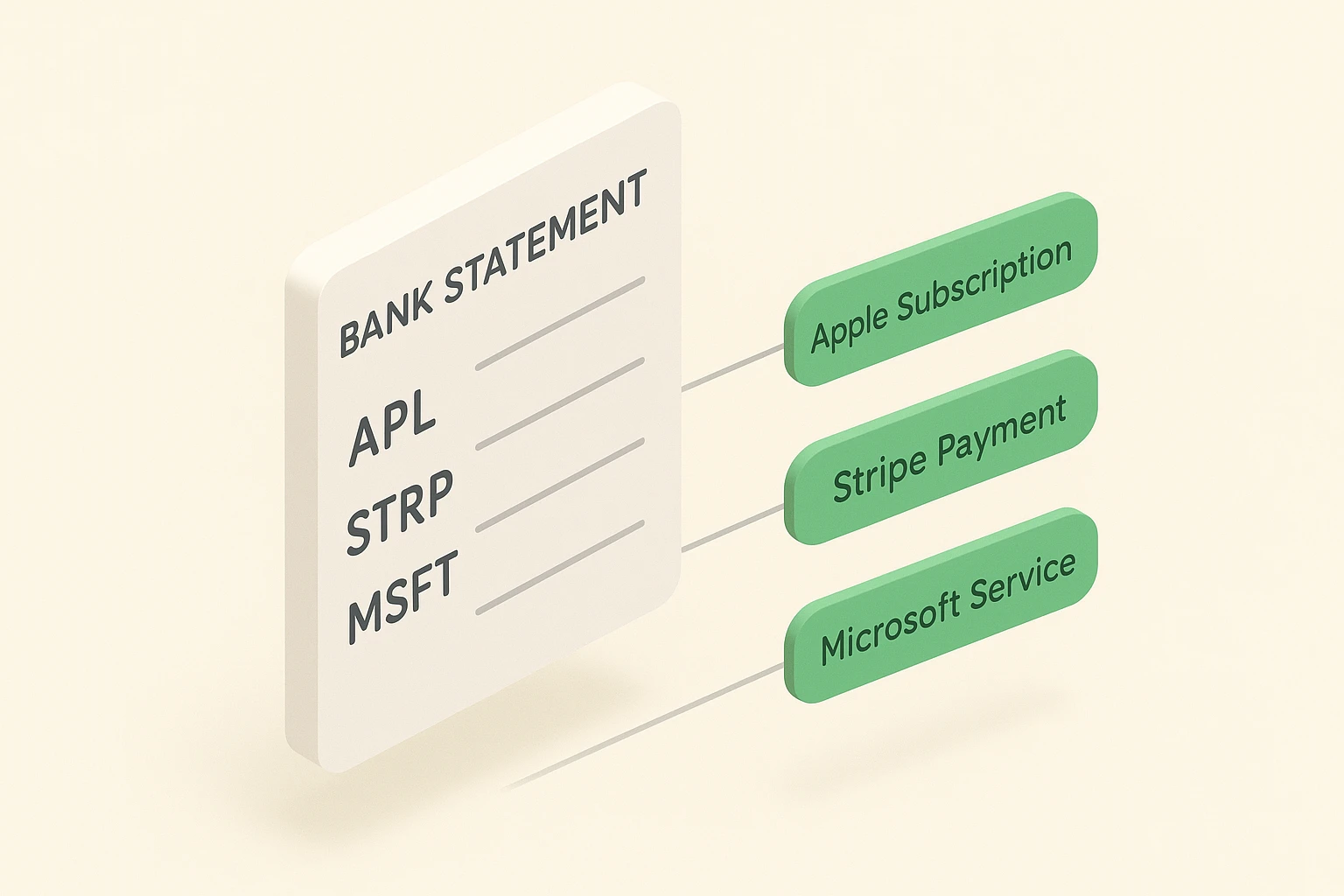
In the old days, if you bought a magazine, the bill proudly announced the name of that magazine. Today, tech giants like Apple, Google, and Amazon act as the giant digital middlemen for thousands of smaller services. So, when you sign up for that daily brain-training game or a premium knitting app, the bill rarely names the app itself.
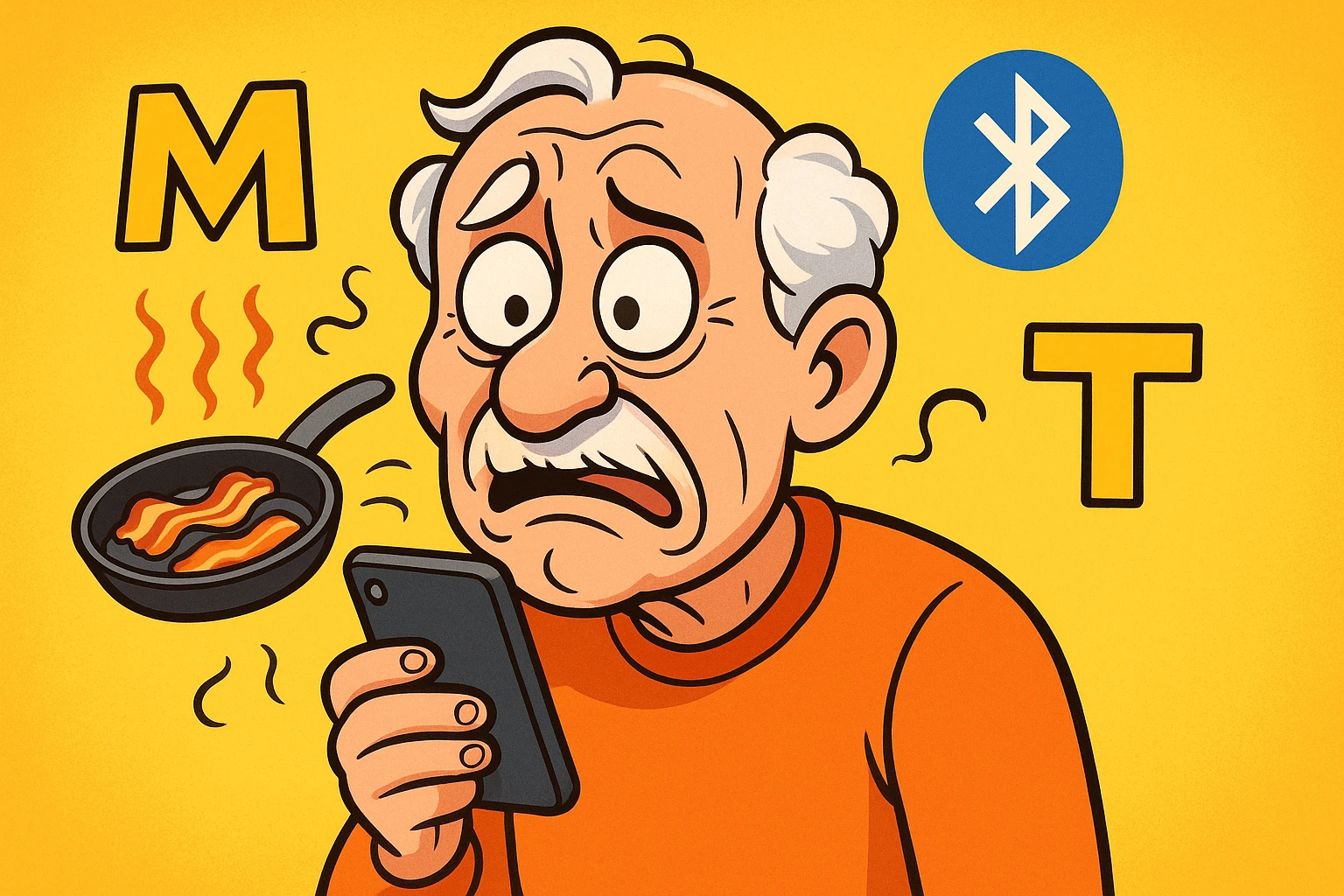
Instead, the charge hides under a giant corporate umbrella. You’ll see cryptic abbreviations like APL for Apple, GOOG for Google Play, or MSFT for Microsoft. It’s the digital equivalent of buying a hot dog at a baseball game, but your credit card statement just says “STADIUM.”
This is why so many seniors and their families get completely turned around during a financial review. You aren’t losing your mind or forgetting purchases. The system is just terribly labeled by design.
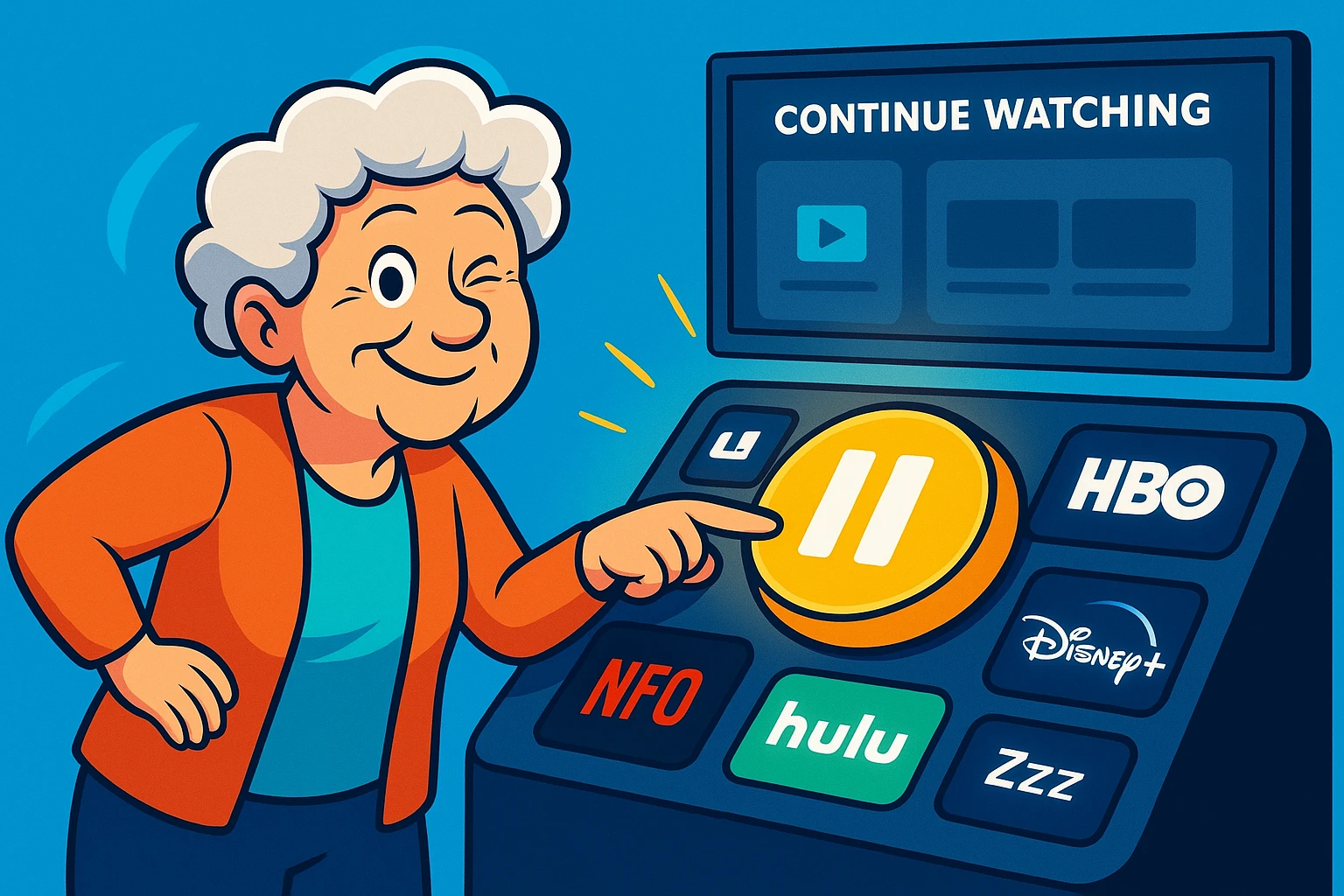
We’ve all seen the irresistible pop-up offer: “Try our wonderful service FREE for 30 days!” It sounds completely harmless. You type in your credit card info—which they promise is “just for verification,” a phrase that should immediately make your eye twitch—and you’re in.
Thirty-one days later, bam. You’ve been charged for a service you haven’t looked at in three weeks. The company was banking heavily on the fact that you have a life, run errands, and would completely forget to cancel. This is arguably the most common way older adults end up with unwanted digital bills.
But here is a fantastic secret: the “Immediate Cancellation” trick. With almost all of these services, you can sign up for the free trial and then cancel it 30 seconds later. You will still get your 30 free days, but they are legally blocked from automatically charging you when the trial ends. Take that, corporate America!
Let’s say you downloaded a paid app that promised to teach you conversational French. After a week, you realize you have zero desire to speak French, so you press down on the app icon and delete it from your phone. Au revoir, right?
Wrong. Deleting an app to cancel a subscription is like throwing away your credit card statement to pay your bill. The app is gone from your screen, but the billing agreement is still happily humming along in the background.
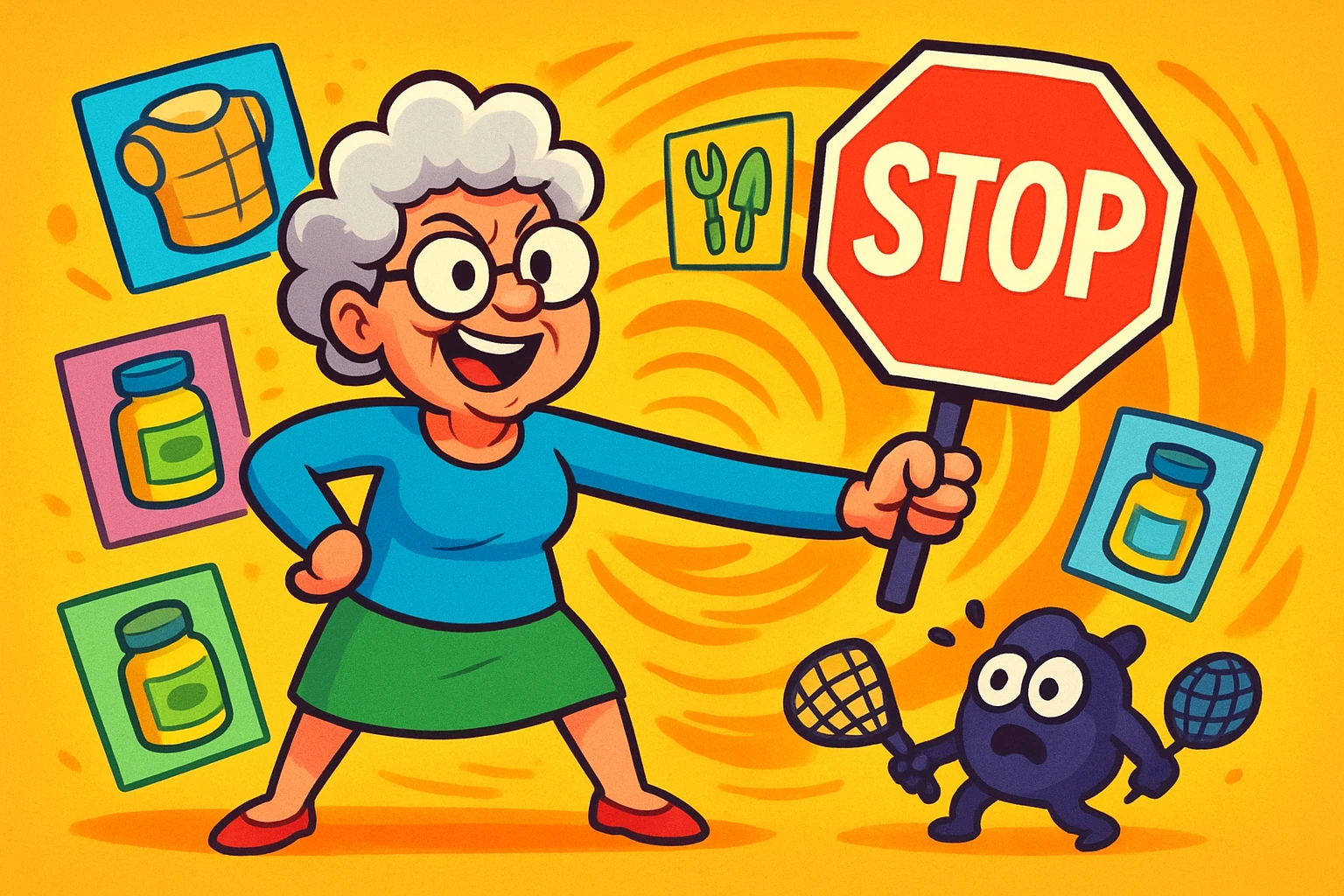
To actually stop the bleeding, you have to dig into your device’s settings to get rid of unwanted subscriptions properly. This usually means navigating to your Apple ID or Google Play account menu. Simply treating the app icon like a digital piñata won’t protect your wallet.
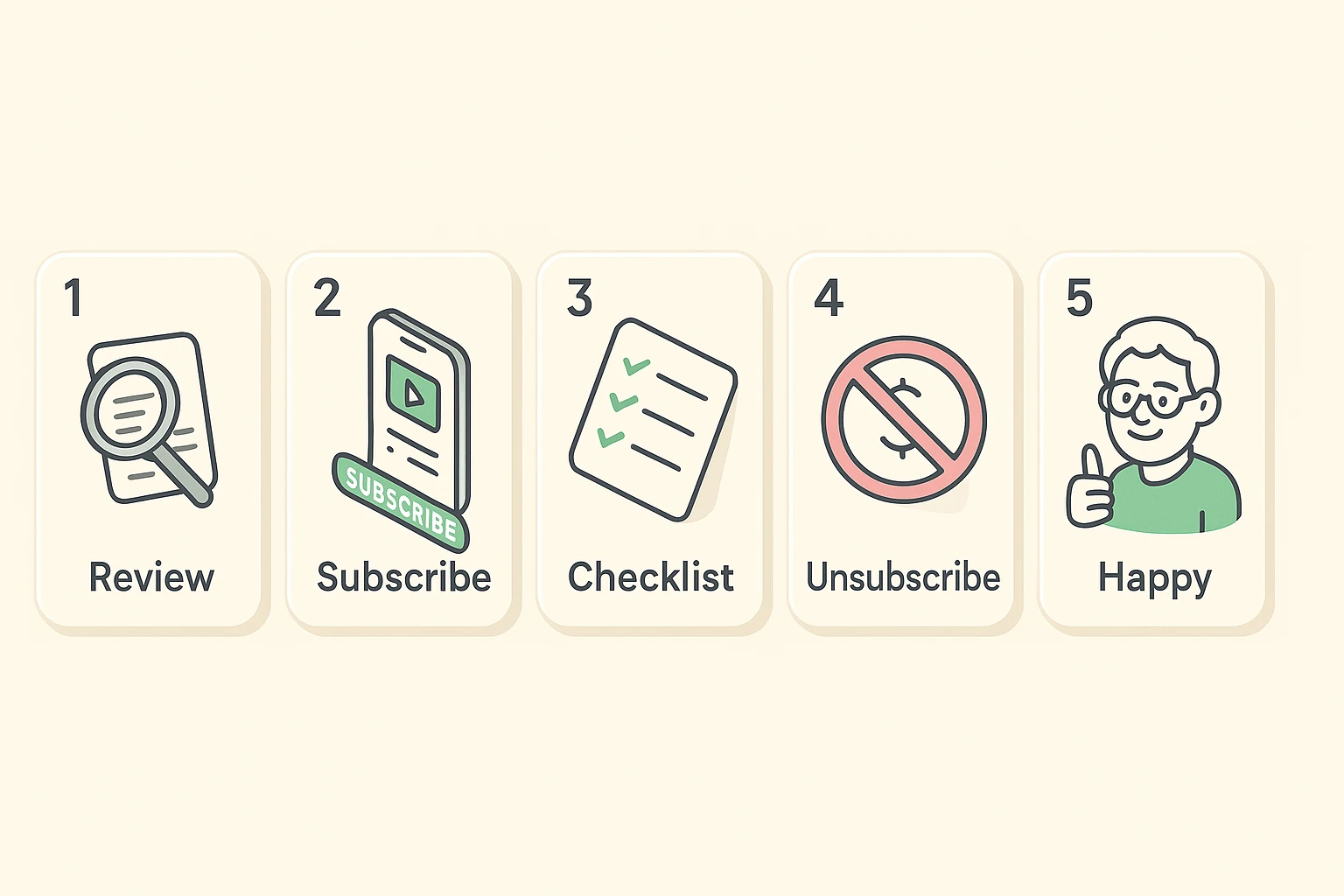
Rather than waiting until you’re furious about a $100 mystery charge, treat your subscriptions like a routine dental cleaning. We recommend performing a “Digital Wellness Check” every few months.
If you have an adult child or a tech-savvy friend helping you, this is a great little project to tackle together over coffee. It doesn’t have to be a stressful interrogation about your spending habits. It’s just a quick team effort to find out who has their hands in your digital pockets.
Pull up your credit card statement and highlight any recurring monthly charge under $25. Then, cross-reference those with the active subscriptions listed in your smartphone’s settings. You’ll likely find a streaming service or digital newsletter you forgot you even had.
So, you’ve finally found a subscription you want to cancel, and you navigate to the cancellation page. Should be easy, right? Enter the “Dark Pattern,” a sneaky design trick web developers use to make doing the right thing as confusing as possible.
When you try to leave, the screen will often show you two buttons side-by-side. The brightly colored, friendly-looking button will say something like “Keep My Amazing Benefits!” The actual cancel button will be tiny, grayed out, and hidden in a corner like a spider.
They are literally trying to trick your eyes into clicking the wrong thing so they can keep billing you. Always read the buttons carefully before you click. Don’t let a bright green box bully you into keeping a service you don’t want!
You probably fell victim to the deletion myth. You might have deleted the app from your phone’s home screen instead of formally canceling the subscription through your device’s internal settings or the company’s official website.
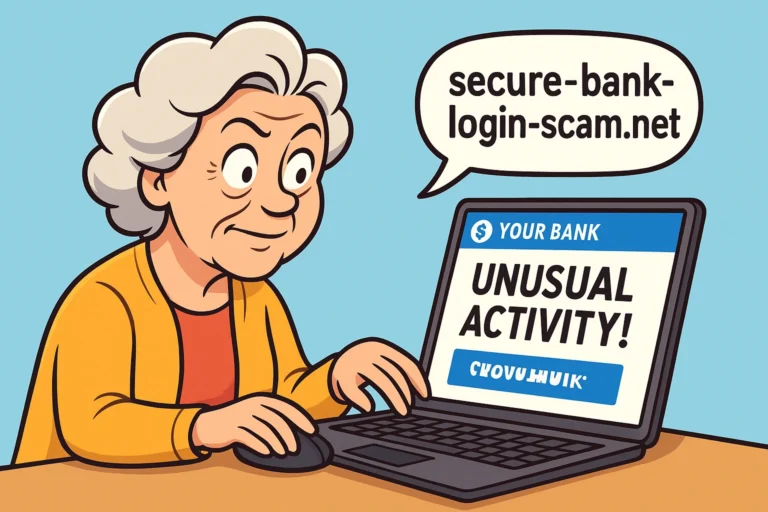
Don’t panic. Search the weird acronym from your bank statement online, or call the customer service number listed next to the charge on your statement. If it still looks suspicious, contact your bank immediately to dispute it.
While apps exist specifically to help you cancel things, they require your private bank login details to work. We generally prefer the DIY manual audit to protect your privacy and keep your sensitive banking information out of third-party hands.
Navigating the digital subscription economy can feel like trying to walk through a carnival house of mirrors. The language is confusing, the bills are hidden, and everything is designed to be slightly disorienting. But armed with a little knowledge, you can easily spot the tricks and traps.
Remember, there is zero shame in asking a family member or friend to help you audit your digital bills. Make it a fun afternoon project, grab some snacks, and hunt down those pesky phantom charges together. Your bank account will thank you!