Newsletter Subscribe
Enter your email address below and subscribe to our newsletter

Enter your email address below and subscribe to our newsletter

Have you ever gotten a bill that seemed to be written in a secret code invented by accountants and aliens? You called a tech support person for what you thought was a simple computer fix—maybe your printer decided to communicate only in hieroglyphics—and now you’re staring at an invoice with line items like “Sub-particle Matrix Re-calibration” and a “Nominal Convenience Surcharge.”
It’s enough to make you think you’ve accidentally paid for a mission to Mars instead of just getting your email to work again. You’re left wondering, “Did I just get bamboozled? Is ‘defragmenting the primary conduit’ even a real thing?”
If you’ve ever felt that wave of confusion and suspicion, you’re in good company. Tech support bills can be notoriously murky, but you don’t need a decoder ring to figure them out. You just need to know what to look for, what to question, and how to spot the difference between a fair charge and a fleecing.
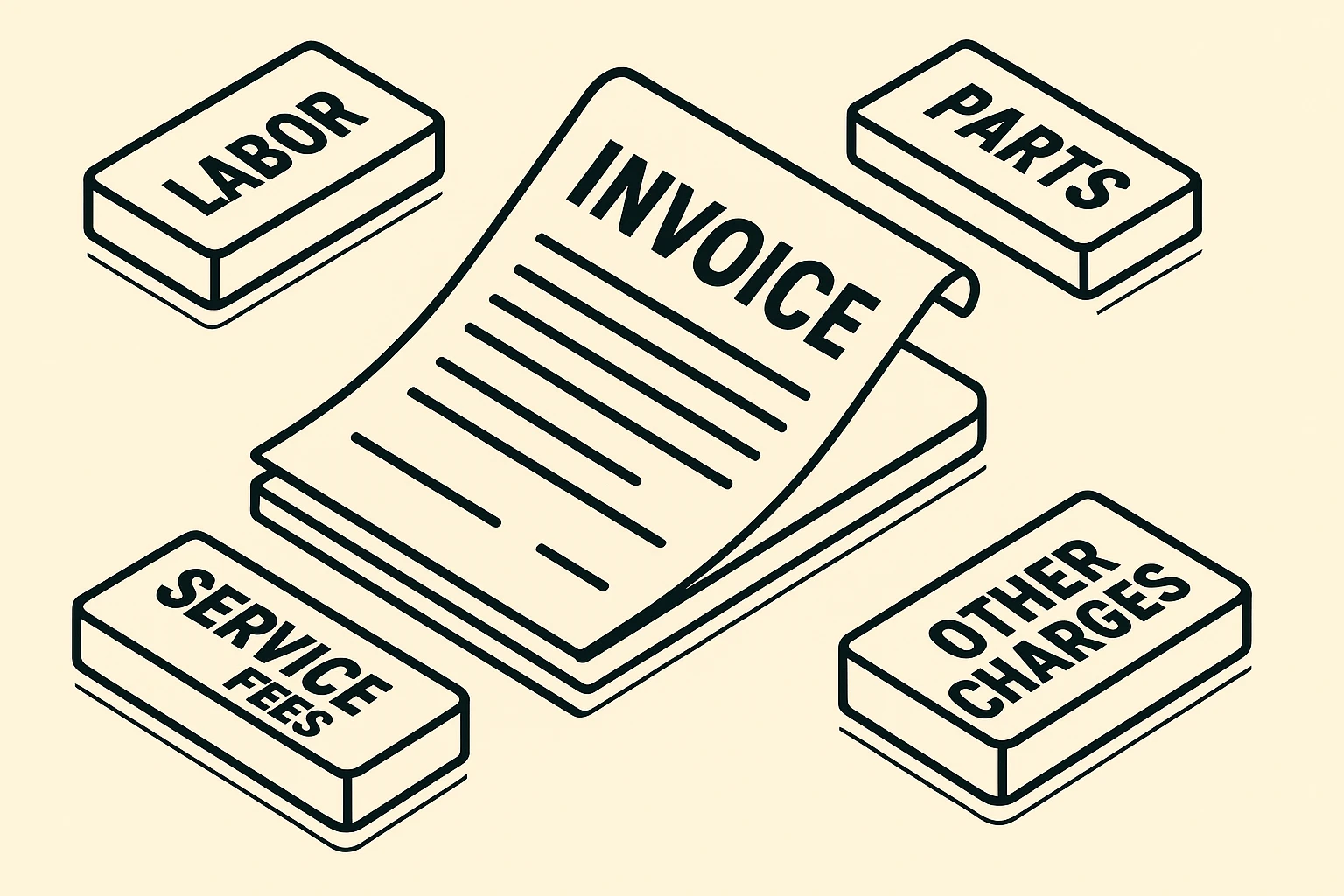
Think of a tech support bill like a car repair invoice. It should tell you exactly what the mechanic did and what parts they used. If it doesn’t, it’s time to put on your detective hat. Most legitimate bills are broken down into a few key areas.
This is the charge for the technician’s time and expertise. It usually comes in two flavors:
The U.S. Federal Communications Commission (FCC) advises consumers to understand these basic charge structures on any service bill. Don’t be shy about asking which model your tech support uses before they even start.
If your computer needed a new piece of hardware—like more memory to stop it from wheezing like an old mattress, or a new hard drive—you’ll see it listed here. A trustworthy invoice will list the specific part and its cost.
A great tip? Ask for the old, broken part back. It’s a simple way to confirm it was actually replaced and not just “magically fixed” with a phantom component you were charged for.
This is where things can get a little fuzzy. A “service fee” can be a legitimate charge, like a fee for the technician to travel to your home or a standard fee for diagnosing the problem in the first place.
However, it can also be a dumping ground for vague, inflated costs. If you see a “shop supplies fee” or a generic “service charge” without a clear explanation, it’s fair to ask what, specifically, that covers. Reputable companies will have no problem explaining it.
The single best way to avoid a billing surprise is to be proactive. Getting a clear, written estimate before any work begins is not just smart; it’s your right as a consumer. It turns an unknown cost into a predictable expense.
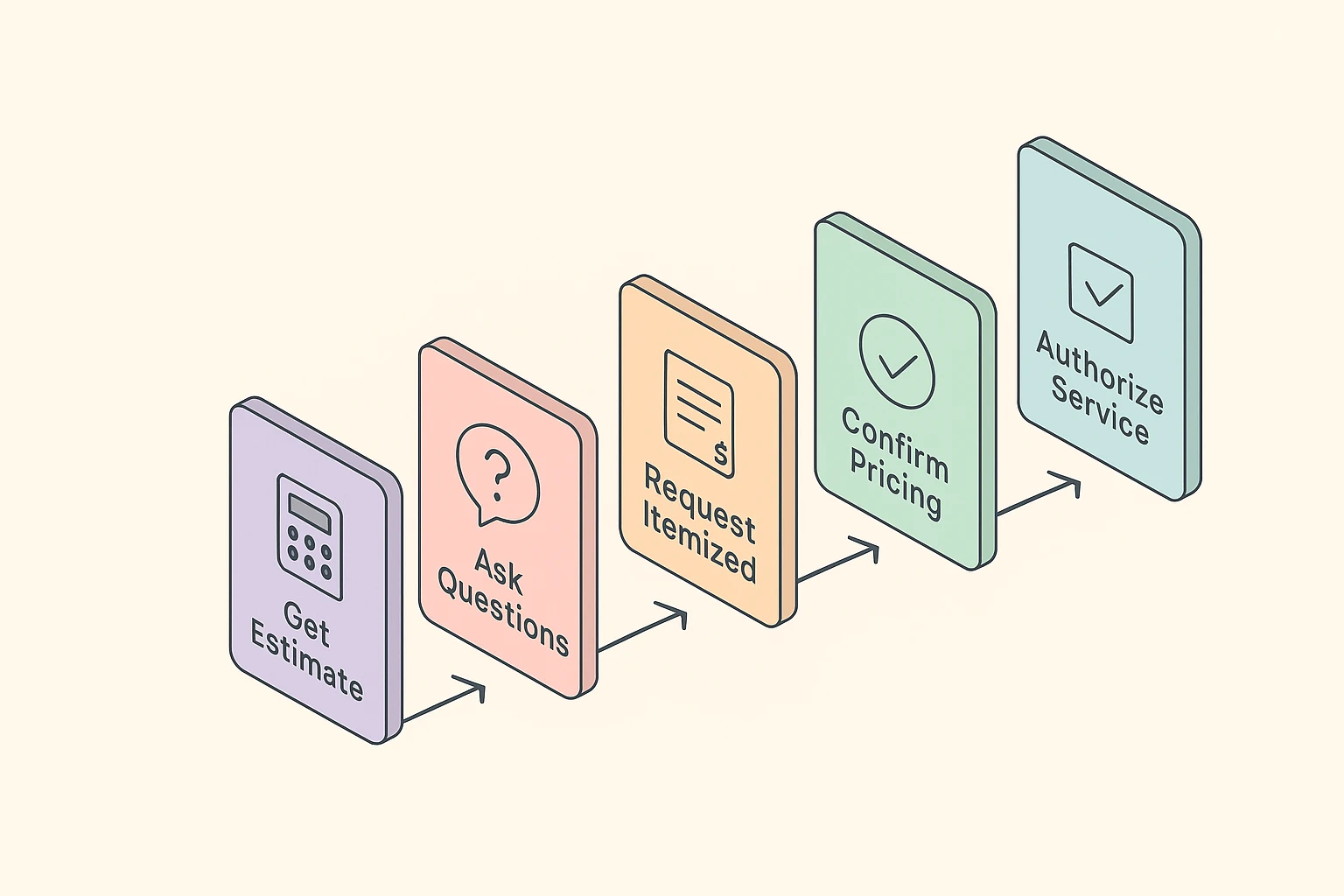
Before you say “go,” arm yourself with these questions:
Unfortunately, the tech support industry has its share of bad actors who prey on folks who aren’t tech-savvy. The FBI and FTC regularly warn that tech support scams are a major threat, particularly for seniors. Here’s how to spot a bill that smells fishy.
If your invoice lists charges for “Computer Tune-Up,” “Virus Removal,” or “System Optimization” with no further details, raise an eyebrow. A professional invoice should be specific. What, exactly, did the tune-up involve? Which viruses were removed? An honest tech is proud of their work and happy to itemize it.
A classic scam involves a technician who was called for one problem but suddenly “discovers” a dozen other urgent, expensive issues. They might use scary-sounding jargon to pressure you into authorizing more work on the spot.
It’s a bit like a mechanic telling you your turn signal fluid is low—it pays to know a little about how to protect yourself online with basics like 2-Factor Authentication beforehand so you can better gauge what’s real and what’s a sales tactic. If you feel pressured, simply say, “Thank you, I’d like to get a second opinion before proceeding.”
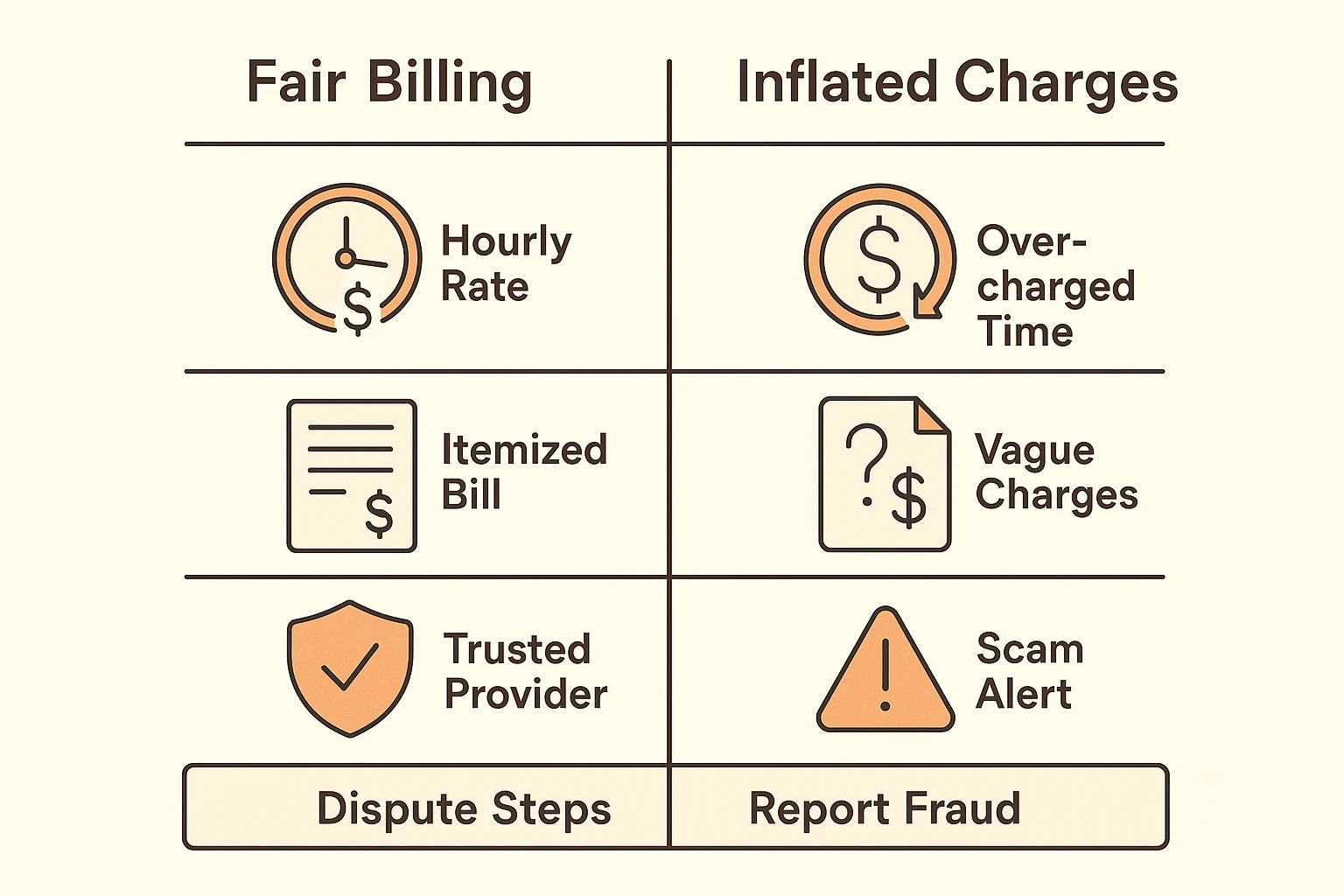
Okay, the work is done and the invoice is in your hand. Don’t just pull out your checkbook. Take a moment to be a savvy consumer.
What’s a fair hourly rate for tech support?This varies wildly depending on where you live and the complexity of the job, but you can generally expect to see rates anywhere from $50 to $150 per hour. It’s always a good idea to call a couple of local shops to get a feel for the going rate in your area.
Should I pay for the service upfront?Generally, no. The standard practice is to pay after the work is completed to your satisfaction. The only exception might be paying for a specific part that has to be special-ordered, and even then, you should only have to pay a deposit for the part itself, not the entire job.
What’s the difference between a “service call fee” and a “diagnostic fee”?A service call fee typically covers the cost of the technician traveling to you. A diagnostic fee covers the time it takes to figure out what’s wrong. Sometimes they are one and the same, but you should always ask if the diagnostic fee will be waived or applied to the final repair cost if you decide to go ahead with the work.
Navigating the world of tech support doesn’t have to be intimidating. At the end of the day, it comes down to one simple truth: it’s your computer and your money. You have every right to ask questions, demand clarity, and understand exactly what you are paying for.
By getting estimates, asking smart questions, and learning to spot the red flags, you move from being a potential target to being an empowered customer. And that’s a tech upgrade that doesn’t cost a dime.