Newsletter Subscribe
Enter your email address below and subscribe to our newsletter

Enter your email address below and subscribe to our newsletter
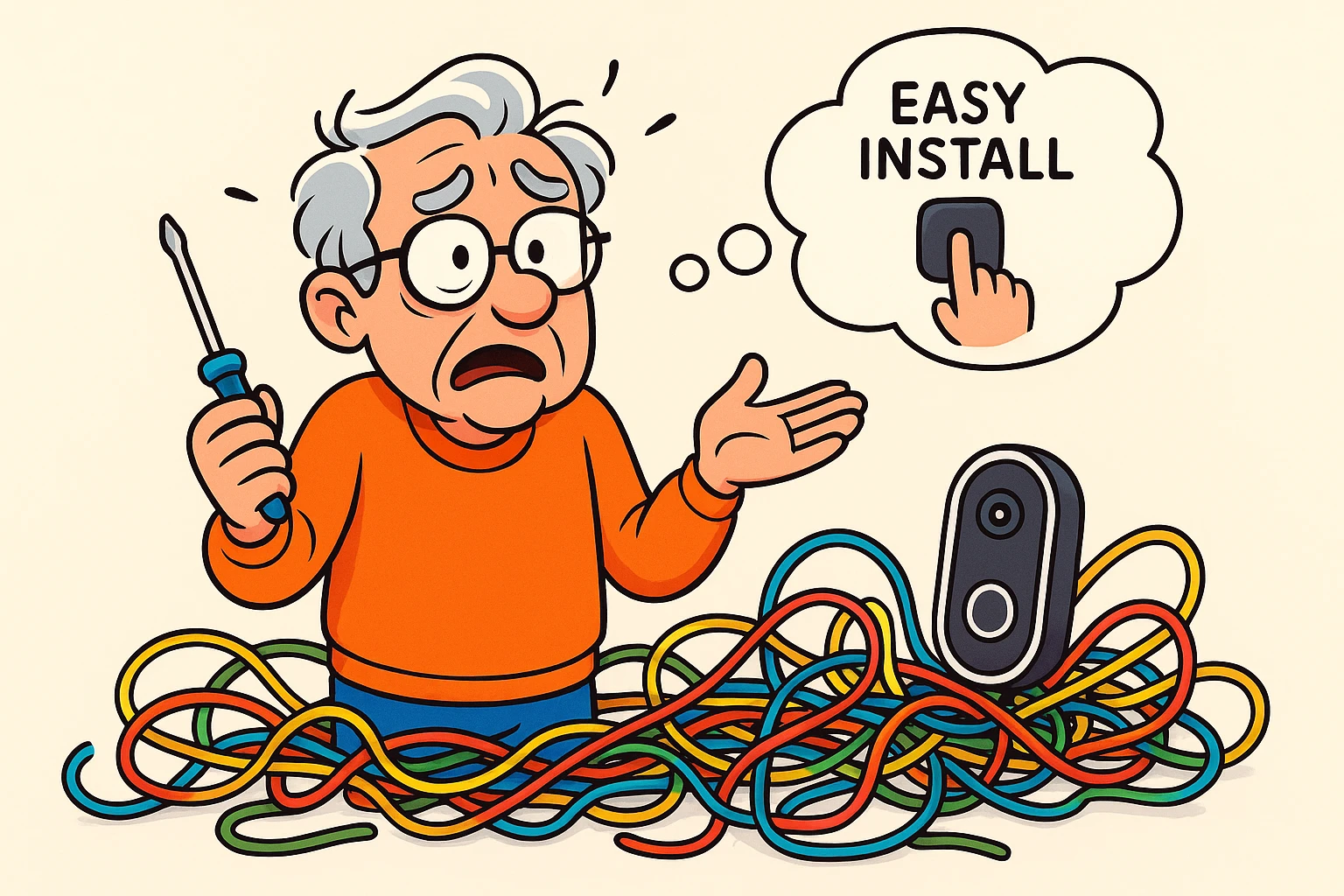
Have you ever embarked on what the instructions promised would be a “simple, 15-minute assembly,” only to find yourself three hours later surrounded by a sea of screws, mysterious plastic doodads, and a half-built bookshelf that leans like the Tower of Pisa? You followed the cartoon diagrams of the smiling, phantom-handed figure, yet your creation looks less like furniture and more like a trap set for an unwary moose.
Welcome to the world of modern do-it-yourself projects, where “easy” is often a cruel marketing joke. This is especially true for smart home gadgets. They arrive in sleek, friendly boxes promising to turn your house into a futuristic wonderland with just a few clicks. But sometimes, when you open that box, you discover it’s not just a click—it’s a wire. And that wire connects to another wire that vanishes into a wall, a place where electrical gremlins and century-old dust bunnies hold court.
Installing a smart doorbell, a network of security cameras, or a fancy lighting system can quickly go from a fun weekend project to a head-scratching, vocabulary-expanding ordeal. So, how do you know when to roll up your sleeves and when to wave the white flag and call a professional? Let’s figure out when DIY is A-OK and when it’s a recipe for disaster.
Before we get too far, let’s talk about the star of many smart home adventures: the wired smart doorbell. Unlike its battery-powered cousins you just stick on the wall, a wired version needs to connect to your home’s existing doorbell wiring. This sounds simple, but your old-fashioned doorbell is a bit of an electrical iceberg—you only see the button, but there’s a lot more going on beneath the surface.
Most doorbell systems have three main parts:
Getting these three characters to play nicely with a new, high-tech smart doorbell is where the fun begins.
 This diagram clarifies the core wiring components of a smart doorbell system, illustrating the transformer, chime, and device wiring with safety features for beginners.
You’ve got your shiny new device, a screwdriver, and a can-do attitude. What could go wrong? Well, a few things. Messing with wiring, even low-voltage wiring, can lead to a dead device, a silent doorbell, or in rare cases, an unwelcome spark. Your confidence is great, but a little self-awareness is even better.
Deciding whether to tackle the installation yourself or hire an electrician isn’t a sign of weakness; it’s a sign of wisdom. It’s the difference between bragging about your new gadget and explaining to your grandkids why the doorbell now plays the smoke alarm.
Here are the key questions to ask yourself before you start unscrewing things.
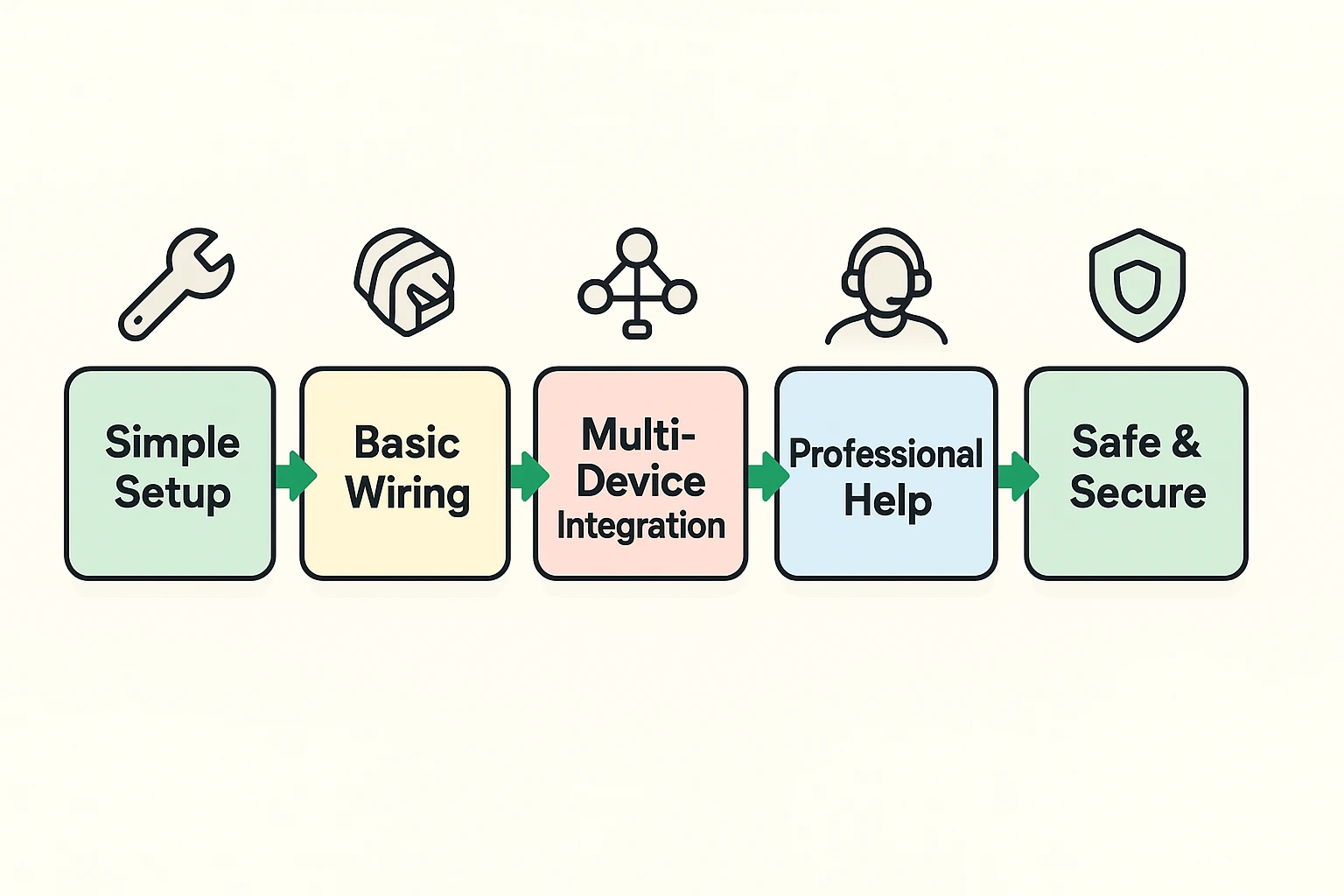 This decision flowchart guides users through key considerations to decide between DIY installation and professional help for complex smart home devices.
Call a professional if you answer “Yes” to any of these:
Hiring an expert isn’t just about avoiding a headache. It’s about getting the job done right, safely, and efficiently. A professional installer does more than just connect red wire to red wire.
They ensure:
making sure your Wi-Fi network is secure and strong is the backbone of any smart home.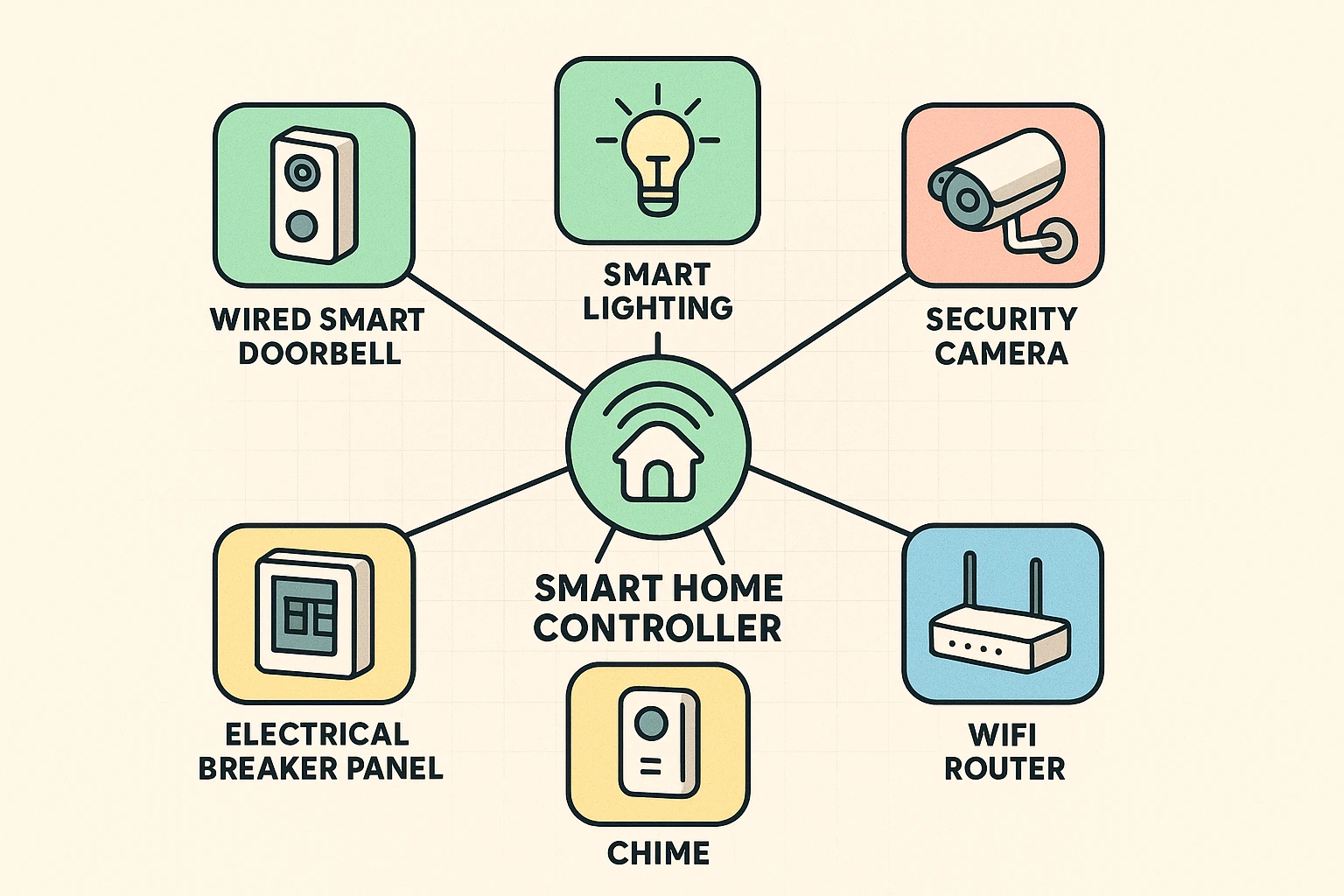 This framework map visualizes the complex interconnections of professional smart home systems, highlighting device integration and centralized control.
While the device itself is low-voltage, it connects to a transformer that is hooked up to your home’s 120-volt system. If you need to replace that transformer or if the wiring is a mystery, an electrician is the safest choice.
For a basic swap, you’d typically need a screwdriver, wire strippers, and possibly a drill. Most importantly, you need a voltage tester to ensure the power is truly off before you touch any wires. Never trust the light switch alone!
It varies widely depending on your location and the complexity of the job. A simple doorbell installation might cost $100-$250, but if it requires a new transformer or running new wires, the price will go up. It’s always a good idea to get a quote first.
Maybe not reliably. Smart doorbells and outdoor cameras need a strong, stable Wi-Fi signal. If your signal is weak at the installation point, you may need a Wi-Fi extender. A professional can help diagnose and solve these network issues as part of the installation.
The goal of a smart home is to make your life easier and more secure, not to give you a new, anxiety-inducing hobby as an amateur electrician. There’s a deep satisfaction in completing a DIY project successfully. But there’s also profound wisdom in knowing when to step back, pick up the phone, and let someone with a truck full of tools and years of experience handle it.
So before you start, take an honest look at the job and your comfort level. Being smart about your home starts with being smart about its installation. That way, the only shock you’ll get is how much you enjoy your new technology.