Newsletter Subscribe
Enter your email address below and subscribe to our newsletter

Enter your email address below and subscribe to our newsletter

Learn how to plan for costs beyond the device price when getting a new smartphone or tablet to avoid surprises.
Have you ever walked into a store to buy a new gadget and felt like you were negotiating a peace treaty? The signs scream “$599!” in big, friendly numbers. You think, “Okay, I can handle that.” But by the time you get to the checkout counter, the total looks like the national debt of a small country.
Suddenly, you’re being asked if you want the Fort Knox protection plan, the diamond-plated screen shield, the super-duper turbo charger, and a data plan that could stream movies to the moon. It’s like ordering a simple hamburger and ending up with a seven-course meal that includes a side of wagyu beef and a bill that makes your eyes water.
That glorious sticker price is just the appetizer. The main course—and the dessert, and the after-dinner coffee—is a whole collection of “extras” that can sneak up on your wallet. But don’t worry. We’re here to be your friendly guide through this financial funhouse, so you can walk out with a great new device without needing to take out a second mortgage.
Before you even leave the store, that shiny new phone or tablet is going to need some friends. Think of it less as a single purchase and more like adopting a pet. It needs food, a safe place to sleep, and the occasional trip to the vet.
A brand-new smartphone is a beautiful, sleek, and tragically slippery piece of glass. Dropping it onto a hard floor without protection is a heart-stopping experience that often ends with a sound like cracking ice and a screen that looks like a spiderweb. This is where “the armor” comes in.
Think of it this way: spending $40 on a case and screen protector is much smarter than the $150+ it can cost to replace a shattered screen.
The salesperson will almost certainly mention an “extended warranty” or “protection plan.” This is basically insurance for your device. It covers things the standard one-year manufacturer’s warranty doesn’t, like accidental drops or water damage.
Are they worth it? It’s a personal decision. If you’re the kind of person who has a history of tech-related mishaps (we’ve all been there), the peace of mind might be worth the monthly fee. But if you’re generally careful, you might be better off putting that money aside in your own “oops” fund. Before you decide, be sure to read the fine print and understand what the deductible is.
Once you’ve got your device and its protective gear, you’re not quite done. The ongoing costs are where the real budgeting magic happens.

A smartphone without a data plan is like a car without gasoline. It looks nice, but it isn’t going anywhere. If you’re upgrading from an older phone, your new device might need a more robust—and potentially more expensive—data plan to use all its fancy features.
Before you commit, take a look at your current usage and talk to your provider. Don’t let them upsell you on an “unlimited” plan if you only use your phone to check emails and look up recipes. Finding the right fit is key, and it pays to shop around.
Some carriers charge a one-time “activation” or “setup” fee to get your new device running on their network. It’s the technological equivalent of a “convenience fee.” Always ask if one applies so it doesn’t show up as a surprise on your first bill.
One of the best things about a new smartphone or tablet is the universe of applications, or “apps,” you can download. Many are free, but some of the best ones come with a small price tag.
More importantly, many services today operate on a subscription model. This could be anything from extra cloud storage for your photos to a newspaper subscription or a premium music service. These small monthly charges can add up quickly, so it’s a good idea to keep track of them.
When you’re choosing a device, you’re also choosing an “ecosystem”—either Apple’s iOS or Google’s Android. While the devices themselves have different price points, the ecosystem you choose can also affect your budget down the line.
There’s no “right” answer here. It comes down to personal preference and your budget. Both systems are fantastic, but it’s worth considering the long-term costs of accessories and apps when making your choice.
Yes. Please. We beg you. Think of it as the cheapest insurance policy you’ll ever buy. Your future self will thank you when your phone inevitably slips from your grasp.
Tech companies often release new models in the fall (September-October). This is a great time to buy the previous year’s model, as stores will be eager to clear out old inventory at a discount. Holiday sales events like Black Friday are also excellent times to find a bargain.
If you primarily use your home Wi-Fi and only use your phone for light browsing, email, and maps when you’re out, a smaller plan (2-5 GB) is likely fine. If you love streaming videos or music on the go, you’ll want to look at a larger plan. The best thing to do is check your current provider’s website; they usually have a tool that shows your average monthly usage.
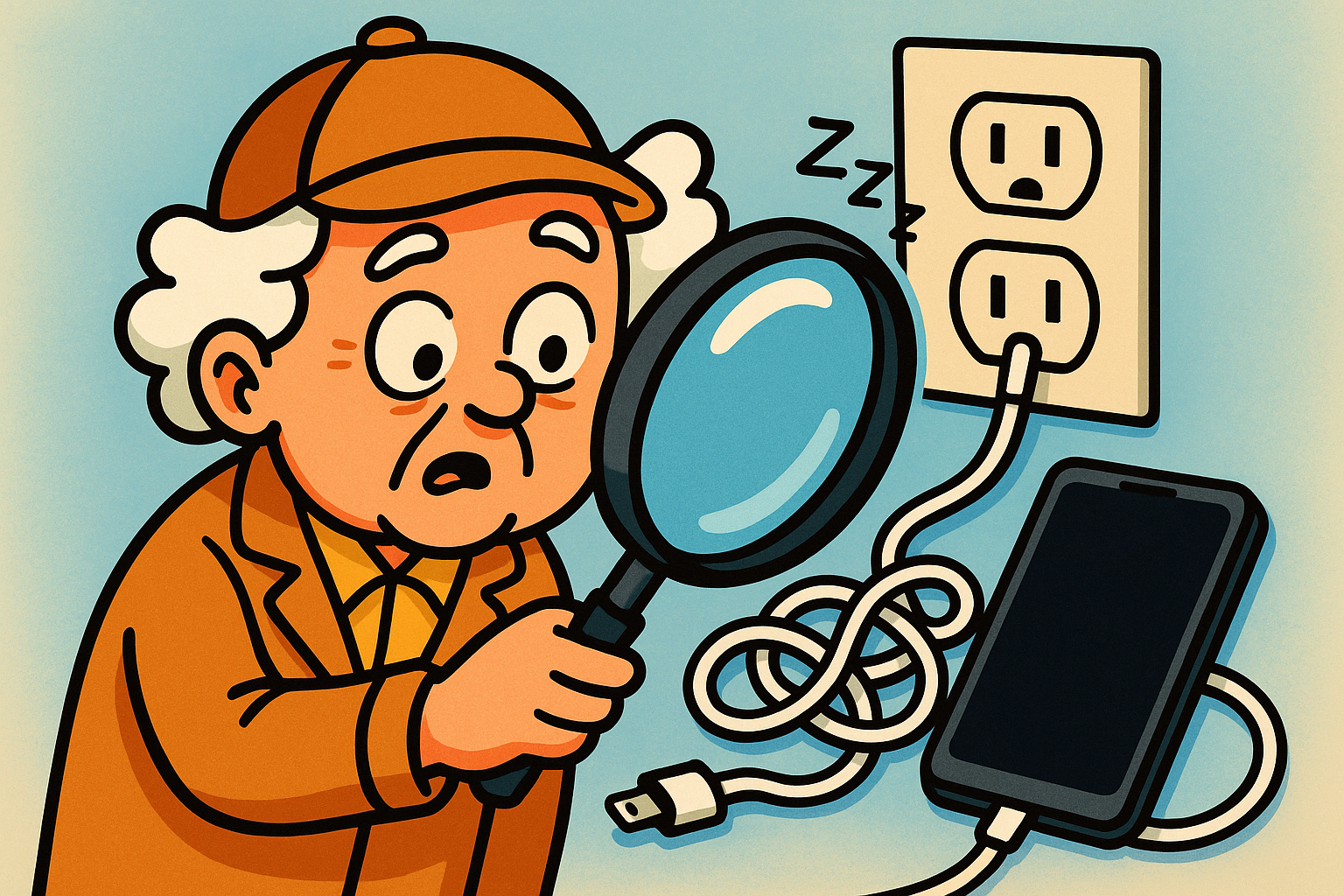
Maybe! But be careful. Many new phones use a different type of charging port (called USB-C). If your new phone comes with a new cable but not a new power brick to plug into the wall, you might need to buy one. It’s a frustrating new trend, so be sure to check what’s in the box before you leave the store.
Buying a new smartphone or tablet is exciting! It’s your connection to family, news, and entertainment. By planning for the total cost, you can skip the financial surprises and just enjoy your new tech. Before you shop, make a simple list:
With this checklist, you’ll be the smartest shopper in the store, ready to embrace the digital world with confidence and a happy wallet.