Newsletter Subscribe
Enter your email address below and subscribe to our newsletter

Enter your email address below and subscribe to our newsletter
Discover how AI grammar tools catch mistakes and improve your writing even if you're unsure about punctuation.
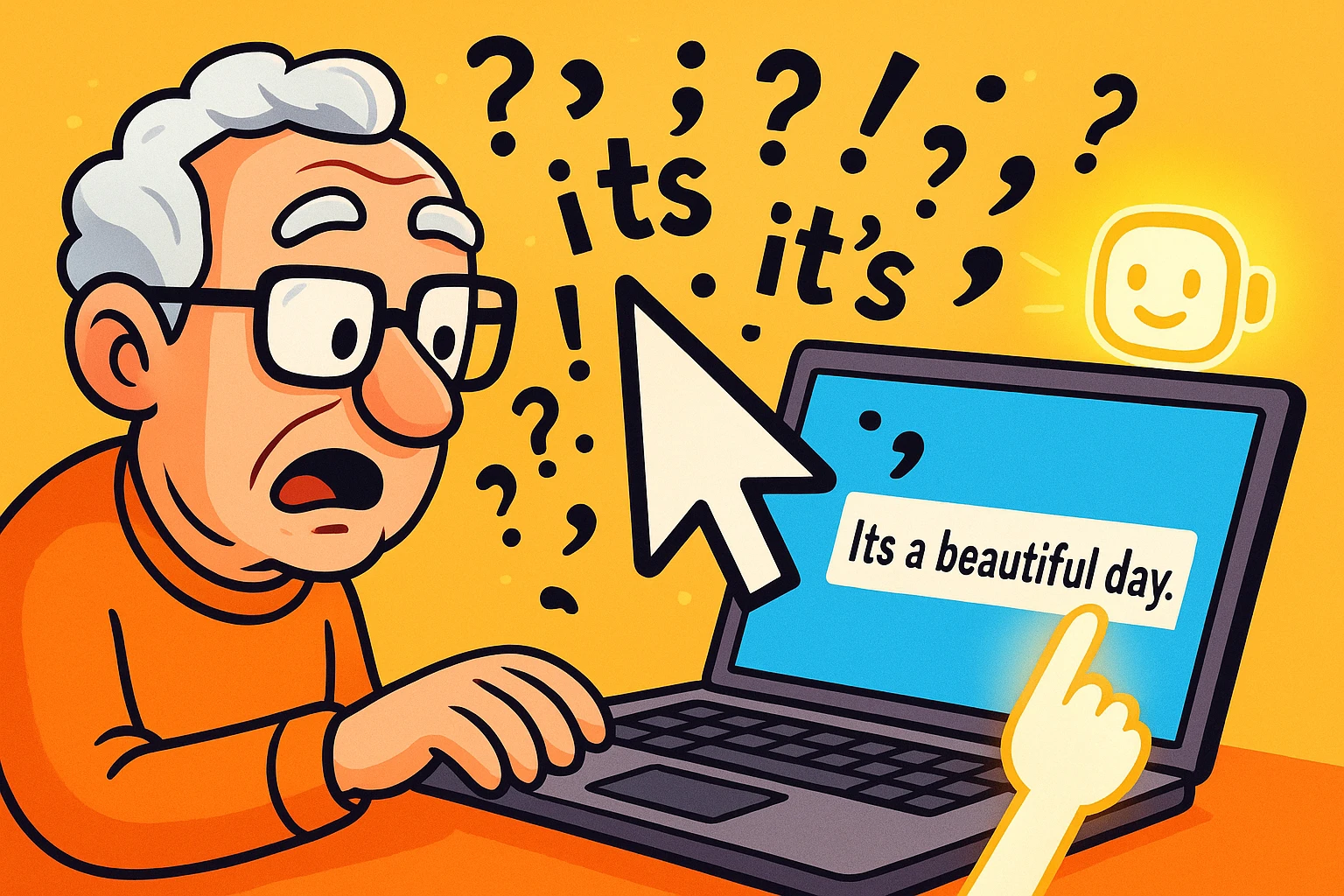
Have you ever found yourself in a high-stakes staring contest with a blinking cursor? You’re trying to write a perfectly reasonable email to your doctor’s office, but you’ve spent the last ten minutes debating the structural integrity of a single sentence. Should it be “its” or “it’s”? Does that comma belong there, or is it just loitering with intent?
It’s a feeling as common as finding your reading glasses on top of your head. You know what you want to say, but you worry the words will come out sounding like you learned to type on a stone tablet. You want to sound sharp, clear, and confident—not like a telegram that got lost in the mail for 50 years.
The good news is you no longer have to wage this war alone. Imagine having a polite, incredibly knowledgeable English professor peering over your shoulder, gently pointing out typos and suggesting better phrases, all without the tweed jacket and judgmental glare. That’s exactly what an AI-powered grammar checker does.

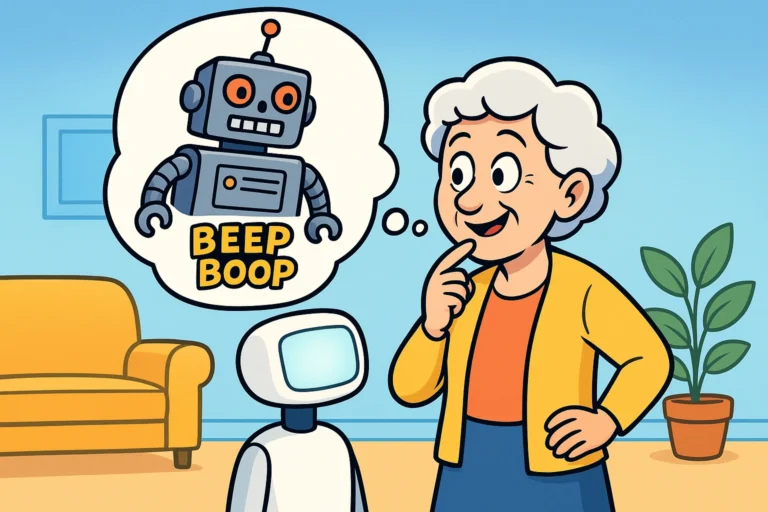
Before your eyes glaze over at the term “AI,” let’s demystify it. “AI” just stands for Artificial Intelligence, which is a fancy way of saying “a smart computer program.” These aren’t the scary, world-conquering robots from the movies. They’re more like a GPS for your sentences.
You remember the old spell check, right? It was good at catching obvious typos like “teh” instead of “the.” But it was also dumber than a box of hammers. It wouldn’t know if you used “their,” “there,” or “they’re” correctly because, to the old spell check, they were all spelled just fine.
AI-powered grammar checkers, like the popular Grammarly or the tools now built into Microsoft Word and Google Docs, are different. They don’t just check words against a dictionary; they understand context. They read your whole sentence to figure out what you’re trying to say, then offer suggestions to make it clearer, more correct, and more effective.
They can spot things like:
In short, they’re your secret weapon for writing with confidence.

Getting started is easier than programming a VCR (and if you remember doing that, you deserve a medal). Most of these tools work right inside your web browser or email program.
Here’s the basic game plan:
It’s like having a little editor on your shoulder, catching the mistakes before you hit “send” and immediately regret it.

This is the most important part: an AI grammar checker is a suggestion box, not a set of commands. You are still the captain of your ship.
Sometimes, the AI will get it wrong because it doesn’t understand your unique voice, your sense of humor, or the specific relationship you have with the person you’re writing to. It might suggest changing a friendly phrase to something that sounds stiff and formal.
For example, you might write, “Can’t wait to see you guys!” The AI might suggest changing it to “I am eager to see you.” While technically correct, it sounds like something a robot butler would say. In this case, ignore the suggestion! The goal is to sound like a better version of you, not a different person entirely.
It’s wise to be cautious online. Most reputable grammar checkers are secure, but it’s a good rule of thumb to avoid typing or pasting highly sensitive information—like bank account numbers, passwords, or the secret family chili recipe—into any online tool. For everyday emails and messages, you’re perfectly fine.
Once you get the hang of it, you’ll find this little helper is useful everywhere. Whether you’re sending a quick email, posting a comment on Facebook, or replying to a family text, it works quietly in the background, giving you a safety net.
Feeling more confident about the words you’re writing can make the entire digital world feel less intimidating. It’s one less thing to worry about, freeing you up to focus on the bigger picture of your digital life, from effective Email Management for Seniors to mastering the keyboard with our guide on Typing Without Tears.
Yes! Many of the best tools, like Grammarly, have excellent free versions that catch most common spelling and grammar mistakes. They also offer paid plans with advanced features, but the free version is more than enough for most people.
Quite the opposite! Think of it as a learning tool. When the checker points out a mistake and explains why it’s a mistake, you’re more likely to remember the rule next time. It’s like having a patient tutor available 24/7.
The old spell check was like a simple dictionary. It only knew if a word was spelled correctly or not. An AI checker is like a grammarian. It understands sentence structure, context, and tone, allowing it to catch much more sophisticated errors.
Reputable tools analyze your text to provide suggestions but don’t store your personal emails for other purposes. The process is automated. However, as we mentioned, it’s always smart to avoid putting your most secret information into any third-party application.
At the end of the day, an AI grammar checker isn’t about making you sound like a robot or a literature professor. It’s about removing the little tripwires of grammar and spelling so that your message can be heard loud and clear.
It’s a tool for confidence. It lets you hit “send” without that nagging feeling of, “Oh no, did I use the wrong ‘its’ again?” So go ahead, give one a try. You might be surprised at how much easier it is to navigate the digital world when you know your words are hitting the mark every time.