Newsletter Subscribe
Enter your email address below and subscribe to our newsletter

Enter your email address below and subscribe to our newsletter

Discover AI assistants that organize your calendar, emails, and tasks to boost productivity and simplify your digital life.
Have you ever stared at your computer screen, feeling like you’re the captain of a ship that’s taking on water from a dozen different leaks? Your email inbox is overflowing, your calendar looks like a Jackson Pollock painting of appointments, and somewhere in a folder named “IMPORTANT STUFF” are your vacation plans, a recipe for Aunt Carol’s famous chili, and 4,000 photos of your cat looking mildly annoyed.
It’s not just you. Keeping our digital lives in order can feel like a full-time job where the boss is demanding, the pay is zero, and the filing system was designed by a squirrel on espresso. You just want to find that chili recipe, not launch a full-scale search and rescue mission through your hard drive.
This is where an AI-powered personal assistant comes in. Before you roll your eyes and imagine some complicated robot that requires an engineering degree, think of it more like a super-organized, endlessly patient helper who lives in your computer. This isn’t just about setting a timer for your laundry. It’s about having a sidekick that can help you plan a trip, organize your to-do list, and finally bring some sanity to your digital world.
In simple terms, an AI personal assistant is a smart program that understands your requests and helps you get things done. It connects to your digital tools—like your calendar, email, and notes—to automate the tedious tasks that eat up your day.
Think of them in two flavors:
Many of today’s tools are blending these skills, creating all-in-one helpers ready to tackle nearly anything you throw at them.
Choosing an AI assistant is like picking a new car; the best one depends on what you need it to do. Are you looking for a zippy sports car for weekend drives or a reliable minivan to haul everything? Let’s look at some of the most popular options.
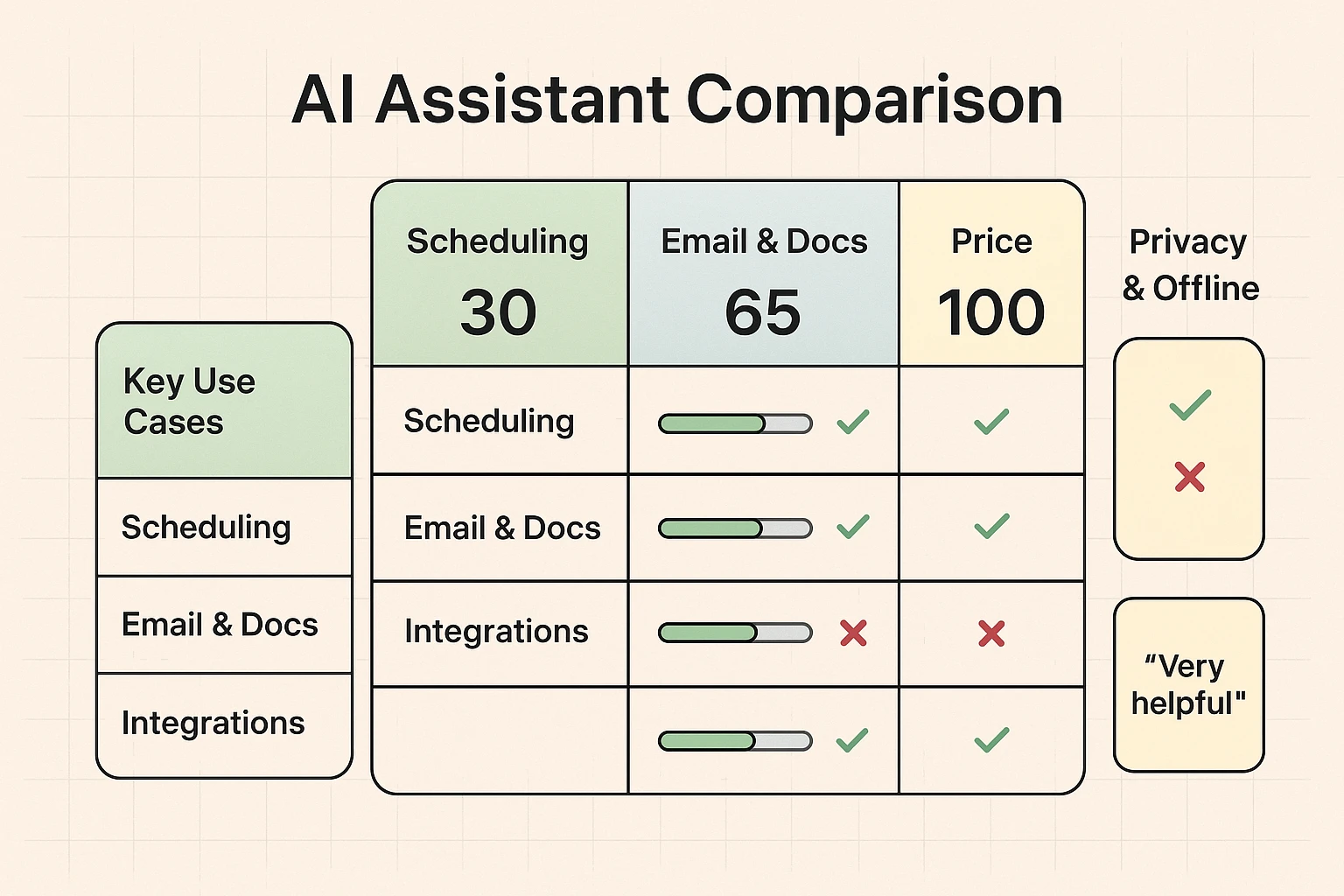
If your calendar is the command center of your life, these are for you. Tools like Motion and Reclaim.ai are designed to be masters of your schedule. They don’t just log appointments; they intelligently find the best time for them. Got a dentist appointment that conflicts with your weekly coffee meetup? They’ll automatically reschedule things for you, protecting your personal time so you don’t accidentally book over your afternoon nap.
If you already use Gmail, Google Calendar, or Google Docs, then Google Gemini is like the helpful neighbor who already knows where you keep everything. It’s built right into the Google tools many of us use daily. You can ask it to summarize a long email thread from your condo association or help you write a thank-you note, all without leaving your inbox. Its deep integration makes it incredibly convenient for everyday tasks.
ChatGPT is the ultimate brainstorming partner. It’s a blank slate where you can ask almost anything. Need ideas for your grandson’s birthday gift? Want to turn a family story into a short written piece? Just start a conversation. It’s less about managing your calendar and more about helping you create, organize, and communicate.
On the other hand, a tool like Saner.AI is specifically designed to help people who feel overwhelmed by digital clutter. It aims to reduce that feeling of having too many tabs open—both on your computer and in your brain—by helping you focus on one thing at a time.
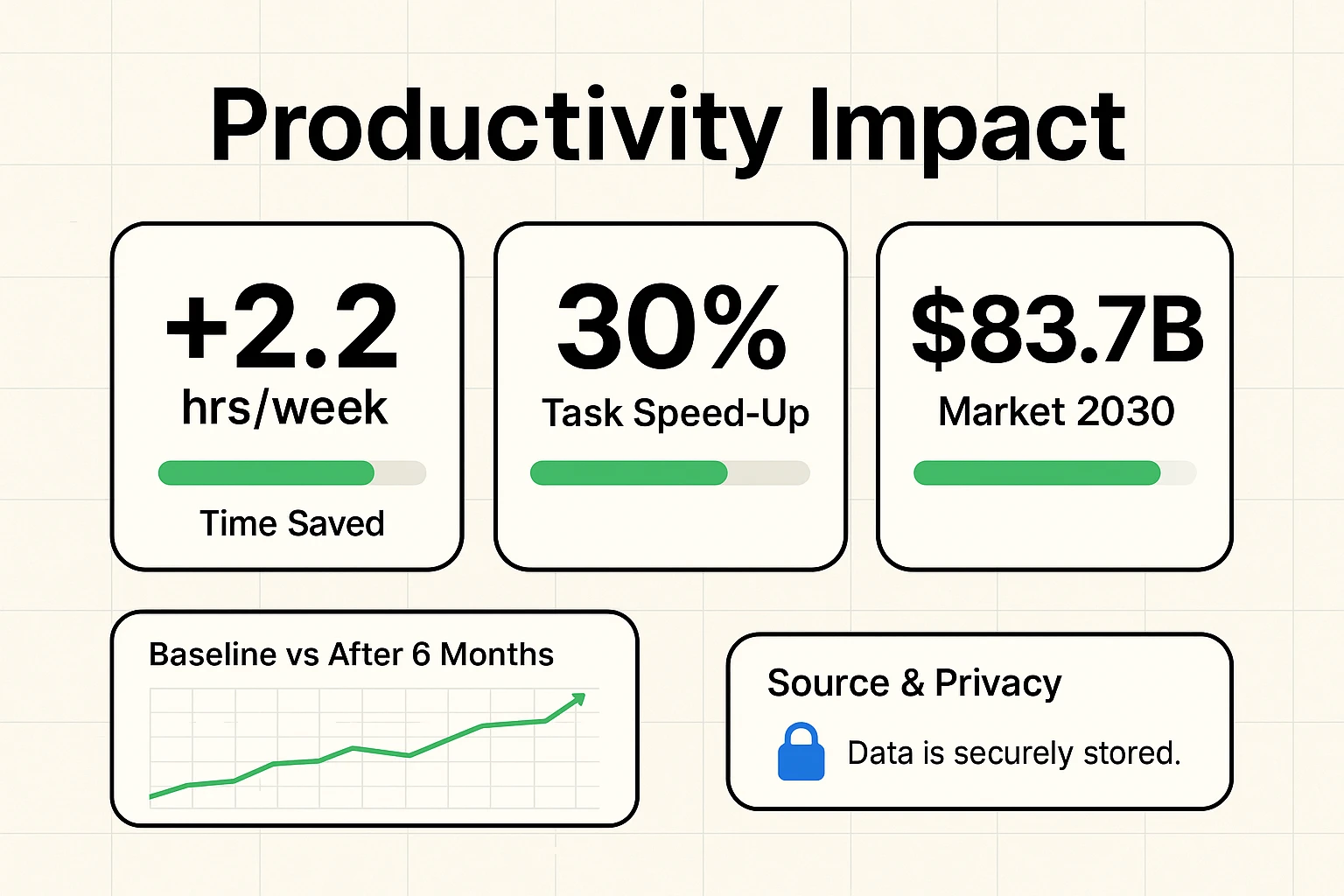
This all sounds nice, but you’re probably wondering if it’s more trouble than it’s worth. The data says these tools are making a real difference. In 2024, about 75% of organizations started using AI tools, with virtual assistants being one of the most popular choices.
It’s not just for big companies, either. One study found that about 20% of people using AI save more than four hours every single week. On average, users get back about 2.2 hours weekly. Imagine what you could do with an extra two hours! That’s enough time to watch a movie, take a longer walk, or finally figure out why your sourdough starter looks so sad.
In fact, research on tools like Microsoft Copilot showed they improved user productivity by a whopping 30%. People finished their tasks 25% faster.
Here are some real-world examples:
Let’s be honest. The idea of letting an AI rifle through your emails and calendar can feel a little…creepy. It’s like giving a stranger a key to your house. This is a perfectly reasonable concern.
Reputable AI companies have strict privacy policies and are not interested in reading your personal emails to your cousin Mildred. Your conversations are typically used to train the AI, but they are anonymized. Still, it’s wise to be cautious. A good rule of thumb is to never share extremely sensitive information—like your Social Security number, bank account passwords, or secret family scandals—with an AI chatbot.
Think of it like talking to a helpful assistant in a public place. You’d ask for directions, but you wouldn’t shout your PIN code across the room.
So, how do you pick the right one without getting a headache? It comes down to your biggest digital pain point.
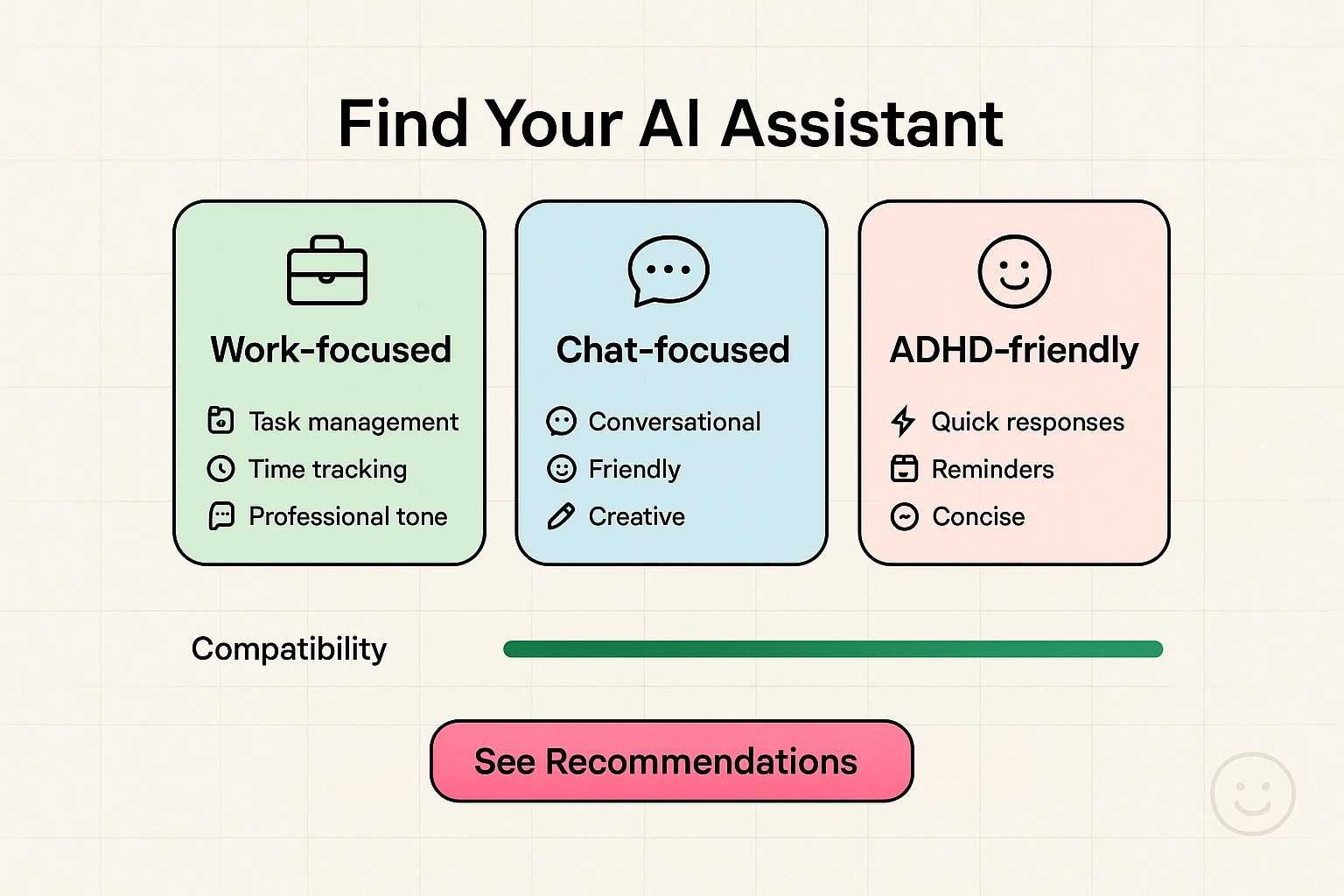
Think about what drives you the craziest. Is it forgetting appointments? The blank page when you need to write an email? Start there, and you’ll find the tool that feels less like a complicated piece of tech and more like a genuinely helpful partner.
Many of the best tools offer free versions that are quite powerful. Paid plans usually add more advanced features, but you can get a lot done without spending a dime. Start with the free version to see if you like it first.
Not at all. Most are designed to be user-friendly. Usually, you just sign up and grant it permission to access your calendar or email, and you’re ready to go. They’ve made it much simpler than assembling furniture from IKEA.
Reputable companies won’t. As we mentioned, they have privacy policies in place. Stick with well-known brands like Google, OpenAI (makers of ChatGPT), and Motion, and avoid random, unheard-of apps.
Absolutely. While a dedicated medication reminder app might be best, you can easily ask any calendar-focused AI to create recurring daily events for your medications. For example: “Create an event called ‘Take morning pills’ every day at 8 AM.”
Some assistants can help! For instance, you could ask ChatGPT to compare prices for a product you’ve found. More importantly, understanding AI helps you spot scams and feel more confident when using tools that help you find great shopping discounts online safely.
Jumping into new technology can feel daunting, but you don’t have to do everything at once. You don’t need to automate your entire life by Tuesday.
Start small. Pick one simple, annoying task. Maybe it’s writing a happy birthday post for Facebook. Maybe it’s making a grocery list. Open up a free tool like ChatGPT or Google Gemini and just ask it for help.
You’ll be surprised how quickly this new digital butler starts to feel less like a futuristic robot and more like the most helpful sidekick you’ve ever had. Go on, give it a try. Your cat-photo folder will thank you.