Newsletter Subscribe
Enter your email address below and subscribe to our newsletter

Enter your email address below and subscribe to our newsletter
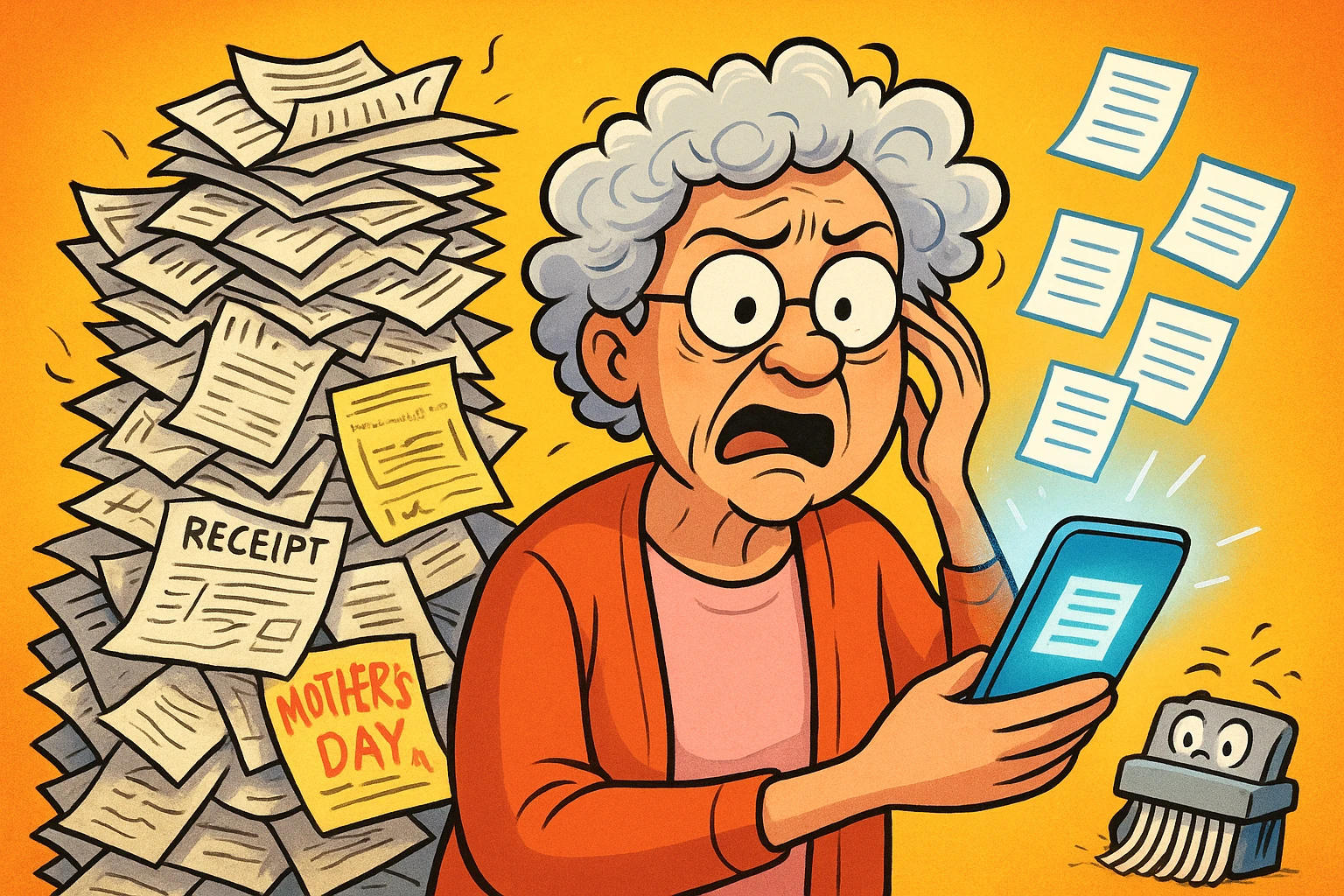
Have you ever experienced that heart-stopping moment? The one where you need a specific, vitally important piece of paper—say, a warranty for the refrigerator that has just decided to become a large, beige sauna—and you know it’s somewhere in that shoebox labeled “Important Stuff.” You dump it out, unleashing a blizzard of old receipts, a birth certificate from 1952, tax forms from the Reagan administration, and a surprisingly sentimental Mother’s Day card from your son when he was seven.
After an hour of frantic searching, you’ve found everything except the one document you need. This is the paper pile predicament. It’s a physical, crinkly, and often dusty reminder that our lives are complicated. But what if you could have a magical librarian who had read every single one of those papers and could find any word, on any page, in about three seconds?
Well, that magical librarian now exists, and it lives inside your smartphone. It’s called AI scanning, and it’s here to bring order to your paper chaos without a single paper cut.

Let’s clear the air. When we say “AI,” we’re not talking about a sassy robot from the movies who’s going to judge you for keeping a receipt from 1993. Think of it more like a super-smart assistant.
When you take a regular photo of a document, you get just that—a picture. You can look at it, but your phone sees it as a block of pixels, like a digital painting.
When you use an AI scanning app, something magical happens. The app takes a picture, but then the “AI” part kicks in. It straightens the page, removes shadows, and most importantly, it reads every word on the document. This process is called Optical Character Recognition (OCR), which is just a fancy way of saying “it turns pictures of words into actual words your computer can understand.”
Suddenly, that picture of your insurance policy isn’t just a picture anymore. It’s an intelligent, searchable file. It’s the difference between having a photograph of a library and having a librarian who knows the contents of every book.
Ready to dip your toe in the digital waters? It’s easier than programming a VCR, we swear. For this exercise, we recommend a free app like Microsoft Lens or Adobe Scan, which are available for both iPhone and Android.
Let’s grab a simple document, like a utility bill or a grocery store receipt. Nothing too sentimental yet!

Electric-Bill_Nov-2024.pdf) and save it to your phone or a cloud service like Google Drive or iCloud.Congratulations! You’ve just turned a piece of paper into a smart digital file. No explosions, no frantic calls to tech support. You did it!
Now that you’re a scanning professional, where do you put everything? Just dumping files into one giant folder is the digital version of the shoebox problem. Let’s create a simple system.
We recommend starting with just four folders. That’s it. You can create these in the “Files” app on your phone or in a cloud storage service.

1_Medical: This is for everything from prescription details and insurance statements to doctor’s notes and lab results.2_Financial: A home for bank statements, tax documents, retirement account info, and receipts for major purchases.3_Legal_and_Household: Wills, trusts, deeds, car titles, passports, birth certificates, and warranties all go here.4_Memories: This is the fun one! Old letters, your grandmother’s handwritten recipe for apple pie, children’s drawings, and treasured photos.This simple structure provides a reliable method for how AI for seniors to store and retrieve documents can be organized effectively, ensuring you can find what you need without getting lost.
Here’s where you get to see the real payoff. Remember that 20-page health insurance policy? You scanned it and filed it in your 1_Medical folder. Now you want to know what your deductible is.
Instead of reading all 20 pages with a magnifying glass, you just open your files, go to the search bar, and type “deductible.”
Poof.
The phone instantly highlights every single instance of that word in the document. What would have taken 20 minutes now takes 20 seconds. This is the superpower that AI scanning gives you.
To build momentum, start with a few quick wins. Find and scan these three items. It’ll give you an immediate sense of accomplishment and security.
This is the most important question, and the answer is yes, if you do it right. When you save files to a trusted cloud service like iCloud (Apple) or Google Drive, they are encrypted. Think of it like putting your papers in a bank vault that only you have the key to. It’s far more secure than a shoebox in the closet. Plus, your original paper copy remains unharmed!
Honestly, if you can take a picture of your grandkids, you can do this. The apps are designed to be simple. The hardest part is starting. Scan one unimportant thing first, just to prove to yourself that you can.
You absolutely cannot break it. A digital file is just a copy. If you make a bad scan, who cares? Just delete it and do it again. The original paper is sitting right there, perfectly fine. It’s like having infinite do-overs.
They are saved right onto your phone or tablet, usually in an app called “Files.” From there, you can have them automatically back up to a “cloud” account. The cloud is just a fancy name for someone else’s giant, secure computer that stores your stuff for you, so you can access it from any device and it won’t get lost if your phone goes for a swim.
Getting started with digitizing your documents might feel like a big project, but it doesn’t have to be. You don’t need to do it all in one weekend. Scan one document today. Maybe another tomorrow.
Every paper you scan is one less thing to worry about, one less thing for you or your family to frantically search for later. You’re not just clearing clutter; you’re creating an organized, secure, and searchable archive of your life. And that’s a peace of mind you can’t find at the bottom of a shoebox.