Newsletter Subscribe
Enter your email address below and subscribe to our newsletter

Enter your email address below and subscribe to our newsletter

Remember the good old days when “checking the mail” meant walking to the end of the driveway, grabbing three envelopes, and maybe chatting with the neighbor about the weather? It was a simpler time.
Now, “checking the mail” involves sitting in front of a screen, taking a deep breath, and staring at a number in a little red bubble that is higher than the national debt. You have emails from stores you visited once in 1998. You have updates on privacy policies you will never read. You have a forty-email chain from the Homeowner’s Association arguing about the color of mulch.
Buried somewhere in that digital mountain is a message from your doctor and a photo of your grandson’s new puppy. But finding them feels like panning for gold in a mudslide.
If you spend more time deleting emails than reading them, or if you simply feel paralyzed by the sheer volume of information coming at you, take heart. You don’t need to hire a personal secretary. You just need to employ a little bit of magic called Artificial Intelligence (AI).
Don’t let the sci-fi name scare you. We aren’t talking about robots taking over the world; we’re talking about a very smart, very fast digital highlighter that can help you get your life back.

Imagine you have a friend who reads really, really fast. Let’s call him “Al.” You hand Al a five-page newsletter from your insurance company. Al glances at it for two seconds and says, “They’re changing your deductible to $500 starting next month. That’s it.”
That is essentially what AI email summarization does.
It is software designed to scan long, wordy emails and pull out the bullet points. It ignores the fluff, the corporate jargon, and the pleasantries, delivering you just the meat and potatoes.
I know what you’re thinking. “This sounds great, but do I really want a computer reading my mail? Is it going to steal my identity and run off to the Bahamas?”
It is healthy to be skeptical. At Senior Tech Cafe, we don’t blindly cheerlead for technology without looking at the fine print.
Here is the reality: AI tools do “read” your text to summarize it, but they aren’t “reading” it like your nosy neighbor reads your postcards. They are processing data patterns. However, privacy is a valid concern.
There is a lot of scary talk on the news about AI. Let’s separate the Hollywood movie plots from actual digital safety.
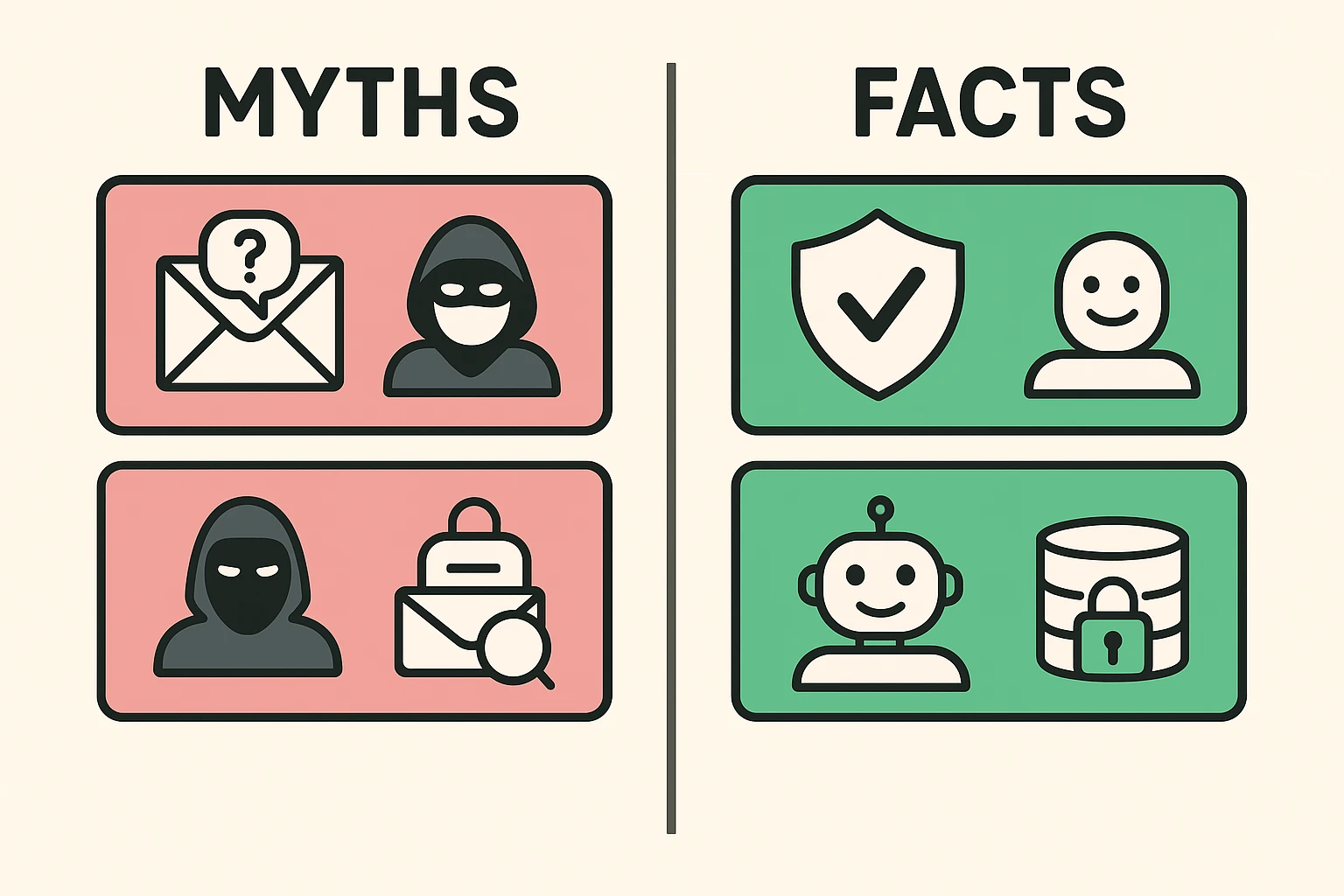
Myth: The AI will judge me for how many cat videos I subscribe to.
Fact: The AI doesn’t care. It has no feelings, no judgment, and no interest in your hobbies.
Myth: Using AI gives hackers access to my bank account.
Fact: Reputable AI tools from major companies (like Google, Microsoft, or Apple) use high-level encryption. The risk is generally low if you stick to well-known brands.
Myth: Once I turn it on, I can’t turn it off.
Fact: You are the boss. You can use it for one specific email and ignore it for the rest.
You might be surprised to learn you probably already have this technology at your fingertips. Tech companies are currently racing to stuff AI into everything, including your toaster (probably).
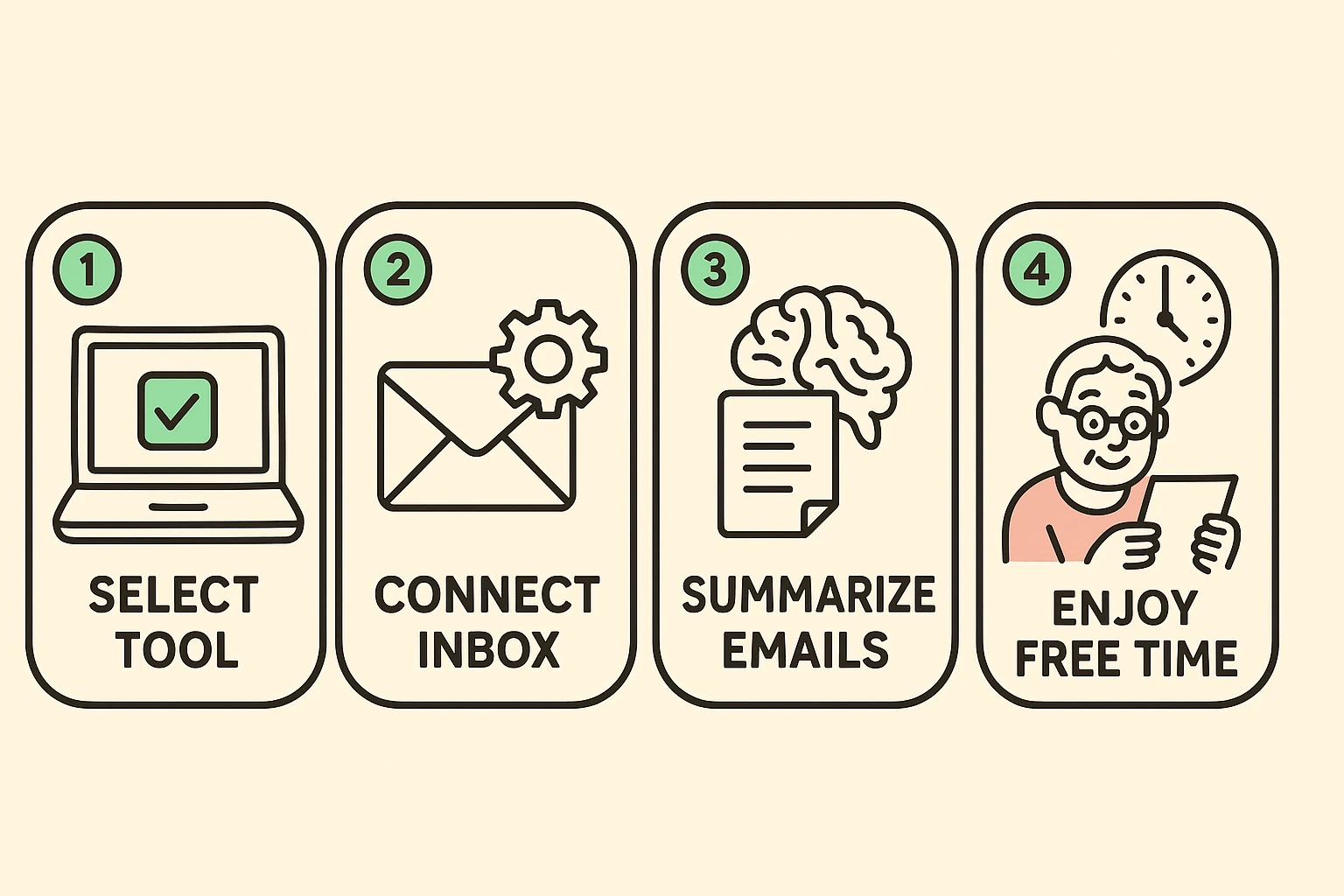
Google has a feature called “Gemini” that is rolling out to users. On the mobile app or web, look for a little star or sparkle icon near the top of a long email thread. Clicking it often creates a “Summarize this email” option. It turns a chaotic conversation into a neat list of who said what.
Apple Intelligence is the new kid on the block. If you have a newer iPhone, it can show you summaries right in your inbox list. Instead of seeing the first two lines of the email (usually “Dear Sir/Madam, I hope this email finds you well…”), you see a summary like: “Electric bill is due Friday; amount is $120.”
Microsoft uses “Copilot.” Similar to the others, it lives in a sidebar or a button at the top of the message. It can summarize long threads and even suggest polite replies, which is helpful if you want to sound professional but are currently wearing fuzzy slippers.
As wonderful as this tool is, it is not perfect. It’s like a very smart puppy—mostly good, but occasionally it chews up the wrong thing.
If your granddaughter sends you a long email about her semester abroad, read the whole thing. The AI might summarize “I met a boy named Pierre and we are eloping” as “Update on travel plans.” You don’t want to miss the nuance of family life.
If you receive a document regarding your mortgage, taxes, or medical test results, read the original. AI is great at broad strokes, but you don’t want it to gloss over a specific dollar amount or a medical instruction.
If your spouse (or secret admirer) writes you a poem, for heaven’s sake, don’t ask a robot to summarize it. It kills the romance faster than socks with sandals.
No. Think of the summary as a “Cliff’s Notes” version stuck to the front of a book. The book (your email) is still there, completely untouched. You can always click to expand and read the full text.
It depends. Basic features in Gmail and Apple Mail are generally free or included with your device. Some advanced versions (like Microsoft’s Copilot Pro) charge a monthly fee. For most seniors, the free versions are plenty powerful.
Yes! You can tell it, “Write a polite decline to this dinner invitation,” and it will draft a message. However, make sure to read it before hitting send. Otherwise, you might sound like a robot, or worse, a lawyer.
Technology rolls out in waves. If your computer or phone is more than 4-5 years old, it might not support the newest AI features. Or, you may just need to update your software.
Using AI to manage your email is like upgrading from a rotary phone to a smartphone. It feels weird at first, and you might accidentally hang up on someone, but eventually, you wonder how you ever lived without it.
Start small. Next time you get a long, boring newsletter, look for that “Summarize” button. See if it captures the main points. If it saves you five minutes of reading, that’s five more minutes you can spend doing literally anything else.
And if the AI ever gets it wrong? Well, you can always just blame the computer. That’s the beauty of modern technology—it’s the perfect scapegoat.