Newsletter Subscribe
Enter your email address below and subscribe to our newsletter

Enter your email address below and subscribe to our newsletter
Remember the good old days when “sharing” meant handing your neighbor a cup of sugar or lending your brother a power tool that you’d never see again? It was simple. It was physical. And usually, it didn’t involve remembering a 12-character password that required a capital letter, a number, and a hieroglyphic symbol.
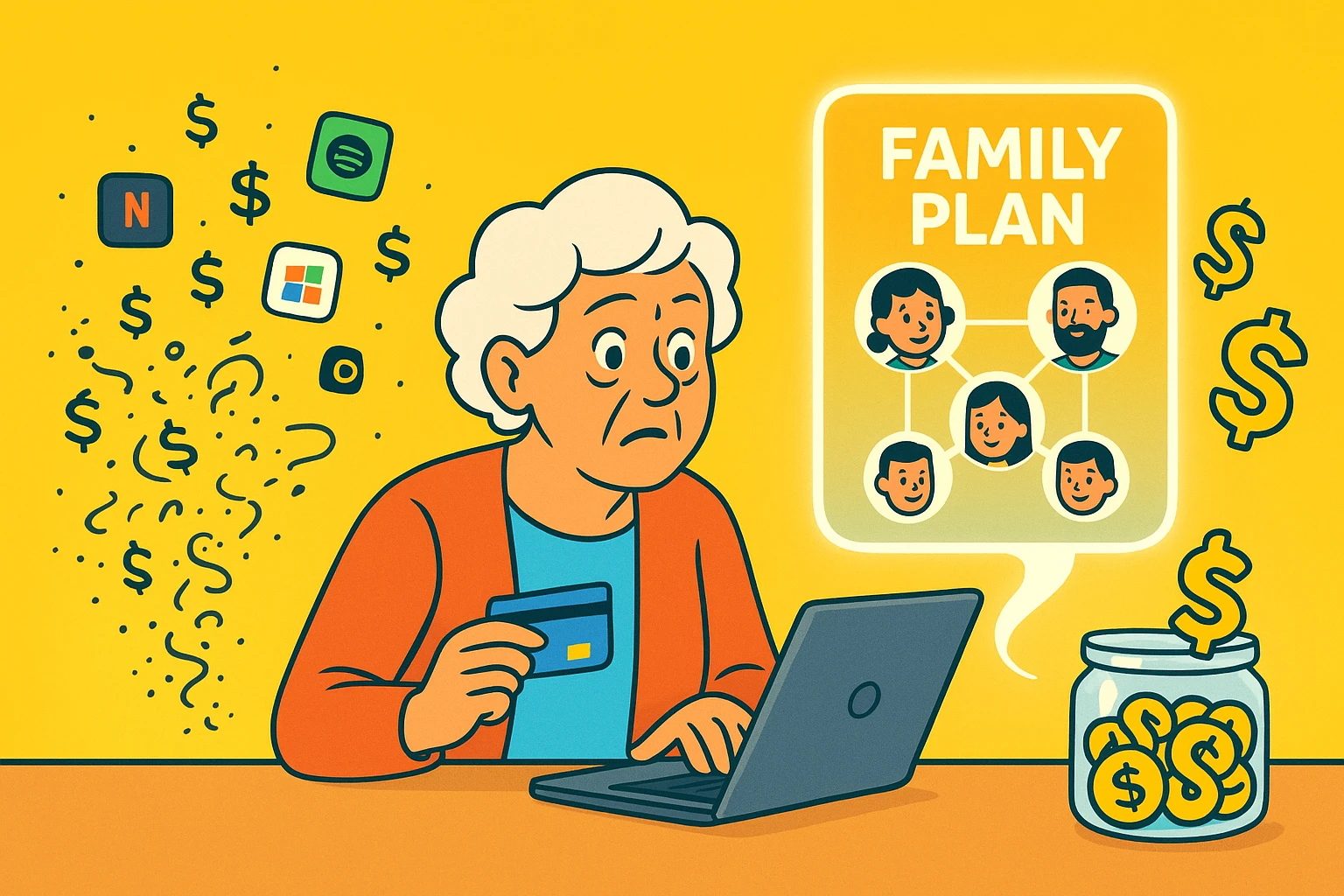
Today, we live in the Age of subscriptions. You want to watch a movie? Subscription. You want to listen to a song without an ad for car insurance interrupting the chorus? Subscription. You want to write a letter in Microsoft Word? Believe it or not, subscription.
If you look at your credit card statement, you might see a parade of $9.99 and $14.99 charges marching down the page like a line of digital ants, eating away at your budget. But here is the secret that tech companies don’t always scream from the rooftops: You are likely paying full retail price for something you could be getting at a wholesale discount.
Enter the “Family Plan.” It’s the digital equivalent of buying the 50-roll pack of toilet paper at Costco. The individual roll is expensive, but the bulk pack is a bargain. The problem is, setting these plans up can feel like trying to defuse a bomb in an action movie—cut the red wire? The blue wire? Enter the wrong email address and delete your entire photo library?
Relax. We’re going to untangle this wire together. We’ll look at how to stop overpaying, how to legally share these services with your kids (or grandkids), and how to do it without accidentally reading their text messages.
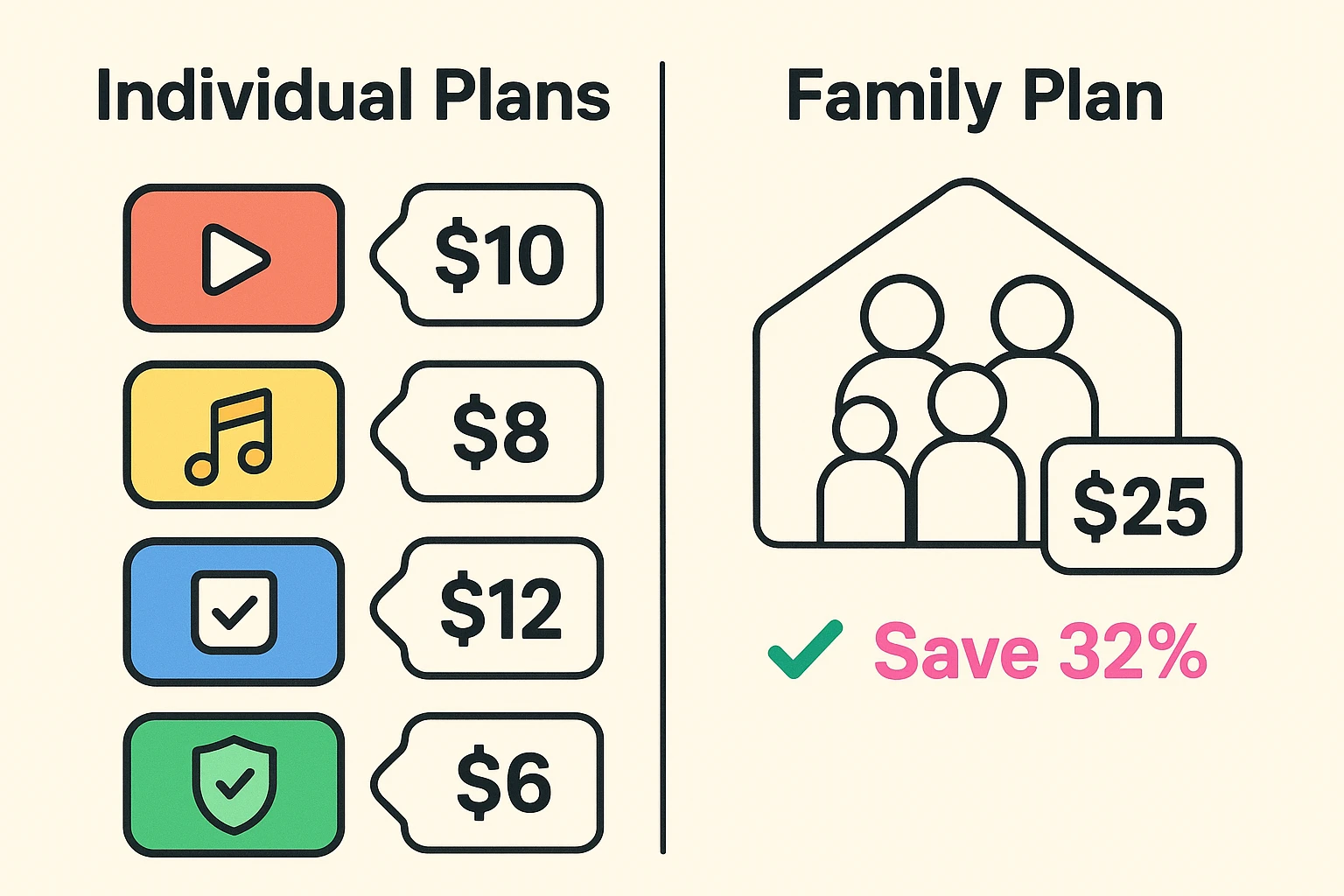
At its core, a Family Plan is a pricing tier offered by subscription services that allows multiple people to use the service for a single, slightly higher monthly price.
Here is the math that makes this interesting. Let’s say you use a music service like Spotify. An individual plan might cost around $11.99 a month. If you and your spouse both have accounts, you’re paying nearly $24.
However, a “Family Plan” might cost $16.99 a month and cover six people. Even if it’s just you and your spouse, you are already saving money. If you add your daughter, your son-in-law, and that nephew who fixes your printer, the savings become massive. We are talking about slashing your digital bills by 50% to 75%.
This is where many seniors get nervous. You might be thinking, “Isn’t sharing passwords illegal? I saw a news report about Netflix cracking down on that!”
It is vital to distinguish between Password Sharing and Family Sharing.
Password Sharing (The Old, Risky Way): This is when you write your login info on a sticky note and give it to your granddaughter so she can watch movies on your account. This is bad. It messes up your recommendations (suddenly your “Westerns” list is full of “SpongeBob”), and it’s a security nightmare. Plus, streaming services hate this.
Family Sharing (The Smart, Safe Way): This is an official feature built into the software. You have one “Master Account” that pays the bill. Then, you invite family members via email. They create their own login and password. They get their own private profile. You pay the bill, but you don’t share your password. It’s clean, it’s legal, and it keeps your westerns safe from SpongeBob.
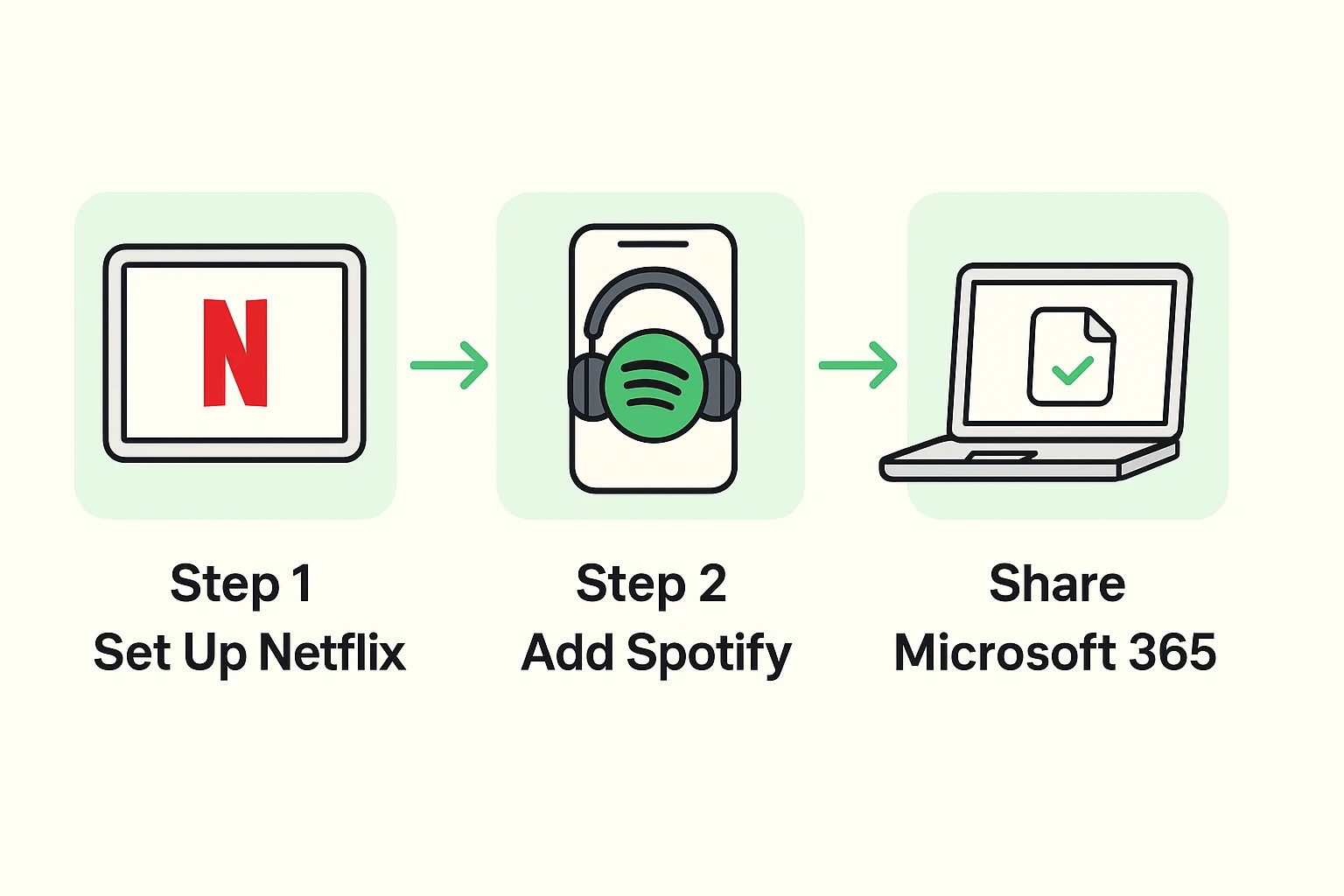
While almost every service offers some version of this, there are three main categories where seniors can find the biggest “bang for their buck.”
This is the most common one. You upgrade your account to a plan that allows for simultaneous screens.
If you listen to music on your phone or smart speaker, you need this.
This is the hidden gem that most people miss. Microsoft 365 (formerly Office) allows you to share Word, Excel, and PowerPoint with up to 5 other people.
Congratulations! You are now the CEO of your family’s digital entertainment. But being the boss comes with a few administrative duties. Don’t worry, you don’t need a boardroom—just a kitchen table and a little bit of organization.
Every plan needs one person to hold the credit card on file. This is the “Organizer.” This person has the power to add or remove members.
Money can be awkward with family. But remember, you are doing them a favor.
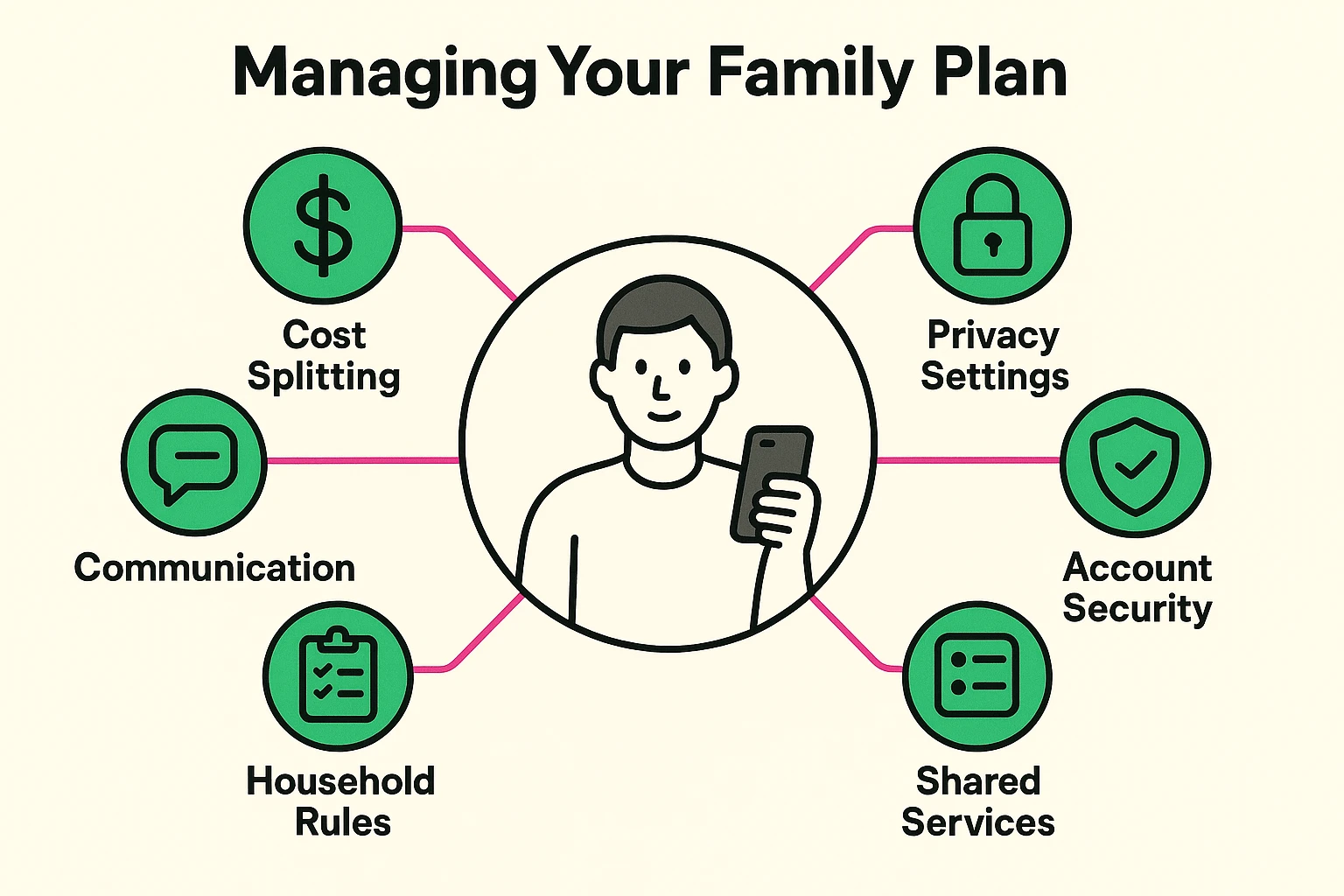
Generally, no. Companies like Apple and Google are very careful about this. When you use “Family Sharing,” you are sharing the subscription access, not your personal data. Your photos, texts, and emails stay in your private vault. The only exception is often a “Shared Album” for photos or a “Family Calendar,” which are shared on purpose.
This is tricky. Apple services (like Apple Music or Apple TV+) usually work best if everyone is in the Apple ecosystem (iPhone/iPad). However, some services like Apple Music do have an app for Android. Conversely, services like Spotify or Netflix work seamlessly on absolutely any device.
The lights go out for everyone. If the Family Manager cancels the plan or the credit card expires, every member on the plan reverts to the “Free” version. It is always good to give your family a heads-up if you plan to cancel, so they don’t find themselves unable to play their workout playlist at the gym.
Technology often feels like it’s designed to take money out of your wallet, but the Family Plan is one of the few tools designed to keep some in.
Start small. Look at one service you currently pay for—maybe Amazon Prime or Spotify. Check if they have a family option. Do the math. If it saves you even $5 a month, that’s $60 a year—enough for a very nice lunch out, which is much more enjoyable than paying a corporation for the privilege of listening to music.
Don’t let the jargon scare you off. You managed to raise a family, navigate a career, and probably survived the era of paper maps. You can certainly handle clicking “Upgrade to Family Plan.”