Newsletter Subscribe
Enter your email address below and subscribe to our newsletter

Enter your email address below and subscribe to our newsletter
Remember when the concept of “gaming” meant gathering around a card table that had one wobbly leg, shuffling a deck that was sticky from Aunt Edna’s pecan pie, and trying to figure out if your bridge partner was signaling a “strong heart suit” or just having a digestive issue?
Times have changed. Today, if you mention you’re a “gamer,” people tend to picture a teenager in a dark room, wearing a headset the size of a space helmet, fueled entirely by energy drinks and cheese-dusted chips.
But here is a secret the tech world doesn’t always advertise: The biggest growing group of gamers isn’t the kids. It’s us.
According to recent data, over 57 million Americans over 50 are actively gaming. We aren’t just playing; we are conquering digital worlds, solving complex puzzles, and keeping our brains sharper than a new set of steak knives. If you have been hesitant to join in because you think you need the reflexes of a fighter pilot or a degree in computer engineering, put those fears aside.
This guide is your roadmap to the fun, frustration-free side of the digital playground. We are going to look at why you should play, what to play, and how to do it without accidentally buying $500 worth of virtual farm animals.
Let’s be honest. Sometimes we play games just to avoid doing something responsible, like organizing the Tupperware drawer. But there is actually some heavy-duty science backing up your desire to crush candy or solve word puzzles.
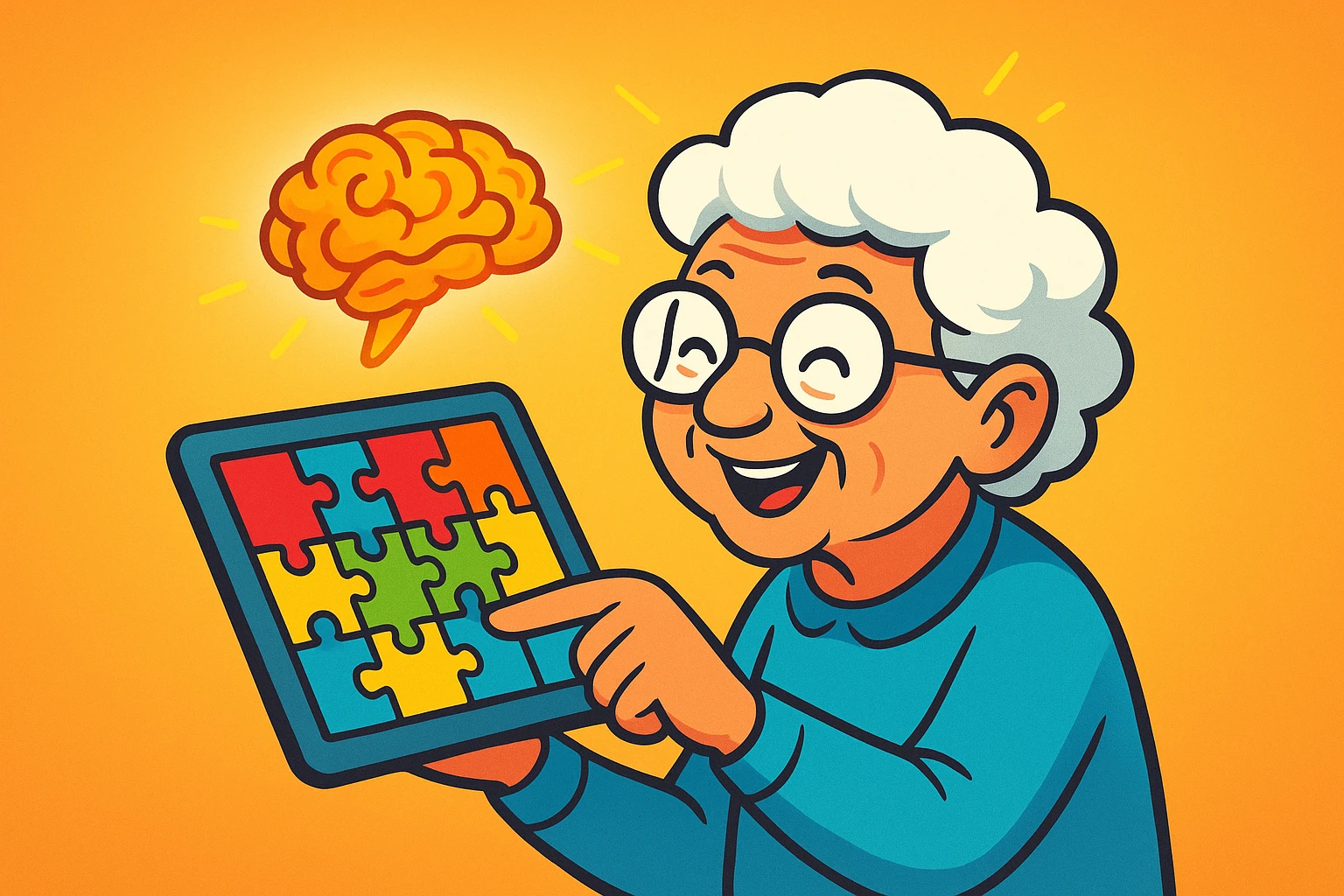
Research from the NIH suggests that brain training programs can help reverse age-related cognitive decline—potentially by boosting acetylcholine, a brain chemical that acts like a messenger for memory and learning. Think of gaming as taking your brain to the gym, but instead of sweating on a treadmill, you are sitting in your favorite chair with a cup of coffee.
It isn’t just about memory, either. It’s about fighting isolation. A huge chunk of that 57-million-strong demographic plays to stay connected. Whether it’s beating your college roommate at Scrabble from three states away or bonding with your grandkids over a round of Minecraft, gaming bridges the gap.
If you walk into a digital app store without a plan, it’s like walking into a mega-supermarket when you’re hungry—you end up overwhelmed and possibly with things you didn’t want. The key is knowing what kind of experience you are looking for.
We generally break senior-friendly games into three main buckets. Do you want to relax? Do you want a mental workout? Or do you want to socialize?
These are your digital equivalents of the Sunday newspaper crossword, but better because you don’t get newsprint ink on your fingers.
If you miss playing Bridge or Hearts because it’s hard to get a foursome together, this is your category. You can play against the computer (who never cheats) or real people online.
These are apps specifically designed by neuroscientists to target memory, speed, and problem-solving.
One of the biggest complaints I hear from seniors isn’t that games are too hard—it’s that they are too small. If you need an electron microscope to read the instructions, it’s not a game; it’s an eye exam.
When evaluating a new game, consider your hardware. A smartphone is convenient, but a tablet (like an iPad) or a desktop computer often offers a much friendlier experience for puzzle games simply because the screen real estate is larger.
Also, be honest about your dexterity. Some fast-paced action games require you to swipe the screen with the speed of a caffeinated hummingbird. If arthritis is a factor for you, look for “Turn-Based” games. This means the game waits for you to make a move. No timer, no pressure.
Use this simple flowchart to figure out where to start:
Before you download, let’s have a serious “kitchen table” talk about money and privacy. This is where the tech industry tries to be sneaky.
Most games are listed as “Free to Play.” This is technically true, in the same way that walking into a car dealership is free. You can walk around, but eventually, someone wants you to buy the undercoating.
If a simple Solitaire game asks for permission to access your “Contacts” or “Location,” deny it. A card game doesn’t need to know where you live or who your dentist is. Be stingy with your data.
Quite the opposite. Studies show socialization is a major factor in longevity of play. Many games have chat functions or “clubs” (like in Words with Friends) where you can chat with opponents. It’s a cocktail party without the loud music.
Absolutely not. The games we are discussing here—puzzles, card games, brain trainers—run perfectly on standard smartphones, tablets, or laptops that are several years old. If your device can open an email, it can probably run Sudoku.
Modern apps are very resilient. You generally cannot “break” the hardware by clicking a button in a game. The worst case scenario? You close the app and open it again. It’s the digital equivalent of hanging up the phone and dialing again.
Generally, yes, provided you follow one golden rule: Never share personal information. You can chat about the game, the weather, or how bad the Tiles are, but never give out your full name, address, or financial info. Treat online players like polite strangers on a bus.
You don’t need to identify as a “gamer” to enjoy the benefits of play. You just need to be someone who enjoys a challenge, wants to keep their brain firing on all cylinders, and perhaps wants to prove to their grandson that yes, you can beat him at chess, even if you do it while wearing slippers.
Start small. Download a classic crossword app or a simple card game today. The only thing you have to lose is boredom.