Newsletter Subscribe
Enter your email address below and subscribe to our newsletter

Enter your email address below and subscribe to our newsletter
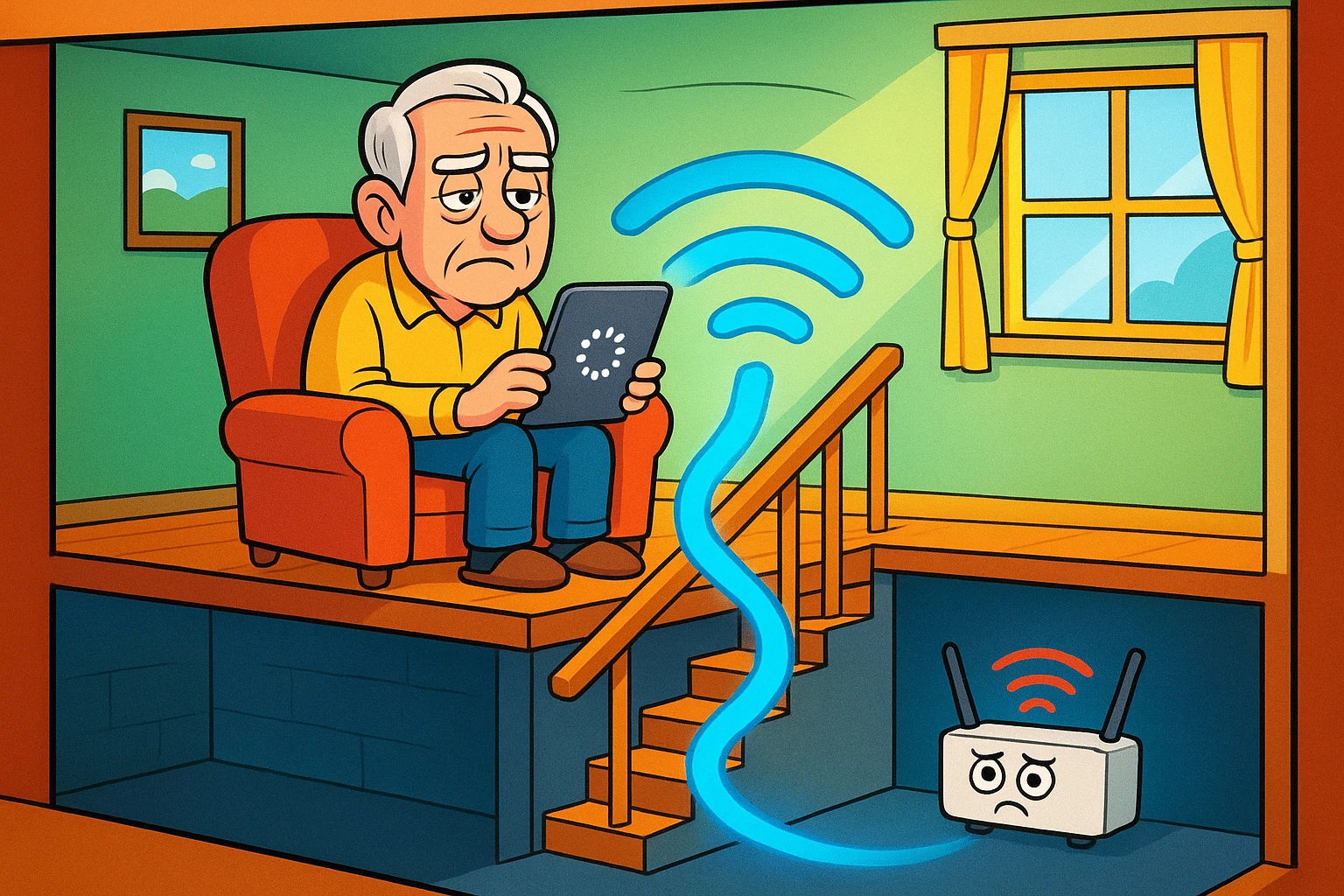
Have you ever settled into your favorite armchair upstairs, cup of tea in hand, ready to stream the latest episode of your favorite show, only to be met with the Spinning Circle of Doom? You know the one—it buffers, and buffers, and buffers, turning a dramatic scene into a slide show. Meanwhile, your internet router is sitting comfortably in the basement, humming away, oblivious to your suffering.
It feels like your Wi-Fi has a fear of heights. Or maybe it just lacks the motivation to climb the stairs.
If this sounds familiar, don’t worry—you aren’t the only one living in a “digital dead zone.” Many seniors living in multi-story homes face the exact same problem. We tend to think of our homes as flat maps, but Wi-Fi has to move in three dimensions. When you put a router in the basement and try to use an iPad on the second floor, you are asking an invisible radio wave to punch through two layers of concrete, wood, and probably a jungle of ductwork.
The good news? You don’t need a degree in physics or a sledgehammer to fix it. You just need to understand a little bit about how your house is built and how to trick your Wi-Fi into climbing the stairs.
Here is the secret that most internet service providers forget to tell you: Wi-Fi signals are easily absorbed; they lose significant strength when passing through dense floor materials. Solid floors are like kryptonite to internet signals.
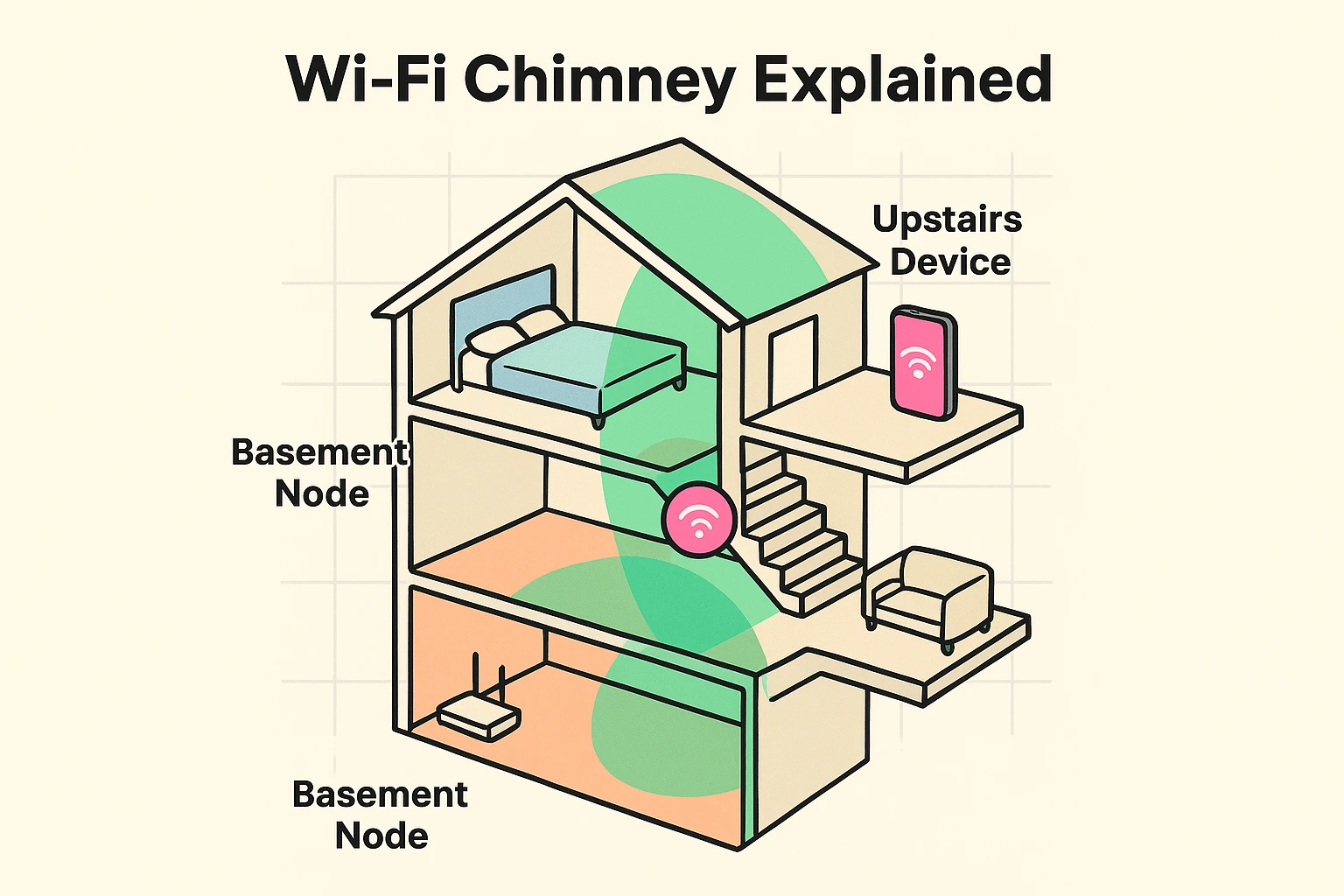
However, almost every multi-story home has a secret weapon: The Stairwell.
Think of your stairwell as a “Wi-Fi Chimney.” It is a column of open air that connects your basement to your main floor, and your main floor to the upstairs. If you are using a Wi-Fi extender or a “mesh” system (those little satellite boxes that work with your main router), you shouldn’t just shove them in a spare bedroom and hope for the best.
Instead, try to place a node near the bottom of the stairs and another one at the top of the landing. By doing this, you are creating a “bucket brigade” for the signal, allowing it to travel up the open air of the staircase rather than fighting its way through the floorboards.
Many of us keep our main router in the basement because that’s where the cable company installed it in 1998, or because the router is an ugly black box with blinking lights that clashes with the drapes.
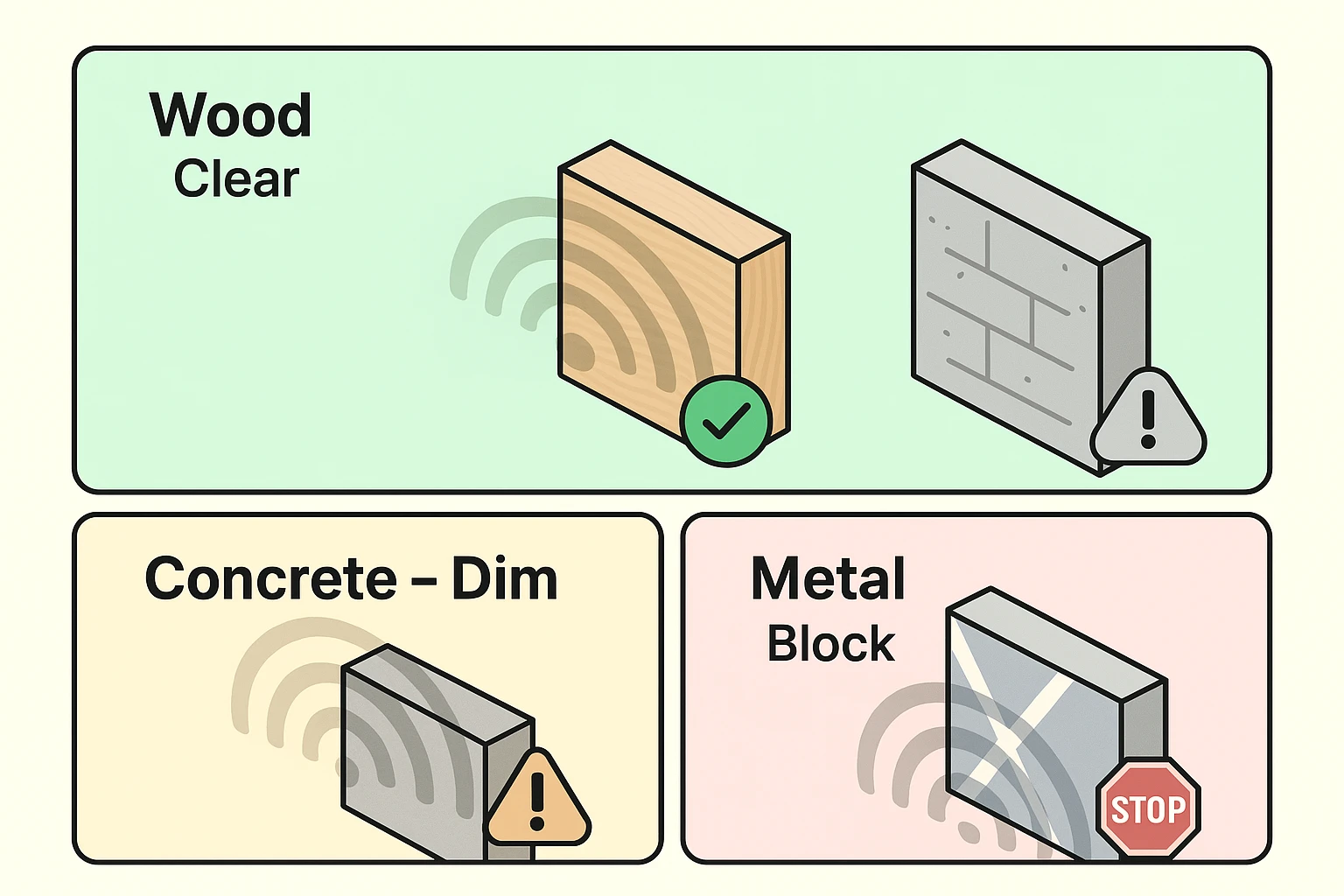
Basements often act like a partial Faraday Cage—a metal or concrete box that traps most signals inside. Between the concrete foundation, the foil-backed insulation, and the metal HVAC ducts running across the ceiling, your basement is practically designed to keep Wi-Fi from escaping.
To understand why, it helps to look at your house through “Wi-Fi goggles.” Different materials block signals differently.
If you are trying to decide where to place a Wi-Fi booster or mesh node, try the “Mirror Test.”
Imagine the router is a flashlight and the booster is a mirror. If you place the booster where it can “see” the router (like at the bottom of the stairs), it can catch the light and reflect it further up. If you hide the booster behind a metal filing cabinet or a thick brick chimney, the light gets blocked.
Quick Tip: If you have metal heating ducts running through your basement ceiling, do not place your router directly under them. That’s like trying to shout through a metal sheet. Move the router a few feet to the side so the signal has a clear path upward.
This is perhaps the most frustrating thing in modern technology. Your phone shows “full bars” of Wi-Fi. You are connected! Hooray!
But when you try to open a webpage, nothing happens. It’s like the device is lying to you.
This usually happens because of something called “daisy-chaining.” If you buy a set of Wi-Fi boosters (a mesh system) and string them out in a long line—one in the basement, one in the kitchen, one in the bedroom—the signal has to hop from one to the other.
Think of it like the old game of “Telephone.” By the time the message (your internet signal) gets to the third person (your bedroom), the message is garbled and slow. This is latency.
The best way to fix this is to arrange your Wi-Fi points so they all talk to a central hub, rather than talking to each other in a long line. This is often called a “Star Topology.”

If you can, try to place your main router in the center of the house (the main floor is ideal). Then, put your satellite units in the rooms surrounding it. This way, the signal only has to make one “hop” to get to you, keeping your speed high and your frustration low.
Not necessarily! Before you spend money, try moving your current router out of the basement or cupboard. Elevate it. Put it on a bookshelf, not the floor. Height is might when it comes to Wi-Fi.
Great question. Think of an Extender as a translator that repeats everything your router says, but loudly and slowly. It works, but it cuts your speed in half. A Mesh System is like a team of routers working together seamlessly. For a large multi-story home, a Mesh system is usually the better investment for your sanity.
Please don’t. We know they aren’t winning any beauty contests, but hiding a router in a drawer is like putting a gag on a singer. It stifles the performance. If you must hide it, place it behind a picture frame or a non-metallic object on an open shelf.
Improving your home Wi-Fi doesn’t require a hard hat or a degree in computer science. Start by walking your home and looking for those “Wi-Fi Chimneys.” Move your equipment out from behind the TV or off the floor.
Sometimes, just shifting a device two feet to the left to avoid a metal duct can make the difference between a frozen screen and crystal-clear video. Give it a try—your upstairs armchair is waiting.