Newsletter Subscribe
Enter your email address below and subscribe to our newsletter

Enter your email address below and subscribe to our newsletter
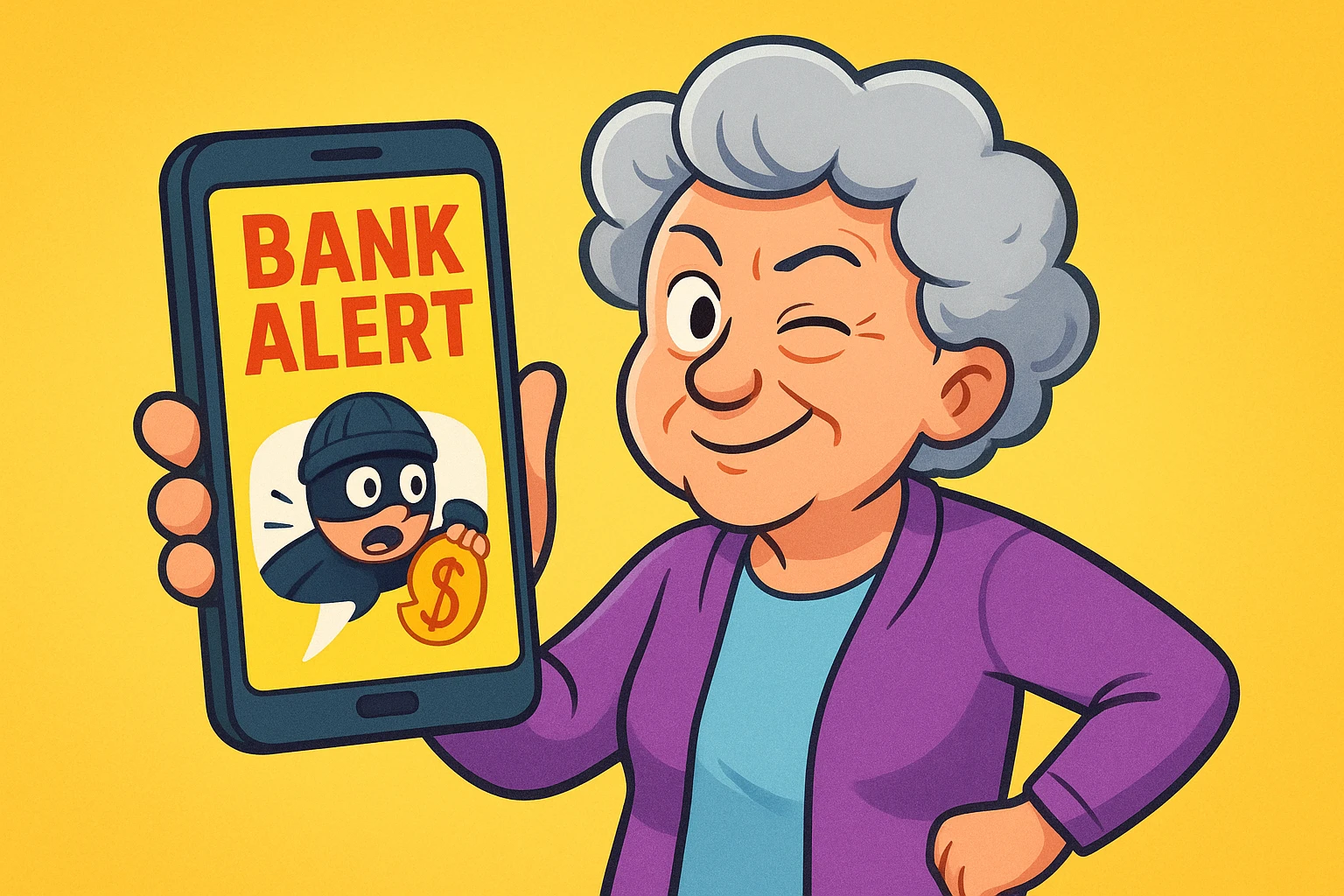
Picture this: You’re sipping your morning coffee, feeling pretty good about the world, when your phone buzzes. It’s an urgent text from “Your Bank,” claiming that unless you click a link immediately, you’ll be held legally responsible for a $4,000 purchase of exotic parrots in a timezone you can’t even pronounce.
Your heart drops. You don’t even like parrots. You haven’t bought anything more exotic lately than a new brand of paper towels.
Naturally, your first instinct is to panic, click the link, and clear your good name. But wait! Put down the coffee and step away from the touchscreen.
Welcome to the modern era of digital pickpocketing, where scammers have traded in ski masks for official-looking emails and terrifying text messages. The good news? You don’t need a degree in cybersecurity to outsmart them. We’re going to show you exactly how to spot these fakes from a mile away.
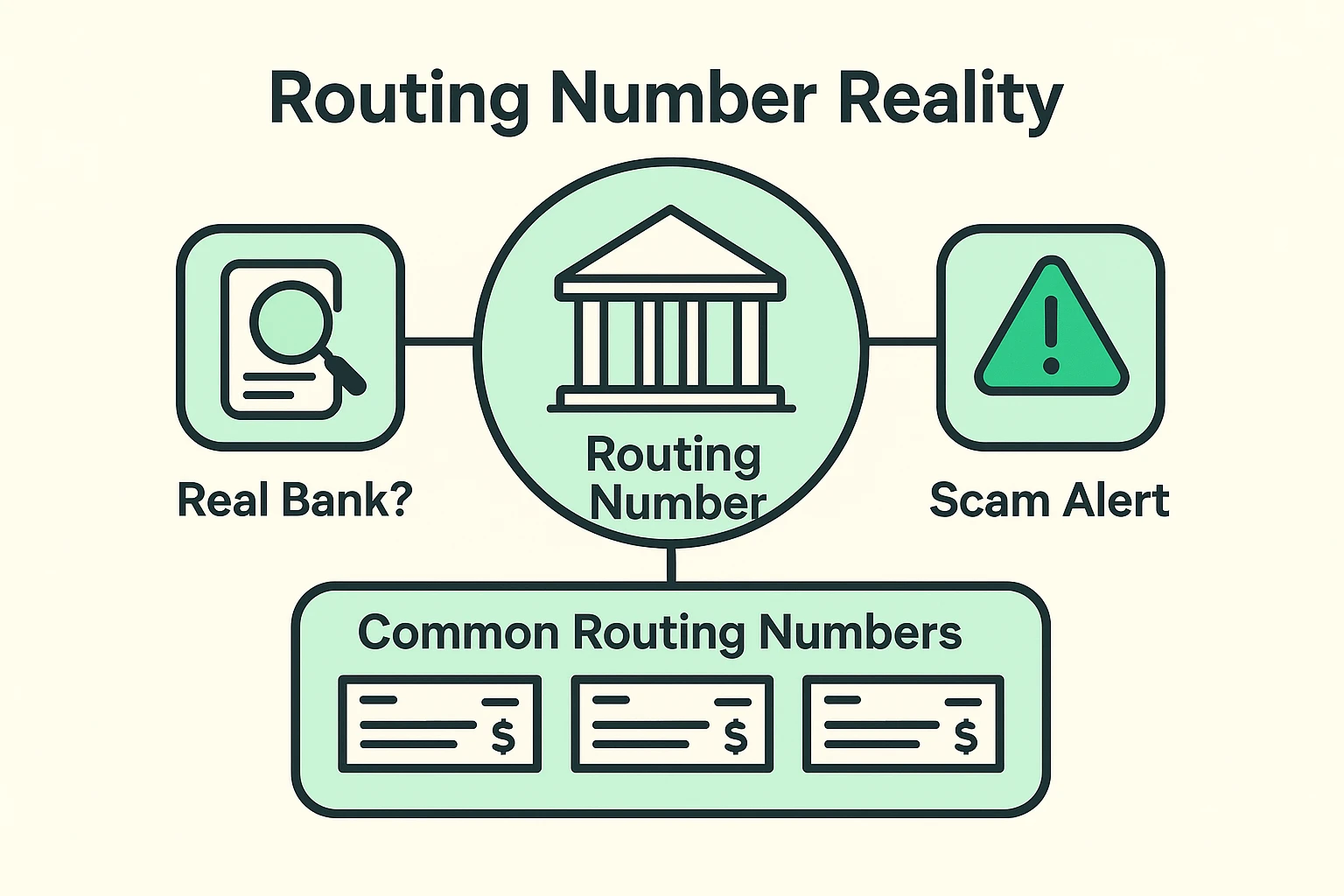
Let’s start with a common trap that trips up even the savviest folks: the routing number illusion. Often, someone will receive a suspicious check or an official-looking email containing a very real-looking bank routing number—say, 073972181.
Being the smart digital detective you are, you type that number into Google. Aha! It shows up as a legitimate routing number for a real financial institution like Eastern Savings. You breathe a sigh of relief. It must be safe, right?
Not so fast. This is exactly what scammers want you to think. They use public, perfectly real routing numbers to build a false sense of trust.
Think of it like someone slapping a shiny Mercedes logo onto a rusty golf cart and trying to sell it to you as a luxury sedan. The logo is real; the vehicle is definitely not. A legitimate routing number does not mean you are looking at a legitimate message.
Before we dive into specific apps and platforms, we need to understand how these digital illusionists operate. Scammers use a tactic called “phishing” to reel you in.
They will send an email that looks exactly like it came from Bank of America, Chase, or Wells Fargo. It has the right colors, the right logo, and the perfect amount of boring corporate jargon to make your eyes glaze over.
But the secret is hidden right at the top in the “From” address. A scammer can easily change their “Display Name” to say “Bank of America Support.” However, if you tap or click on that name to reveal the actual email address underneath, the truth comes out.
Instead of a professional email, it usually looks like a cat walked across a keyboard (e.g., BofA-support@sneaky-thief-123.biz). If the sender’s email address looks like a random alphabet soup, you are dealing with a scam. Hit the delete button and celebrate your victory over cybercrime.
These days, we aren’t just dealing with traditional brick-and-mortar banks. Many of us use newer digital wallets and apps like Grab, YouTrip, or Way2Go for everything from traveling abroad to easily sending birthday money to the grandkids.
Because these platforms are newer, scammers are having a field day pretending to be them. Many seniors find themselves targeted by fake texts claiming a “YouTrip account suspension” or an “urgent failed Grab payment.”
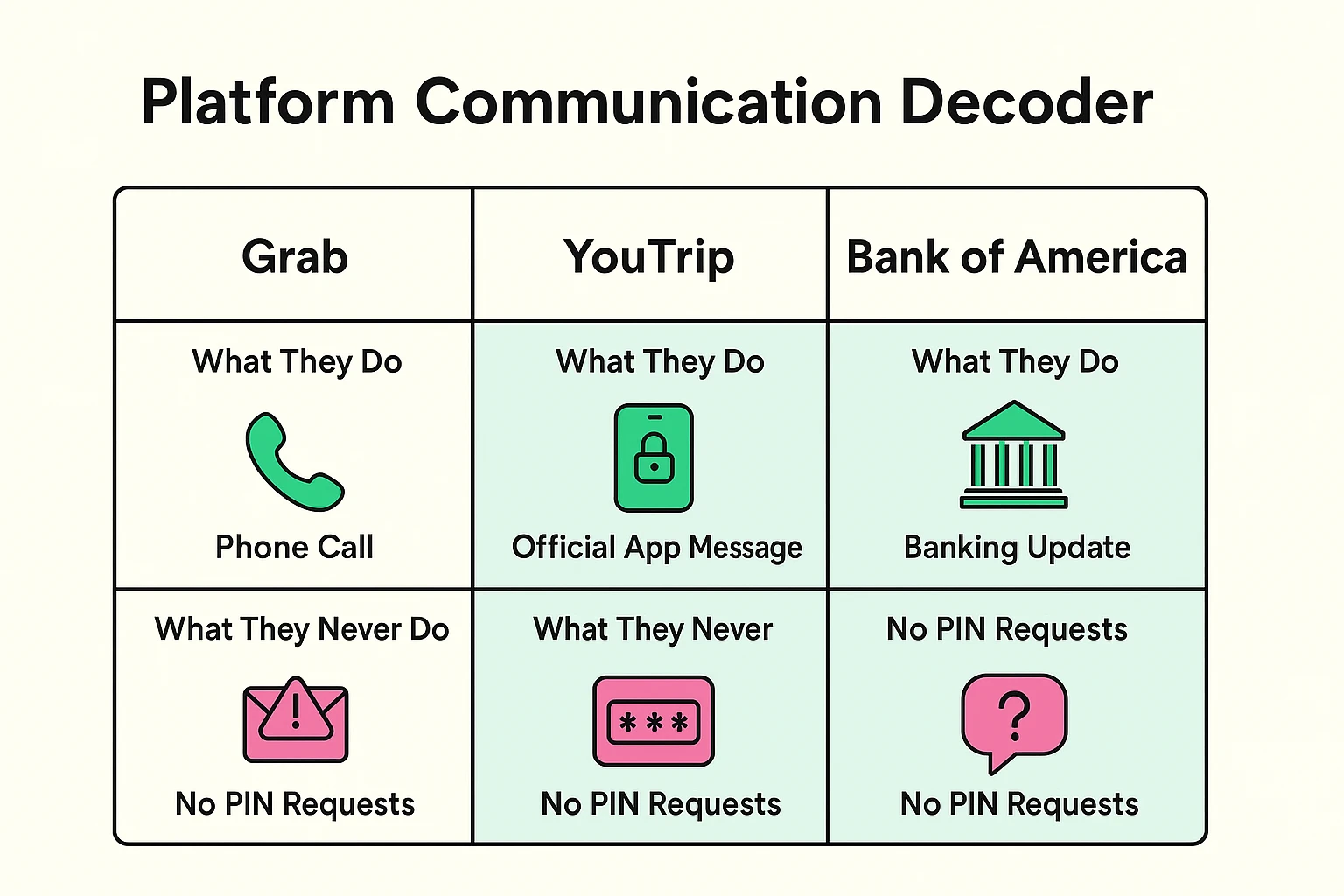
Here is the golden rule for these modern financial apps: They will never ask for your PIN, password, or security code via a random email or text message.
If you get an alarming text from one of these apps with a link to “verify your identity,” treat it like an uninvited door-to-door salesman trying to sell you invisible siding. Politely ignore it, lock the door, and go about your day.
When you get one of these heart-attack-inducing messages, your best defense is to slow down. Scammers rely on your panic. Instead of rushing, use our 3-Step “Pause & Protect” method.
If you are on a computer, use your mouse to hover over the link in the email without clicking it. A little box will pop up at the bottom of your screen showing you where the link actually goes. If the text says “BankofAmerica.com” but the hidden destination says “scam-you-now.net,” you’ve caught them red-handed.
Never, ever use the link provided in a suspicious text or email. If you’re worried there might actually be an issue with your account, open a fresh web browser and type in the bank’s address yourself to check their website directly. If there is a real problem, you’ll see a notification when you log in safely.
Still not sure if that message is real? Turn over your credit or debit card. Call the toll-free number printed right there on the back. That is the only phone number you can trust 100%. The customer service rep will be more than happy to tell you if the message was real or just a digital fib.
Technology should make your life easier—like setting up a handy medication reminder on your phone so you never miss a dose. It shouldn’t leave you stressed out and worried about your life savings.
If you want a little extra help spotting the fakes, you might consider trying out a bitdefender scam detector to give your devices an added layer of digital armor. These tools can automatically flag suspicious links before you even have a chance to click them.
And while you are locking down your accounts, make sure you are using strong auth (like two-factor authentication). This means that even if a scammer somehow tricks you into giving up your password, they still can’t break into your account without a special code sent to your phone.
Remember, scammers are persistent. When they aren’t sending fake bank emails, they might try weird phone tricks to get your money. Learning the basics of stopping a wangiri fraud attack (those mysterious one-ring phone calls) is another fantastic way to stay ahead of the game.
Absolutely. This is one of the most common tricks in the book. Scammers look up the public routing numbers of real banks and print them onto fake checks to make them look authentic. Just because the bank exists doesn’t mean the check won’t bounce.
“HTTPS” simply means the connection between your computer and the website is encrypted (scrambled so eavesdroppers can’t read it). While all real banks use it, scammers can also easily get an “HTTPS” padlock for their fake websites. It means your connection is secure, but it doesn’t guarantee the person on the other end is actually your bank!
Don’t panic! Simply clicking a link usually isn’t enough to drain your bank account, provided you didn’t type in your passwords or personal info. Close the website immediately, run a quick virus scan on your computer, and update your bank password directly through their official app or website just to be safe.
Being skeptical of random messages isn’t being rude—it’s being smart. The next time you get a text demanding immediate action regarding your finances, take a deep breath, chuckle at the scammer’s spelling errors, and delete it.
Want to learn more about keeping your digital life secure without the confusing tech jargon? Take a look around our site, print out a checklist or two, and remember: you’re in control of your digital wallet. Keep those passwords safe, keep your eyes peeled, and leave the exotic parrot purchases to the professionals!