Newsletter Subscribe
Enter your email address below and subscribe to our newsletter

Enter your email address below and subscribe to our newsletter

Have you ever had a stroke of pure genius while waiting for your toast to pop? Maybe it was the perfect punchline to a story, a breakthrough idea for the garden, or the name of that actor you’ve been trying to remember for three weeks. You grab the nearest available writing surface—a napkin, the back of an envelope, a grocery receipt—and scribble it down, feeling triumphant.
Fast forward to next Tuesday. You find that same napkin in a coat pocket, now looking less like a brilliant insight and more like an abstract coffee stain. The genius is gone, lost to the great laundry hamper of forgotten ideas.
If your life’s brilliant thoughts, memories, and to-do lists are scattered across a dozen different formats—from dusty notebooks to rambling voice memos on your phone—you are not alone. It’s like having a library where all the books have been torn apart and the pages scattered by a hurricane. But what if you had a magical librarian who could find every single page, put them all back together, and organize them for you? Well, that librarian is here, and it goes by the name of Artificial Intelligence (AI).
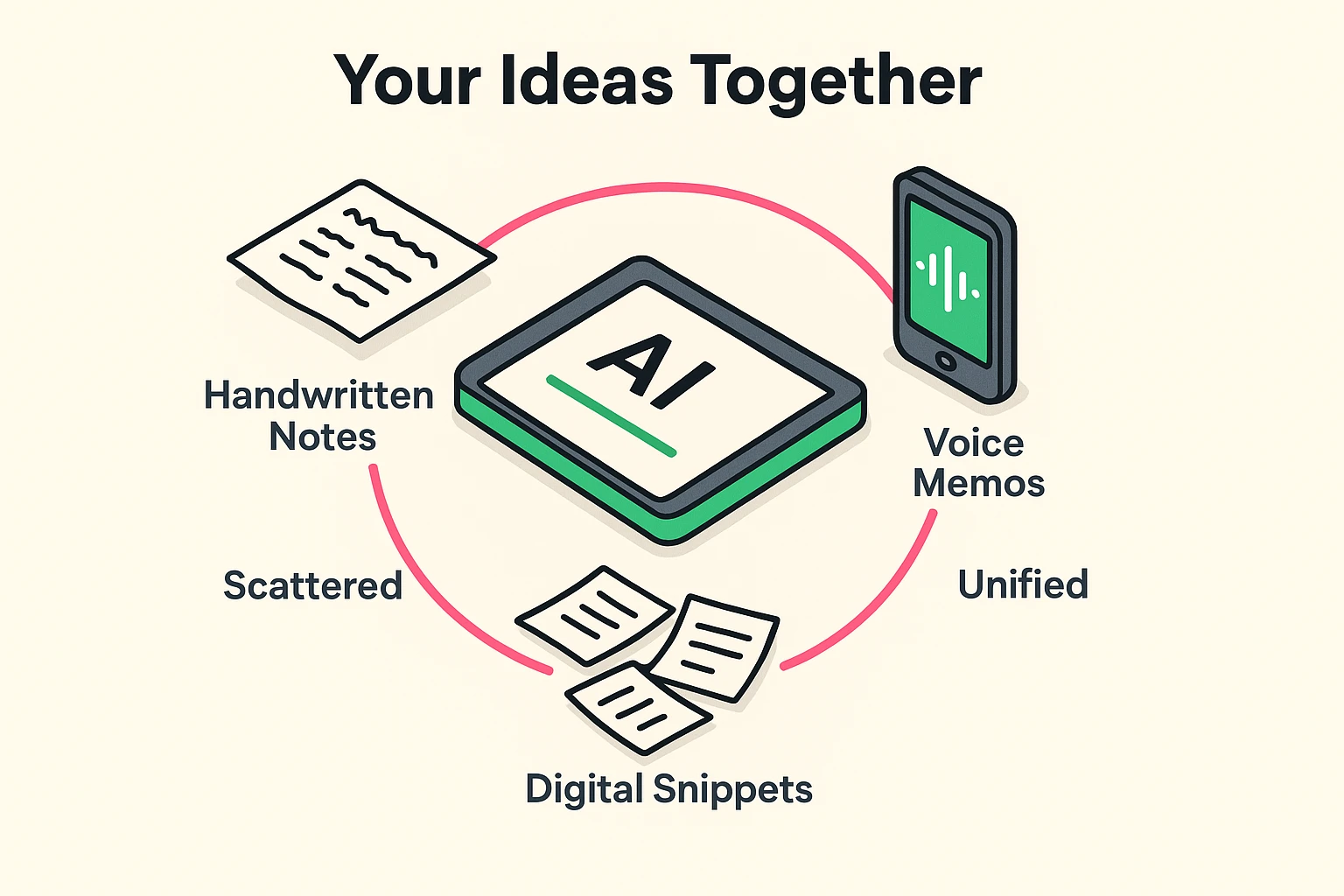
Before we dive into the “how,” let’s talk about the “why.” Organizing your thoughts isn’t just about being more productive so you can write a business plan. For most of us, it’s about peace of mind. It’s about preserving the stories you want to pass down, keeping track of the memories that make you smile, and clearing out the mental clutter so you have more room for new ideas.
Think of it like decluttering a closet. Once you get rid of the junk and organize what’s left, you suddenly feel lighter. You can find what you need without starting a major excavation. Organizing your ideas with AI is the same thing, but for your brain. It reduces that nagging feeling of “I know I wrote that down somewhere…” and replaces it with calm, confident control.
Now, when you hear “AI,” your brain might picture robots from a sci-fi movie or some impossibly complex computer code. Let’s toss that idea in the bin.
For our purposes, AI is simply a smart assistant. It’s like a digital filing cabinet that organizes itself. You don’t need to know how the engine works to drive a car, and you don’t need to be a tech wizard to use AI. Its main job is to do the boring, time-consuming work for you.
The most magical part? AI has learned to read handwriting and understand spoken words. This is the bridge that finally connects your analog world of napkins and notebooks to the organized digital world.
Getting started is easier than you think. There’s no need to learn a complicated new system. It all boils down to a simple process of gathering your ideas and letting your new assistant do the rest.
First, just gather your notes. Don’t worry about organizing them yet. This is a no-judgment zone. Collect everything:
Put it all in one box or a pile on the kitchen table. You’ve just completed the hardest part! Think of it as assembling a puzzle before you put the pieces together.
This is where the “aha moment” happens. You don’t have to retype a single word. Modern AI tools can read your handwriting and transcribe your voice memos automatically.
Suddenly, that pile of physical notes and scattered audio clips is transforming into a clean, digital collection.
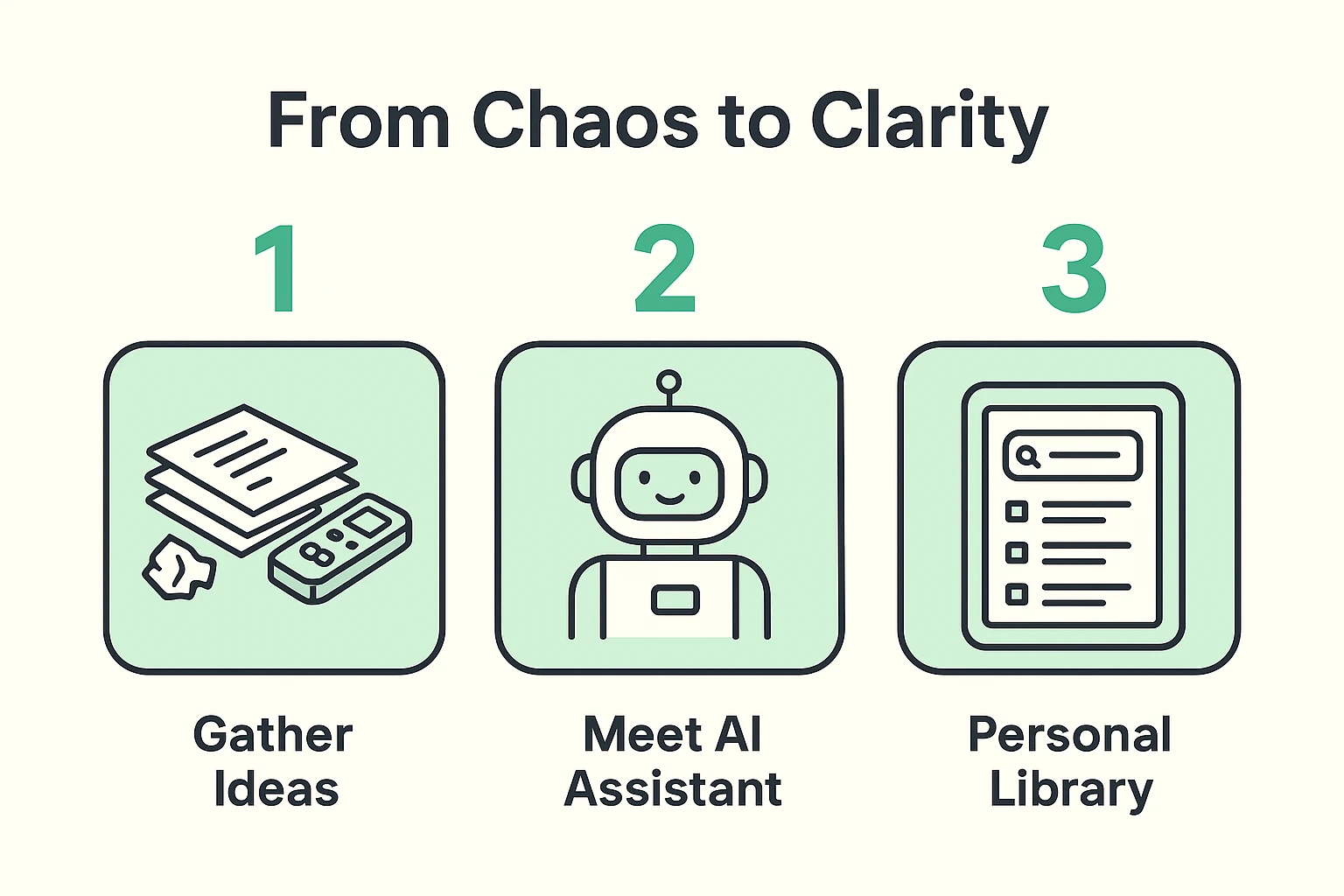
Once your ideas are digitized, they all live in one place—a single app or program on your phone or computer. This becomes your personal library. But unlike a physical library, you don’t have to remember where you put anything.
Because every word is now digital text, it’s completely searchable. You can find any idea, memory, or note in seconds, just by typing a word you remember.
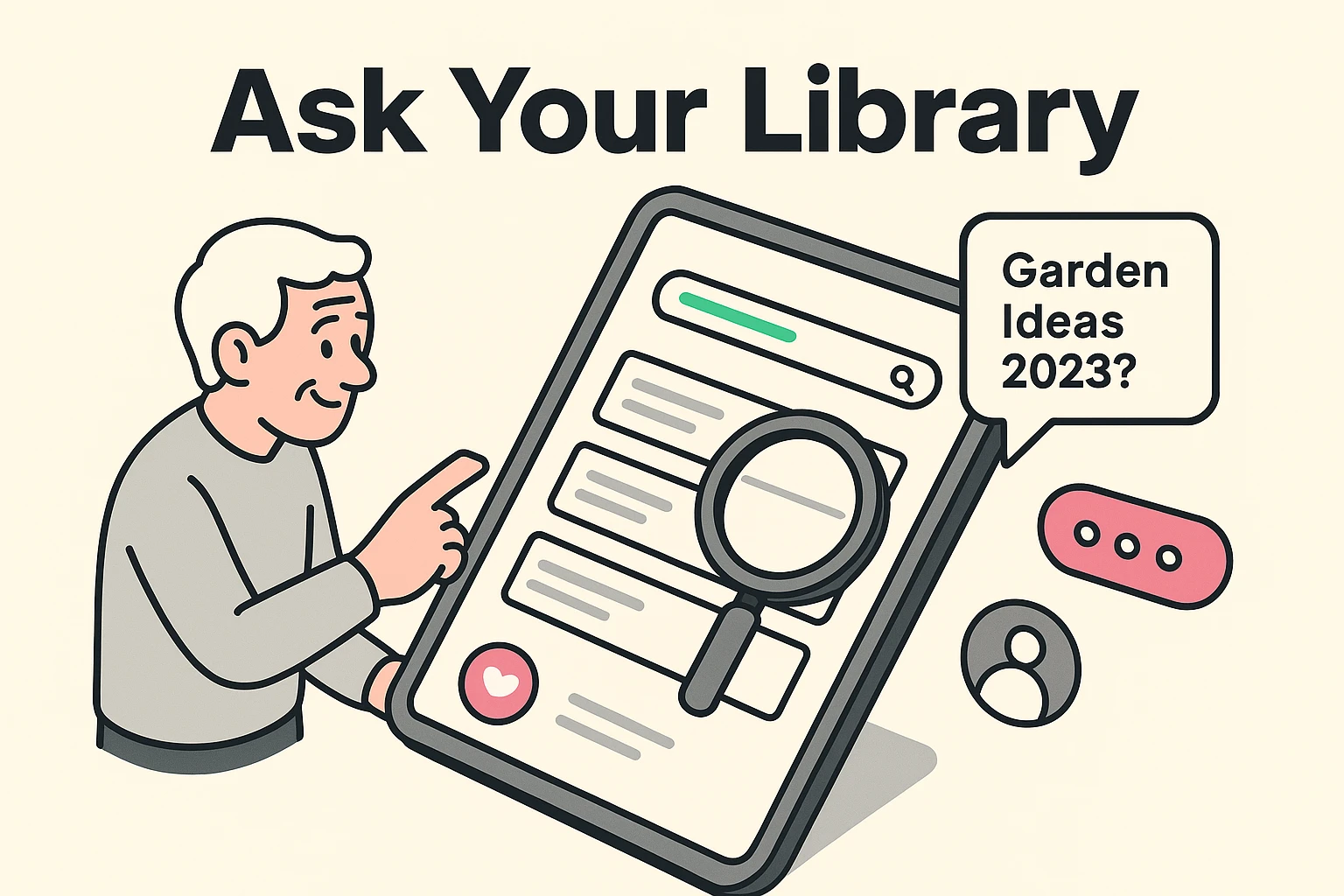
Here’s where it gets really fun. Once your ideas are in your new digital home, you can talk to it like a real assistant. You can ask it questions in plain English, such as:
The AI will instantly sift through all your notes and pull up exactly what you’re looking for. No more frantic searching through notebooks. Your entire life’s collection of brilliant ideas is now at your fingertips, neatly organized and ready when you are.
Perhaps you’ll finally organize those family stories, or maybe you’ll discover you have enough notes to pursue a new project. With your ideas organized, you can unleash your inner artist and explore creative hobbies you never thought you had time for.
Yes! Most modern tools are designed with simplicity in mind. If you can take a picture with your phone, you have all the skills you need. The goal of this technology is to make your life easier, not to give you another technical headache.
This is a fantastic and important question. Reputable companies have strong privacy policies and security measures to protect your data. A good rule of thumb is to use well-known services and avoid putting extremely sensitive information—like bank account numbers or passwords—into any note-taking app, AI or otherwise. Think of it as a journal, not a safe deposit box.
Tech Trap Alert! Don’t worry about finding the “perfect” tool right away. The best tool is the one you’ll actually use. Many apps offer free versions that are more than powerful enough to get you started. The goal is to begin, not to become an expert overnight.
Ready to rescue your first brilliant idea from a forgotten napkin? Here’s a simple 15-minute task to get you started.
That’s it. You’ve just taken the first step toward building your personal, searchable library of ideas. No more lost genius, just clarity and peace of mind. Your future self will thank you.