Newsletter Subscribe
Enter your email address below and subscribe to our newsletter

Enter your email address below and subscribe to our newsletter
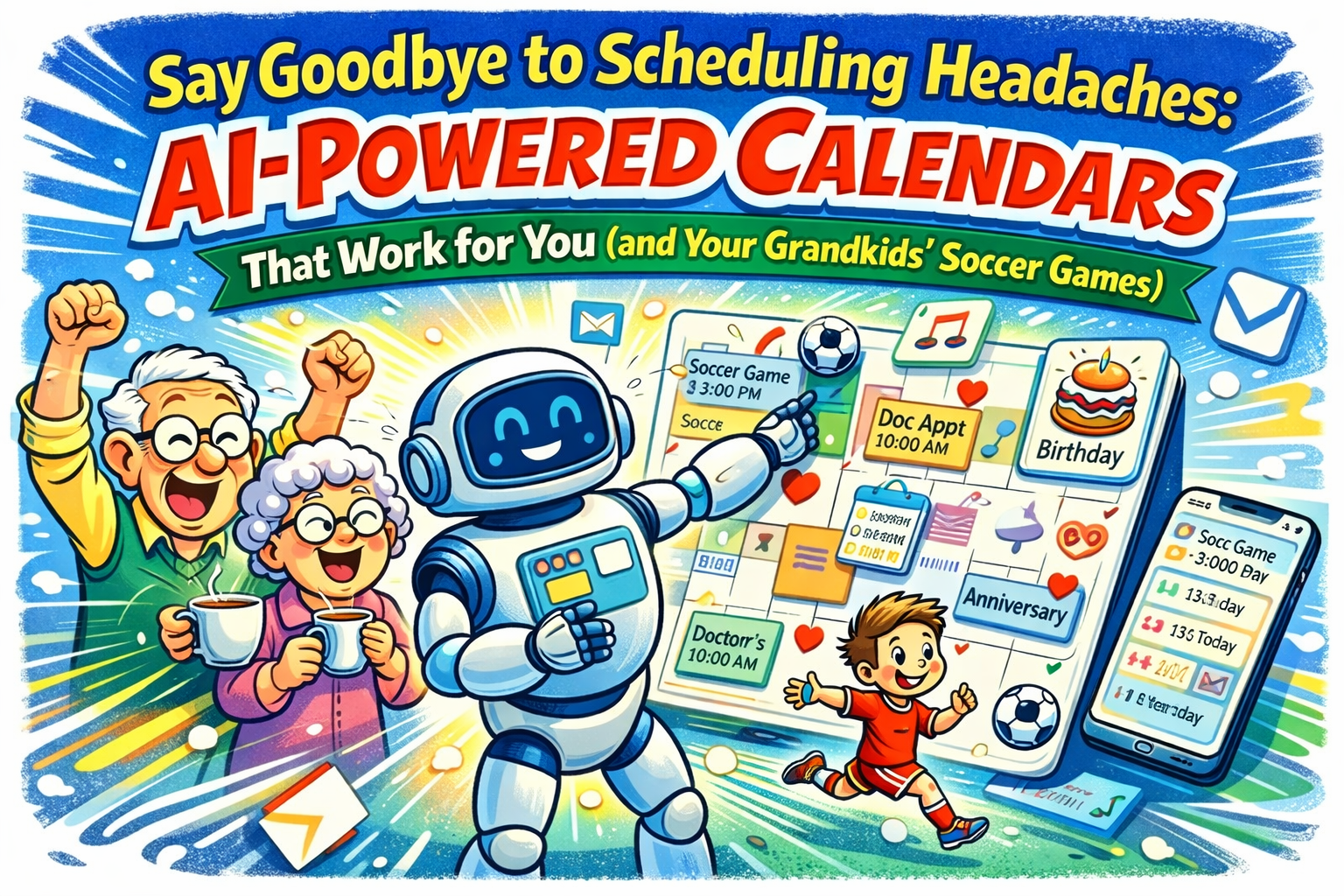
Have you ever looked at your wall calendar and felt like you needed a PhD in advanced logistics just to understand it? It’s covered in scribbles, arrows, and sticky notes that have lost their stick. Your doctor’s appointment is wedged between a reminder to pick up milk and a frantic note that says, “SARAH’S PLAY 7 PM!!!” — but which Sarah, and which play? And which day?
You try to coordinate a simple family dinner, and it turns into a month-long negotiation that would make world leaders proud. You’re juggling phone calls, text messages, and that one grandchild who only communicates through carrier pigeon. If trying to keep your schedule straight feels like herding cats in a wind tunnel, you are definitely not alone. It’s the modern-day puzzle that leaves most of us feeling overwhelmed.
But what if you had a personal secretary? Someone who never gets tired, never misplaces a note, and knows exactly when Timmy’s soccer game is. That’s the promise of an AI-powered calendar. And before you picture a scary robot from a sci-fi movie, let’s be clear: this is less “Terminator” and more “helpful, tech-savvy friend.”
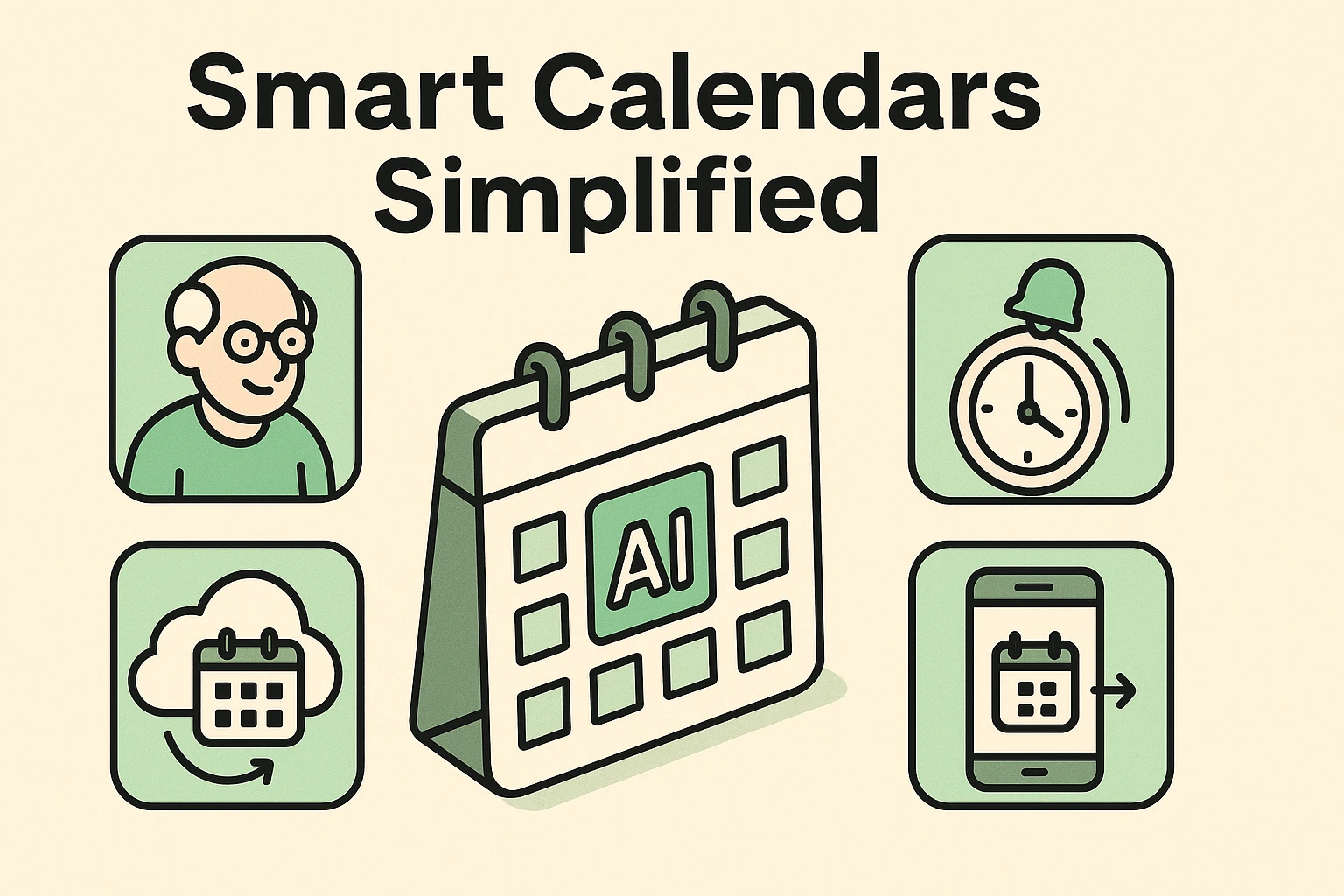
Let’s get the scary-sounding part out of the way first. “AI” just stands for “Artificial Intelligence,” which is a fancy term for making a computer program smart enough to be genuinely helpful. It’s not about creating a thinking, feeling robot. It’s about teaching a calendar to do things your paper one could only dream of.
Think of it like this: your paper calendar is a notepad. An AI calendar is a personal assistant. It doesn’t just display dates; it helps you manage them.
Here’s the magic in simple terms:
Essentially, it’s a central hub for your life and your family’s life, designed to reduce the “oops, I forgot” moments and bring a little more sanity to your schedule.

This isn’t just about organizing your appointments; it’s about making life smoother in ways that really matter. It’s a tool for connection, independence, and peace of mind.
Managing health can feel like a full-time job. A smart calendar acts as your reliable health administrator. You can set up recurring reminders for medications, so a gentle chime or a big, bright message pops up when it’s time for your pills. Think of it as a digital medication timer that also tracks your doctor’s visits.
You can also share this calendar with a trusted family member or caregiver, so they can help you keep track of appointments and see at a glance if you have a follow-up with the cardiologist next week.
Family coordination is where these calendars truly shine. Your son, who lives three states away, can add his flight details for his holiday visit directly to your calendar from his phone. Your granddaughter can add her school concert, and it instantly appears on your screen.
No more missed calls. No more outdated information. Everyone is looking at the same, up-to-the-minute schedule. It becomes the family’s single source of truth, ending the endless back-and-forth and making sure you’re there for the moments that matter most.
If you have help from family members or professional caregivers, a shared smart calendar is a game-changer. Everyone involved in your care can see the schedule.
The person coming in on Monday knows that Tuesday’s helper is taking you to a doctor’s appointment. They can leave notes for each other, coordinate on grocery runs, and ensure there are no gaps or overlaps in care. This creates a transparent, collaborative environment that reduces stress for everyone and keeps you in the driver’s seat of your own life.
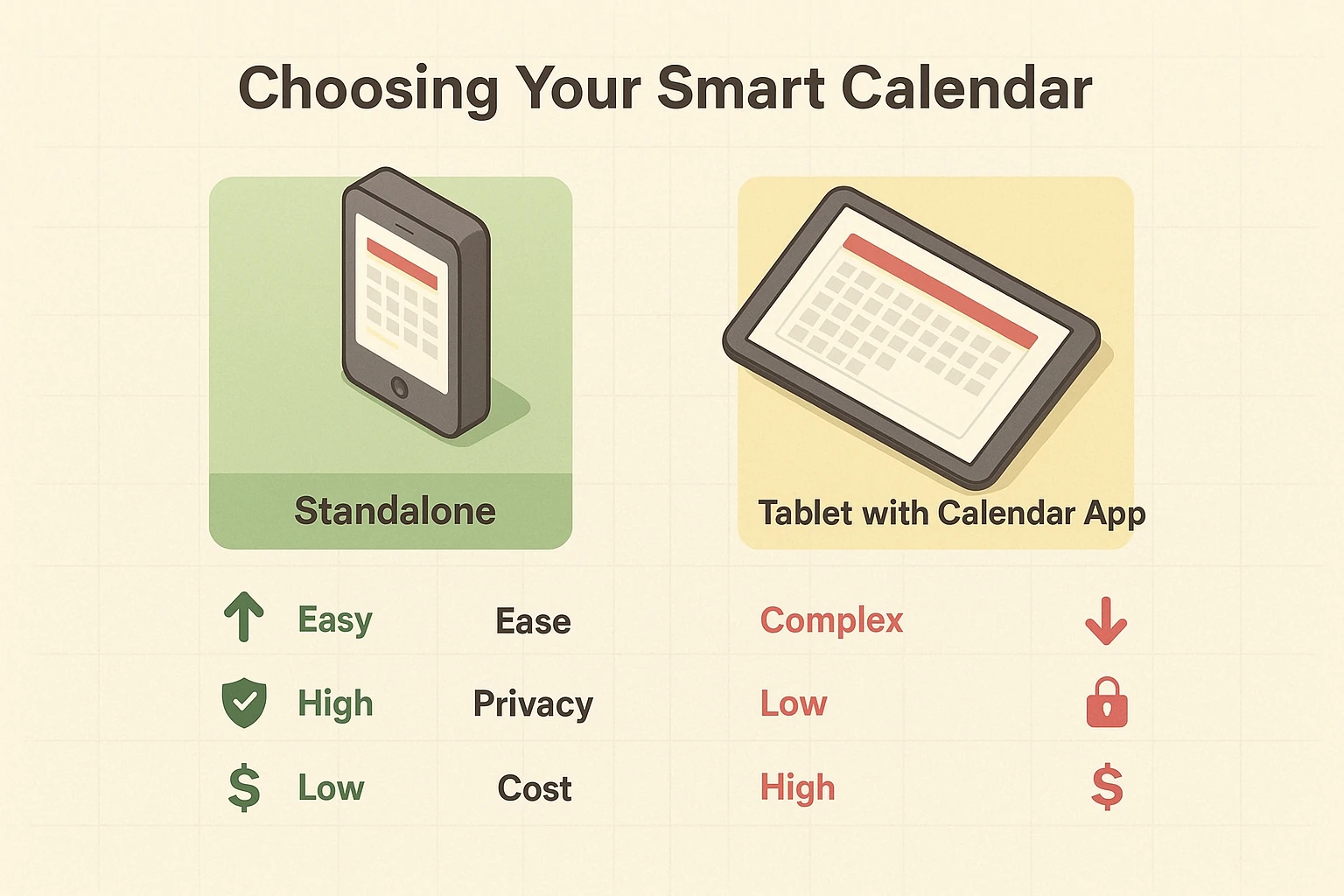
Okay, you’re intrigued. But the tech world is full of choices, which can be overwhelming. The good news is, it really boils down to one main decision to get started.
You generally have two paths you can take: buying a dedicated smart calendar device or using an app on a tablet you already own (like an iPad or an Android tablet). Neither is better than the other; they’re just different.
When you’re browsing, keep an eye out for these features:
Ready to dip your toes in the water? It’s easier than you think.
Before buying anything, chat with your family. Ask who wants to be connected and what features would be most helpful. Is the main goal tracking medical appointments or keeping up with grandkids’ activities?
Using the info above, decide if a dedicated device or a tablet app is right for you. Read some reviews, focusing on comments about ease of use for seniors.
This is the perfect project to tackle with a tech-savvy child or grandchild. Ask them to help with the initial setup. It’s a great way to learn together and get everyone in the family comfortable with adding events from their own devices.
Yes, a smart calendar needs to be connected to your home’s Wi-Fi. That’s how it stays in sync with everyone else’s calendars and gets updated in real-time.
Absolutely! That’s the main benefit. Your son, daughter, caregiver, and grandkids can all be given permission to add and view events on the calendar from their own phones or computers.
Most dedicated devices have a return policy, so you can try it out and see if it works for you. If you’re using an app on a tablet, many are free to start, so there’s no risk in giving it a go.
It certainly can! But there’s no need to go cold turkey. You can use both for a while until you get comfortable with the digital version. You might soon find that you don’t need the paper one anymore.