Newsletter Subscribe
Enter your email address below and subscribe to our newsletter

Enter your email address below and subscribe to our newsletter

Learn how AI helps break language barriers during video calls with easy real-time translation tips and tools.
Have you ever been on a video call with a beloved relative from the old country, or maybe a grandchild who’s gallivanting across Europe, and found yourself playing a frantic game of international charades? You smile, you nod, you point enthusiastically at a houseplant. They say something beautiful and elaborate in Italian, and you reply with the only foreign phrase you’re sure of: “…extra cheese?”
It’s a conversation that’s 90% guesswork and 10% hoping you didn’t just accidentally agree to trade your car for a goat. For generations, this was just how it worked. But now, thanks to a little bit of digital magic, you can have a real-time interpreter sitting right inside your computer.
Welcome to the world of AI-powered translation, where technology finally does what we’ve always wanted it to do: shut up and help us talk to the people we love.
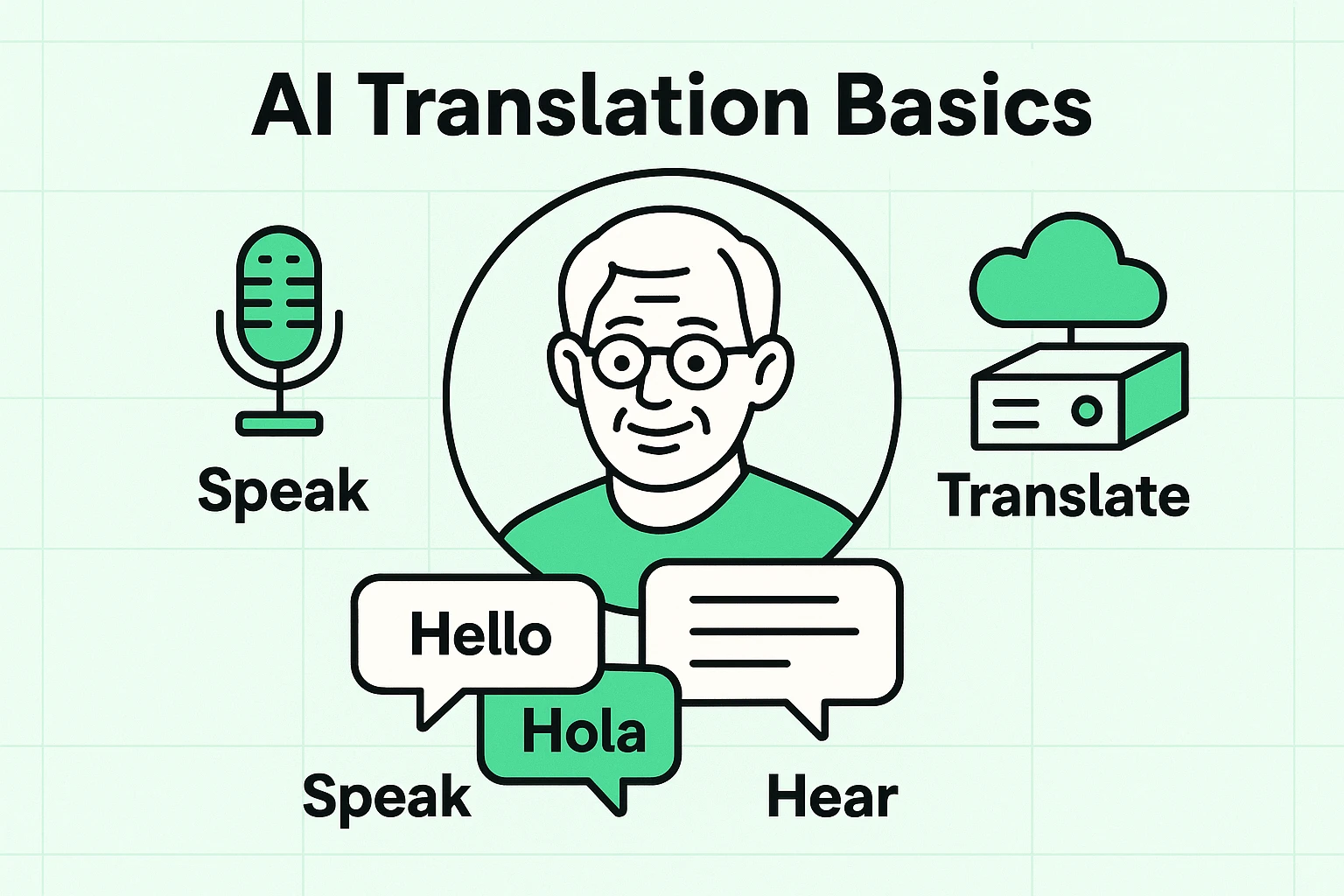
Alright, let’s pull back the curtain on this wizardry. When you hear “Artificial Intelligence,” you might picture a robot that’s one software update away from taking over the world. In reality, it’s more like a very, very smart intern who happens to speak 100 languages.
Here’s the simple version:
Think of it as a tiny, invisible UN interpreter living in your device. Your cousin in Germany says something in German, and a moment later, you see or hear the English translation. You reply in English, and she gets the German version. It’s a conversation, not a game of telephone across continents.
Now for the fun part. You don’t need a degree from MIT to make this work. Most modern video calling platforms and translation apps are designed to be as user-friendly as possible. While specific steps vary between apps like Google Translate, Microsoft Translator, or specialized services like Talo, the basic dance is always the same.
Before you dial up your international friends, you’ll need to get set up. And if the idea of starting a video call still gives you the jitters, don’t worry. We have a simple, step-by-step guide on Video Calling Made Easy that will make you a pro in no time.
Once you’re comfortable with basic calling, adding translation is the next step.

Using an AI interpreter is a bit different than a regular chat. It’s like learning to dance with a new partner—it takes a minute to find the rhythm. Here are a few tricks to avoid stepping on each other’s toes.
The AI needs a moment to listen, think, and translate. If you and your conversation partner talk over each other, you’ll confuse the poor thing, and it will produce gibberish that sounds like a dishwasher falling down a flight of stairs.
Just like any tool, it’s wise to understand the rules of the road. You wouldn’t discuss your bank account details in a crowded cafe, and the same common sense applies here.

The goal here isn’t to have a flawless, boardroom-quality translation. It’s about bridging a gap. It’s about hearing the joy in your granddaughter’s voice as she tells you about her trip to Paris, even if the AI calls the Eiffel Tower the “Big Metal Pointy Thing.”
This technology is here to tear down walls and build connections. It lets you be a part of conversations you might have missed out on. So go ahead, schedule that call. You no longer have to just smile and wave—you can talk, laugh, and truly share a moment with anyone, anywhere.
Think of it as an automatic interpreter. You speak in your language, and a computer program instantly translates it into another language for the person on the other end of the call, either as on-screen text or a computer voice.
Yes! Most translation tools are very flexible. Apps like Google Translate and Microsoft Translator work on iPhones, Android phones, tablets, and computers. Some video call services like Google Meet and Zoom are also building this technology right into their platforms.
It’s surprisingly good, and getting better all the time. For everyday conversation, it’s more than accurate enough. However, it can sometimes miss slang, sarcasm, or very complex technical terms. The key is to speak clearly and simply.
Many of the most popular and effective tools are free! Google Translate’s conversation mode, for example, is free to use. Some specialized services designed for businesses might have a fee, but for catching up with family, you can absolutely get started without spending a dime.
For beginners, Google Translate or Microsoft Translator are excellent starting points. They are made by big, trusted companies and are designed to be easy to use. Just download one from your phone’s app store to get started.