Newsletter Subscribe
Enter your email address below and subscribe to our newsletter

Enter your email address below and subscribe to our newsletter
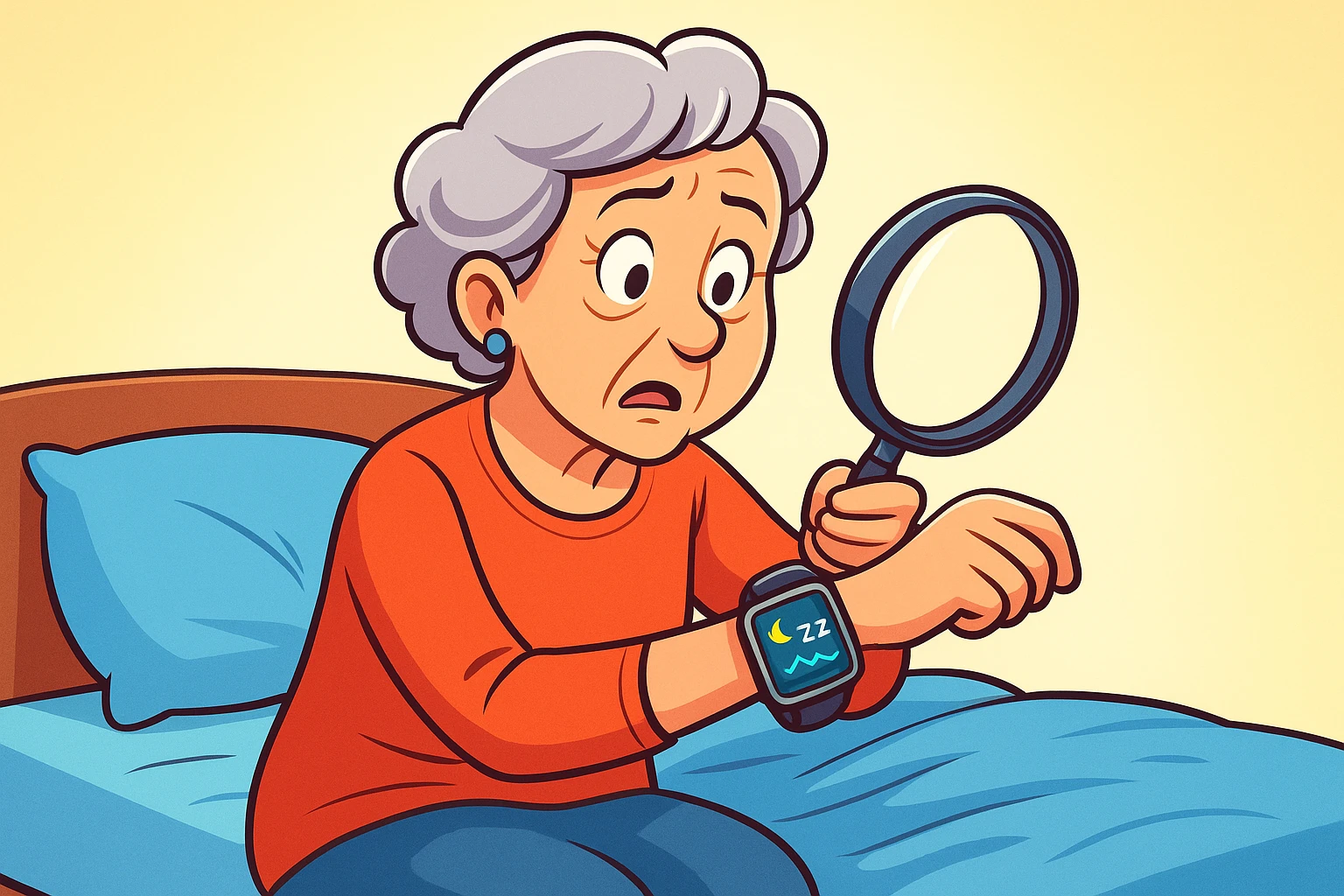
Remember the days when the only thing that tracked your sleep was the alarm clock buzzing angrily at 6 a.m.? You’d wake up feeling either like a champion who wrestled a bear and won, or like you’d been run over by a fleet of tiny, surprisingly heavy, steamrollers. The mystery was, you never knew why. You got your eight hours, so what was the deal?
It’s one of life’s great frustrations. You follow the rules—no coffee after 3 p.m., a comfy pillow, maybe even some soothing whale sounds—and still wake up feeling like you need a vacation from your vacation. It’s like trying to bake a cake by just throwing ingredients in a bowl and hoping for the best.
But now, there’s a new detective on the case, and it lives on your wrist, finger, or even your mattress. These little AI-powered gadgets are doing for sleep what maps did for road trips: they’re showing us the route, pointing out the traffic jams, and helping us finally understand the journey our bodies take every single night.
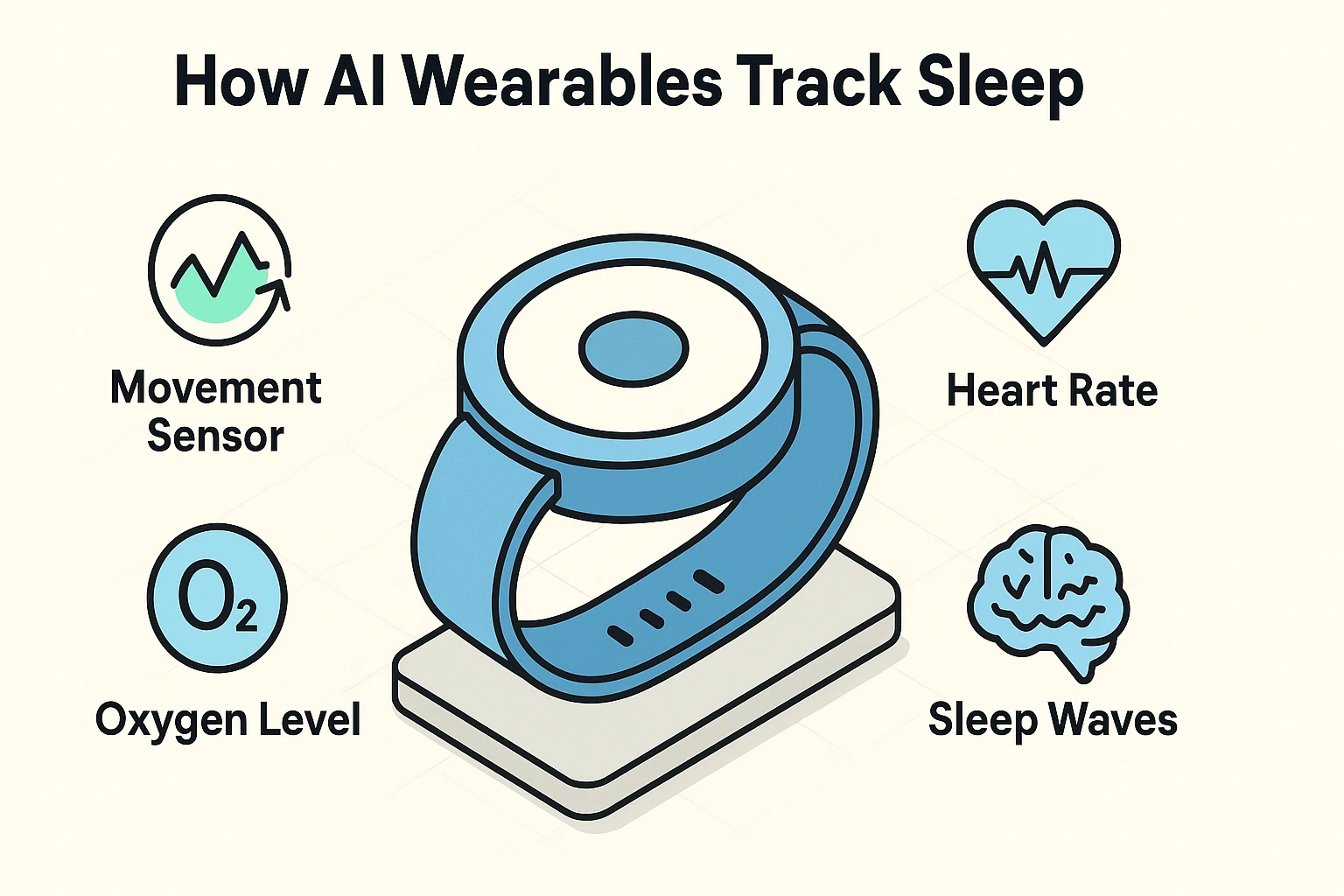
Before you start thinking this is some kind of digital wizardry, let’s pull back the curtain. It’s actually quite simple, yet brilliant. These devices aren’t reading your mind; they’re just paying very close attention to your body.
Think of it like this: your wearable is a tiny, silent night watchman, equipped with a few key tools:
The “AI” or “Artificial Intelligence” part is the master detective that takes all these clues, compares them to millions of nights of sleep data, and puts together a detailed report on what happened after you closed your eyes.
When you wake up, your device presents you with a sleep report that can look a bit like the control panel of a spaceship. Don’t panic! It’s less complicated than it looks. Most of it boils down to a few key ideas.
Your sleep isn’t one long, flat event. It’s a series of cycles, each with different “stages,” like a team of workers doing different jobs.
This one sounds technical, but the idea is simple. HRV measures the tiny variations in time between your heartbeats. A higher HRV is generally a good thing. It’s a sign that your nervous system is relaxed and ready to recover. Think of it as a measure of your body’s adaptability—its ability to handle stress and bounce back. A low HRV might mean you’re stressed, over-tired, or maybe fighting something off.
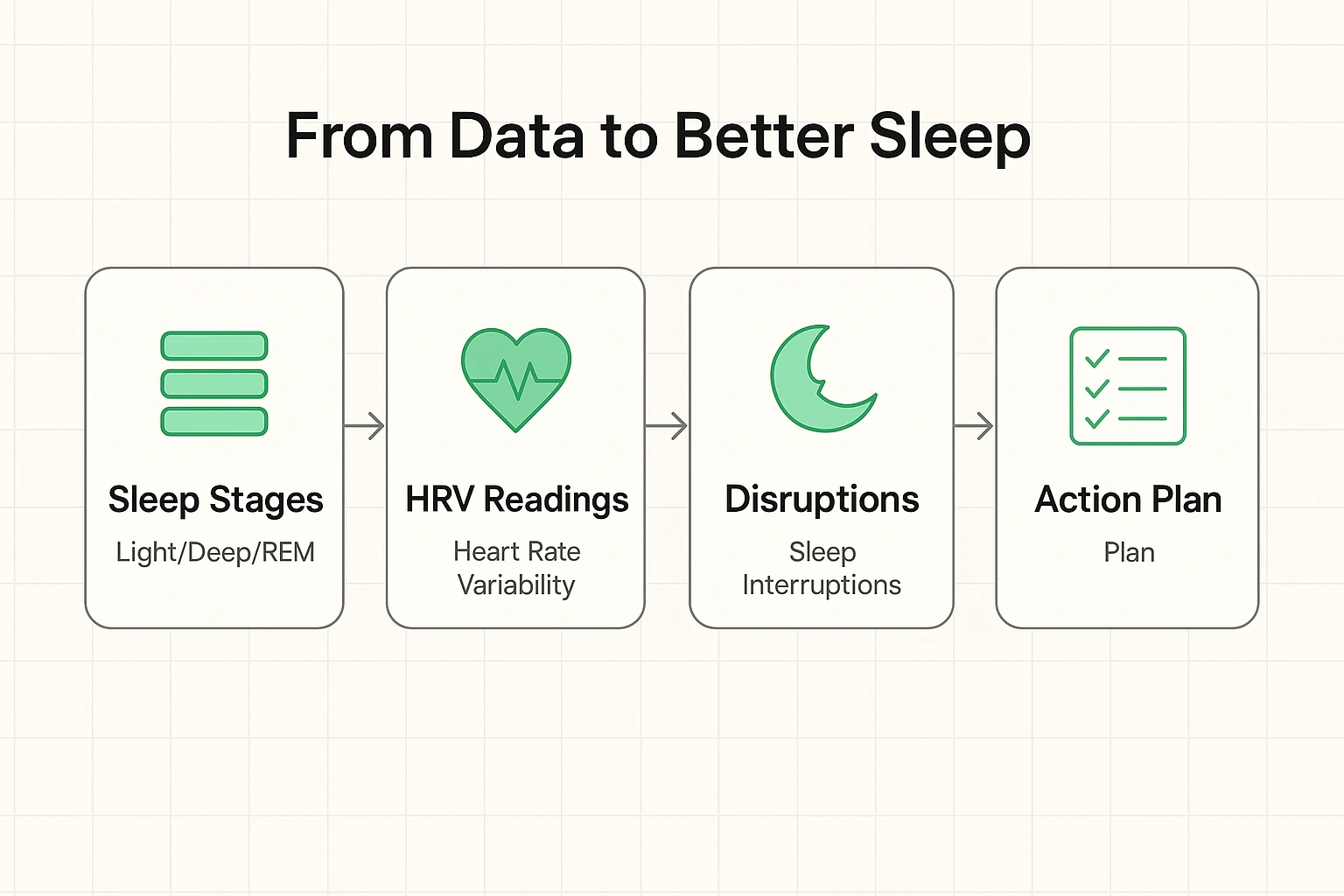
Okay, so you have the data. Now what? The real magic isn’t in the numbers themselves, but in connecting them to your daily life. It’s time to become your own sleep detective.
Here are a few simple “If-Then” scenarios to get you started:
The goal isn’t a “perfect” score every night. It’s about spotting patterns. When you connect a good night’s sleep to that afternoon walk you took, or a bad night’s sleep to that late-night bowl of ice cream, you’ve found a clue.
It’s easy to get excited, but it’s also important to be realistic. These devices are amazing tools, but they’re not crystal balls or medical equipment.
Building trust in any new technology means understanding its limits. So, let’s be clear about what you can expect.
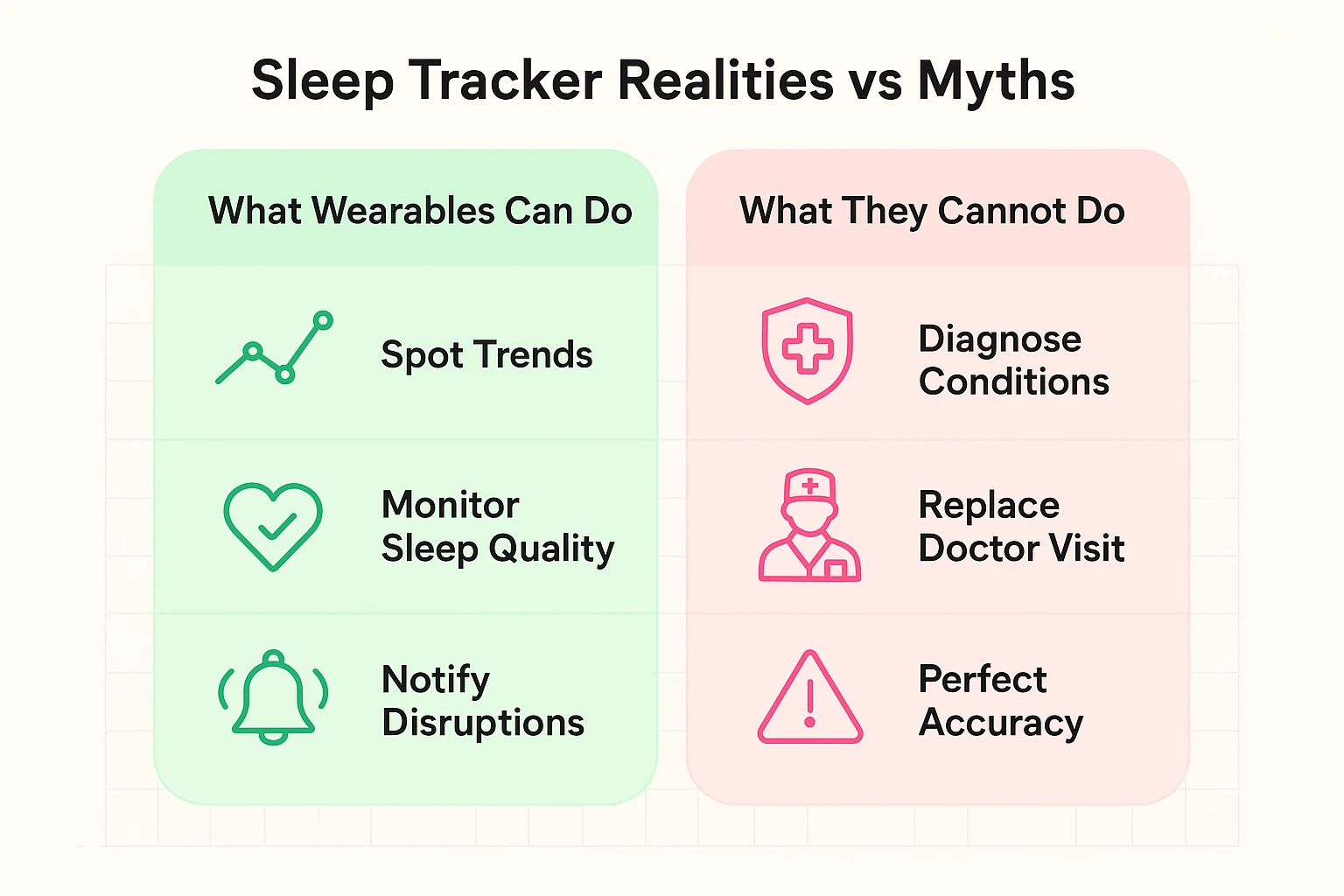
The most powerful feature of these trackers is their ability to see the big picture. One night of bad data is just a blip. But a slow, steady decline in your sleep quality over several weeks? That’s not a blip; that’s a trend. And that’s a clue worth investigating with your doctor.
Here’s where this technology gets truly interesting, especially for us. Consistent sleep tracking is more than just a way to win bragging rights for getting eight hours. For seniors, it can be a gentle, early-warning system for other health changes.
Some studies are even exploring how changes in sleep patterns, particularly in REM sleep and restlessness, might be early indicators of shifts in cognitive health. This isn’t about causing alarm; it’s about empowerment. By having a baseline of what your normal sleep looks like, you’re better equipped to notice when something is changing—often long before other symptoms appear.
It transforms your wearable from a simple sleep gadget into a personal health partner, helping you stay proactive and informed.
For the best results, yes. The value comes from consistency and spotting trends over weeks and months. But don’t worry if you miss a night here and there!
Not at all! Most of these devices are designed to be user-friendly. You typically download an app on your smartphone, pair the device via Bluetooth, and you’re good to go. The device does all the hard work while you sleep.
It mostly comes down to comfort and convenience.
Think of these AI wearables not as a boss giving you a grade on your sleep, but as a friendly guide holding up a mirror to your habits. They provide the clues that were always there, just hidden.
By paying attention to the trends and connecting the dots, you can finally move from wondering why you’re tired to understanding why—and knowing exactly what to do about it. Now that’s a reason to rest easy.