Newsletter Subscribe
Enter your email address below and subscribe to our newsletter

Enter your email address below and subscribe to our newsletter

Learn simple tips to manage batteries in your smart home Alexa and medical alert devices for uninterrupted safety and convenience.
Have you ever been in the middle of a gripping audiobook when your smart speaker suddenly goes silent? One moment, the detective is about to reveal the killer; the next, you’re left in a silence so profound you can hear your own knees creaking. Or perhaps you’ve been startled by a mysterious, high-pitched chirp from somewhere in the living room, sending you on a frantic hunt for a smoke detector with a death wish, only to discover it’s your medical alert pendant politely announcing its impending doom.
If this sounds familiar, welcome to the club. In our increasingly smart homes, we’re surrounded by clever little gadgets that play our music, answer our questions, and stand ready to call for help. But all this digital magic runs on something decidedly old-school: electricity and batteries. And when that power source gets low, our helpful assistants can become as useful as a screen door on a submarine.
Understanding the batteries in your devices isn’t about becoming a tech genius. It’s about ensuring your tools work when you need them most. Let’s unravel the mystery of what powers your most important gadgets, so you can keep the music playing and the lifelines ready.
Before we dive in, it’s helpful to know that your smart devices generally fall into two camps: the “Plugged-In Permanently” crowd and the “Free-Range Rovers.”
Your Amazon Alexa or Google Home speaker is usually in the first camp. It needs to be plugged into a wall outlet to work because it’s constantly listening for your command and connecting to the internet. It doesn’t have an internal battery, much like a toaster or a lamp.
Your medical alert system, however, is a clever hybrid. The base station plugs into the wall but typically has a backup battery for power outages. The wearable part—the pendant or wristband you carry with you—is a Free-Range Rover, running entirely on its own tiny, long-lasting battery.
You don’t need an engineering degree to keep your devices happy. A few simple habits can make all the difference between a reliable gadget and a fancy paperweight.
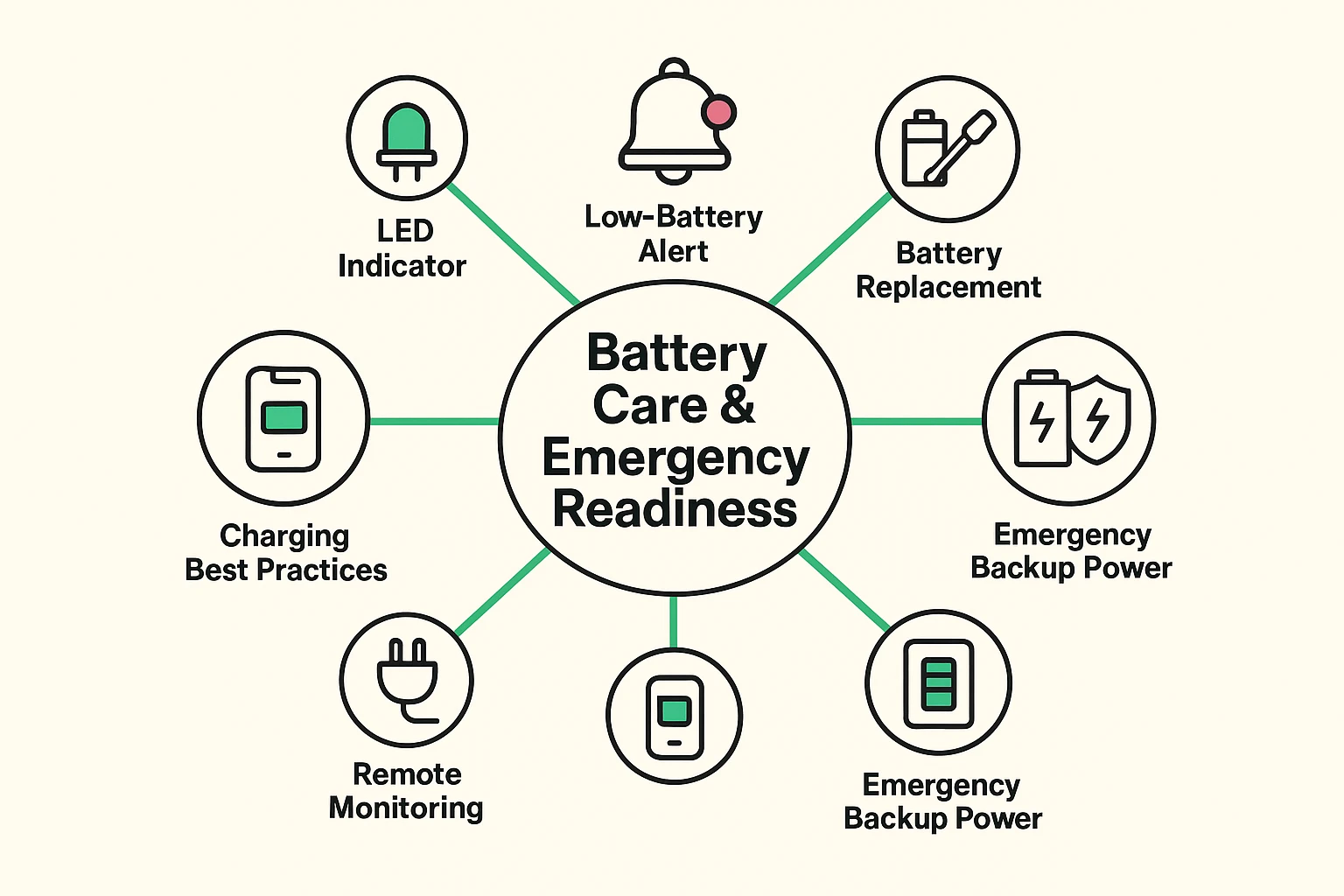
Most devices try to tell you how they’re feeling with blinking or solid-colored lights. A solid green light on a medical alert base station usually means “All is well!” while a blinking red or yellow light might be its way of screaming, “I’m hungry for electricity!” Your device’s manual is the best place to learn its specific “light language,” but generally, a change in the normal pattern is a signal to pay attention.
For your medical alert pendant, the battery will eventually need to be replaced. Don’t panic! Many companies will notify you and send a replacement. For those that require a DIY swap, it’s often as simple as opening a small compartment.
The key is to use the exact type of battery recommended by the manufacturer. Using a different one is like trying to put diesel in a gasoline car—it won’t end well. If you are unsure, a quick call to the company’s support line is always the best bet. When it comes to your safety, there’s no such thing as a dumb question.
Remember when we were told to let our phone batteries drain completely before charging them again? For modern rechargeable batteries, like the backup in your medical alert base, that’s old news. It’s perfectly fine to keep them plugged in. They are smart enough to stop charging when full, so you don’t have to worry about “overcharging” them.
Here’s where a good medical alert system really shines. A power outage can knock out your phone, internet, and lights, which can be unsettling. But the base station for your medical alert system is designed for this exact scenario.
Once the power goes out, it automatically switches to its internal backup battery. According to the National Council on Aging (NCOA), most systems provide anywhere from 24 to 72 hours of backup power. This ensures that even in a blackout, your lifeline to help remains open and active. It’s a critical feature that provides peace of mind, knowing your technological safety net is still in place.
This is a great reminder that true preparedness involves more than just charged devices. Taking simple steps to improve your all-around online safety and security helps create a robust defense against all kinds of unexpected situations.
That’s correct. Most standard smart speakers, like the Amazon Echo or Google Nest, do not have a backup battery. When the power goes out, they turn off completely.
This varies widely, but the batteries in wearable pendants are designed to last a long time—often between two and five years. Your provider, like Medical Care Alert, typically monitors the battery level remotely and will notify you when it’s time for a change.
That chirp is an important warning, so don’t ignore it! Address the issue right away by charging the device or contacting your service provider for a replacement battery. Once the issue is fixed, the beeping will stop.
Absolutely not. You must use the specific battery model recommended by the manufacturer. Using the wrong one could damage the device or, worse, fail to provide power when you need it most.
Your smart devices are there to make life easier, safer, and more enjoyable. Taking just a few moments to understand how they stay powered is one of the best investments you can make.
Think of it as a simple check-up. Know which devices need to stay plugged in, understand what the little blinking lights are trying to tell you, and have a plan for your essential medical devices. A little bit of battery awareness ensures your trusted tech companions are always ready to help.