Newsletter Subscribe
Enter your email address below and subscribe to our newsletter

Enter your email address below and subscribe to our newsletter
Learn how to store and maintain batteries in backup devices to prevent damage and extend their life.
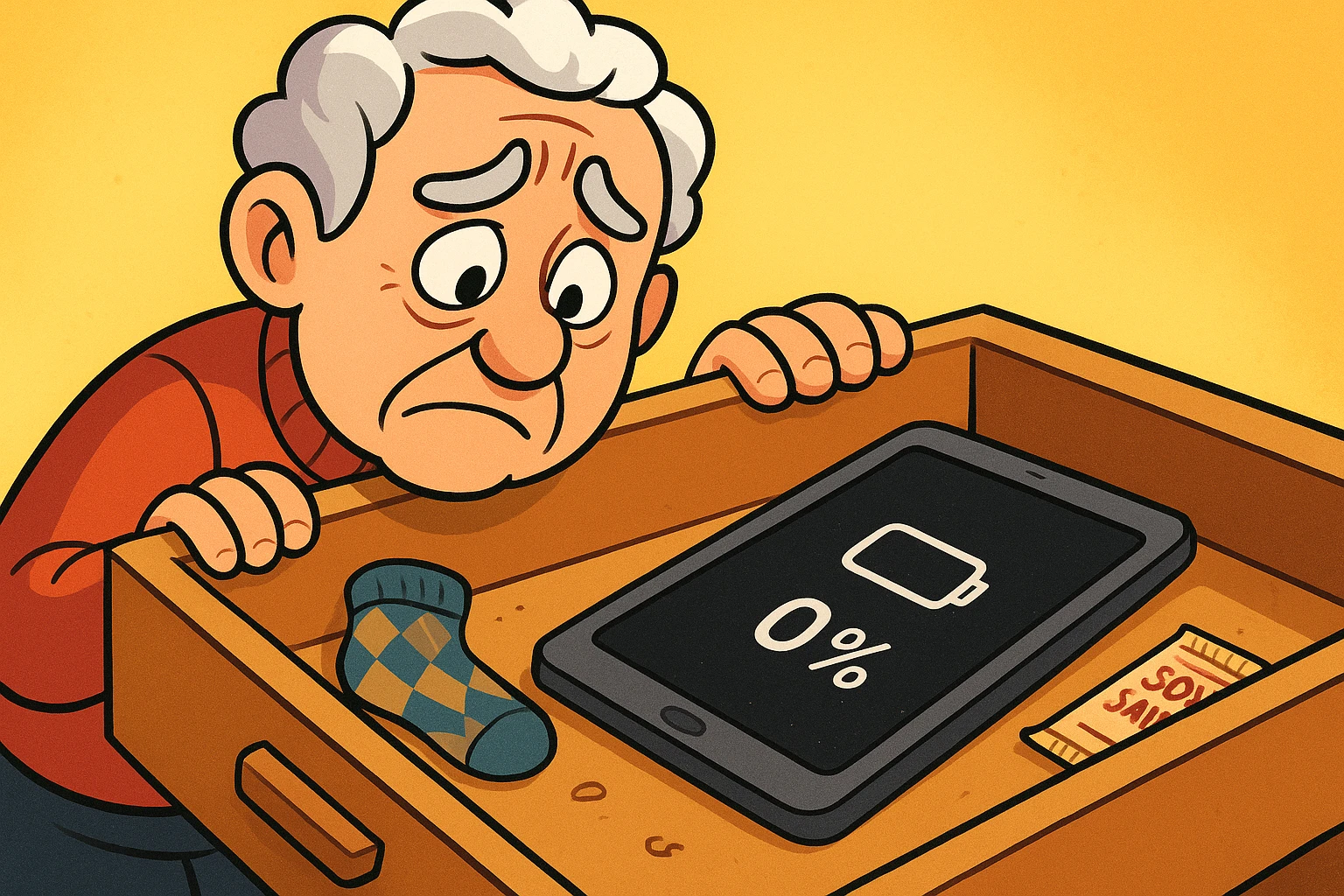
Have you ever opened a drawer and discovered a piece of technology you completely forgot about? There it is, nestled between a single argyle sock and a packet of soy sauce from 2017: your old tablet. The one you replaced because the new one had a slightly shinier screen. A wave of nostalgia hits you. You think, “I’ll fire this up and look at old photos!”
So you press the power button. Nothing. You press it again, holding it down with the determination of someone trying to open a stubborn pickle jar. Still nothing. The screen remains as black and lifeless as a TV unplugged in a power outage. Your trusty old tablet hasn’t just run out of juice; it’s gone into a technological coma from which it may never awaken.
This, my friends, is the sad fate of the lonely, neglected battery. We treat our main devices like pampered royalty, plugging them in every night. But the backups—the old phones, the emergency tablets, the e-readers we swear we’ll use again—get tossed in a drawer and forgotten. The bad news is that this neglect is a one-way ticket to Battery Heaven. The good news? You can become a battery whisperer, and it’s easier than you think.
Think of a battery not as a simple bucket of electricity, but as a tiny, complex chemical factory. Inside, little particles are constantly doing a frantic chemical cha-cha to store and release energy. And just like any factory, it doesn’t do well when it’s shut down improperly for a long time.
Leaving a device to fend for itself in a drawer is one of the fastest ways to ruin its battery. It’s a silent process of decay caused by a few key factors that most people never consider. But understanding them is the first step to outsmarting them.
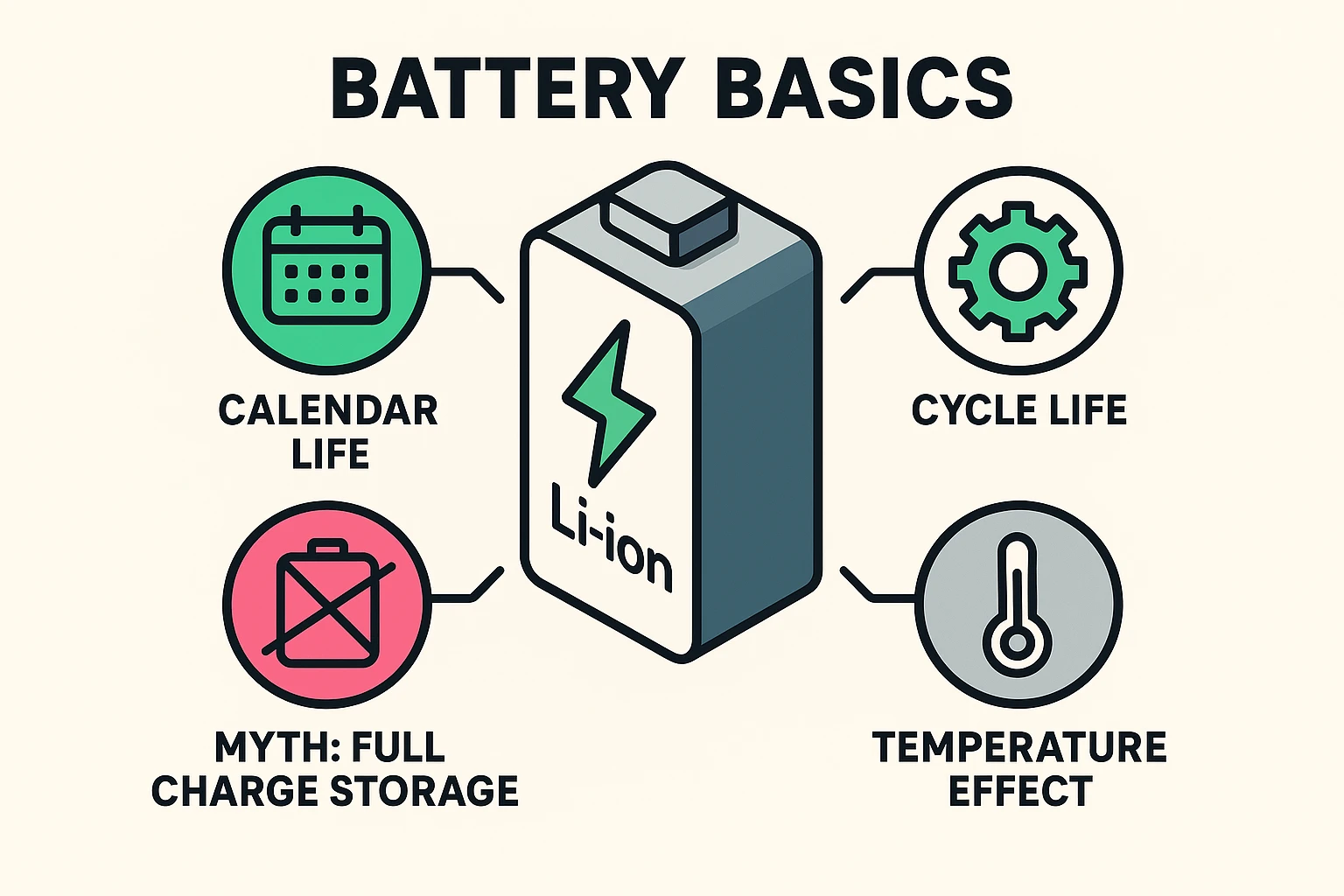
To save our lonely batteries, we first need to understand the two villains trying to take them down. According to the experts at places like Battery University, every battery is fighting a battle on two fronts.
1. Cycle Life: This is the one we all know about. It’s like the odometer on your car. Every time you charge your battery from 0% to 100% and use it all up, that’s one “cycle.” Most modern lithium-ion batteries are good for about 300-500 cycles before they start to get tired and hold less charge.
2. Calendar Life: This is the sneaky one. Calendar life is the aging that happens simply because time is passing. Whether you use the device or not, the chemical factory inside is slowly, quietly breaking down. It’s like a car sitting in a garage—the tires will still slowly lose air and the rubber hoses will get brittle, even if you never drive it. For a device you rarely use, calendar life is the real enemy.
When you put a device away for a few months (or years), three main culprits are working to destroy its battery. Avoiding them is your primary mission.
It seems logical, right? Charge it all the way up so it’s ready to go when you need it. Unfortunately, this is like making your battery hold a stressful yoga pose for months on end. A fully charged lithium-ion battery is under high voltage and strain. Storing it this way, especially in a warm place, accelerates that “calendar life” decay we just talked about.
This is even worse. When a battery hits 0%, it’s not truly empty. It still has a tiny bit of power left to keep its internal safety circuits alive. If you leave it dead for too long, it can dip below that safety level into a state called “deep discharge.” From there, it often can’t be revived, no matter how long you leave it plugged in. It’s the battery equivalent of a plant that’s been so underwatered its roots have turned to dust.
Heat is the arch-nemesis of all batteries. It’s like a super-villain that makes both Villain #1 and Villain #2 exponentially more powerful. Storing a device in a hot car, on a sunny windowsill, or even in a warm attic is a recipe for disaster. Heat turbocharges the chemical reactions that cause a battery to permanently lose capacity.
So if 100% is bad and 0% is worse, what’s a responsible device owner to do? You follow the Goldilocks principle: find the level that’s “just right.”
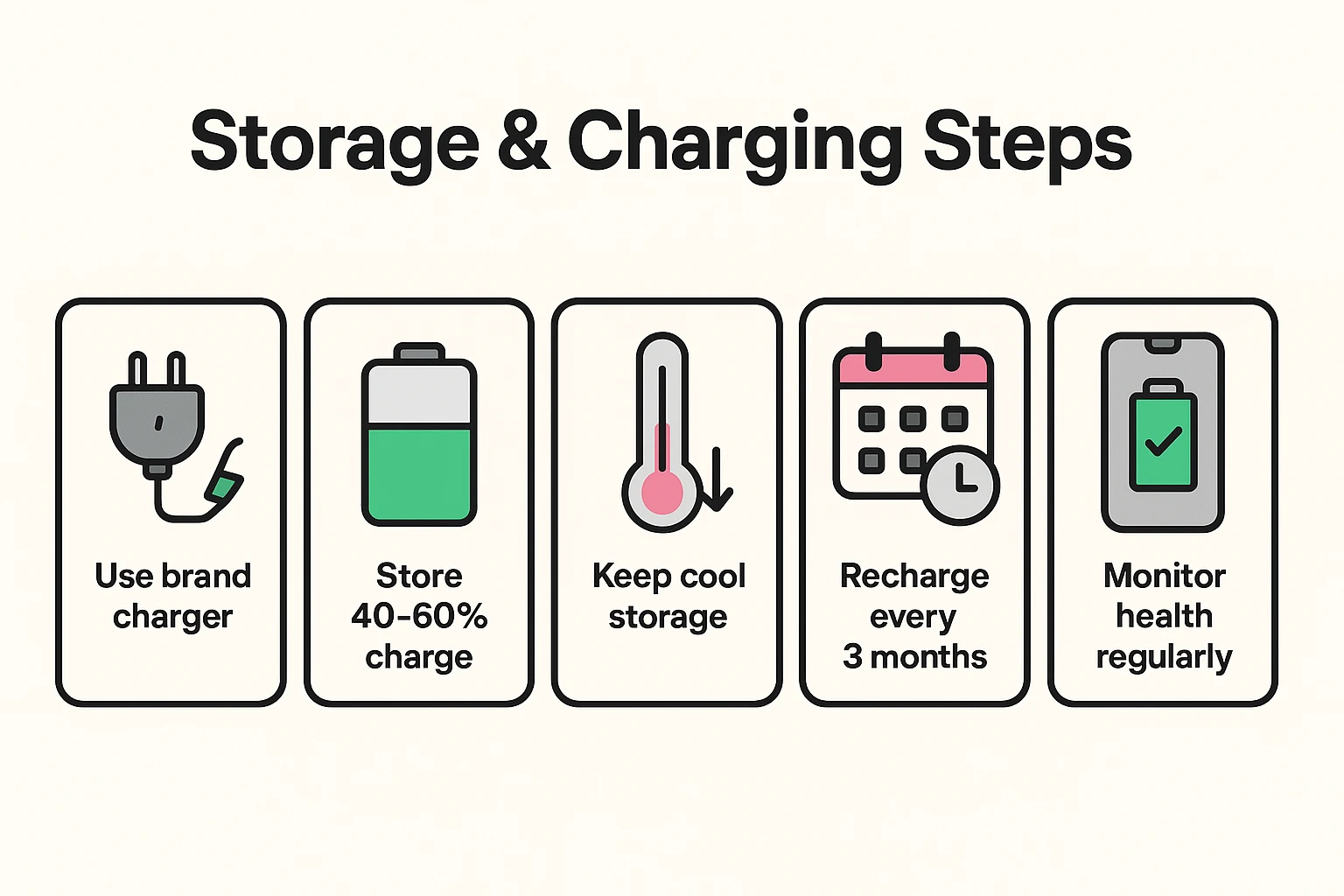
Here is your simple, three-step plan for putting any device into long-term storage, whether it’s for three months or a year.
Before you put that device away, charge (or discharge) it to somewhere between 40% and 60%. This is the sweet spot where the battery chemistry is most stable and under the least amount of stress. It’s like letting out a big, relaxing sigh.
Find a storage spot that is cool and dry. A closet in the main part of your house, a desk drawer, or a bookshelf are all excellent choices. Avoid garages, attics, basements, and the trunk of your car, where temperatures can swing wildly.
This is the most important step. A battery in storage will still slowly lose its charge. To prevent it from hitting that dreaded 0%, set a reminder on your main phone or calendar to check on it every 3 months. When the reminder pops up, take the device out, charge it back up to that 50% sweet spot, and put it back to bed.
Let’s say you’ve followed the rules and now you want to bring your old tablet out of hibernation. After charging it fully, it’s a good idea to check its overall health.
Most modern devices have a “Battery Health” section in their settings. On an iPhone, it’s under Settings > Battery > Battery Health & Charging. On Android phones, it’s often in a similar spot under a “Device Care” or “Battery” menu. This will give you an estimate of its “Maximum Capacity” compared to when it was new. Anything above 80% is generally considered healthy.
Also, make sure the device’s software is up to date. Manufacturers sometimes release updates that improve how the device manages its battery. And if you try to power it on and it gets stuck on the startup logo, you might be dealing with a tricky situation known as a bootloop.
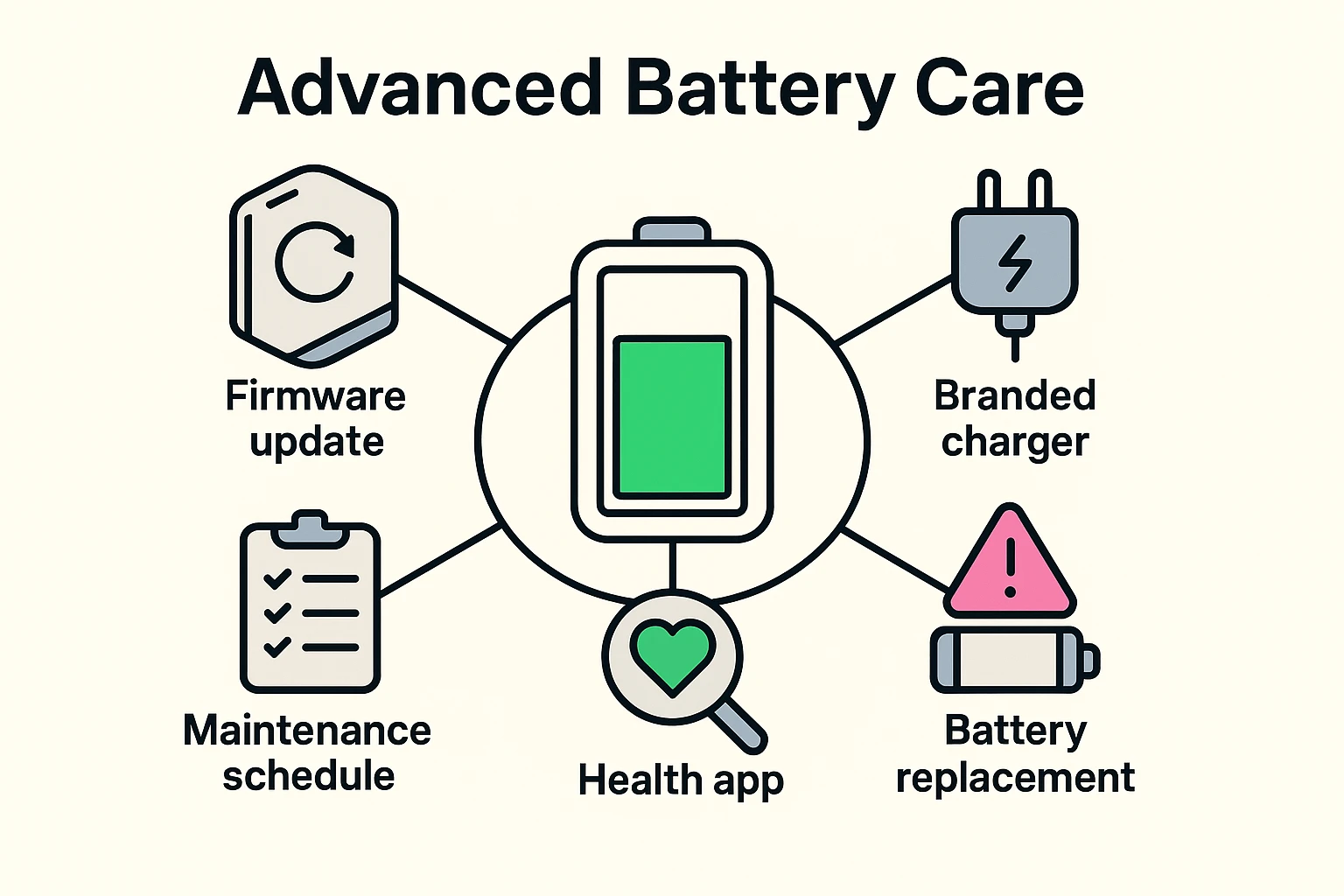
In the old days of flip phones, this was a great idea. But with today’s sealed smartphones and tablets, it’s usually impossible without special tools and the risk of breaking something. For modern gadgets, it’s best to leave the battery inside and follow the steps above.
Yes, it absolutely matters! Always try to use the charger that came with your device or a high-quality, certified replacement from a reputable brand. Cheap, no-name chargers from the gas station can be dangerous, lacking the safety circuits that prevent overcharging and overheating.
The most obvious sign is that it just won’t hold a charge for very long. A more dangerous sign is physical swelling—if your device’s case is bulging or the screen is popping out, that’s a swollen battery. Unplug it immediately, do not charge it, and take it to a professional for safe disposal.
Absolutely. Taking these simple steps can easily add years to the usable life of a device, ensuring your backup phone is actually ready in an emergency, or that your old tablet can still be used to video chat with the grandkids when they visit.
You are now officially deputized as a Battery Sheriff. Your mission is to round up those lonely, neglected devices hiding in your drawers and give them the care they deserve.
It all boils down to three simple rules:
By following this advice, you’ll save yourself the frustration of finding a dead gadget and the expense of replacing it. You’ll have a reliable backup ready to go, and you’ll get the satisfaction of knowing you’ve outsmarted the slow, silent march of battery decay. Now go forth and save those batteries