Newsletter Subscribe
Enter your email address below and subscribe to our newsletter

Enter your email address below and subscribe to our newsletter

Back in the good old days, if you wanted to experience the wonders of the world from your living room, you grabbed a View-Master. You slid in a cardboard reel, held the plastic contraption up to the light, and click, click, click—you were suddenly staring at 3D photos of the Grand Canyon. It was practically magic, and it cost about the same as a nice sandwich.
Fast forward to today, and the tech industry wants you to believe that exploring the world from home requires strapping a $500 computer to your face. They call it Virtual Reality (VR), and the sheer cost and complexity of it are enough to make anyone want to stick to watching travel documentaries on PBS. You might be picturing yourself stumbling blindly over the coffee table while wearing something that looks like a high-tech toaster.
But here is the well-kept secret the big tech companies don’t usually advertise: you don’t need a small fortune or an engineering degree to try this out. If you own a smartphone, you already have 90% of the equipment you need to dip your toes into virtual reality. Let’s look at how you can build a budget-friendly “holodeck” right in your living room, safely and without breaking the bank.
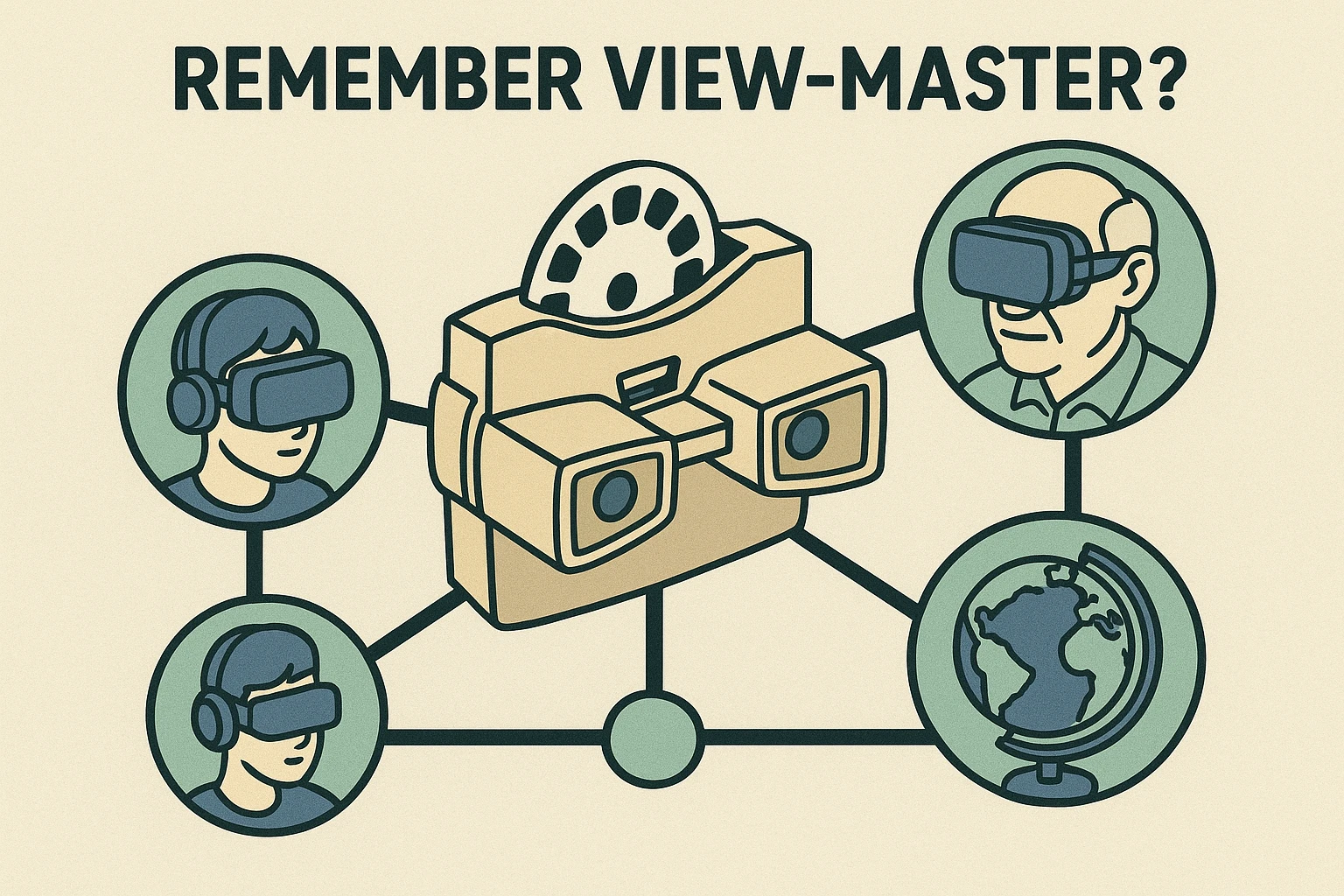
Think of modern VR exactly like that old 1939 View-Master, but instead of just looking at a flat picture, you are standing inside it. When you turn your head to the left, you see what’s to your left. When you look up, you see the virtual sky. It tricks your brain into feeling like you’ve actually been teleported somewhere else entirely.
There are two main ways to do this today. The expensive way involves “Standalone VR” headsets, like the Meta Quest, which have the computer built right into the goggles. They are fantastic, but they cost hundreds of dollars and require setting up digital boundaries so you don’t accidentally punch your television.
The budget-friendly way—the route we highly recommend for beginners—is called “Smartphone VR.” You simply buy an inexpensive plastic or cardboard headset shell (often costing under $20 online). You open a free VR app on your iPhone or Android, slide the phone into the front of the headset, and put it on. Your phone acts as both the screen and the brain of the operation.
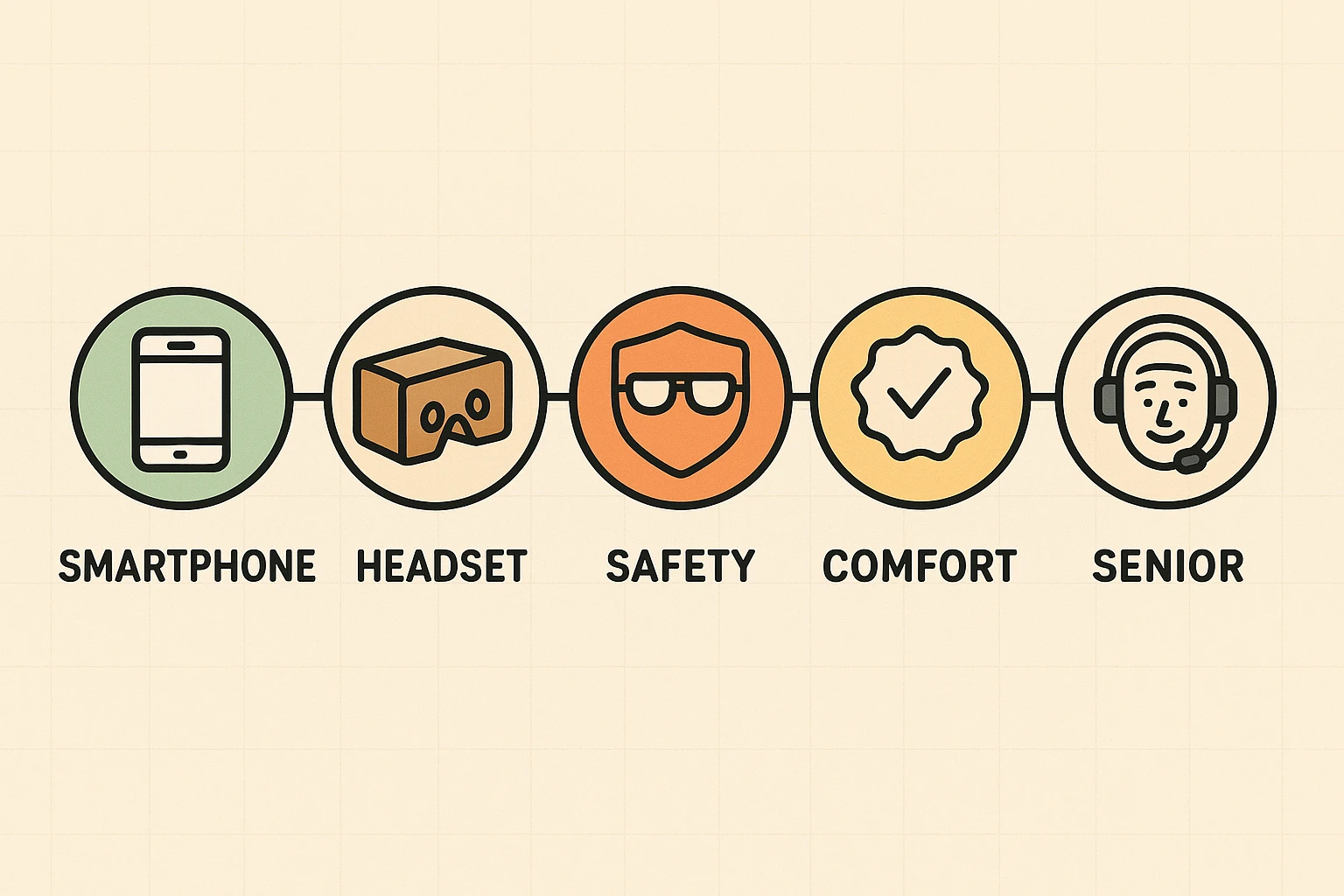
Before we send you off to digitally explore the Louvre, we need to address the elephant in the room: motion sickness. Many people worry that VR will make them feel dizzy or nauseous, like reading in the back seat of a swerving car. And honestly, they aren’t entirely wrong—if you do it incorrectly.
Here is the golden rule of senior-friendly VR: Stick to “Seated VR.” Tech wizards call this “3DoF” (Three Degrees of Freedom), but we just call it “sitting comfortably in your favorite chair while looking around.” Sickness usually happens when a VR app simulates you walking or running while your physical body is sitting still. By choosing apps where your virtual self is also stationary, your brain stays perfectly happy.
Once you have your inexpensive headset shell and your smartphone, the digital world is your oyster. The best part is that many of the most incredible experiences won’t cost you a single dime.
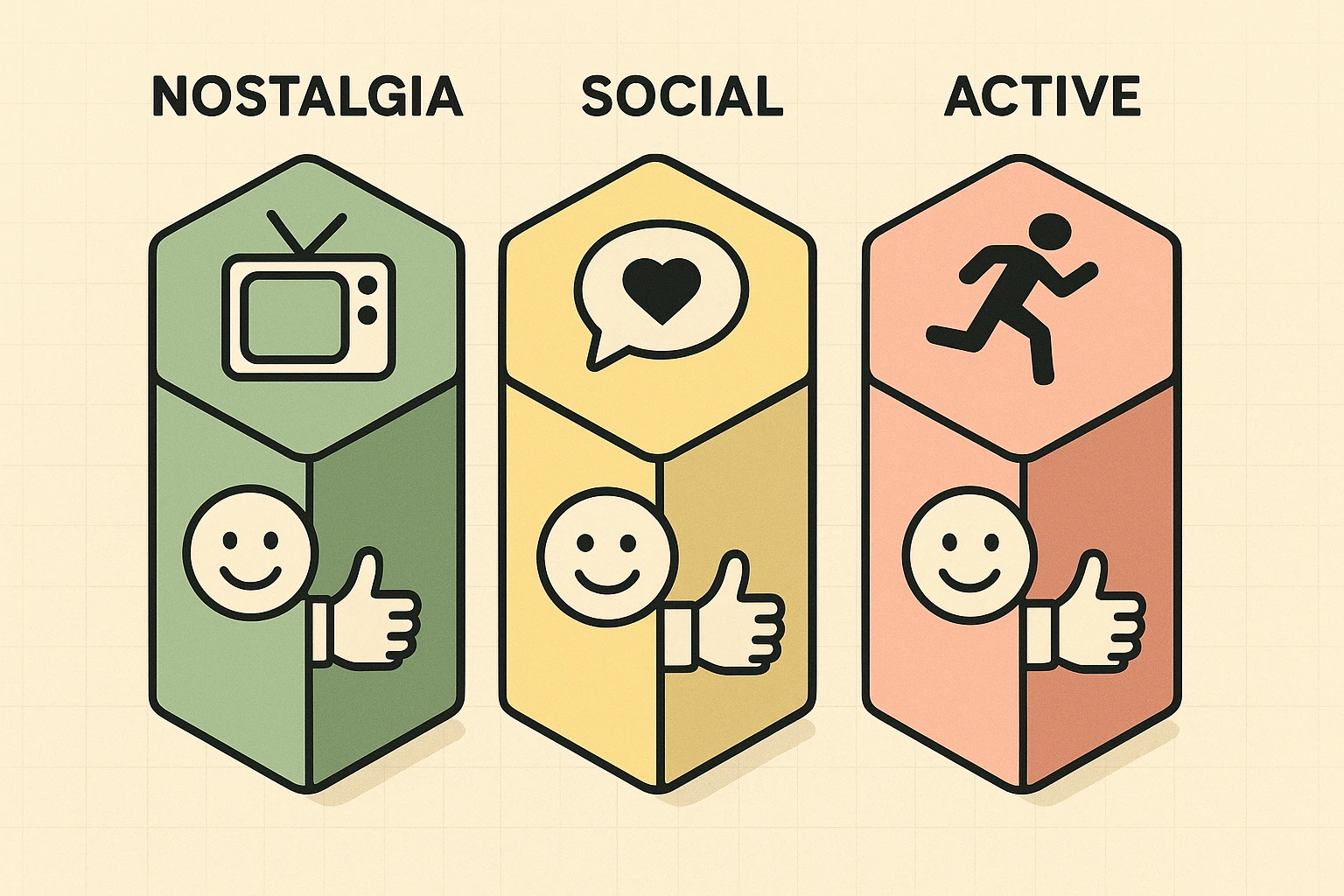
Here are three fantastic, senior-friendly experiences to get you started:
Imagine being able to “stand” on the street corner of your childhood home, or visit the church where you were married fifty years ago. Using Google’s Street View in VR mode, you can literally look around these places as if you were standing on the sidewalk. It is incredibly moving, entirely free, and perfectly safe for a seated experience. (Just be prepared—that old corner store might be a Starbucks now.)
Created by AARP, Alcove is a wonderful, free virtual home designed specifically for families to connect. If your grandkids also have a VR headset, you can meet up in this virtual living room. You can play checkers together, watch videos on a virtual TV, or just chat, all while feeling like you are sitting in the same room.
Open the regular YouTube app on your phone and search for “360 VR videos.” You will find thousands of free videos where you are placed in the center of the action. You can take a gondola ride through Venice, sit in the front row of a symphony orchestra, or even do a gentle, seated version of skydiving. Whenever you turn your head, the video moves with you.
Yes! Almost any smartphone made in the last five to seven years has a tiny built-in sensor called a “gyroscope.” This acts like a digital level, telling the phone when you turn your head. As long as your phone can connect to Wi-Fi and download apps, it should work perfectly for basic VR.
Not necessarily, but a standard home Wi-Fi connection is highly recommended. Because VR uses 360-degree video, the file sizes are much larger than a regular YouTube video. Trying to do this on your cellular data plan might use up your monthly allowance faster than you can say “digital grand canyon.”
There is no evidence that VR damages your vision, but staring at any screen just a few inches from your eyes can cause temporary fatigue. That’s why we heavily preach the 20-20-20 rule. Treat it like reading a good book: take breaks, blink often, and stop if your eyes feel tired.
Virtual reality isn’t just for teenagers playing frantic video games in their basements anymore. It has quietly become an incredible tool for older adults to travel, revisit cherished memories, and connect with distant family members—all without dealing with airport security or lost luggage.
To get started, try searching online for a “Google Cardboard headset” or a basic smartphone VR shell. For less than the cost of a decent dinner out, you can unlock an entirely new way to explore the world. Just remember to start slow, stay seated, and maybe keep a ginger chew handy for your first virtual flight to Paris!