Newsletter Subscribe
Enter your email address below and subscribe to our newsletter

Enter your email address below and subscribe to our newsletter
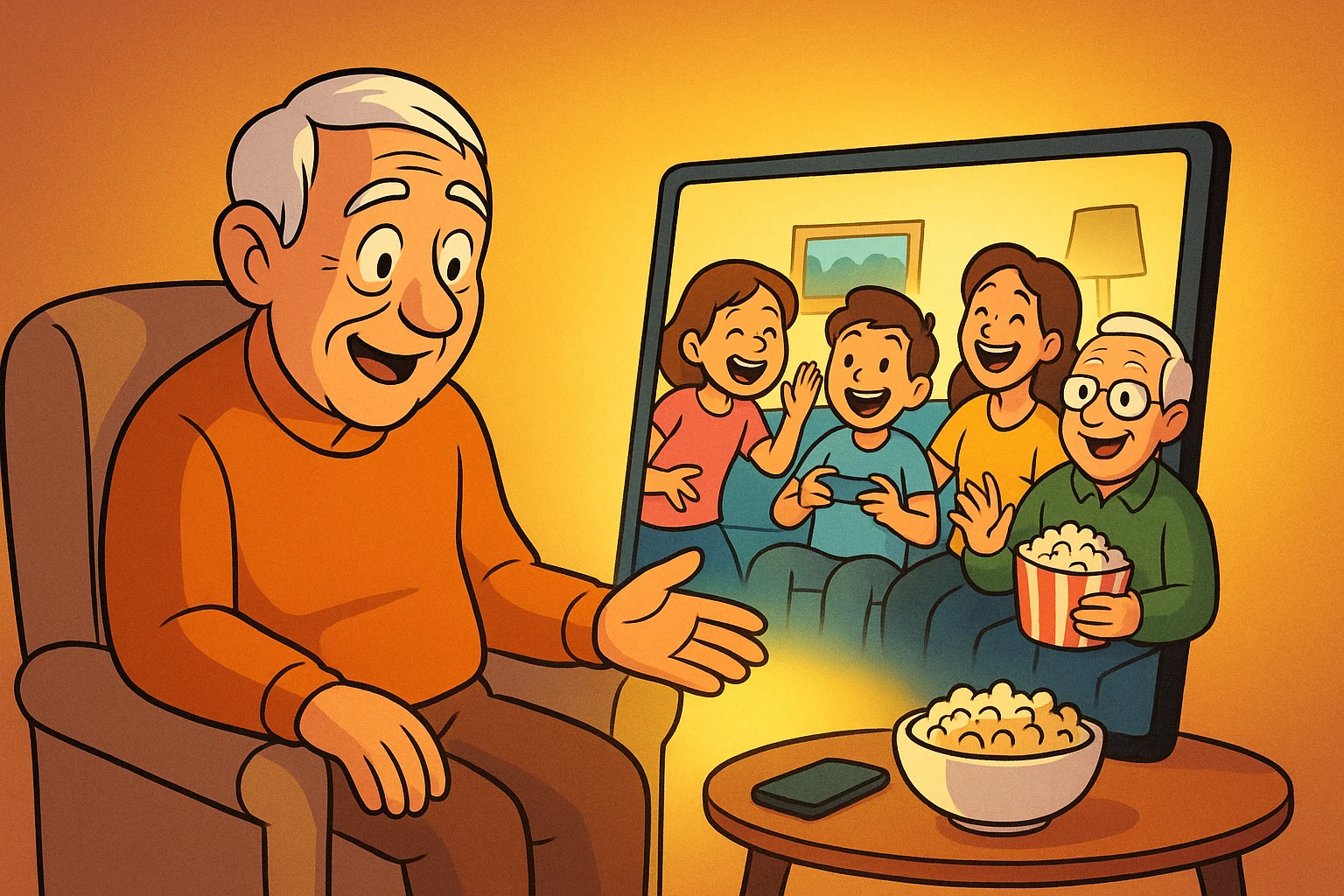
Back in the good old days, playing a game with your family meant sitting around a wobbly card table, keeping a very close eye on Uncle Larry to make sure he wasn’t sneaking extra Monopoly money from the bank. If you wanted to watch a movie together, you all crammed onto one sofa, fought over the popcorn bowl, and debated who had to get up to adjust the TV antenna.
Fast forward to today. Your kids might live three states away, and your grandkids are practically attached to their smartphones. You could spend your time wishing they’d pick up a landline, or you could meet them exactly where they are—in the digital world.
If the idea of “digital socializing” makes you want to hide under the bed with a crossword puzzle, don’t panic. You don’t need a degree in computer science to host a virtual family game night or share a movie across the country. We’re going to walk you through exactly how to turn your screen from a solitary glowing box into a vibrant digital living room, completely jargon-free.
Research shows that by 2026, over 5.66 billion people will be using social platforms globally. We are currently spending an average of 2.5 hours a day on social and video platforms. Yet, despite all this “connecting,” it’s incredibly easy to feel isolated.
That’s because a lot of big entertainment sites—like IMDb or Rotten Tomatoes—are great at telling you what movie to watch, but they completely ignore how to watch it with your daughter in Ohio. The true magic of technology isn’t just consuming content; it’s experiencing it together.
Whether you’re exploring the latest immersive apps or just trying to figure out how to share a funny video, the goal is the same. It’s about maintaining those vital human bonds. Let’s look at a few simple, safe ways to make that happen.
Watching a movie with someone over the phone used to mean holding the receiver to the TV speaker and shouting, “Did you hear what he just said?!” Thankfully, technology has given us a much better way.
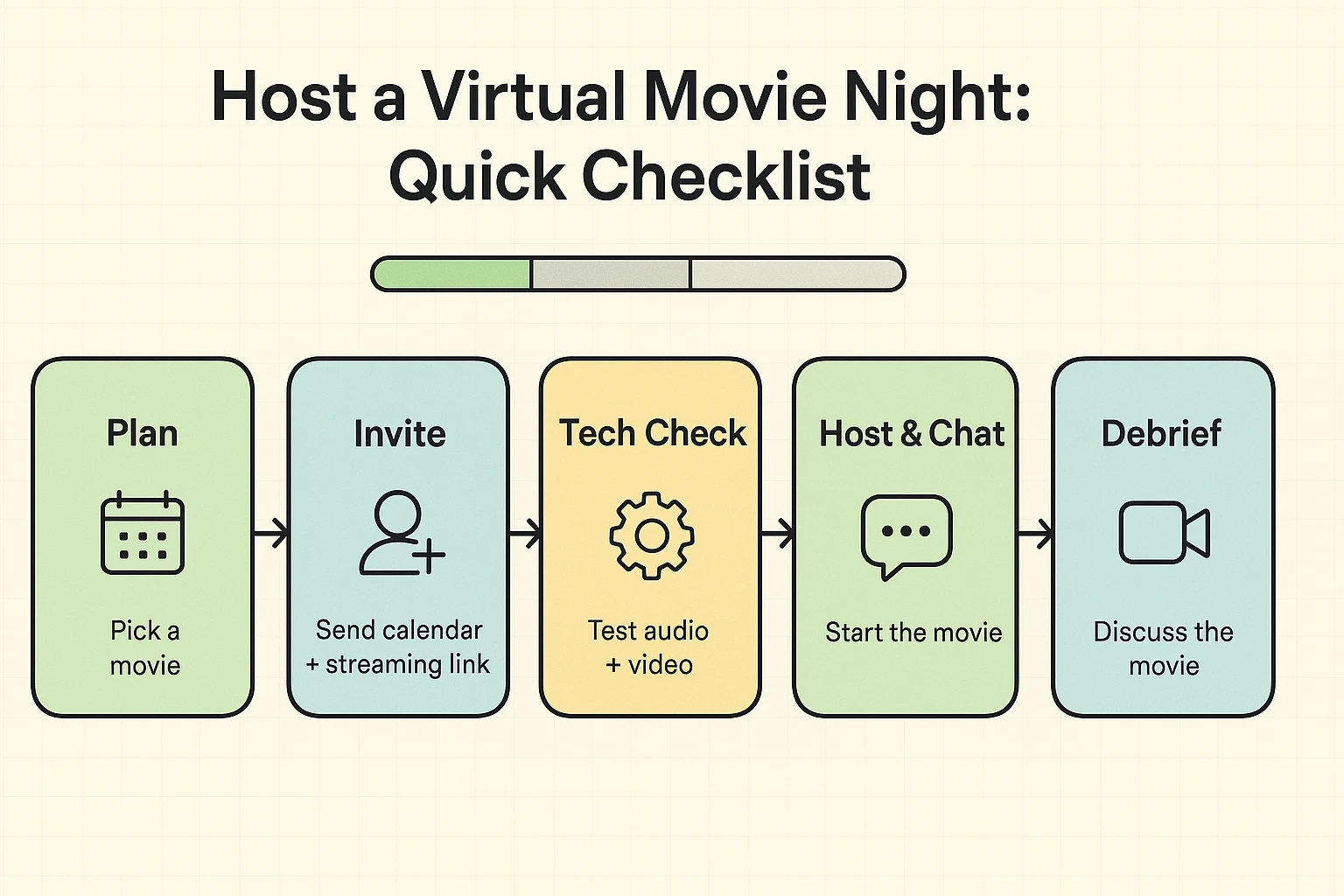
Virtual watch parties allow you and your loved ones to sync up a movie online. If you pause the movie to grab a snack, it pauses on their TV, too. Plus, most of these services have a little chat box on the side of the screen where you can type your witty commentary.
Most major streaming platforms now have this feature built right in. Amazon Prime has “Watch Party,” and Apple devices have “SharePlay,” which works brilliantly if everyone is using an iPhone or iPad.
If you use Netflix, you can use a free browser extension called Teleparty (formerly Netflix Party). You simply install the extension on your computer, log into your Netflix account, and click a button to generate a special, private link. You email that link to your grandkids, and voilà—you’re sharing a virtual couch.
When generating watch party links, only send them directly to the people you want to invite via text or email. Never post a watch party link on your public Facebook feed. Unless, of course, you really want a random teenager in Estonia dropping into your chat to criticize your taste in 80s rom-coms.
If your idea of a video game involves a massive controller with 17 buttons and dodging virtual zombies, let me stop you right there. Today’s multiplayer games are incredibly accessible, and many can be played using the smartphone or tablet you already own.
For a relaxed pace, try turn-based games like Words with Friends. You play your word on Tuesday, and your sister in Florida plays hers on Wednesday. It keeps you connected throughout the week without requiring you both to be online at the same time.
If you want a live, laugh-out-loud experience, look into Jackbox Games. Only one person needs to actually buy and run the game on their computer or smart TV. Everyone else joins in by simply typing a four-digit code into the internet browser on their smartphone. Your phone becomes your controller to answer trivia questions or draw silly pictures.
Always check the settings menu of any game you download and look for the “chat” or “voice” options. Make sure they are set to “Friends Only” or turned off completely. You want to hear your grandson giggling at his screen, not listen to strangers yelling at each other on the internet.
Remember the agonizing tradition of going to a neighbor’s house to watch a two-hour slide projector presentation of their trip to the Grand Canyon? Modern technology has fixed this by giving us collaborative digital photo albums.
You might hear the younger generation talking about sharing videos on TikTok or “cross-posting” on new apps like Threads. The driving force behind all these trends is the desire to share media quickly and seamlessly. But you don’t need to join TikTok to get in on the fun.
Using free tools like Google Photos or Apple’s Shared Albums, you can create a specific folder—let’s call it “The Smith Family 2024.” You invite your family members to the folder, and suddenly, everyone can upload their own pictures and videos into one central location.
It is a fantastic way to bond over shared memories. Instead of texting photos back and forth where they get lost in the shuffle, you build a permanent, beautiful digital scrapbook together.
Just remember to double-check your sharing settings. You want to ensure the album is set to “Private” or “Invite-Only.” Big Tech companies love to make “Public” the default setting sometimes, and you probably don’t want the whole world seeing that photo of you asleep in the lawn chair with your mouth open.
Not always! While some features (like Apple SharePlay) require everyone to have Apple devices, most modern options are “platform-agnostic.” Apps like Google Photos, Jackbox Games, and Amazon Prime Watch Party work beautifully whether you have an iPhone, an Android, a Mac, or a PC.
As long as you are using official features from trusted companies (like Amazon or Apple) or highly rated browser extensions (like Teleparty), your computer is perfectly safe. Just be sure to close out of other heavy programs on your computer so your movie streams smoothly.
Take a deep breath. Technology is notorious for acting up right when you need it most. If a link won’t work, the oldest trick in the book is still the best: close the app, turn your device off and on again, and try one more time. If all else fails, just call them on the phone. The goal is connection, not tech perfection!
Technology should never feel like a barrier; it should be a bridge. By taking a few minutes to set up a virtual movie night or a shared photo album, you’re not just learning a new tech trick. You are actively creating joy, laughter, and lasting memories with the people you love.
So, pick a movie you’ve been wanting to see, text your grandkids an invite, and pop some popcorn. You’ve got a digital playdate to host.