Newsletter Subscribe
Enter your email address below and subscribe to our newsletter

Enter your email address below and subscribe to our newsletter
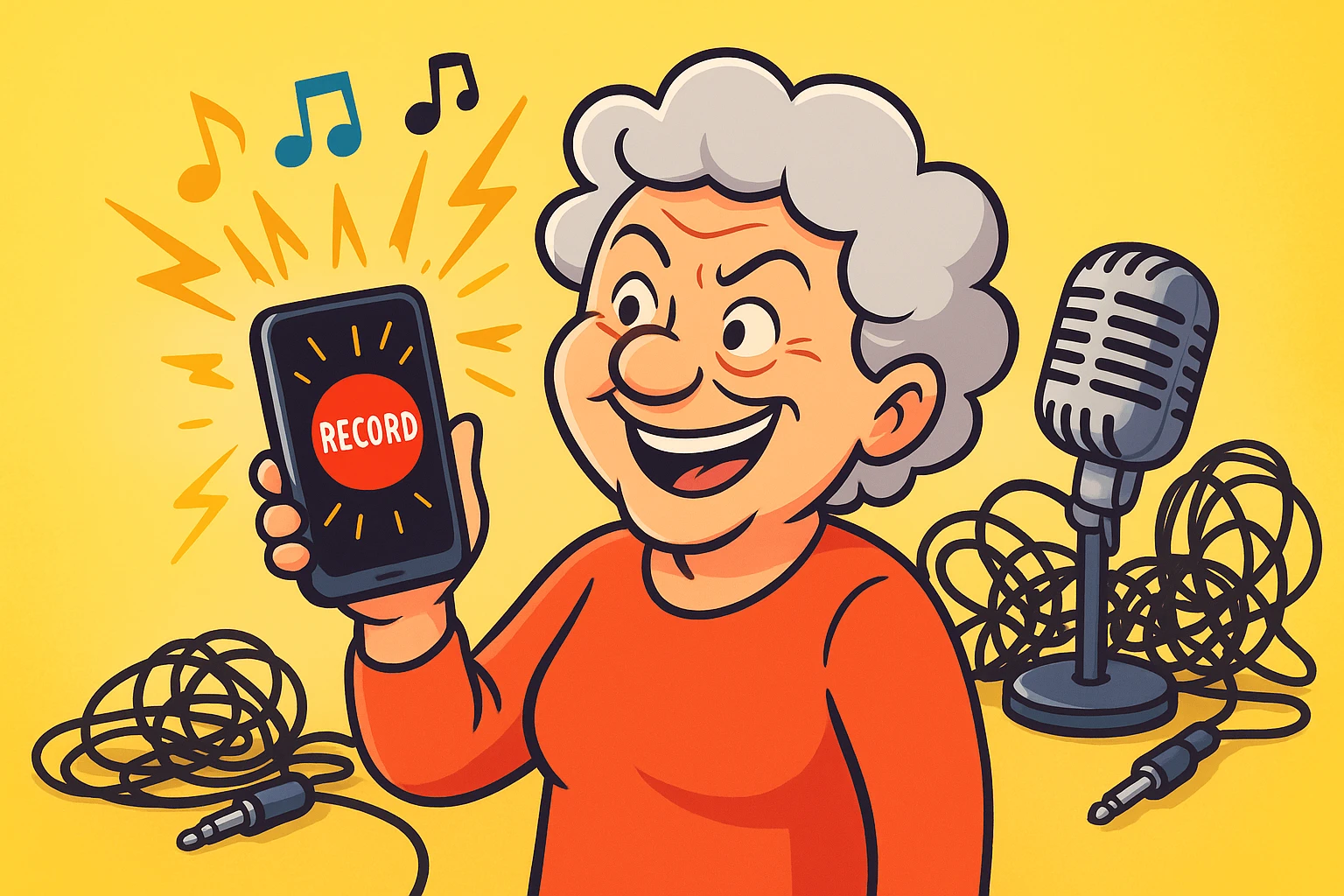
Do you ever find yourself playing air guitar while waiting for the kettle to boil? Or maybe you offer brilliant, witty commentary to the television news anchors who, rudely, never respond?
If so, you are already an audio creator in spirit. You just haven’t hit the “Record” button yet.
For most of us, “audio production” sounds like something that requires a room full of expensive equipment, a tangled nest of cables that would make a disorganized spider cry, and a degree in sound engineering. We tend to think of ourselves strictly as the audience. We listen to the radio, tap our toes to the oldies, and endure our grandchildren’s techno-pop.
But here is a secret the tech industry doesn’t always tell you: If you can tap a screen or click a mouse, you can make music. You can record a podcast. You can preserve your stories.
The barrier to entry has lowered significantly. In fact, it’s practically lying on the floor. With the device you’re reading this on right now, you have more recording power than the Beatles had when they recorded Sgt. Pepper. Let’s look at how you can stop just listening and start creating—without needing a PhD in acoustics.
You might be thinking, “I am perfectly happy listening to my classic rock collection, thank you very much.” That is fair. But moving from passive listening to active creating offers benefits that go beyond just having a cool MP3 file.
Research shows that engaging with music isn’t just a hobby; it’s a health strategy. According to recent studies, 75% of adults aged 50-80 report stress relief from music, and 65% note improvements in mental health. When you actively create—whether it’s mixing a song or recording a memory—you keep your brain pliable and engaged.
Plus, you already have the tools. 90% of adults over 50 own smartphones. You carry a recording studio in your pocket next to your reading glasses and grocery list.
When you decide to dip your toe into digital audio, you will immediately run into two big names. Think of them as the Coke and Pepsi of the beginner audio world, if Coke came pre-installed on your iPad and Pepsi was a free tool for your PC.
The two heavy hitters are GarageBand and Audacity. They are both excellent, but they serve different masters.
If you own an Apple device (iPhone, iPad, or Mac), you likely already have GarageBand. It is designed for people who don’t know a C-sharp from a B-flat.
GarageBand is like a musical sandbox. It comes with “loops”—pre-recorded snippets of drums, guitars, and bass lines played by actual professionals. You literally drag and drop them. You can sound like a rock god without ever touching an instrument. It’s colorful, visual, and very forgiving.
Audacity is free software that works on Windows, Mac, and Linux. It doesn’t look as pretty as GarageBand; it looks a bit like a heart monitor display from a 1980s hospital drama.
However, Audacity is powerful. It is excellent for cutting out that moment where you sneezed in the middle of a sentence or removing the background hum of your refrigerator. It is the gold standard for free editing, though it has a steeper learning curve than GarageBand.
If you want to drag, drop, and make music instantly, go with GarageBand. If you want to record a voice interview and need to surgically remove the “ums” and “ahs,” Audacity is your best friend.
Let’s be honest: you probably aren’t trying to launch a rap career. But you do have stories. Thousands of them. And your family wants to hear them (even if they roll their eyes when you tell the same one at Thanksgiving).
Creating a “Family History Podcast” is a fantastic way to preserve your voice and memories. Unlike writing a memoir, which feels like homework, podcasting is just chatting.
You can interview your spouse, tell stories about your first car, or explain exactly why Aunt Linda’s potato salad was banned from the 1998 family reunion.
If you have already experimented with tools like memoirmaker.ai to organize your thoughts, you are halfway there. You can use those written prompts as a script. But instead of reading stiffly, just use the notes to jog your memory and let the stories flow naturally.
Once you have recorded your voice, you might want some intro music so it sounds “official.”
WARNING: Do not use your favorite Rolling Stones song.
Copyright law is complicated, but the short version is: if you use a famous song, digital robots will find it and mute your project. Instead, you need “Royalty-Free” music.
This doesn’t mean “bad elevator music.” Sites like Pixabay or the YouTube Audio Library offer free, high-quality music that you are legally allowed to use. You can find everything from “Spooky Mystery” vibes to “Happy Ukulele” tracks. GarageBand also comes with hundreds of these safe-to-use tracks built right in.
If digital files feel too invisible to you, and you miss the crackle of vinyl, there is a quirky gadget called the Gakken Easy Record Maker.
This is a toy-like kit that actually cuts distinct grooves onto a 5-inch vinyl disc. Is the sound quality going to rival a high-end studio? No. It sounds lo-fi, scratchy, and nostalgic—which is exactly the point. It’s a fun, tangible way to record a “Happy Birthday” message that you can physically hand to someone.
Yes, and I have bad news: Everyone hates the sound of their own voice recorded. It has to do with bone conduction in your skull. To everyone else, you sound normal. Push through the cringe; your family loves that voice.
Not to start. Your smartphone or computer microphone is perfectly adequate for learning. If you decide to become the next big podcaster, you can upgrade later. For now, save your money for coffee.
Absolutely. You do not have to upload your podcast to Spotify or Apple Podcasts. You can simply save the MP3 file and email it to your kids, or put it on a USB drive. You control exactly who hears it.
Technology can often feel like a hurdle, but in the world of audio, it is a bridge. It bridges the gap between the music in your head and the speakers. It bridges the gap between your memories and the future generations who need to hear them.
Don’t let the fear of a few buttons stop you. Open GarageBand. Open Audacity. Hit that red “Record” button. The worst thing that happens is you delete the file and try again. The best thing that happens? You create something that lasts.