Newsletter Subscribe
Enter your email address below and subscribe to our newsletter

Enter your email address below and subscribe to our newsletter

Learn how seniors can save money with smart free software alternatives without losing important features or quality.
Have you ever downloaded a new program to your computer, feeling pretty pleased with yourself for finding a “free” solution, only to have it suddenly hold your documents hostage a week later? A giant pop-up appears, cheerfully demanding your credit card number, explaining that your “free trial” has expired and it’s time to pay the piper.
It feels like a digital bait-and-switch, doesn’t it? In the old days, you bought a typewriter, and that was that. Nobody asked you to subscribe to the letter ‘E’ for $9.99 a month.
Navigating the world of software today can feel like walking through a minefield of hidden costs and confusing choices. But here’s the good news: you don’t have to empty your wallet to get powerful, reliable tools for your computer. You just need a little inside knowledge to tell the truly free gems from the costly imposters. This guide will be your map.

In the tech world, the word “free” is slipperier than a greased eel. It can mean two very different things, and understanding the distinction is your first step to becoming a software-savvy saver.
This is the one we all know. It means the software costs zero dollars. You download it, you use it, and your bank account remains untouched. This is fantastic, but it often comes with a catch. The company that makes it has to make money somehow, which could mean:
This is a different beast altogether, often called “open-source” software. Think of it like a community potluck. A group of developers builds the software together and then gives the recipe (the source code) away for anyone to use, inspect, and improve.
The key idea here is freedom. You have the freedom to run the program for any purpose, see how it works, and share it with others. Because it’s often built by volunteers and non-profits, it’s usually free of charge, too. This type of software is built on trust and community, not on turning a profit from your personal information.
Deciding between a paid program and a free alternative often comes down to a few key differences. There’s no single “best” choice; it’s about what’s best for you.
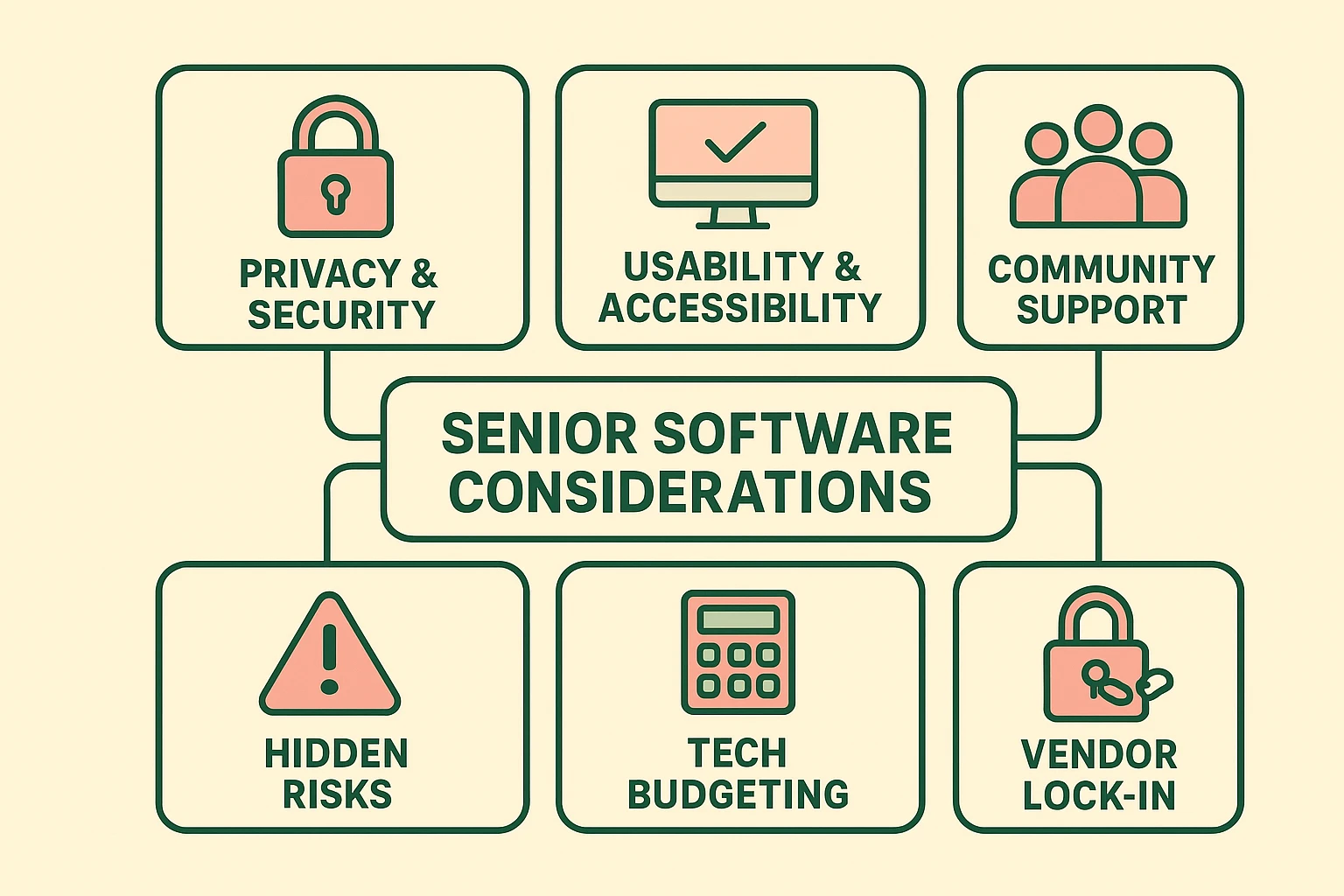
Ready to start saving? Here are some of the most reliable and respected free alternatives to common paid programs, perfect for everyday tasks.
While there are many fantastic free programs, there are also some bad apples. Here are a few tips to stay safe:
Yes, as long as you download reputable programs from their official sources. The alternatives listed above, like LibreOffice and GIMP, are used and trusted by millions of people worldwide.
This is the biggest trade-off. With free software, you’ll rely on community support. This usually means searching the program’s website for forums or FAQs. The answer is almost always out there, but you may have to do a little digging to find it.
In most cases, yes. LibreOffice, for example, was specifically designed to be compatible with Microsoft Office files. You can open, edit, and save your existing documents without any issue.
The main “catch” is that you are exchanging money for a bit of your time and attention. You might have to spend a little more time learning the program or finding answers on your own. But for many, saving hundreds of dollars a year is well worth that trade.
Choosing software doesn’t have to be a source of stress or a drain on your budget. By understanding the difference between paid and truly free options, you can equip your computer with powerful tools without spending a dime.
Start with one swap. Try downloading LibreOffice the next time you need to write a letter. See how it feels. You might just be surprised at how much you can do—all while keeping your money right where it belongs: in your pocket.