Newsletter Subscribe
Enter your email address below and subscribe to our newsletter

Enter your email address below and subscribe to our newsletter
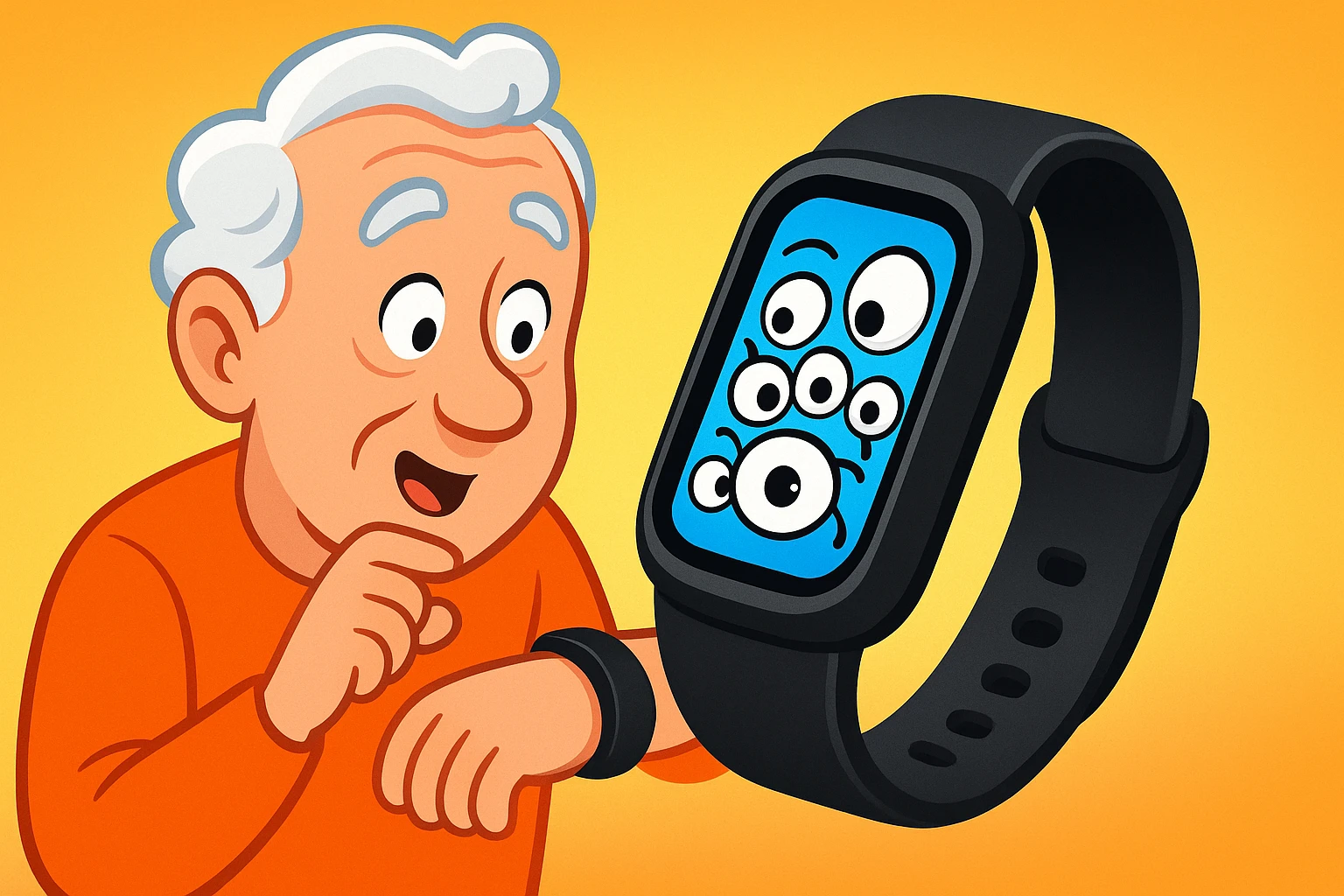
You just unwrapped a fancy new fitness tracker. It’s sleek, it’s shiny, and it promises to track your steps, monitor your sleep, and maybe even remind you to drink more water. It’s like having a tiny, optimistic drill sergeant on your wrist, cheering you on as you walk to the mailbox.
But have you ever stopped to think about what happens to all that information? Your tracker knows you took 4,327 steps yesterday, that you were restless between 2:15 and 2:48 a.m., and that your heart rate spiked during the tense final moments of your favorite game show. It knows more about your daily routine than your nosy neighbor, and it never has to peek through the blinds.
This isn’t about being paranoid; it’s about being prepared. In the digital world, your personal information is a hot commodity. Let’s pull back the curtain on who’s watching your health data and, more importantly, how you can politely show them the door.
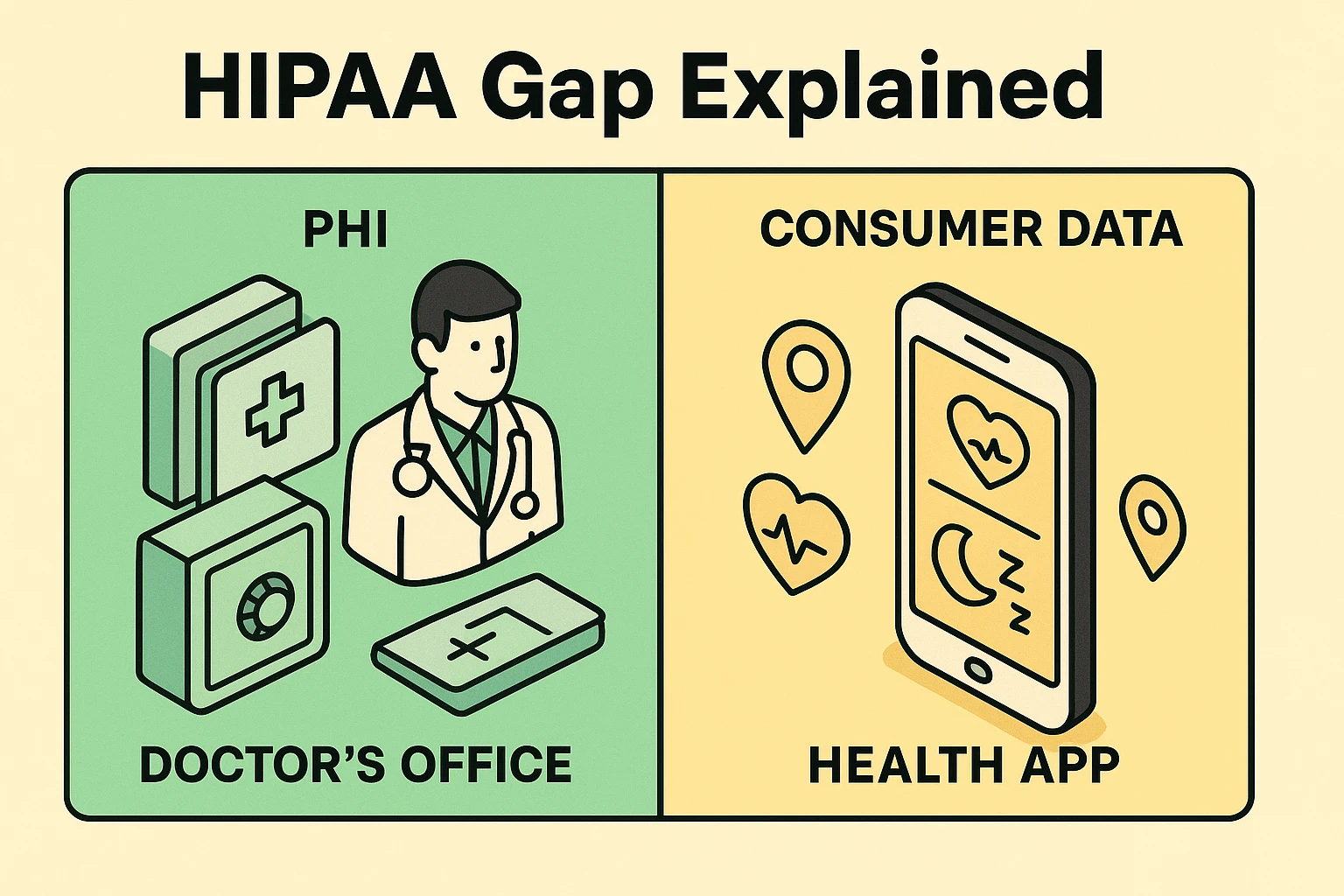
You’ve probably heard of HIPAA, the Health Insurance Portability and Accountability Act. It sounds official and protective, like a digital bodyguard for your medical records. And it is! HIPAA is the reason your doctor’s office has you sign a mountain of forms and can’t discuss your new knee replacement with your cousin Earl without your permission.
It protects what’s called Protected Health Information (PHI). Think of PHI as the official story of your health, kept under lock and key by your doctor, hospital, or pharmacy.
But here’s the million-dollar misunderstanding most people have: HIPAA generally does not protect the data collected by your fitness tracker or most health apps.
Those apps and gadgets collect what’s known as Personally Identifiable Information (PII). This includes your name, location, and yes, your health stats. The crucial difference? The companies that make these apps aren’t your doctor. They are tech companies, and they operate in a legal gray area often called the “HIPAA Gap.” They can, and often do, share or sell this information to others.
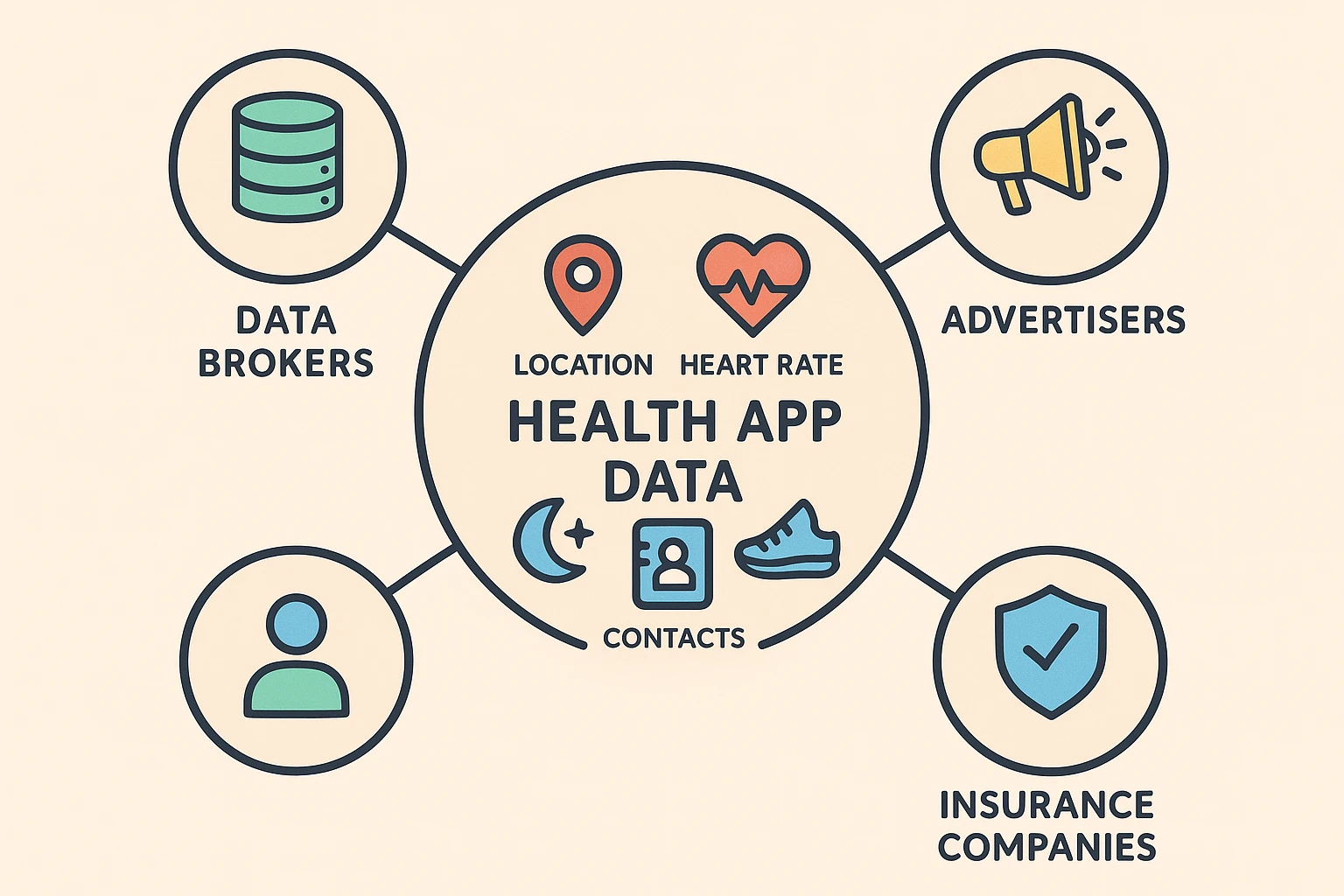
Imagine every piece of data your app collects is a clue about your life. To you, it’s just a number. To a data broker or advertiser, it’s a chapter in your biography they can sell.
Companies want this information for targeted advertising. Ever notice how after searching for a new pair of walking shoes, ads for those exact shoes follow you around the internet like a lost puppy? It’s the same principle. If your app data shows you’re having trouble sleeping, you might start seeing ads for mattresses, sleep aids, or chamomile tea.
This isn’t just a theory. In 2022, it was revealed that healthcare providers like Kaiser Permanente had been using tracking pixels on their websites that sent patient data to companies like Google and Microsoft. And a breach at a fitness data platform exposed the information of 61 million users. Your data is valuable, and companies are eager to get their hands on it.
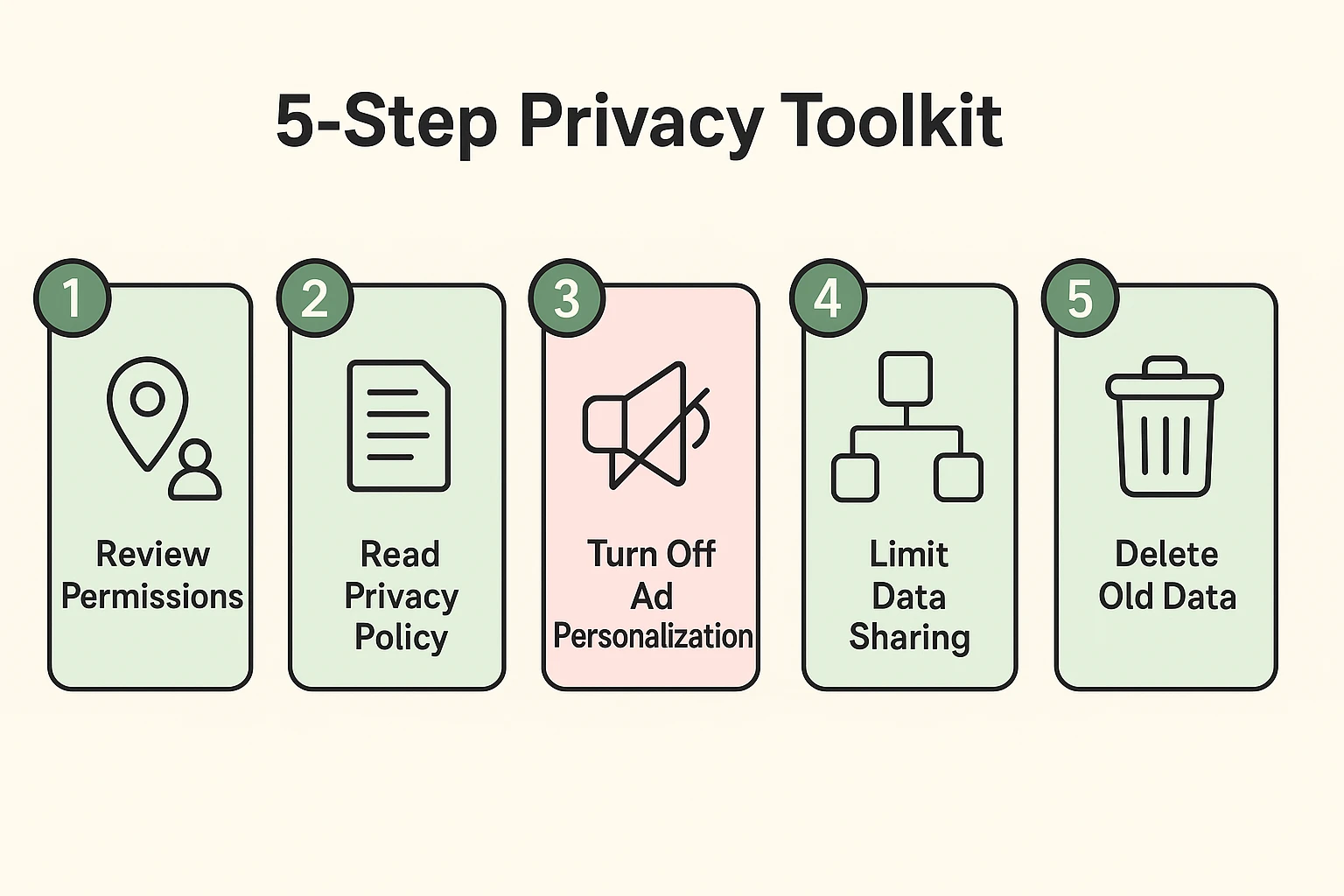
Feeling a little creeped out? Don’t be. The goal isn’t to throw your new tracker in a drawer. The goal is to become the boss of your own data. Here are five simple steps to take back control.
When you install an app, it asks for permission to access things on your phone like your location, contacts, and microphone. Be stingy! Does your step-counting app really need to know where you are at all times? Does it need access to your entire contact list? Probably not.
Settings > Privacy & Security. Here you can review which apps have access to your location, contacts, etc., and turn them off.Settings > Apps > See all apps. Tap on an app, then Permissions to review and make changes.I know, reading a privacy policy sounds about as fun as assembling flat-pack furniture. But you don’t have to read every word. Just use the “find” feature (Ctrl+F on a computer, or look for a search option on your phone) and look for a few key phrases:
Red Flag Alert: If you see language like, “we may share your data with our trusted partners for marketing purposes,” that’s corporate-speak for, “we are selling your information.”
Both Apple and Google create a unique advertising ID for your device to track you across apps. You can limit this. It won’t stop the ads, but it will stop them from being eerily specific to your life.
Settings > Privacy & Security > Apple Advertising and toggle off Personalized Ads.Settings > Google > Ads and tap Delete advertising ID.Many apps, including your phone’s built-in health dashboard (like Apple Health or Google Fit), let you share data with other apps. While convenient, this creates more copies of your data in more places. Any app that tracks sensitive information, from your heart rate to a simple medication timer, comes with these settings. Periodically review which apps you’ve allowed to share data and cut off any you no longer use.
Some apps and devices let you delete your data history. If you no longer use a service or just want a fresh start, see if there’s an option in the app’s settings to delete your account and associated data. If they can’t see it, they can’t sell it.
Not necessarily. These tools can be incredibly motivating and beneficial for your health. The key isn’t to avoid them, but to use them wisely. It’s about finding a balance between the health benefits you get and the information you’re willing to share.
The data stored on your phone within these central health apps is generally well-protected and encrypted. The risk comes when you grant other third-party apps permission to read or write data to them. Be selective about which apps you connect.
If you only do one thing, make it Step 1: Review App Permissions. Limiting an app’s access to your location and other sensors is the quickest and most effective way to reduce your digital footprint.
Navigating the digital world can feel like everyone’s after a piece of your personal pie. But you hold the forks. By understanding the rules of the road—especially the “HIPAA Gap”—and taking a few simple steps, you can enjoy the benefits of modern health technology without giving away the farm.
So go ahead, count those steps and track that sleep. Just do it with the confidence of knowing that you’re the one in charge of your information.