Newsletter Subscribe
Enter your email address below and subscribe to our newsletter

Enter your email address below and subscribe to our newsletter
Learn how to pick and use portable chargers to keep your devices powered while staying safe and prepared for any situation.
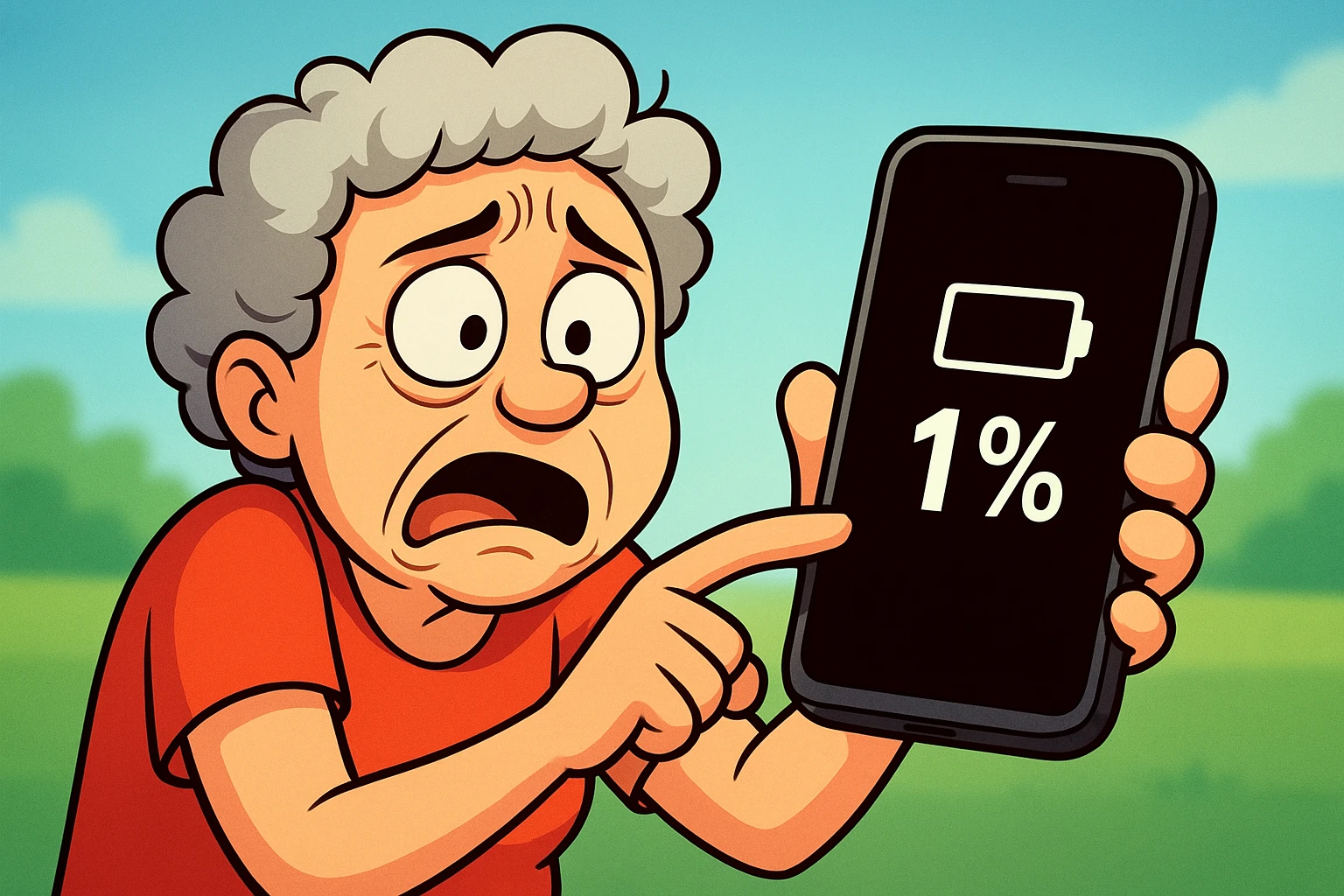
You’re at your grandson’s soccer game, poised to capture the winning goal on your phone. He winds back his foot, the crowd holds its breath, and… your screen goes black. The dreaded 1% battery warning has finally given up the ghost. You’ve just missed the photo of a lifetime, and now you have a pocket-sized brick that can’t even call for a ride home.
If you’ve ever felt the cold panic of a dying phone battery at the worst possible moment, you are not alone. It’s a modern-day malady, right up there with trying to open those infuriating plastic clamshell packages.
Enter the portable charger, also known as a power bank. Think of it as a lunchbox for your phone’s battery—a little box of electricity you can carry with you. But with so many shapes, sizes, and cryptic numbers on the packaging, choosing one can feel like you’re trying to assemble a rocket ship. Fear not! We’re here to translate the tech-speak and guide you to the perfect power partner for your devices.
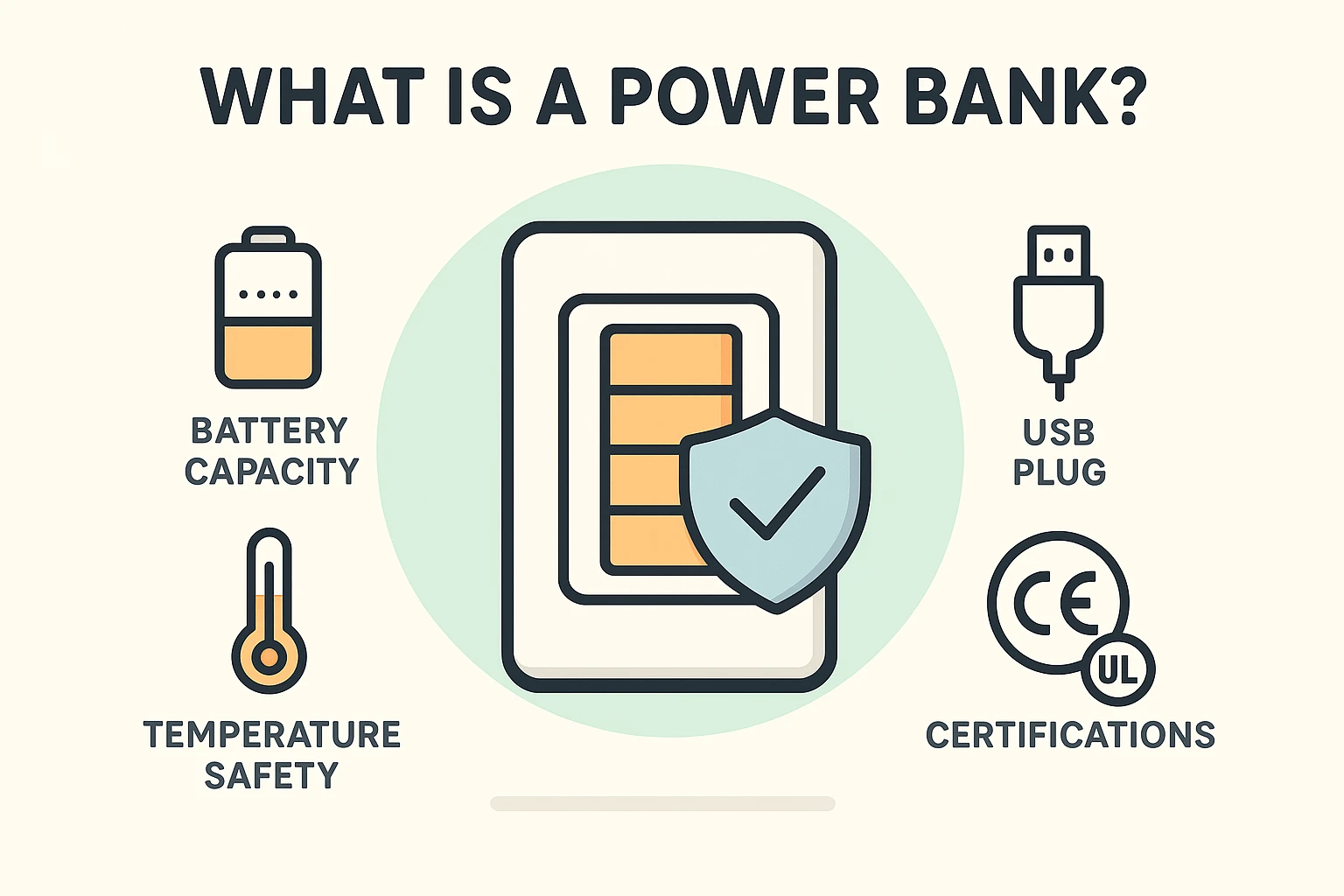
At its heart, a power bank is just a special battery in a case. You charge it up at home, toss it in your purse or car, and then use it to recharge your phone, tablet, or e-reader when you can’t get to a wall outlet. It’s your own personal, portable power station.
They have a few key parts: a battery to hold the power, a port to charge the bank itself, and one or more ports to plug your devices into. The good ones also have tiny electronic bodyguards inside—safety circuits that prevent things like overcharging, overheating, and short-circuiting. Always look for safety certifications like UL, CE, or FCC on the packaging. These are like a seal of approval from independent safety inspectors.
Walking down the electronics aisle can feel overwhelming. You’ll see power banks labeled with numbers like “5,000 mAh,” “10,000 mAh,” or “20,000 mAh.” What does that even mean?
Think of “mAh” (milliamp-hours) as the amount of gas in the tank. The bigger the number, the more charging power it holds.
When choosing, consider what you need. If you just want a safety net for your phone, a small, light charger is all you need. Don’t buy a giant brick you’ll never want to carry!
Owning a power bank is simple, but a few good habits will keep both it and your devices happy and healthy for years. This isn’t just about protecting your gadgets; it’s about ensuring your own safety.
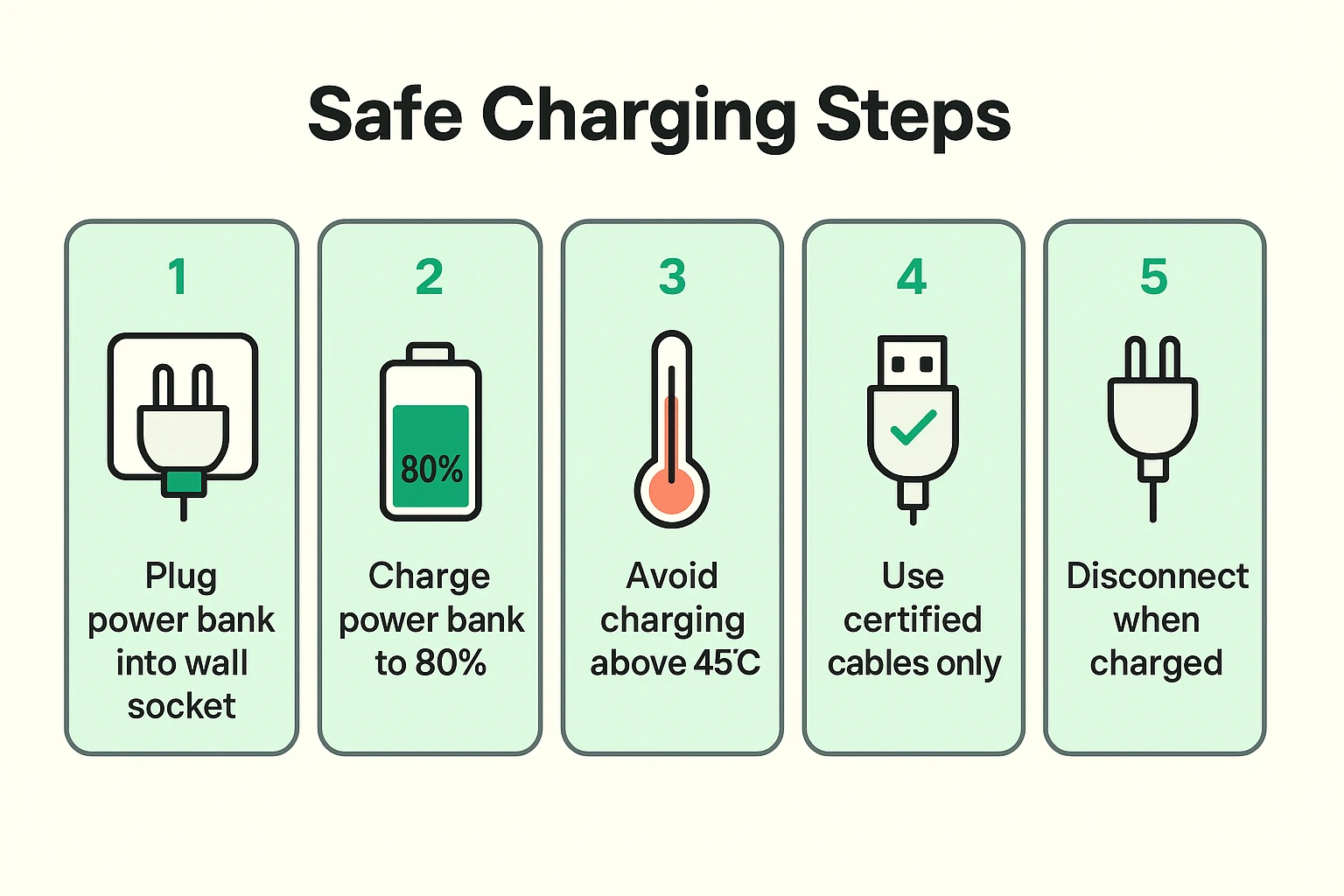
Sometimes, technology just decides to have a bad day. Before you declare your power bank a dud, try these simple detective steps.
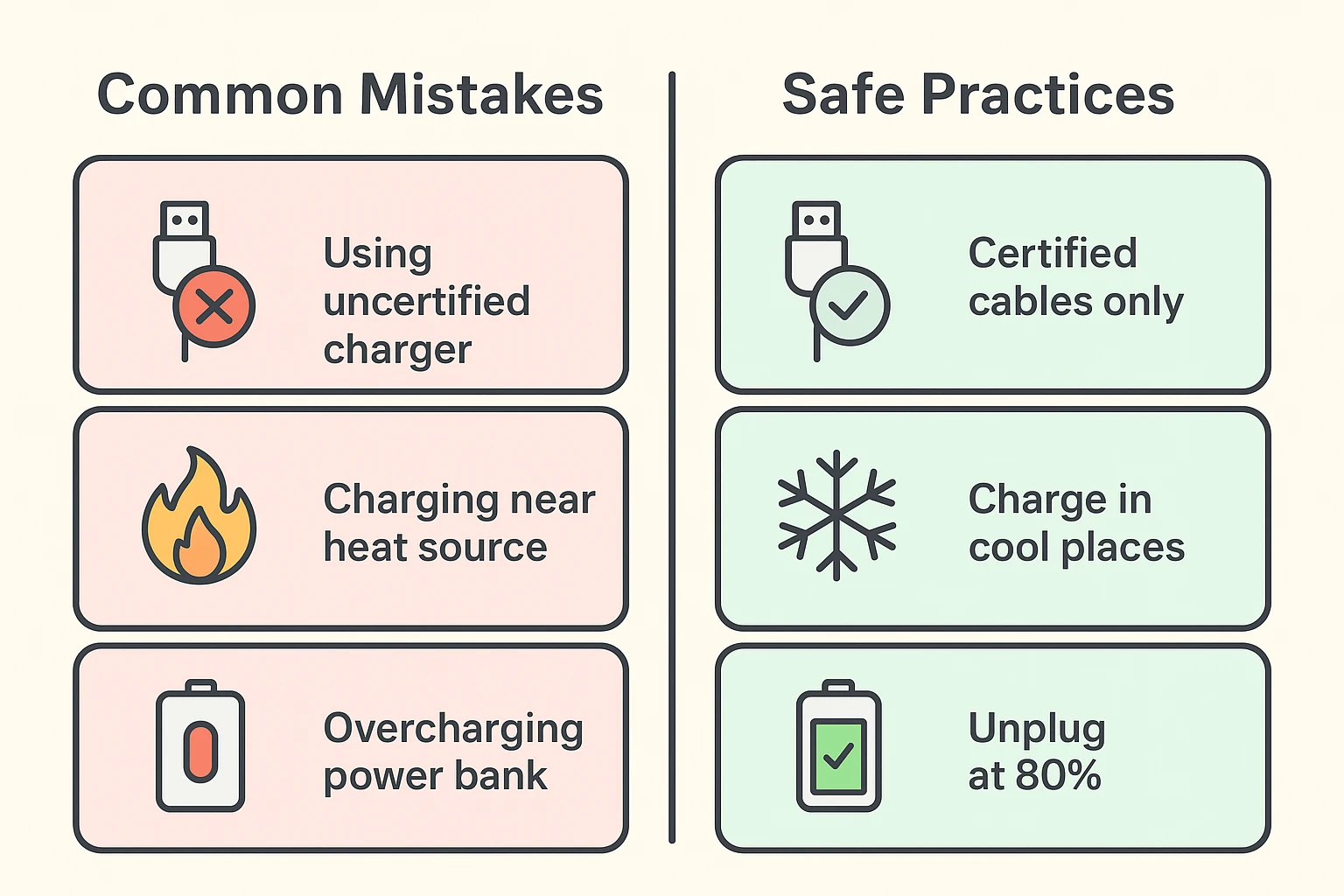
Common Myth Busted: You might have heard that you need to completely drain your battery before recharging it to avoid a “memory effect.” That was true for old-school nickel-based batteries, but modern lithium-ion batteries (the kind in your phone and power bank) don’t have this problem. In fact, deep discharges harm them!
Now that you’re a charging pro, here are a few final tips for living in harmony with your power bank.
It depends on the mAh of the power bank and the size of your phone’s battery. As a rule of thumb, a 10,000 mAh power bank can charge a typical modern smartphone about 2-3 times.
Only if you have a special, high-capacity power bank designed for it. These are much larger and more expensive than standard ones. Check the power bank’s specifications before you try.
It’s generally safe with modern devices, as they have built-in protections to stop charging when full. However, it’s not the best practice for battery longevity. It’s better to unplug it when it’s around 80-90% full.
A portable charger is more than just a gadget; it’s peace of mind. It’s knowing you can use your map to get home, call your kids in an emergency, or capture that perfect goal without worry. By choosing the right one and using it wisely, you can stay connected, safe, and ready for whatever life throws your way.