Newsletter Subscribe
Enter your email address below and subscribe to our newsletter

Enter your email address below and subscribe to our newsletter
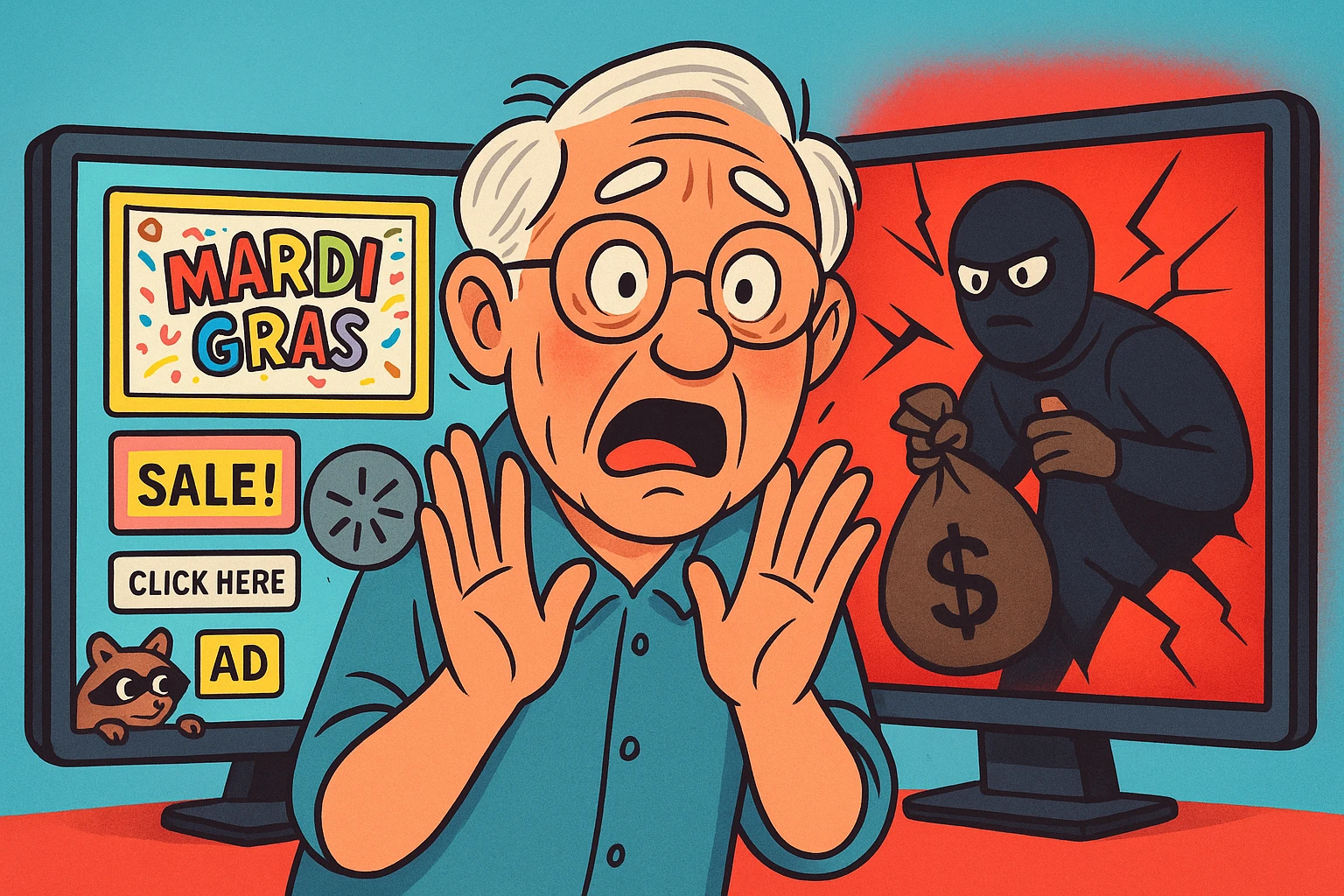
Have you ever heard a strange bump in the night? Your brain immediately starts flipping through a catalog of possibilities. Is it the house settling? A raccoon trying to stage a coup in your garbage cans? Or is it a burglar wearing a ski mask and carrying a sack with a dollar sign on it, just like in the cartoons?
Navigating the digital world can feel a lot like that. You see a weird pop-up ad or get a fishy-looking email, and the alarm bells start ringing. But how do you know if you’re dealing with a digital raccoon—an annoyance you can shoo away—or a full-blown cyber-burglar who’s already inside, making off with your prized family photos and financial information?
It’s easy to feel overwhelmed, but you don’t need a degree in computer wizardry to protect yourself. You just need to know what to look for. In this guide, we’ll skip the jargon and give you the plain-English rundown on how to spot the difference between a minor hiccup and a major hack, what to do immediately, and when it’s time to call in the professionals.
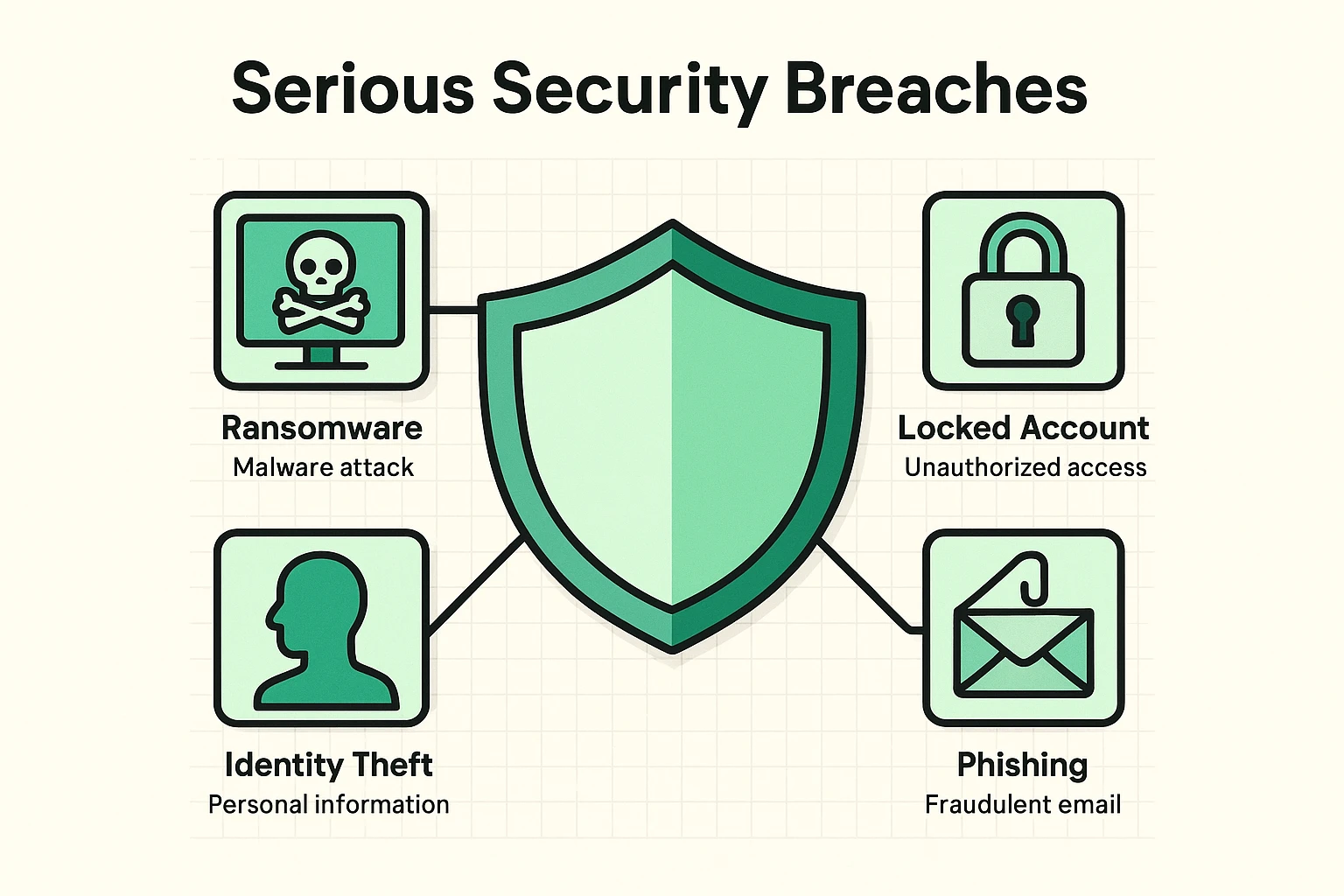 This visual defines key serious digital breaches that seniors need to recognize beyond simple pop-ups, highlighting distinct symptoms like ransomware and identity theft.
Most of us have seen the low-grade annoyances. Your computer runs a bit slower than a turtle wading through molasses, or a friend calls to say they got a bizarre email from you about a miracle diet pill. These are clues, for sure, but they’re not always signs of a five-alarm fire.
The real trouble starts when the clues point to something more sinister. The key is learning to separate the everyday quirks from the critical red flags that scream, “Houston, we have a problem!”
These are signs you should investigate, but don’t need to panic over just yet.
These are the digital equivalent of a broken window and muddy footprints in the hallway. When you see one of these, it’s time to take immediate action.
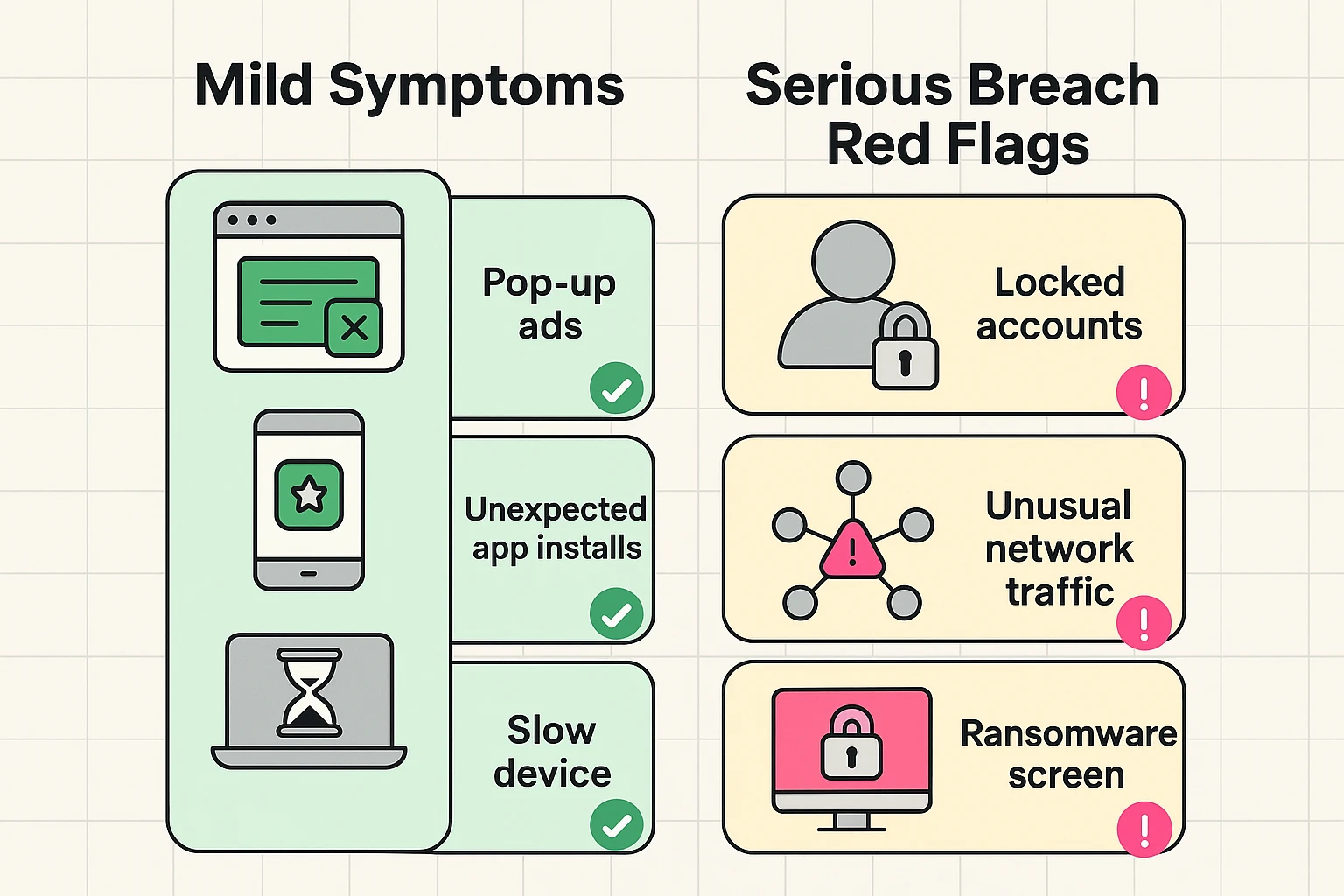 This grid clarifies which breach symptoms are mild annoyances and which are critical red flags requiring immediate help.
Here are the red flags that signal a serious breach:
If you spot any of the “Uh-Oh, This is Bad” signs, don’t just sit there worrying. Taking a few key steps right away can help stop the bleeding.
Just like you wouldn’t try to rewire your own house after a major electrical fire, some digital disasters are too big to handle on your own. It’s not a sign of failure to ask for help; it’s a sign of wisdom.
You should call a cybersecurity professional or a trusted local tech support expert if:
A professional can properly diagnose the problem, remove malicious software without destroying your data, and help you secure your digital life for the future. They’re the digital locksmith, detective, and security guard all rolled into one.
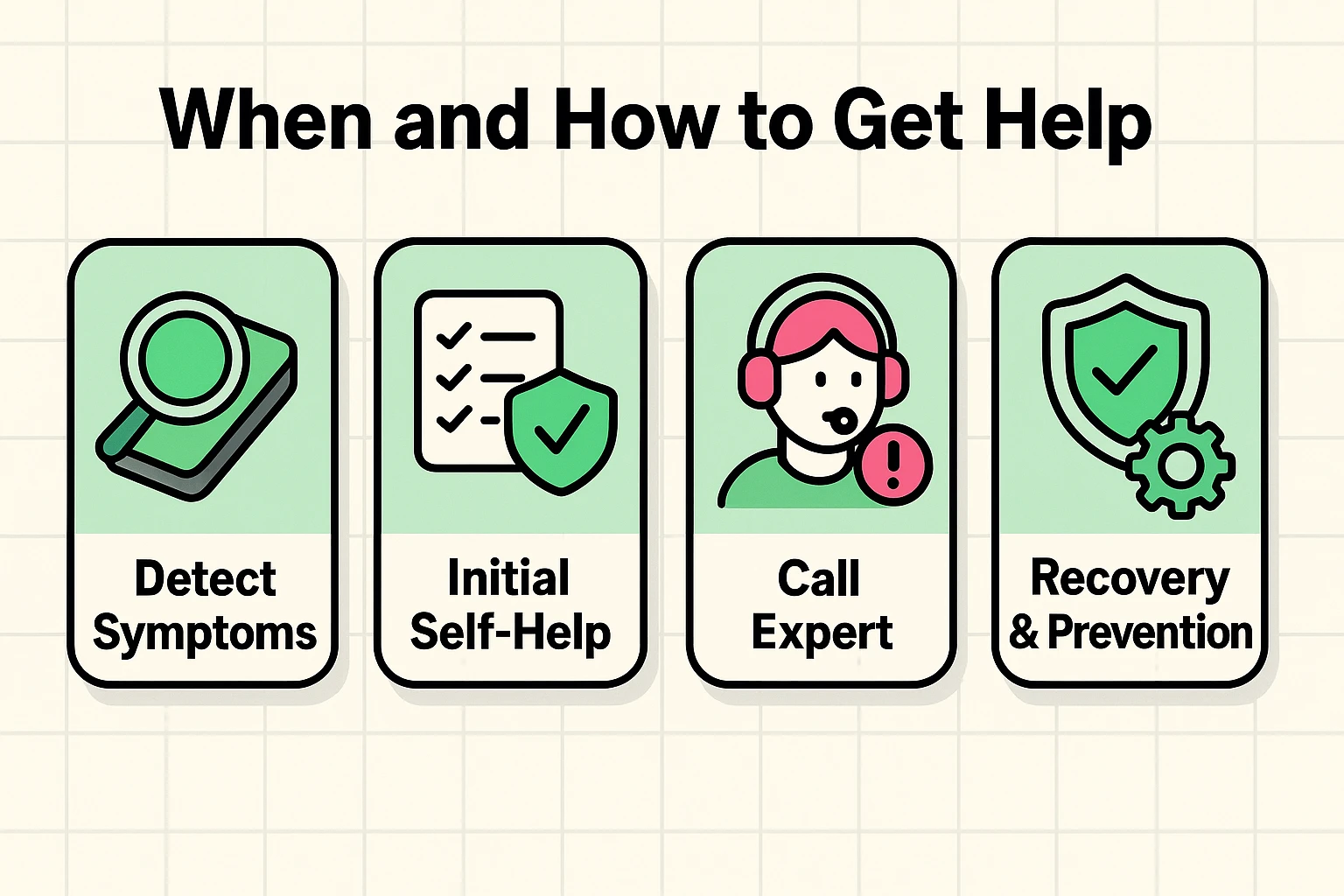 This process flow guides seniors through critical steps from identifying breaches to contacting professionals for recovery.
A: It’s rare, but possible if the website is malicious and your browser or operating system is out of date. The bigger risk comes from clicking shady links or downloading attachments from suspicious emails. Learning how to spot fake news and phishing scams is a crucial skill.
A: Please don’t! There is absolutely no guarantee you’ll get your files back. You’re dealing with criminals, after all. Paying them just funds their illegal activities and marks you as an easy target for future attacks. Contacting a professional is a much better option.
A: An antivirus program is like a good lock on your front door—it’s essential, but it can’t stop a determined burglar who finds an open window. It’s a critical layer of defense, but it needs to be paired with safe online habits, like using strong passwords and being suspicious of unsolicited messages.
Facing a potential hack is scary, but remember: knowledge is power. By learning to recognize the difference between a digital pest and a true digital disaster, you’ve already taken the most important step.
You don’t have to be a tech genius to be safe online. You just have to be a little bit skeptical, a little bit prepared, and know when to call for backup. You’ve navigated far more complicated things in life than a sneaky email. With these tips in your back pocket, you’re more than ready to handle this, too.