Newsletter Subscribe
Enter your email address below and subscribe to our newsletter

Enter your email address below and subscribe to our newsletter
You know the feeling. You’re at a dinner party (or, let’s be honest, scrolling through Facebook in your pajamas), and everyone is talking about that new show. Apparently, if you don’t watch “The Bear” or “The Crown” immediately, you will be socially exiled to a deserted island where the only entertainment is a sock puppet show.
So, you cave. You pull out your credit card. You sign up for the streaming service. You watch the show. It was… fine.
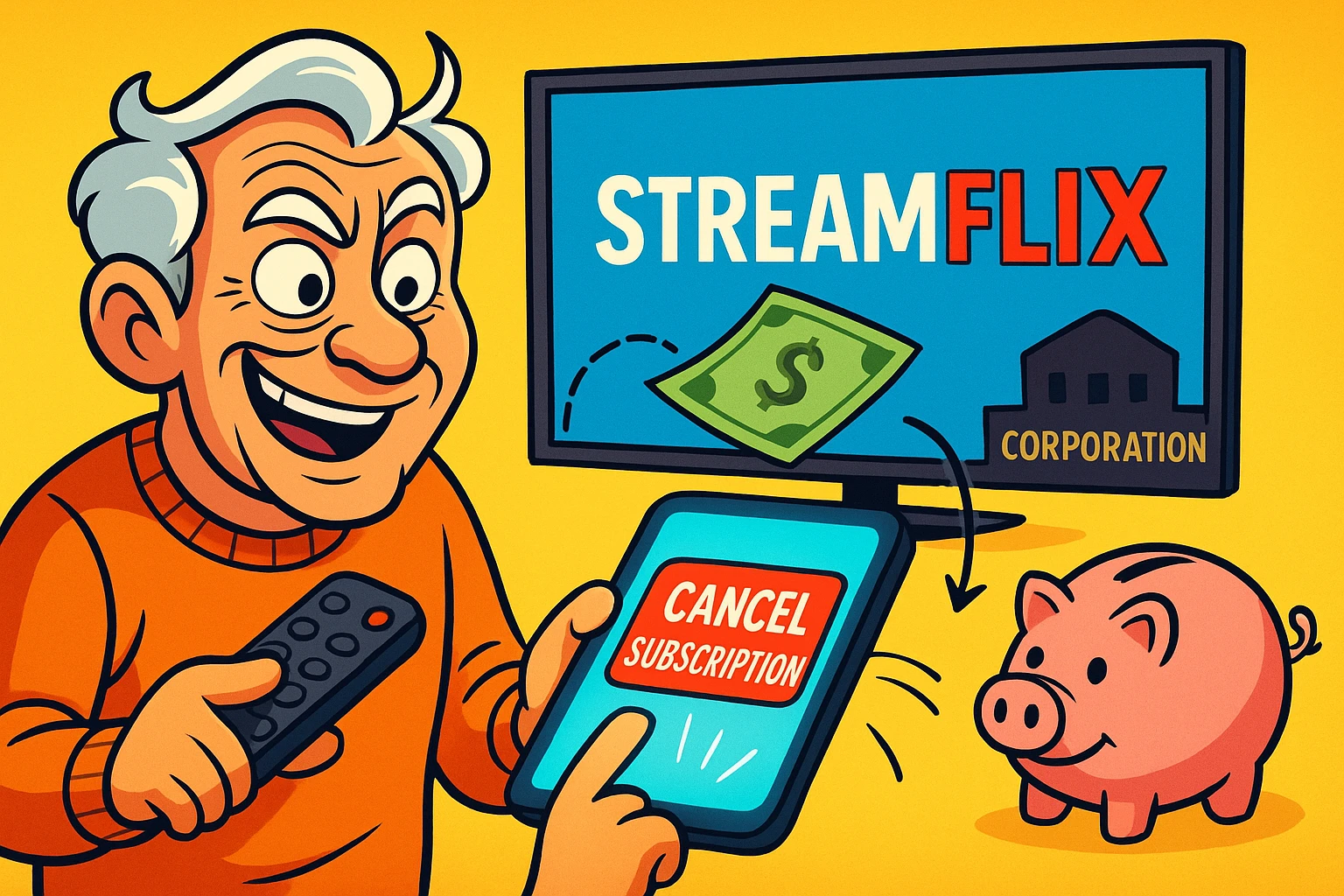
Then, life happens. You forget about the subscription. Three months later, you’re looking at your bank statement and realize you’ve paid $45 for a service you haven’t opened since the season finale. You have essentially tipped a giant corporation for the privilege of ignoring them.
If this sounds familiar, don’t feel bad. This is exactly what the streaming giants are banking on—literally. But there is a strategy to defeat this cycle. It’s called “The One-Off Wonder,” or in fancier industry terms, “Subscription Cycling.”
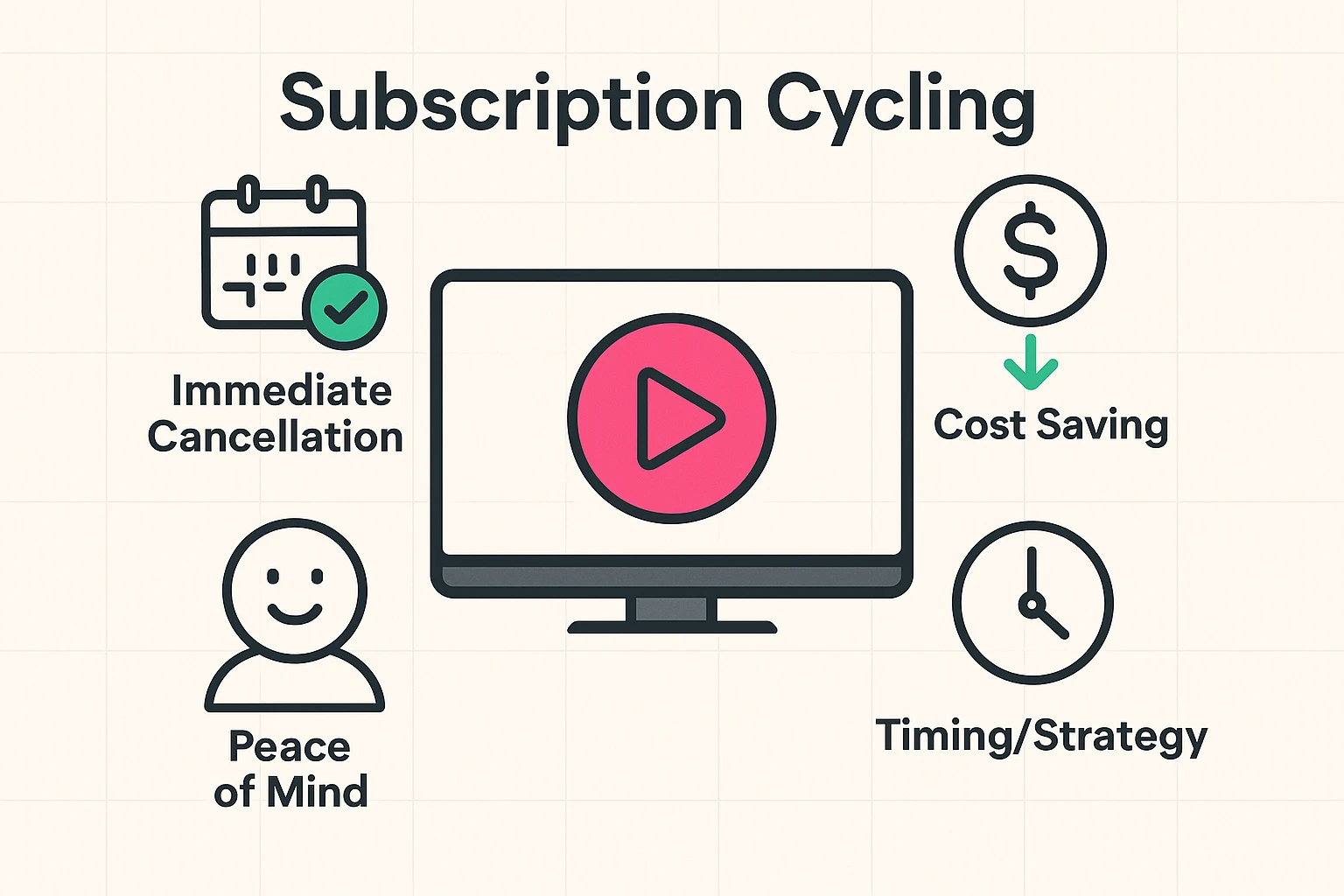
Here is the secret that marketing departments don’t want you to know: For most services, canceling your subscription does not turn off the TV.
When you pay for a month of service (or sign up for a free trial), you have purchased access for that specific period. If you subscribe on the 1st of the month and cancel on the 2nd, the computer system generally says, “Okay, this person is paid up until the 30th. Let them watch until then, and then boot them out.”
This means you can—and should—subscribe, confirm your account, and then immediately cancel.
By doing this, you turn a recurring monthly bill into a simple, one-time ticket. You can binge your mystery series in peace, knowing that when the month is up, the billing stops automatically. No sticky notes on the fridge, no alarms on your phone, and no surprise charges.
Now, before you go on a canceling spree, we need to pause for a very important “Gotcha.”
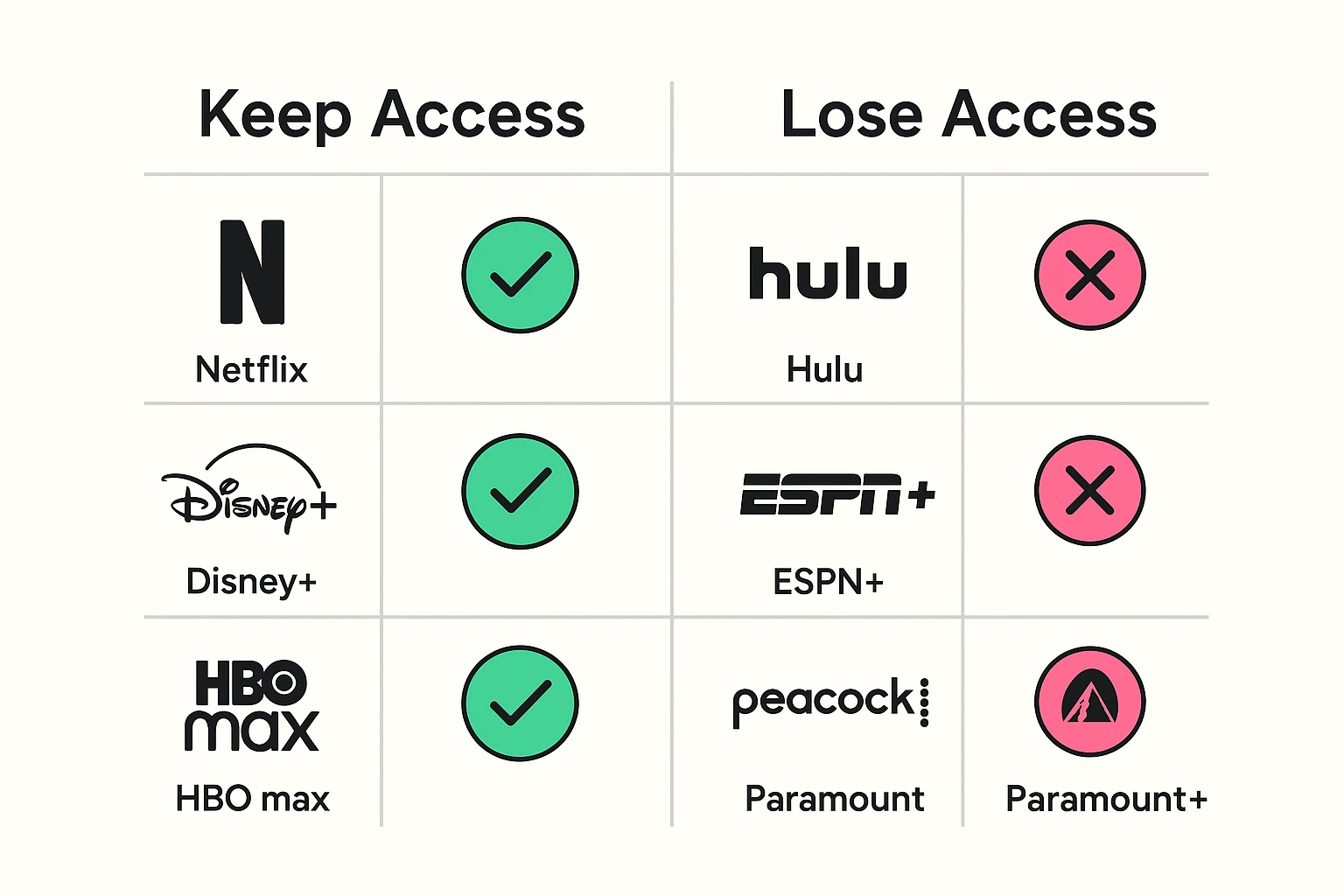
While most services play by the Golden Rule mentioned above, a few are a bit like a sulky teenager: if you break up with them, they kick you out of the house immediately. This is a critical distinction that most “how-to” guides overlook.
If you cancel a Hulu free trial, for example, they will often cut your signal the moment you click “Confirm.” The screen goes black, and your popcorn goes to waste.
To help you navigate this minefield, we’ve compiled the Definitive Streaming Service Cancellation Policy Table.
Canceling shouldn’t require a degree in rocket science, but companies love to hide the “Exit” door behind a maze of “Are you sure?” and “Look at what you’ll miss!” screens.
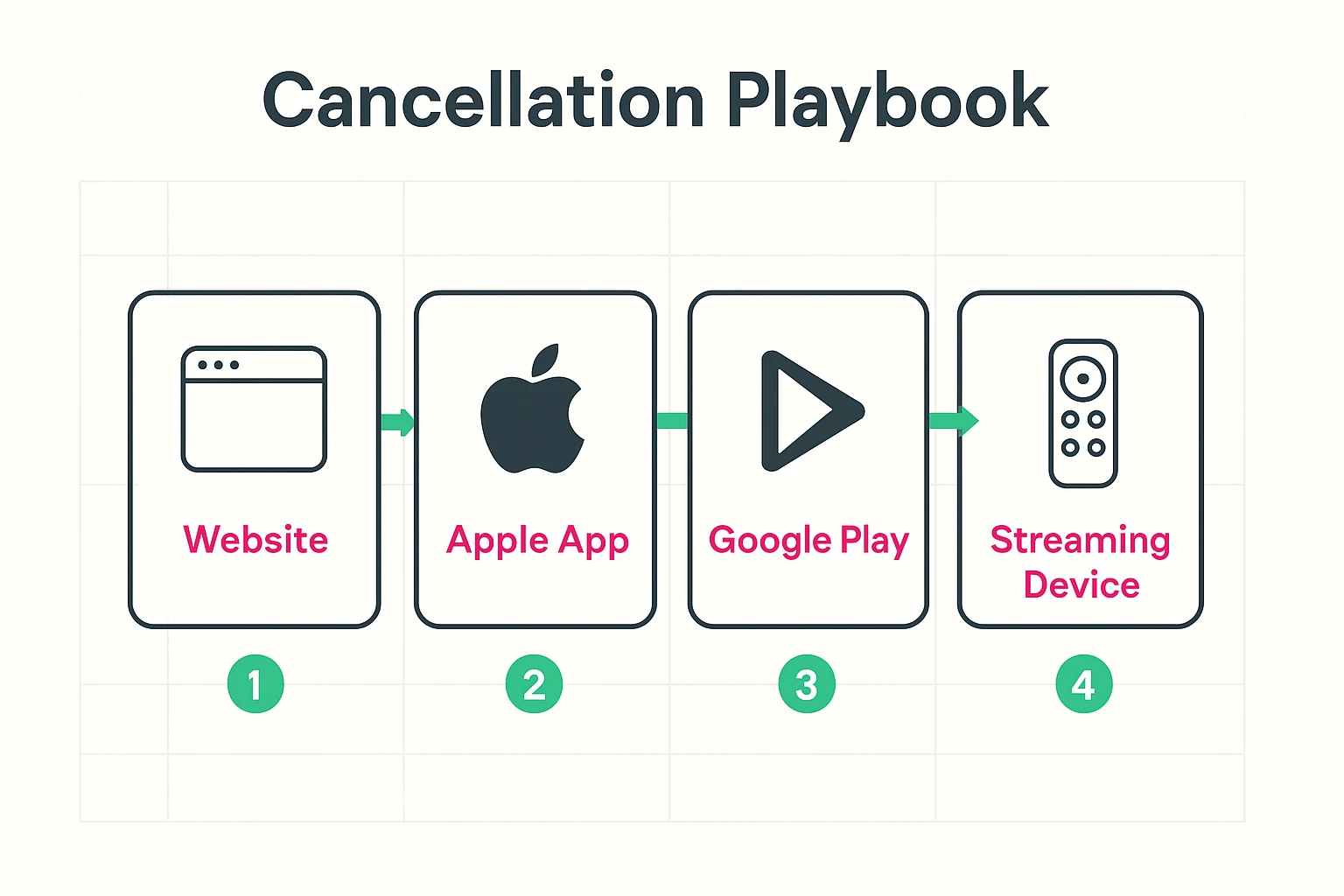
The method for canceling depends on how you signed up. Did you use your credit card directly on their website? Or did you sign up through your iPhone or Android phone?
This is the easiest method because Apple puts all your subscriptions in one place.
If you typed your credit card number directly into Netflix.com or Hulu.com on your computer, you have to go back there to cancel. You can’t do it from the TV remote.
You now know the mechanics, but let’s look at the strategy. About 36% of U.S. subscribers are what experts call “service hoppers.” They jump from service to service, watching what they want and leaving. Here is how to hop safely:
If you are dealing with one of the “Grumpy Guys” (like Hulu) where you can’t cancel immediately without losing access, pick up your smartphone right now. Open the Calendar app. Go to the day before the trial ends. Set an alert: “CANCEL HULU OR LOSE $15.” Do it the moment you sign up.
The Federal Trade Commission (FTC) is currently fighting to make it a legal requirement that canceling a subscription must be as easy as signing up. It’s called “Click-to-Cancel.” While this is still being battled out in the courts and corporate boardrooms, keep an eye on it. In the future, those six screens of “Are you sure?” might legally have to disappear.
Canceling isn’t a permanent breakup. Streaming services store your watch history and preferences for months, sometimes years. If you cancel Netflix today and sign up again in six months, it will still remember that you only watched 20 minutes of that one documentary. You lose nothing by taking a break.
Absolutely not. You are simply managing your monthly expenses. There is no law that says you must remain subscribed to a service forever. It’s your money!
Generally, no. They turn your account into a “free” or “dormant” account. They want to keep your data so that when you eventually come back (and they hope you will), everything is just as you left it.
This can be tricky. Usually, you can go to the Settings menu on your Roku or Fire TV home screen (not inside the app itself) and find Subscriptions. However, it is often easier to log into your Roku or Amazon account on a computer and manage your subscriptions from there.
It is rare, but possible. If you see a charge you didn’t want, contact customer support immediately. If you haven’t watched anything since the charge went through, some services (like Amazon) are lenient and might refund you. Others are strict and will say, “Better luck next month.” It never hurts to ask nicely!
Technology should serve you, not tax you. By mastering the art of the “One-Off Wonder,” you can enjoy the golden age of television without draining your retirement fund. So go ahead—watch that show everyone is talking about. Just remember to show yourself to the exit before the bill arrives.