Newsletter Subscribe
Enter your email address below and subscribe to our newsletter

Enter your email address below and subscribe to our newsletter
You know the drill. You’re trying to call your sister, but to get a decent cell phone signal in your own home, you have to stand perfectly still in the northwest corner of the guest bathroom. You hold the phone at a 45-degree angle, balance on one foot, and pray nobody flushes. If a stiff breeze rolls through the neighborhood, the call drops anyway.
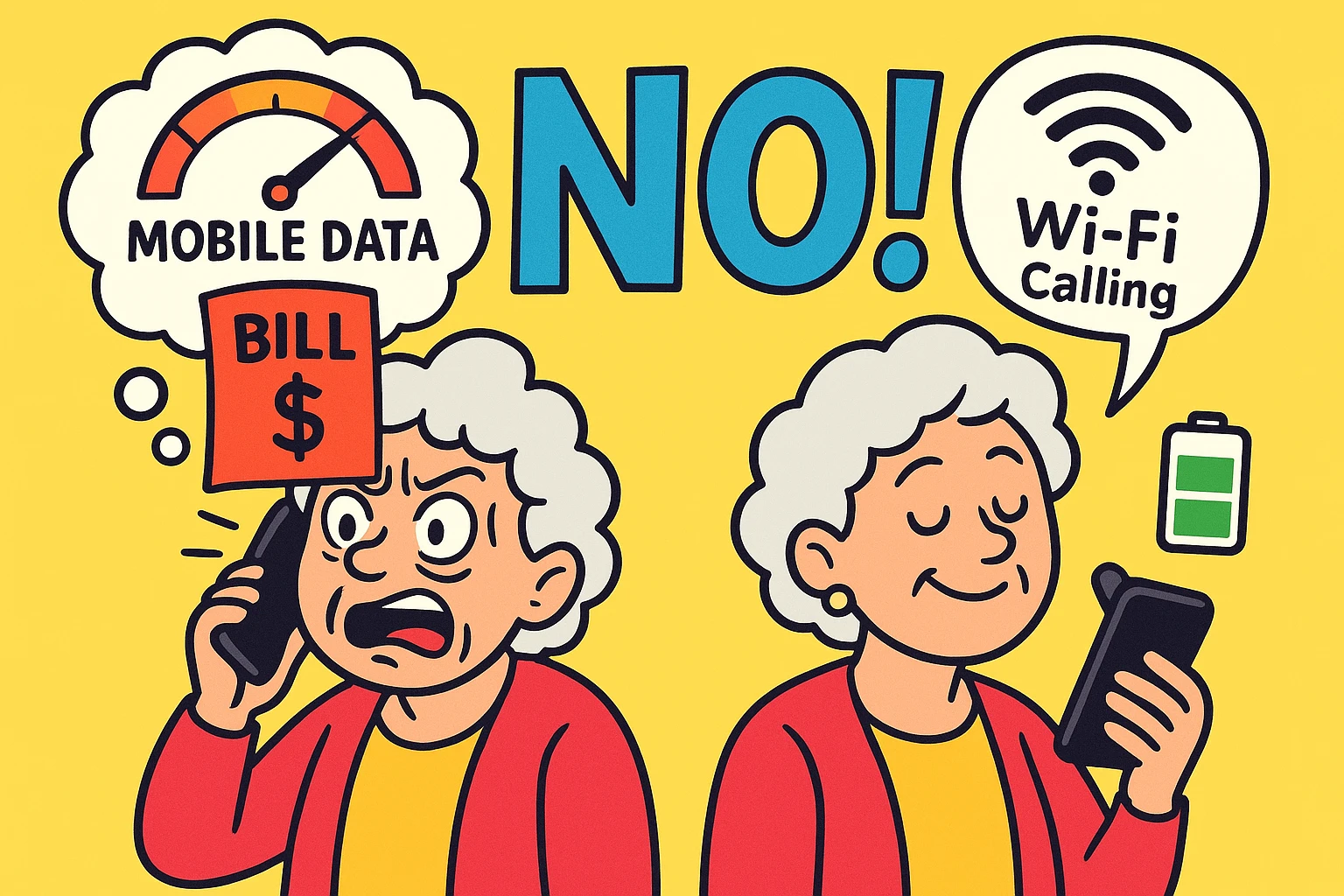
If this sounds familiar, you’ve probably had someone tell you to “just turn on Wi-Fi calling!” It sounds like a magical solution. But then the anxiety sets in. You start wondering if this invisible magic is going to secretly devour your monthly mobile data allowance.
You picture opening your phone bill next month and seeing a charge the size of a luxury cruise ticket. So, you leave the feature turned off and go back to doing your best flamingo impression in the bathroom.
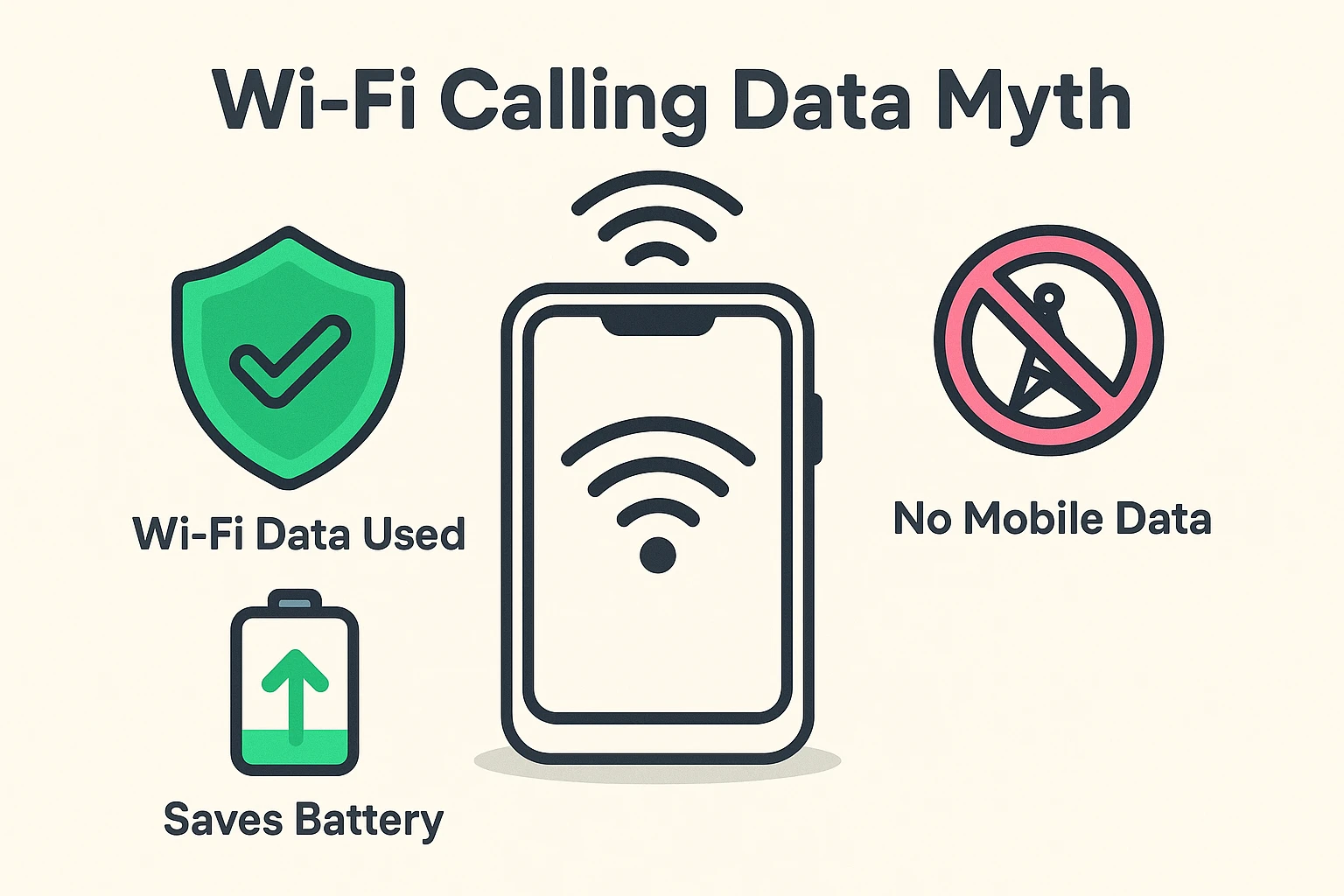
Let’s rip the band-aid off right now: No. Wi-Fi calling does not use your mobile cellular data.
To understand why, think of your cell phone like a walkie-talkie. Normally, it talks to that giant, ugly cell tower down the highway. But when you turn on Wi-Fi calling, your phone ignores the cell tower entirely. Instead, it securely connects to the blinking internet router sitting in your living room.
It uses your home internet data, the exact same way your computer or smart TV does. And before you panic about using up your home internet, rest easy. A 30-minute Wi-Fi call uses about 10 Megabytes (MB) of data.
To put that in plain English, a half-hour phone call uses less data than watching a two-minute video of a cat playing a piano on YouTube. It is barely a drop in the bucket of your home internet plan.
Here is a fun fact that most tech manuals completely fail to mention: Wi-Fi calling is actually a battery-saving superhero.
When you have a terrible cell signal in your house, your phone works overtime. Its internal antenna starts sweating and panting, constantly searching the horizon for a cell tower connection. This desperate searching drains your battery faster than a leaky bucket.
If you’ve ever been out and about and your phone died right when you needed it, you know how frustrating a weak battery can be. But when you connect to Wi-Fi calling, your phone’s cellular radio gets to take a well-deserved nap. It stops searching for cell towers, which means your battery stays charged much longer.
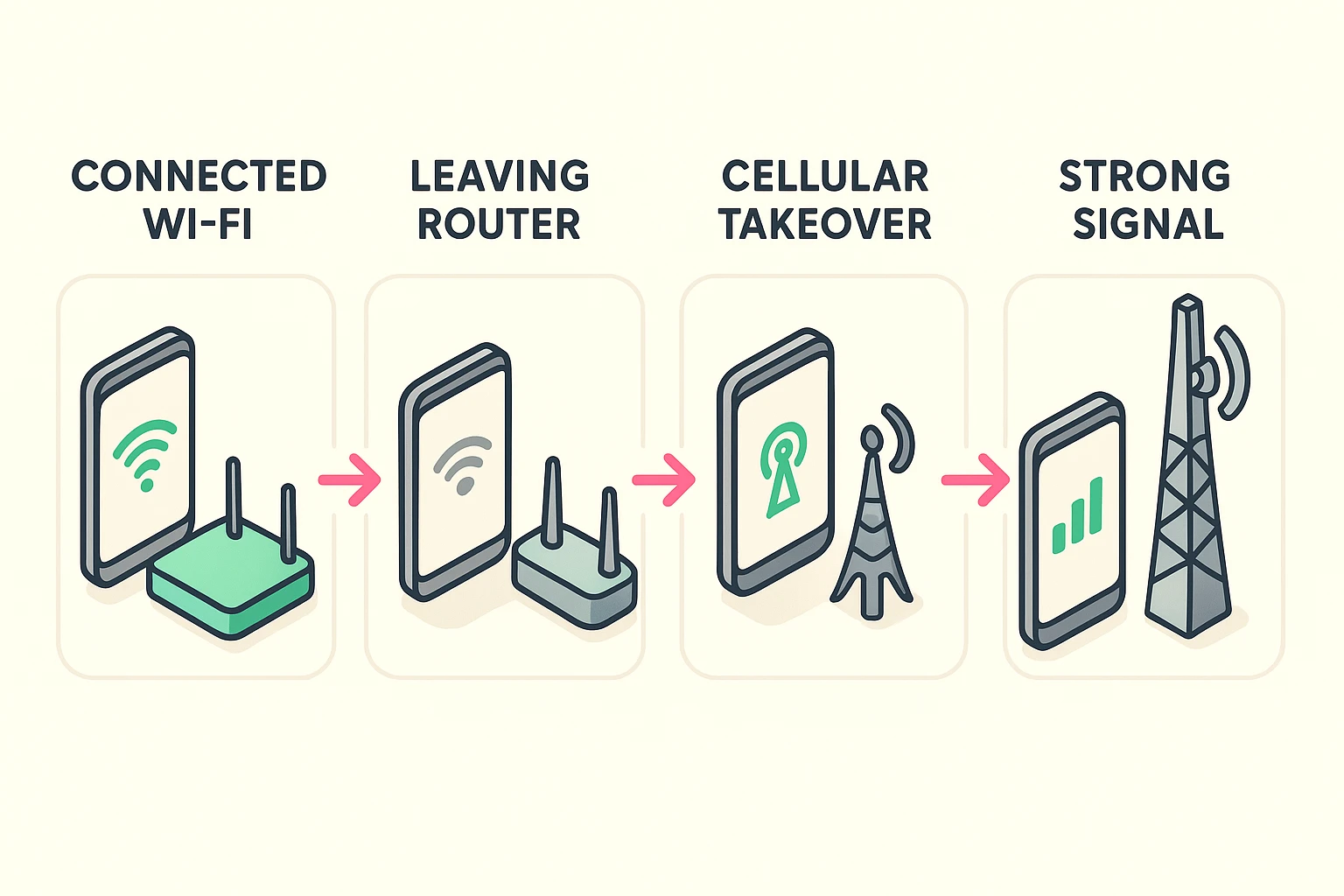
This is the second biggest fear we hear at Senior Tech Cafe. “If I am on a Wi-Fi call and I walk out to the mailbox, will the call drop the second I leave my house?”
Usually, the answer is no. Modern smartphones have a built-in safety net called VoLTE (Voice over LTE). It’s just a fancy tech term that means your phone knows how to safely hand the call over.
As you walk away from your router, your phone politely passes the baton back to the local cell tower. You probably won’t even notice a blip in the conversation.
The Airplane Mode Trick: If you want absolute, 100% certainty that you aren’t using mobile data, try this. Turn on your phone’s “Airplane Mode,” and then turn your Wi-Fi back on. This completely shuts off your mobile connection but leaves your Wi-Fi running. It’s the ultimate control switch!
While Wi-Fi calling is brilliant, not every cell phone carrier plays by the exact same rules. The telecommunications industry loves to keep us on our toes.
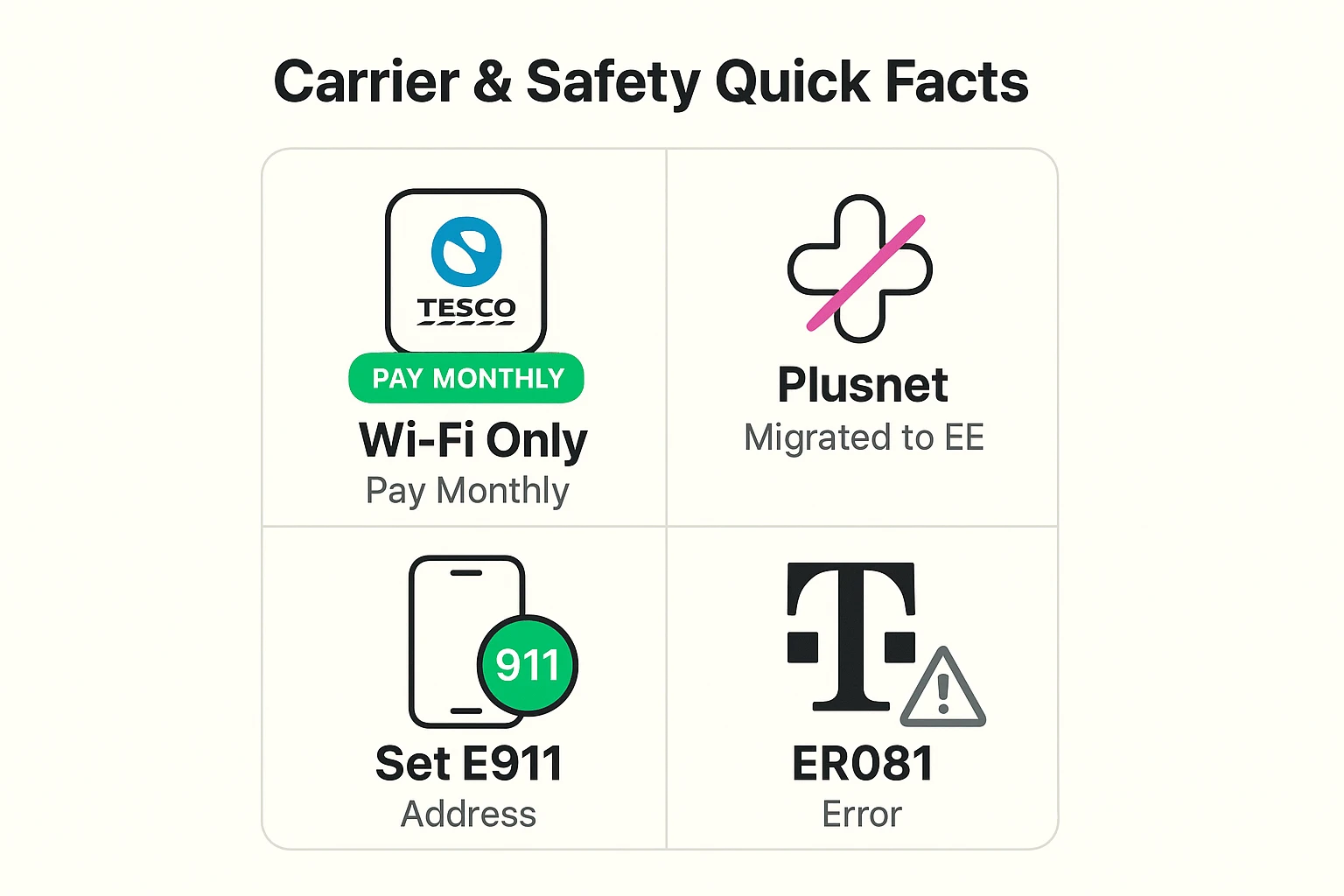
If you use a smaller carrier, the rules might be a bit different. For example, if you are looking for Wi-Fi calling info for Plusnet Mobile, stop looking. They closed up shop in 2024 and moved everyone over to EE.
Meanwhile, if you use Tesco Mobile, take note: Wi-Fi calling is only available for their Pay Monthly customers. If you are on a Pay-As-You-Go plan, you are unfortunately left out of the Wi-Fi calling party for now.
Here is where people get tripped up: Wi-Fi calling is NOT the same as using an app like WhatsApp, FaceTime, or Skype.
Wi-Fi calling still uses your phone number and follows your regular phone plan’s billing rules. If you use Wi-Fi to call your neighbor down the street, it’s a standard domestic call (which is usually free). But if you use Wi-Fi to call your cousin in Italy, your carrier is still going to charge you international rates.
When you first try to turn on Wi-Fi calling, your phone might throw a scary-looking error code at you (like T-Mobile’s famous “ER081” error) and demand your home address. Do not panic! This is not a scam.
It is a legal requirement for emergency services (E911). If you call 911 using a cell tower, they can triangulate your location. If you call using Wi-Fi, they can’t. Giving your phone carrier your physical address ensures that if you have an emergency, the ambulance knows exactly which house to go to.
Look at the very top of your phone screen where your carrier’s name (like Verizon, AT&T, or EE) usually sits. When the feature is active, you will see the word “Wi-Fi” next to the carrier name, or a tiny telephone icon with Wi-Fi waves coming out of it.
No! Activating Wi-Fi calling is completely free. You are just choosing to route your normal, everyday calls through your internet router instead of a cell tower.
Almost certainly. Remember, voice calls use very little data. Even if you have a basic, budget-friendly internet plan, it is more than fast enough to handle a clear, crisp Wi-Fi call.
Technology is supposed to make our lives easier, not force us to do gymnastics in our own bathrooms just to speak to our families. Turning on Wi-Fi calling is a simple, five-minute fix that can completely eliminate dropped calls in your home—without eating up your mobile data plan.
If you found this guide helpful, you are in the right place. At Senior Tech Cafe, we believe you shouldn’t need a computer science degree to use your smartphone safely and confidently.
Take a moment to explore our other plain-English guides. Whether you want to finally understand how to spot a fake email, or you just want to know how to stop your phone from buzzing at 3:00 AM, we’ve got you covered!