Newsletter Subscribe
Enter your email address below and subscribe to our newsletter

Enter your email address below and subscribe to our newsletter
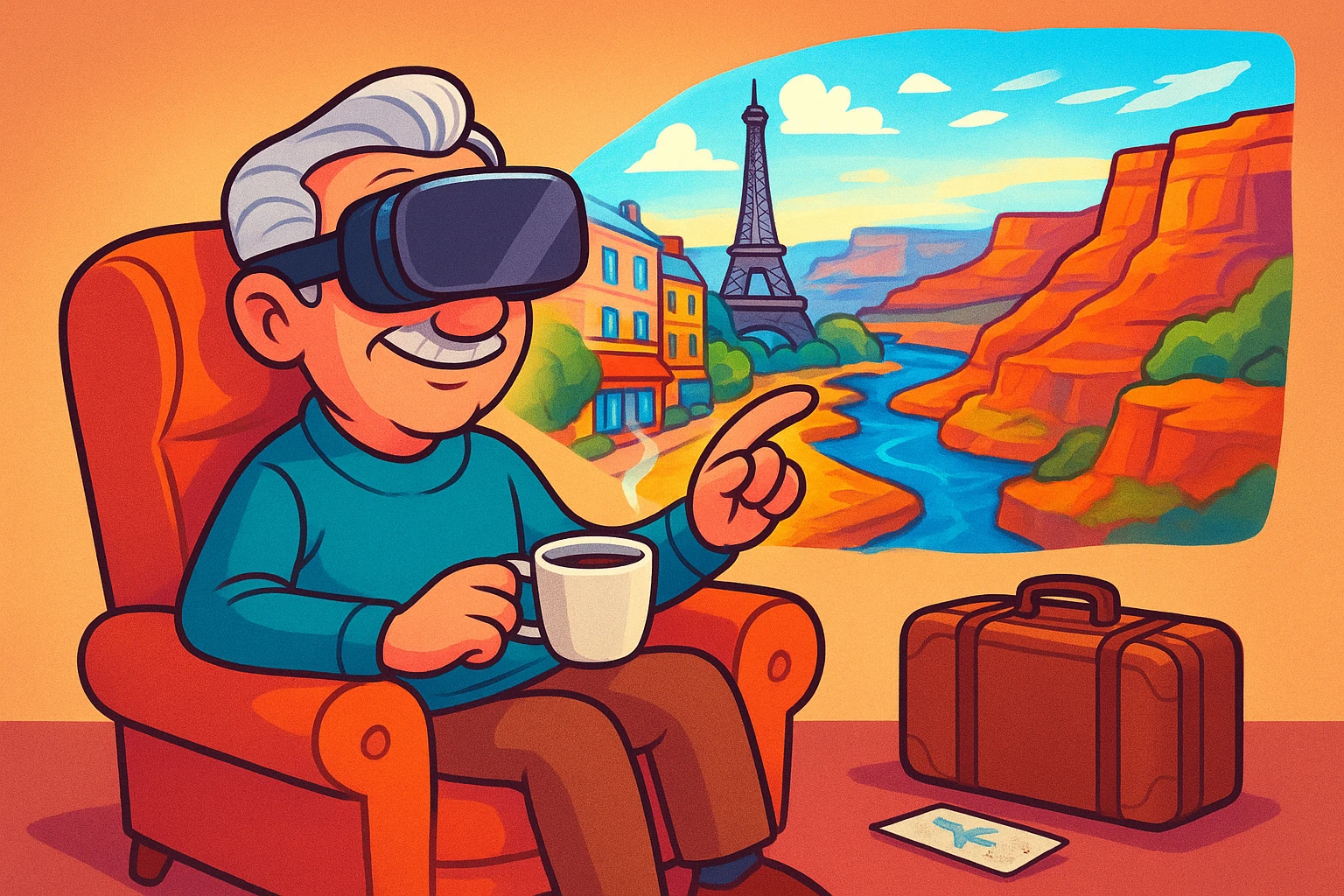
Remember the golden age of travel? You’d pack a sturdy steamer trunk, board a luxurious ocean liner, and arrive in Europe three weeks later with a mild case of scurvy. Today, taking a trip involves removing your shoes in public, surrendering your favorite shampoo to airport security, and squeezing into an airplane seat seemingly designed for a moderately sized garden gnome.
What if I told you there was a way to stroll through the streets of Paris, revisit your childhood neighborhood, or stand at the edge of the Grand Canyon—all without putting on pants? Welcome to the magic of Virtual Reality (VR). It sounds like science fiction, or something invented entirely to keep teenagers locked in their bedrooms, but it’s actually a surprisingly simple way to explore the globe from your favorite recliner.
Let’s look at how you can swap those frustrating travel headaches for a headset, and why strapping a computer to your face might just be the best vacation you’ve taken in years.
For many seniors, the desire to see the world never fades, but the physical reality of doing so gets complicated. Bad knees, tricky balance, or simply the exhausting nature of modern airports can turn a dream vacation into an obstacle course. This is where VR steps in, offering what experts call “Accessibility-First Virtual Tourism.”
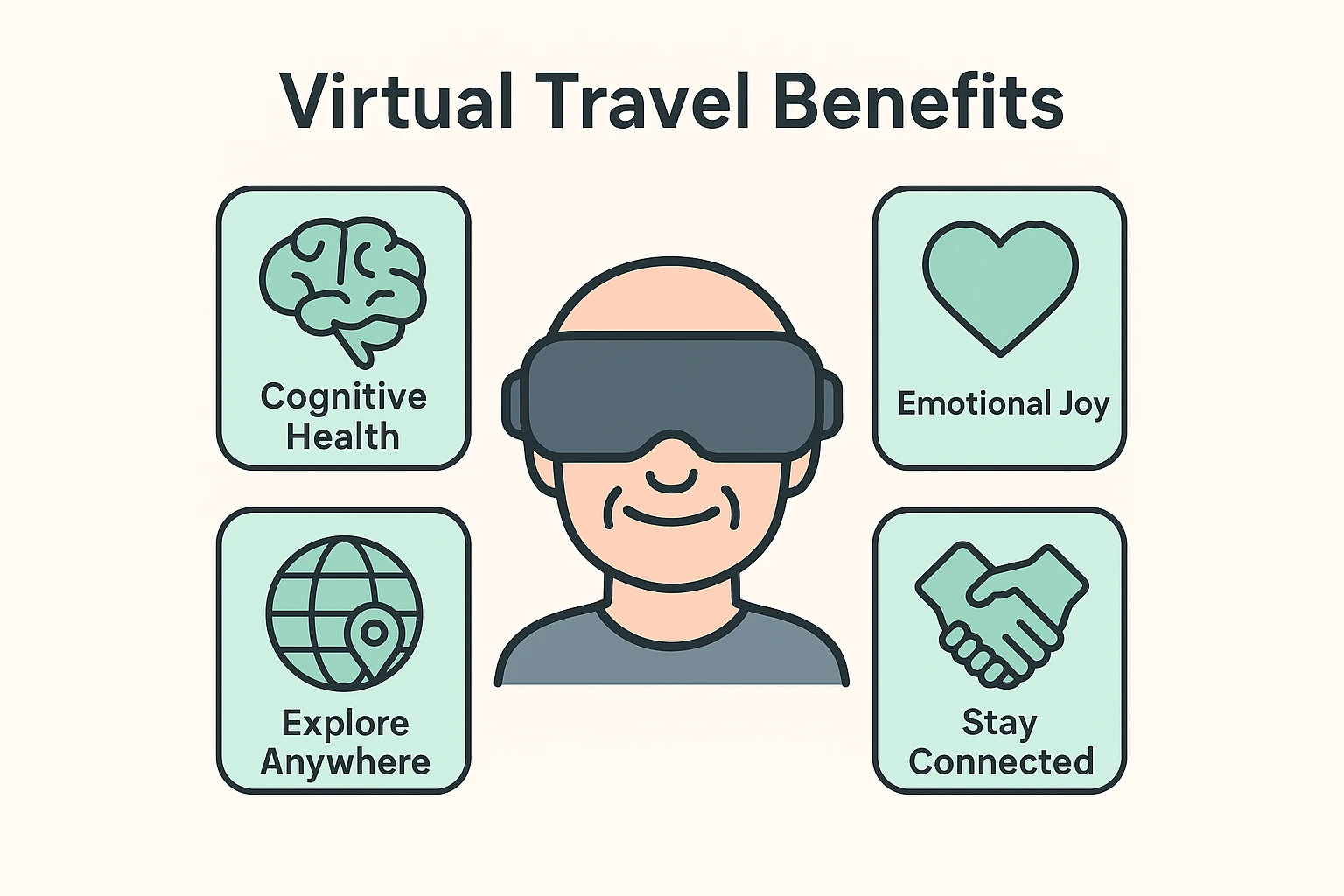
But VR isn’t just a fancy entertainment gadget; it’s a powerful tool for emotional well-being. Studies have shown that immersive virtual travel acts as incredible cognitive stimulation therapy. It combats the “room-bound” blues by tricking your brain into genuinely feeling like you’ve stepped into a new environment.
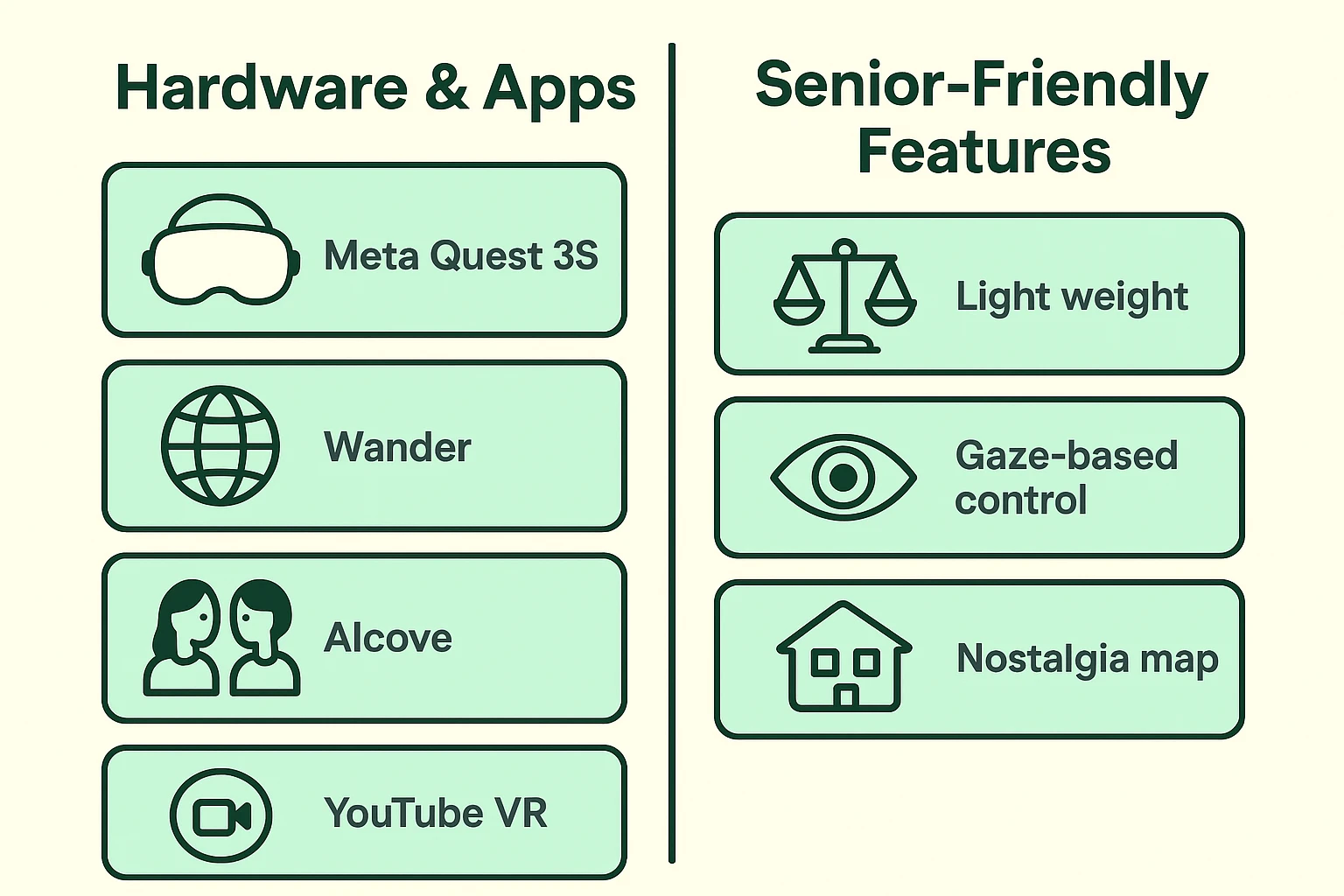
One of the most profound uses is something called “Nostalgia Therapy.” Imagine punching in the exact address of the house you grew up in, or the church where you were married, and suddenly standing on the sidewalk out front. The ability to safely and instantly revisit these cherished places provides a massive boost to mental health and happiness.
If you’re picturing a massive, tangled web of wires and a blinking supercomputer, you can relax. Today’s VR headsets are “standalone,” meaning everything you need is built right into a visor that’s about the size of a pair of ski goggles. Currently, the Meta Quest 3S hits the “sweet spot” for seniors, offering great visual clarity without requiring you to take out a second mortgage.
A common concern is how these gadgets work if you wear glasses. Shoving a high-tech headset over your bifocals is about as comfortable as sleeping in a bicycle helmet. Thankfully, companies like VR Wave now make custom prescription lens inserts that snap directly into the headset. You just pop them in, and suddenly the virtual world is as clear as day, no glasses required.
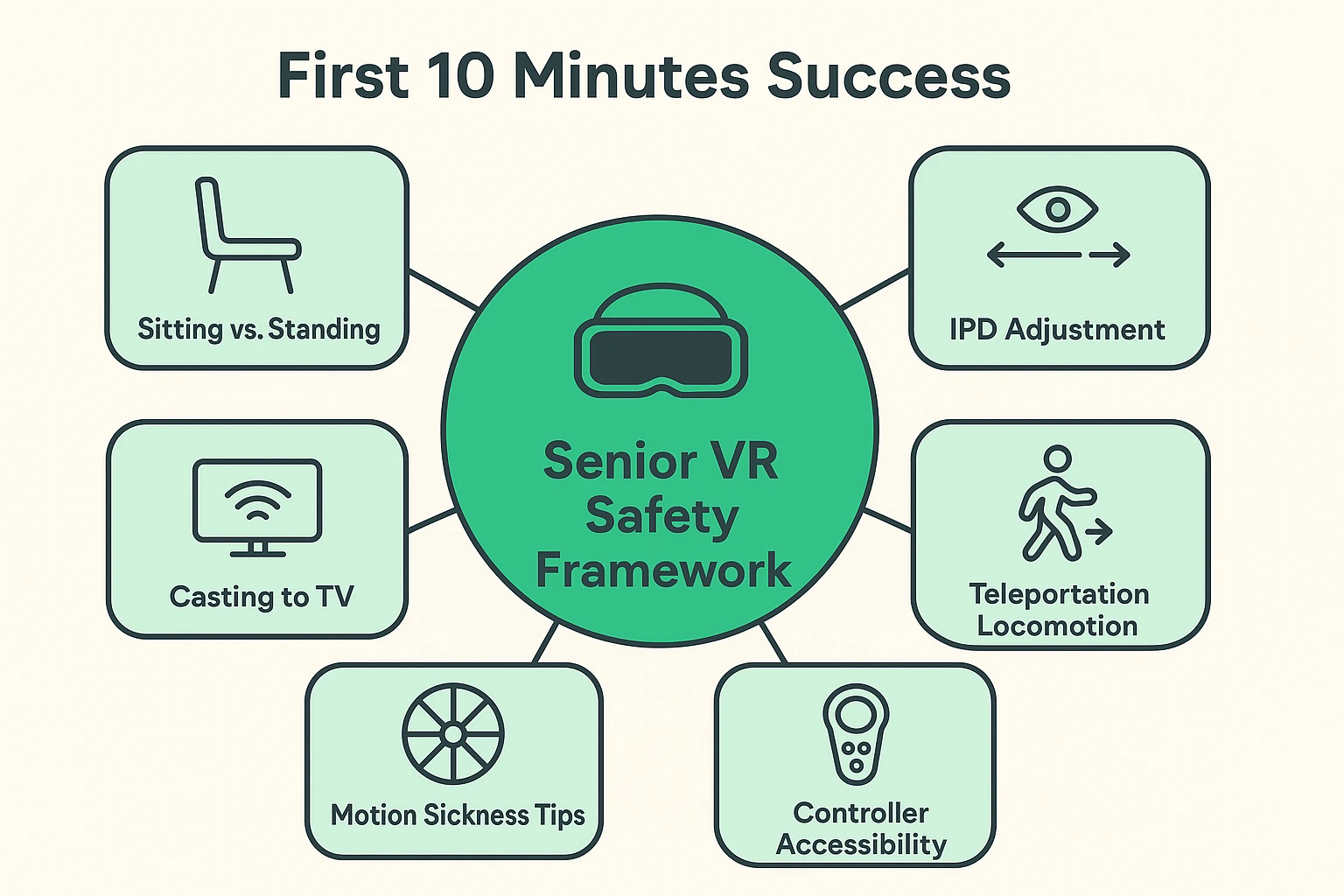
What about those handheld controllers with all the buttons? If you have arthritis, gripping a controller and hunting for a “trigger” button can be frustrating. The good news is that many modern virtual travel apps are increasingly “gaze-based” or use simple hand-tracking. That means you can simply look at a menu option and pinch your fingers in the air to select it, making the technology remarkably accessible.
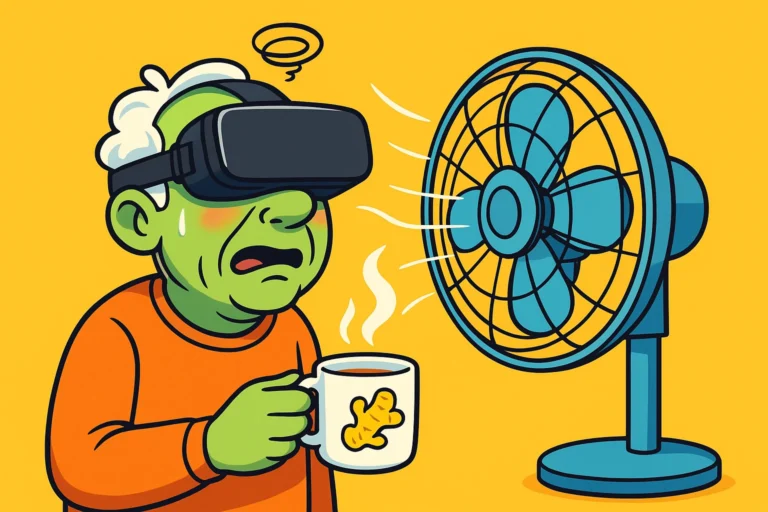
The biggest fear most folks have about VR is motion sickness. If you’ve ever felt green while trying to read a map in the backseat of a moving car, you know the feeling. This happens in VR because your eyes tell your brain, “We are flying over the Swiss Alps!” while your inner ear tells your brain, “We are sitting on a floral sofa.”
To prevent this sensory disagreement, we highly recommend following a simple 3-Step Comfort Protocol for your first few virtual outings:
Stop the Spin Callout: If you ever start to feel unusually warm, clammy, or dizzy, take the headset off immediately. Do not try to “tough it out” or power through. Take a break, have a glass of water, and try again tomorrow for just five minutes.
When you’re ready to start your virtual travel journey, you’ll need to download a few apps. Think of these as your different tour buses.
Wander: This is the undisputed champion for seniors. Wander uses Google Street View data, allowing you to punch in almost any address on Earth. You can stand at the base of the Eiffel Tower, or take a virtual stroll down the street where you bought your first house. It’s incredibly intuitive and perfect for Nostalgia Therapy.
YouTube VR: If you prefer a more passive experience where you don’t have to control anything, this is your ticket. You can search for “360-degree walking tours” of Rome or Tokyo. You just sit back and turn your head to take in the sights as a guide walks you through the city.
Alcove: This app was specifically designed with older adults in mind. It feels like a cozy virtual living room where you can invite family members (who have their own headsets) to join you. You can sit together on a virtual couch, watch travel videos, or even play checkers, even if they live three states away.
Brink Traveler: For nature lovers, this app offers jaw-dropping, high-fidelity views of natural wonders. You can stand at Horseshoe Bend or Mount Rushmore and feel the massive scale of these locations. It’s perfect for checking off those rugged bucket-list destinations without needing hiking boots.
One of the most common complaints about VR is that it looks isolating from the outside. Grandma is sitting in a chair, wearing a futuristic visor, saying, “Oh, look at that lovely pigeon!” while the rest of the family stares at her in total confusion.
The good news is you don’t have to travel alone. Every modern headset has a feature called “Casting.” This allows you to wirelessly send exactly what you are seeing inside the headset onto your living room TV or a smartphone.
This is an absolute game-changer for family bonding. Caregivers or grandkids can watch the TV and guide the senior through the menus, or simply share in the joy as they point out their favorite childhood bakery. It turns a solitary experience into a shared family adventure.
No, staring into a VR headset isn’t fundamentally worse than watching television or looking at an iPad. However, because the screens are close to your eyes, you should take a 10-minute break every hour to let your eyes rest and refocus on the real world.
Not anymore! As mentioned, headsets like the Meta Quest 3S are completely standalone. The computer is built right into the headset itself. You don’t need to plug it into a PC, a gaming console, or a spaceship to make it work.
Yes, a decent home Wi-Fi connection is required. Because you are streaming high-quality images of the world (especially with apps like Wander and YouTube VR), a sluggish internet connection can cause the world to look blurry or load slowly, which ruins the magic.
Dipping your toes into the world of Virtual Reality doesn’t require a degree in computer science. It just requires a little patience, a comfortable chair, and a sense of curiosity. The technology has finally reached a point where it caters to our desire for exploration, not just a teenager’s desire to play video games.
Start by writing down a “Virtual Bucket List.” Where have you always wanted to go? Where would you love to revisit? Once you have your destinations, the digital world is ready to take you there. And the best part? You never have to worry about losing your luggage again.